
Translate the Text in a Social Media Image Into Another Language
If you run an account in two languages, you have probably made the same graphic twice. An image translator can redraw the text in another language in place, which is quicker for a first version.
Methodhelm editorial teamLast updated: 2 min read
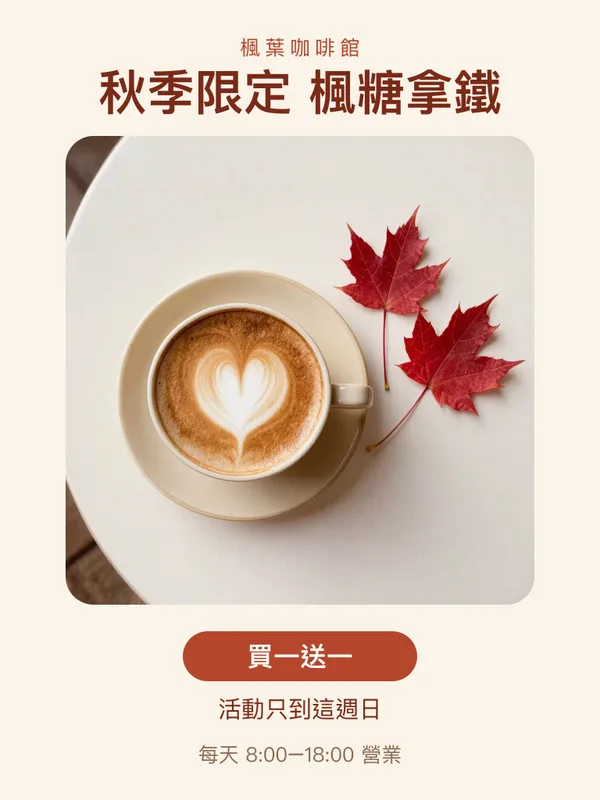
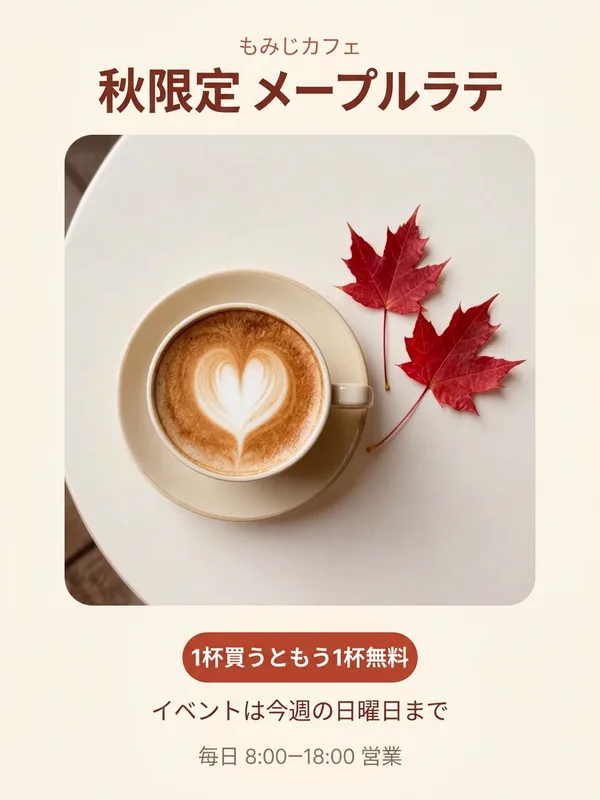
This guide shows how to do it with Image translator, what to check, and when it is better to rebuild the image. For product pictures that go on a marketplace, see translating product images for overseas buyers.
On this page
What the tool does and does not do
- It reads the text in the picture and redraws it in one of 14 languages, keeping the layout. (Image translator)
- The FAQ describes the translation as AI-made. In a post, text that is small, blurry, curved, decorative or handwritten may be missed, read wrongly or translated badly, and certain lines can stay in the original language. (FAQ)
- The text is redrawn, so fonts and spacing may change, and long translations may be shortened to fit. Numbers, prices and brand names are meant to stay as they are, but check them.
- Roughly 1 megapixel, in the standard shape that matches your post most closely.
When it fits and when to rebuild
- Fits: a quote graphic, an announcement, an infographic with large text, a simple poster.
- Rebuild in your design tool: images with a brand font, a very tight layout, decorative lettering, many small labels, or a result you will print large.
How to translate text in a social media image
- Start with the sharpest, largest source you have
Use the design file's export, not a screenshot. Large, clear text works best.
- Open Image translator for your post
Upload a JPG, PNG or WebP and choose the language. You see the credit price first.
- Run it
Translating the post typically finishes in 10 to 40 seconds. A failed run releases the held credits automatically, and credits may stay held while the outcome is still being checked.
- Compare line by line
Check names, dates, times, prices, links, hashtags and @handles. These should not change.
- Read it as a reader would
A literal translation can be correct and still sound odd in a post. Have someone who reads the language check the tone.
- Check the layout
Long translations can crowd the design or be shortened.
- Check the size
Compare the result's shape with the platform's image slot. We have not checked platform sizes for this guide.
- Save the translated post within 24 hours and keep the original
Review checklist before posting
- Names, places and brands spelled the way you spell them.
- Dates, times and currency in the format readers expect.
- Idioms and jokes: they often do not translate word for word.
- No legal, medical or safety wording that you haven't had checked. The FAQ says never to rely on the tool alone for allergens, medicine, safety or legal information.
- Caption text and alt text in the same language.
Frequently asked questions
Is the translation always right?
No, the FAQ says so. Review it.
How many languages?
14 target languages.
Will the layout stay the same?
Close, but not identical.
Do I get credits back if translating the post fails?
If the post's translation fails, you are not charged and the credits held for it are given back automatically. When the result is still waiting for confirmation, the hold can last until the check is done.
Can I translate someone else's image?
Only images you have the right to use.
Related guides
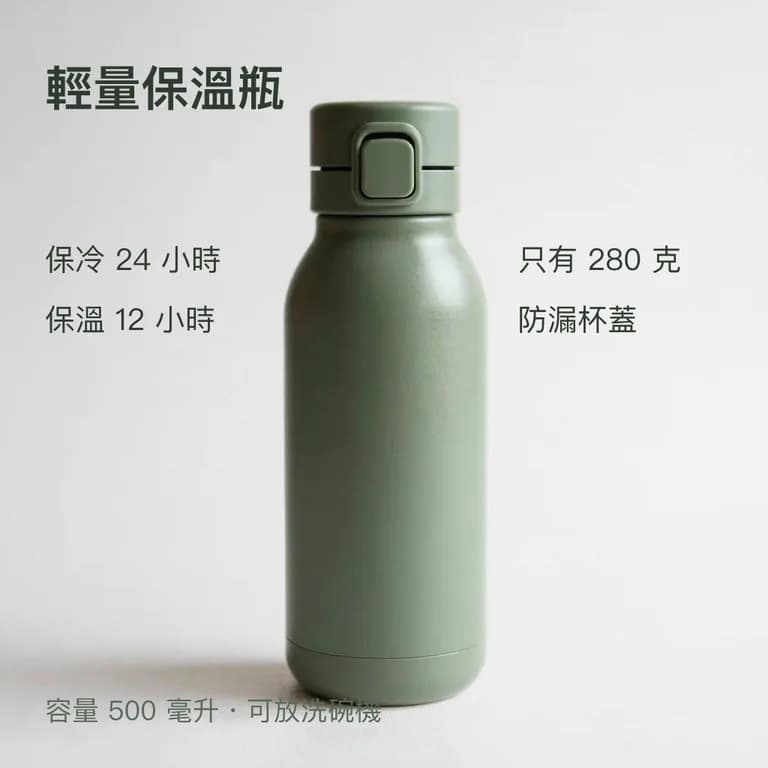
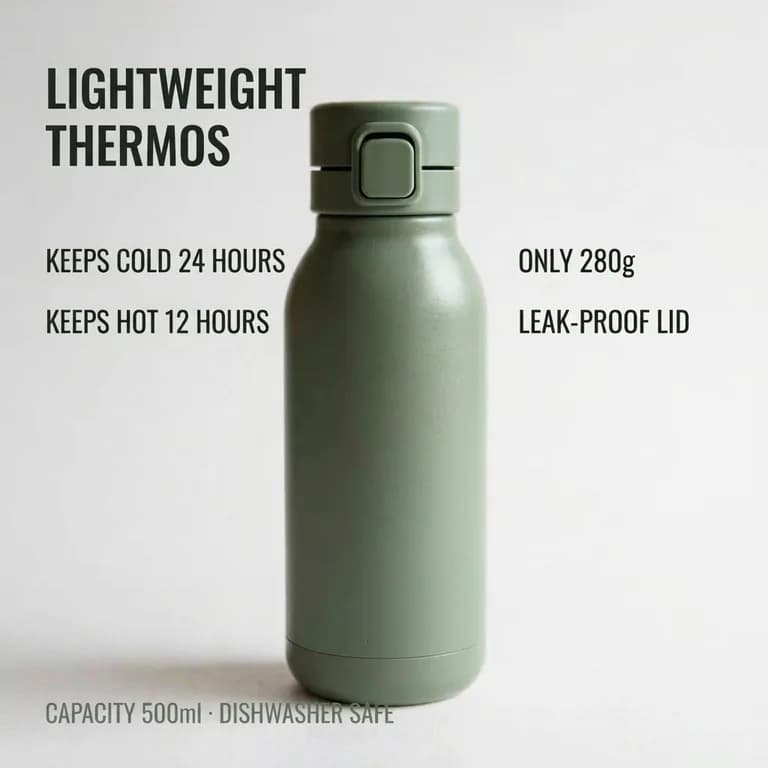 Translating Product Images for Overseas Buyers: What to Check Before You ListUse the image translator for selling points and layouts, have a person review every word, and leave regulated text to qualified translators.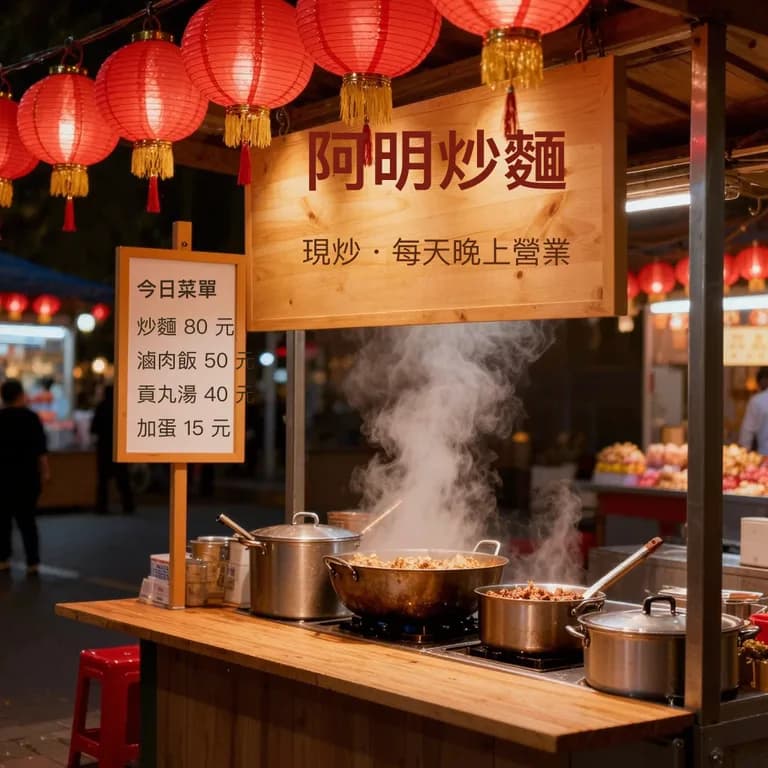
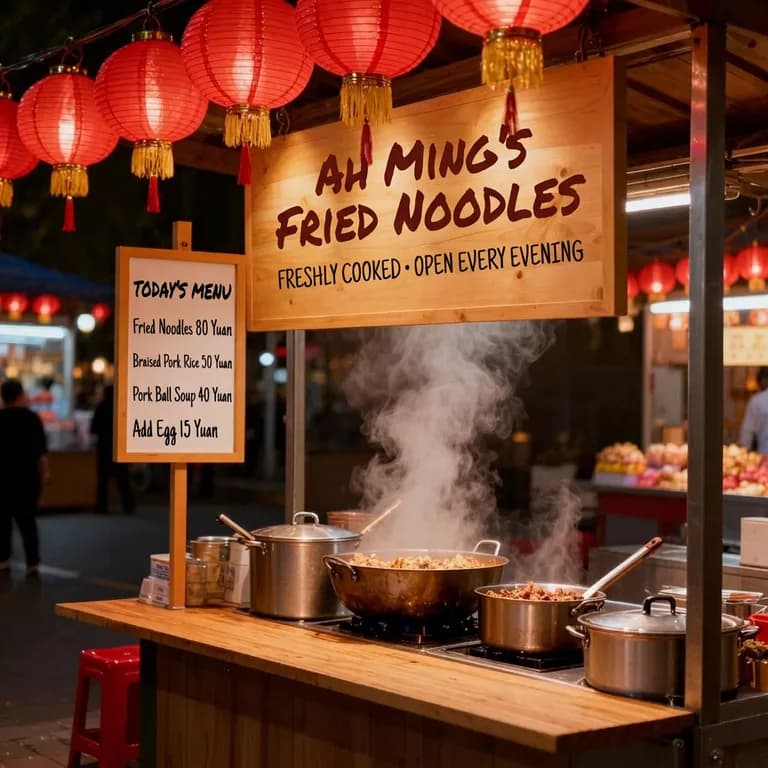 How to Translate Text in a Photo: Menus, Signs, Labels and ScreenshotsPhotograph a menu, sign or label so it can be read, translate it in place, and know which words to double-check.
Related tools
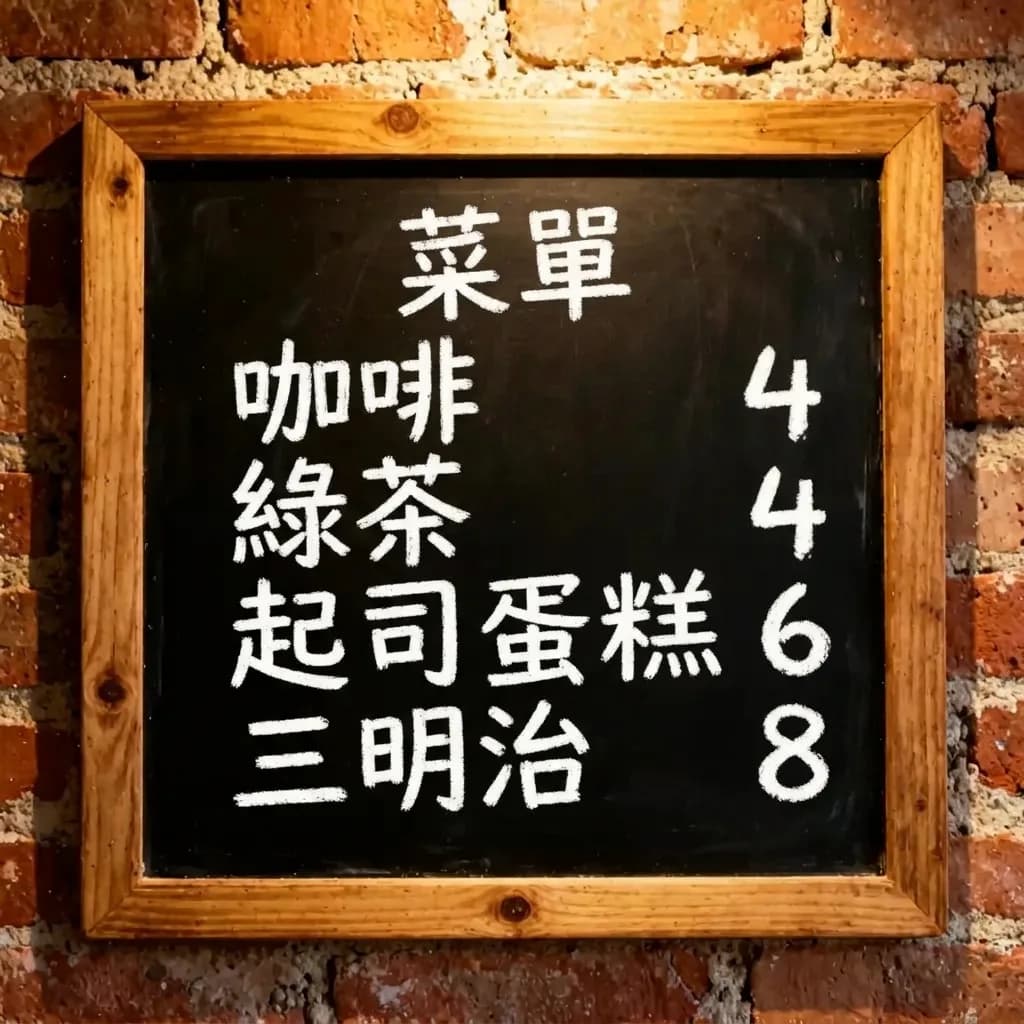

Make a bilingual version
Upload your post image, choose a language, see the credit price first, and review every line.