
Free tool
Crop an image
Cut a photo to the shape you need: square for a profile, 4:5 for a feed post, 16:9 for video, or a passport ratio.
Your image is processed on your device and is not uploaded to our servers. Closing the page discards it.Choose an image → adjust → download
JPG, PNG or WebP, up to 40 megapixels
Example
Pick a frame, keep what matters
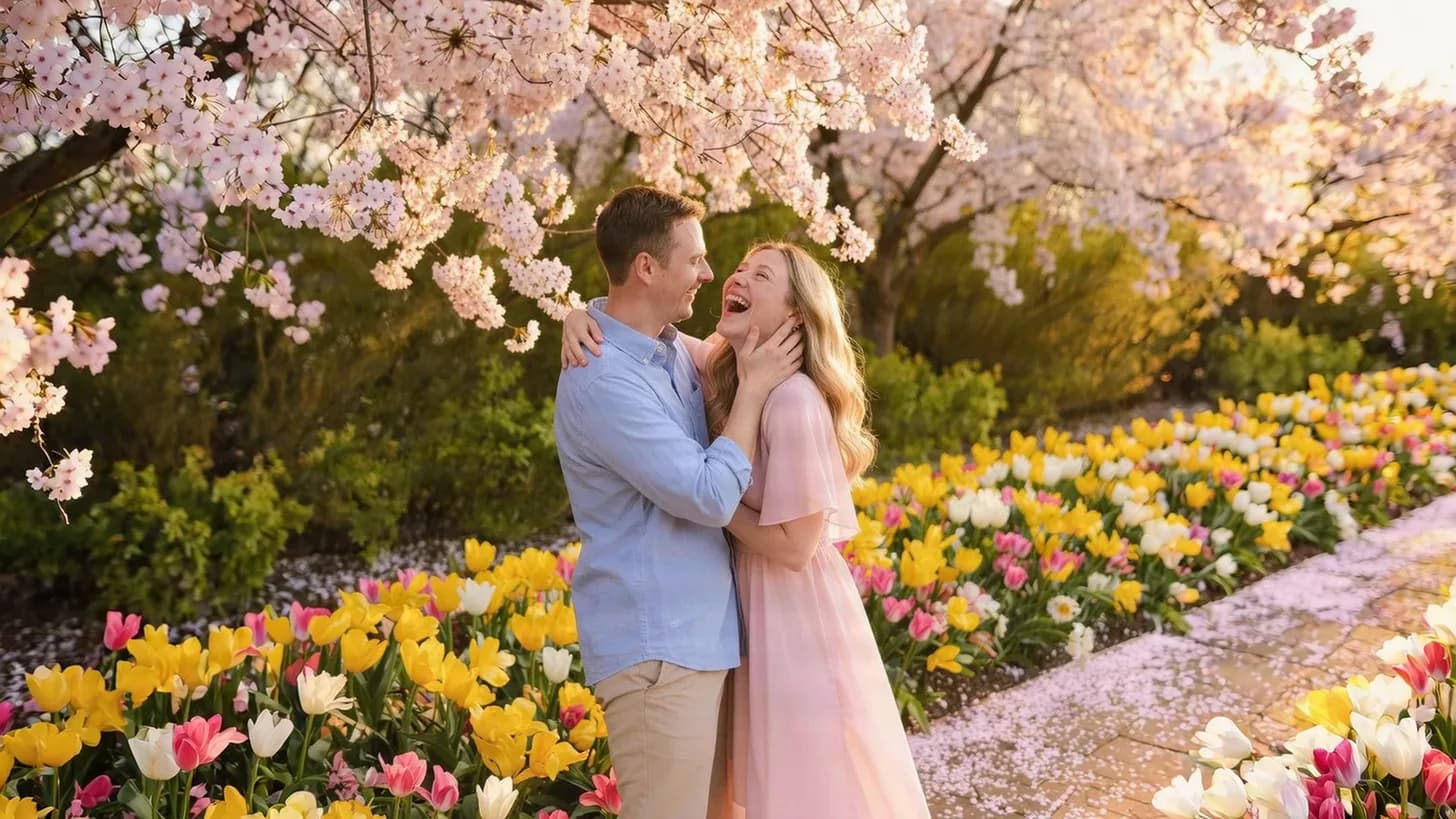
Each frame is one crop shape on the same photo.
 1:1 square
- 4:5 portrait
- 16:9 wide
- 9:16 story
Presets
Ready-made settings
Each one opens the tool with the setting already applied.
Aspect ratios
AI tools
Need a different shape without cutting?
Our AI can extend a photo beyond its edges instead of cropping, add a plain background to an ID-style photo for a CV or form, or turn a selfie into a headshot.


FAQ
Good to know
Does cropping reduce quality?
No. The pixels inside the frame are kept at full resolution; only the area outside is removed.Is the passport ratio enough for an official photo?
It gives the right shape, 35 × 45 mm or 2 × 2 in, but not the head size, background and print layout. For those, use the passport photo maker.Which ratio should I use for social media?
1:1 or 4:5 for feed posts, 9:16 for stories and reels, and 16:9 for YouTube thumbnails and wide banners.Is my photo uploaded?
No. The cropping happens on your device and the image is never sent to our servers.