
Translating Product Images for Overseas Buyers: What to Check Before You List
A product image often carries words: selling points, sizes, instructions and a short description. When you sell in another country, buyers need to read them in their language, and the picture should still look like a picture.
Methodhelm editorial teamLast updated: 3 min read
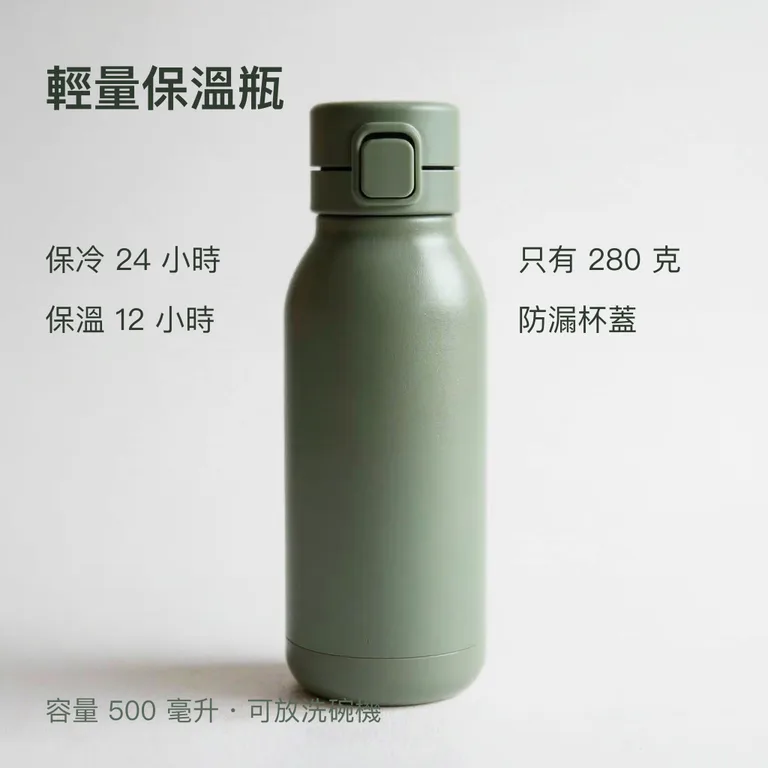
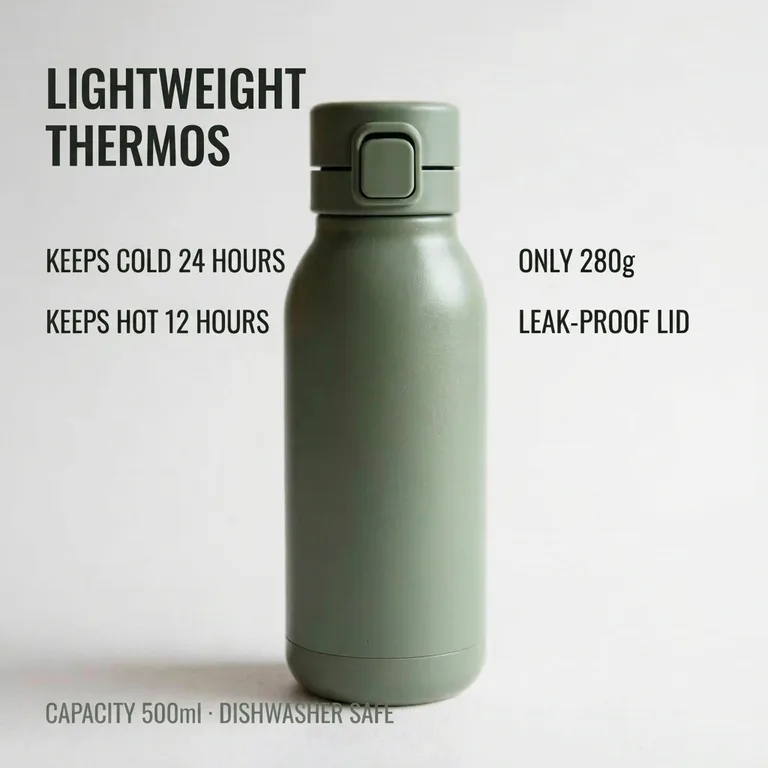
This guide shows how to use the Image translator for that job, how to review the result, and why some text must never be left to AI alone. For travelling or reading a menu, see Translate text in a photo.
On this page
What the tool does
- It reads the text in a picture and redraws it in the language you choose, keeping the layout. There are 14 target languages. (Image translator page)
- Per the site's FAQ, the translation comes from AI. On a product image, tiny, blurred, curved, ornamental or handwritten lettering can be skipped, misread or mistranslated, and some text may remain in the source language. (FAQ)
- The result is redrawn, so fonts, spacing and small details may change, and long translations may be shortened to fit. Numbers, prices and brand names are meant to stay as they are, but check them. (Image translator page)
- Expect about 1 megapixel, in whichever standard shape is nearest to your picture, so edges may be slightly trimmed or extended. Check that it still fits your listing's image slot.
Text that must not rely on AI alone
The FAQ says never to rely on the translator alone for allergens, medicine, safety or legal information. (FAQ) For a seller that includes:
We have not checked the rules of any importing country or marketplace for this guide. Ask the marketplace, a local adviser or a qualified translator.
- Ingredients, allergen statements and nutrition information.
- Warnings, age limits, usage and safety instructions.
- Certification marks, legal notices and return terms.
- Anything a regulator, a marketplace or the buyer could hold you responsible for.
A review process
- Prepare a clean source image
Sharp, large text on a plain area translates better than small print on a busy background. Use the original design file rather than a screenshot if you can.
- Open Image translator for your product image
Go to Image translator, upload a JPG, PNG or WebP, and choose the language. You see the credit price before it runs.
- Run it
Expect 10 to 40 seconds for the translation. If it fails, the credits held for it come back automatically; if the result is still being confirmed, they may stay held until the check ends.
- Compare line by line with the original
Check every number, size, price, unit and brand name. Check that nothing stayed untranslated.
- Have a person who reads the language review it
A native speaker or a qualified translator. Ask about tone as well as meaning, because a literal translation can sound odd in marketing.
- Check the layout
Text must still fit and not cover the product.
- Download the translated image within 24 hours and keep the original
The translated product image is kept for 24 hours, so upload it to your listing in that time. The Privacy Notice says results are fully deleted from storage within 7 days.
When to use another route
- Regulated text (see above) goes to a qualified translator.
- If you need an exact brand font or large print, rebuild the image in your design tool using a checked translation.
- Don't translate text from pictures you have no rights to.
Frequently asked questions
Can I trust the numbers and prices?
They are meant to stay as they are, but the site tells you to check them.
Can I use this for ingredient lists?
Not by itself. When the text covers allergens, medicine, safety or legal matters, the FAQ says the translator must not be your only check.
How many languages?
14 target languages. The original can be in almost any language.
What size is the result?
Around 1 megapixel; the shape snaps to the nearest standard one.
Do I get credits back if translating the image fails?
A translation that fails is not charged, and the credits held for it return without you doing anything. Until a result is confirmed, the hold can stay in place until the check is over.
Related guides
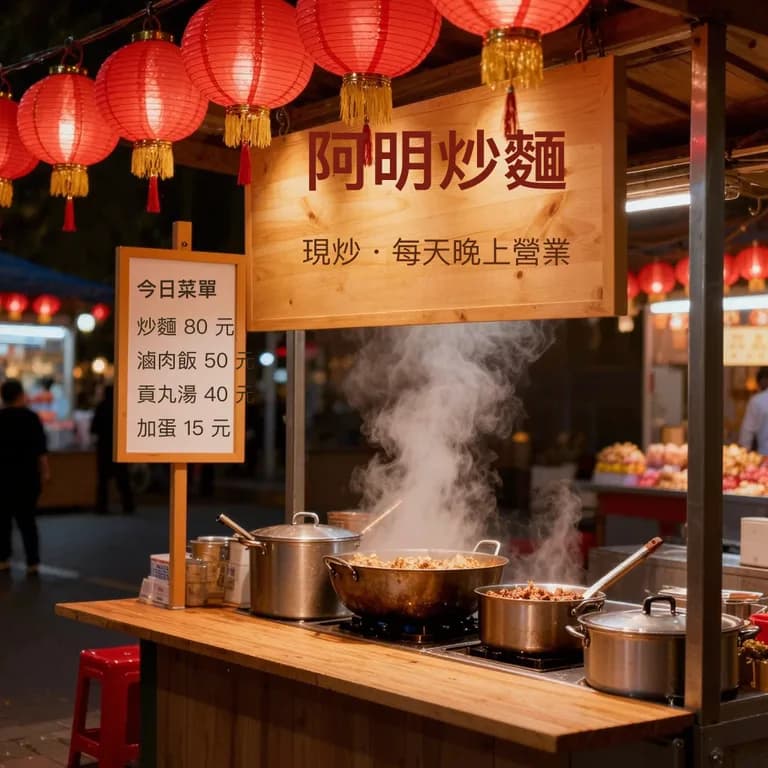
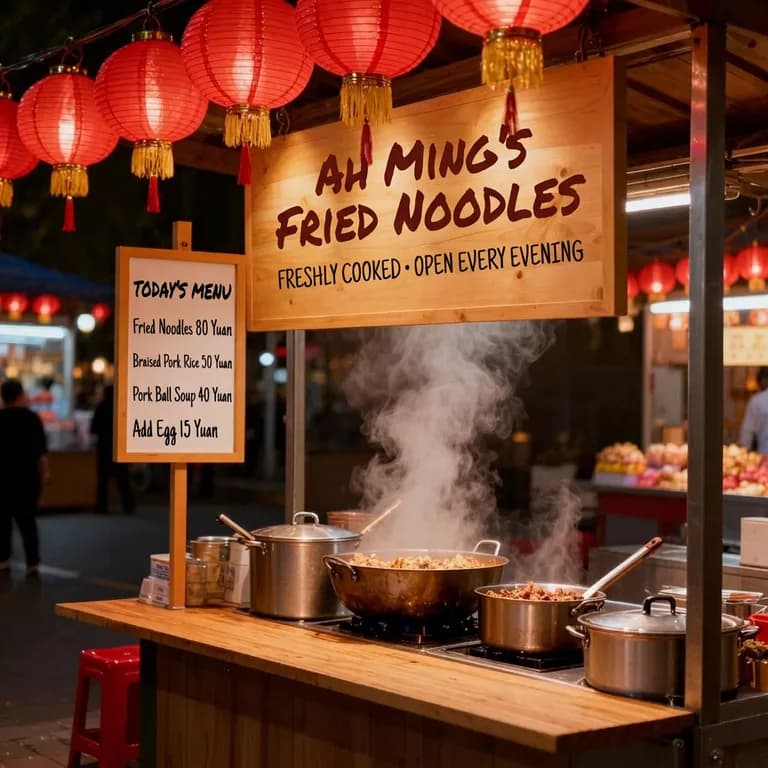 How to Translate Text in a Photo: Menus, Signs, Labels and ScreenshotsPhotograph a menu, sign or label so it can be read, translate it in place, and know which words to double-check.
 How to Make Product Lifestyle Photos for Your Online ShopTurn one clean product photo into styled scene images for listings, ads and social posts, and know where a white main image is still required.
Related tools
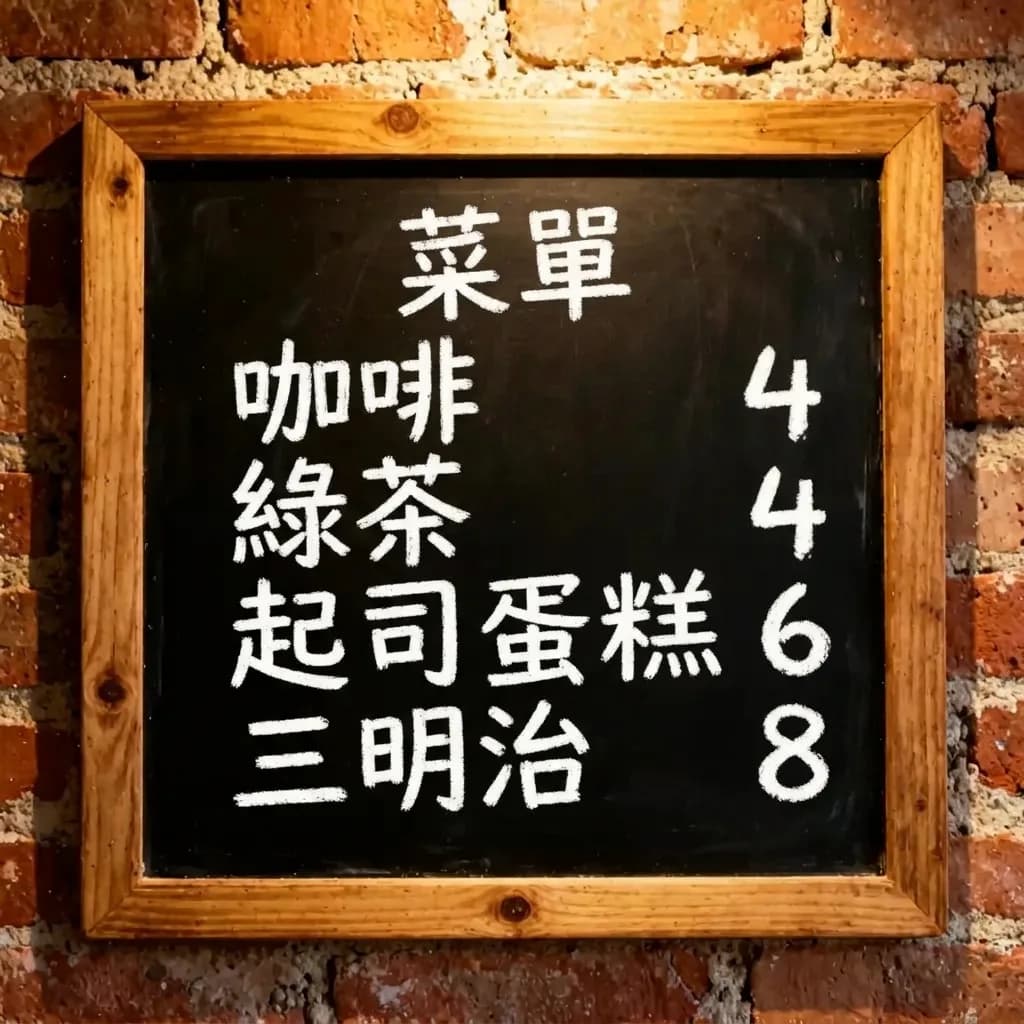

Try one image
Upload a product image, pick a language, see the credit price before it runs, and review every word before you list.