
Paidstamp
Quote, invoice, receipt. Then see who still owes you.
For freelancers, contractors and small shops. Make a quote on your phone in about a minute, turn it into an invoice when the client says yes, and into a receipt once you are paid. Nothing to retype.

Paidstamp makes commercial quotes, invoices and receipts. It does not replace an official tax invoice or e-invoicing system where your country requires one.
A look inside
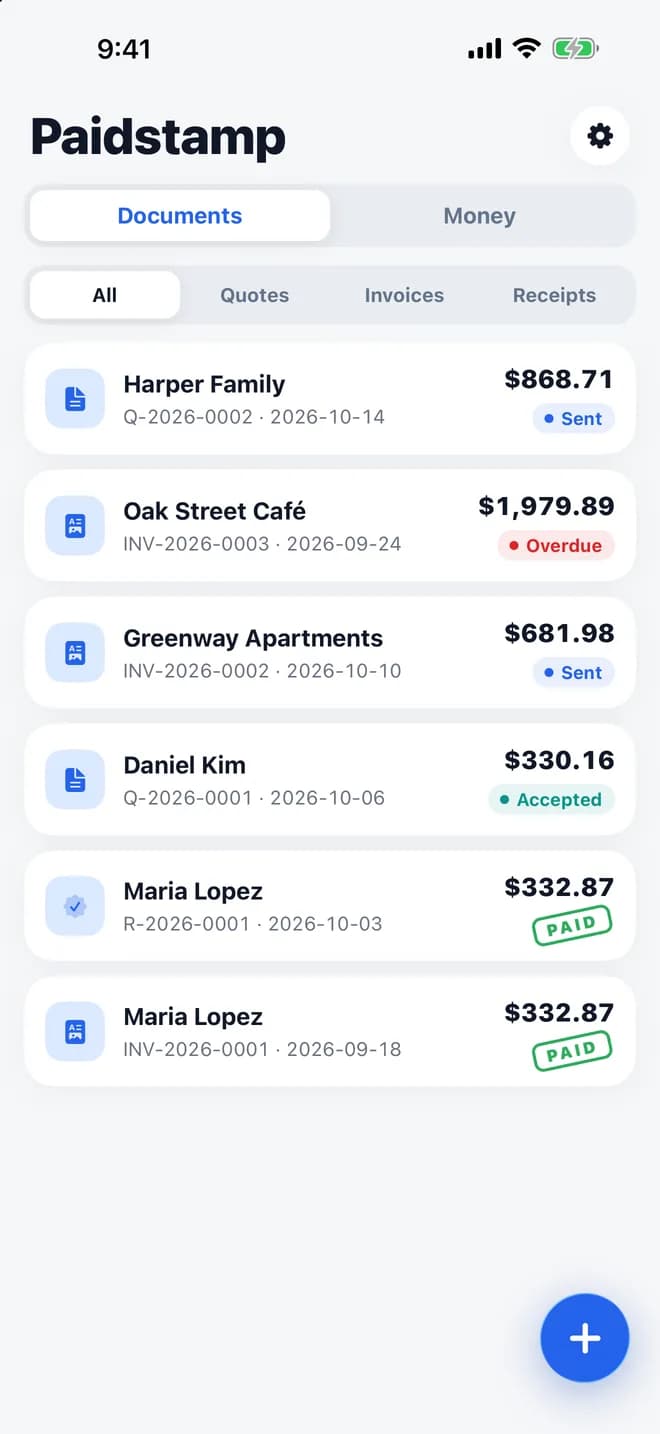
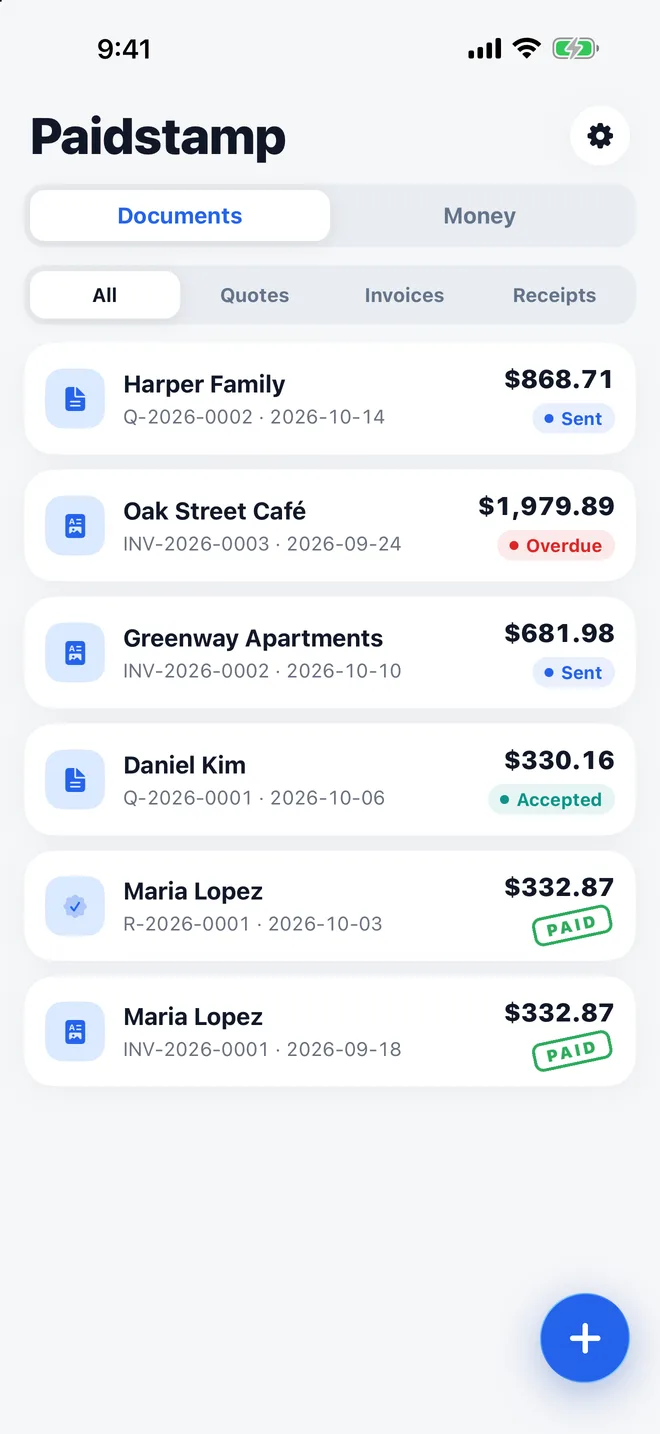
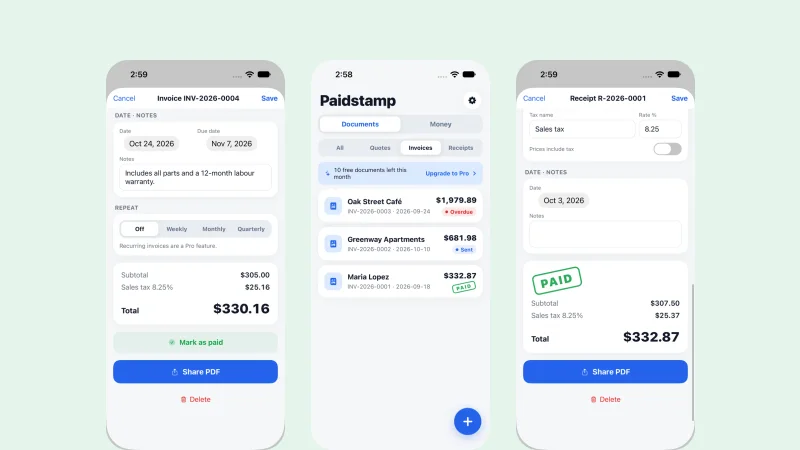
Every document, one listQuotes, invoices and receipts with their status: sent, accepted, overdue or paid.
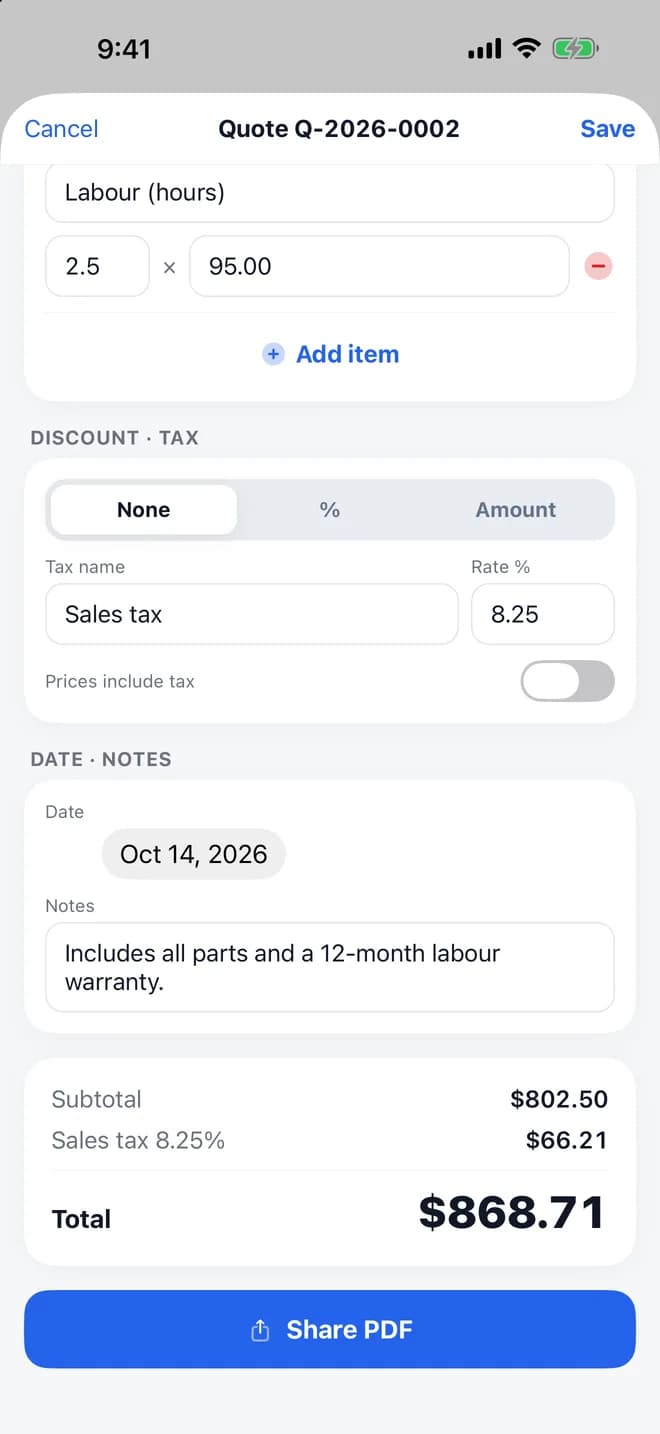
A quote in about a minuteItems, quantities, prices, discount and tax, added up for you.
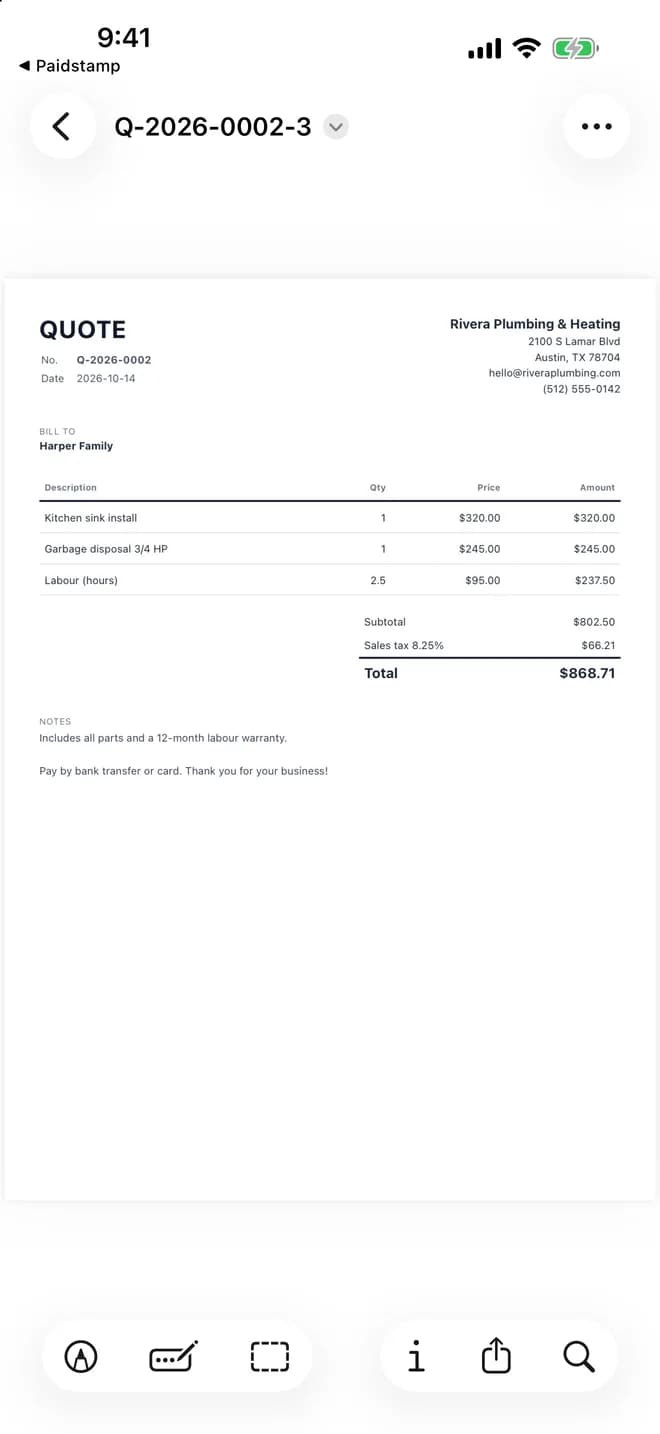
A clean A4 PDFYour business details, the items and the total, ready to send.
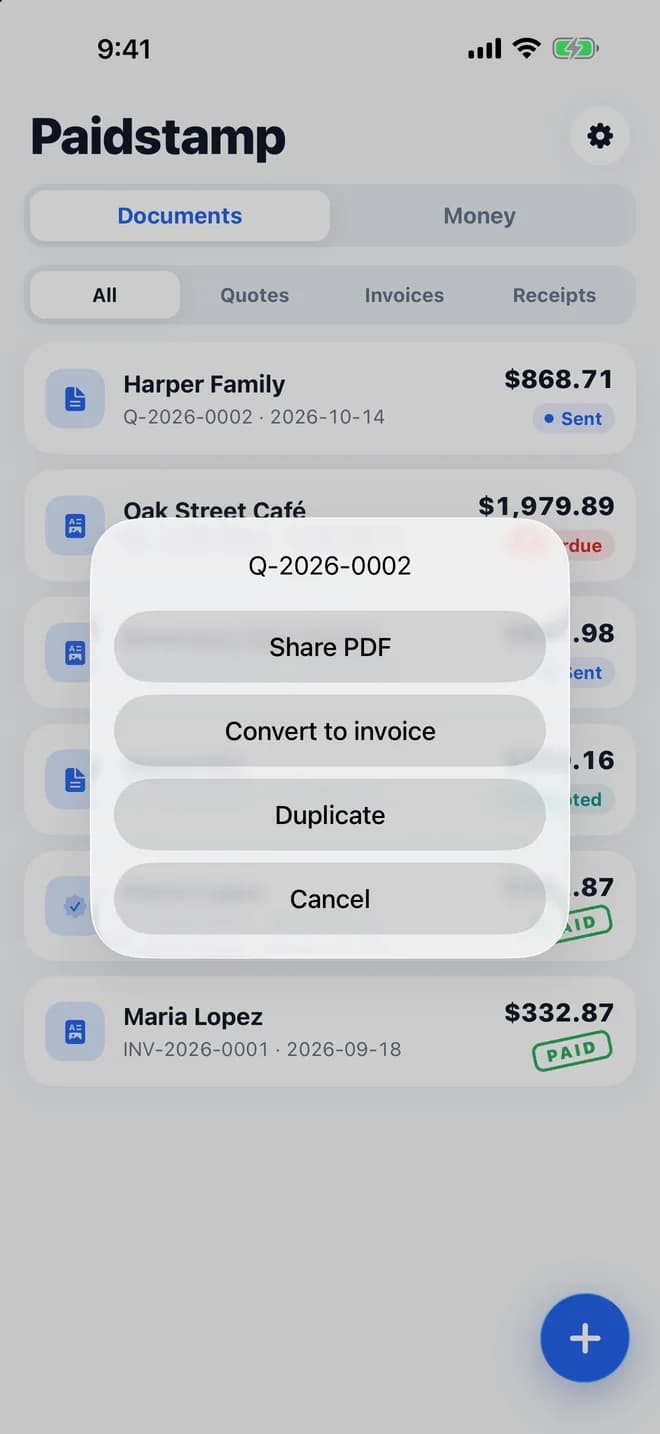
One tap to the next stepShare the PDF, turn a quote into an invoice, or duplicate it.
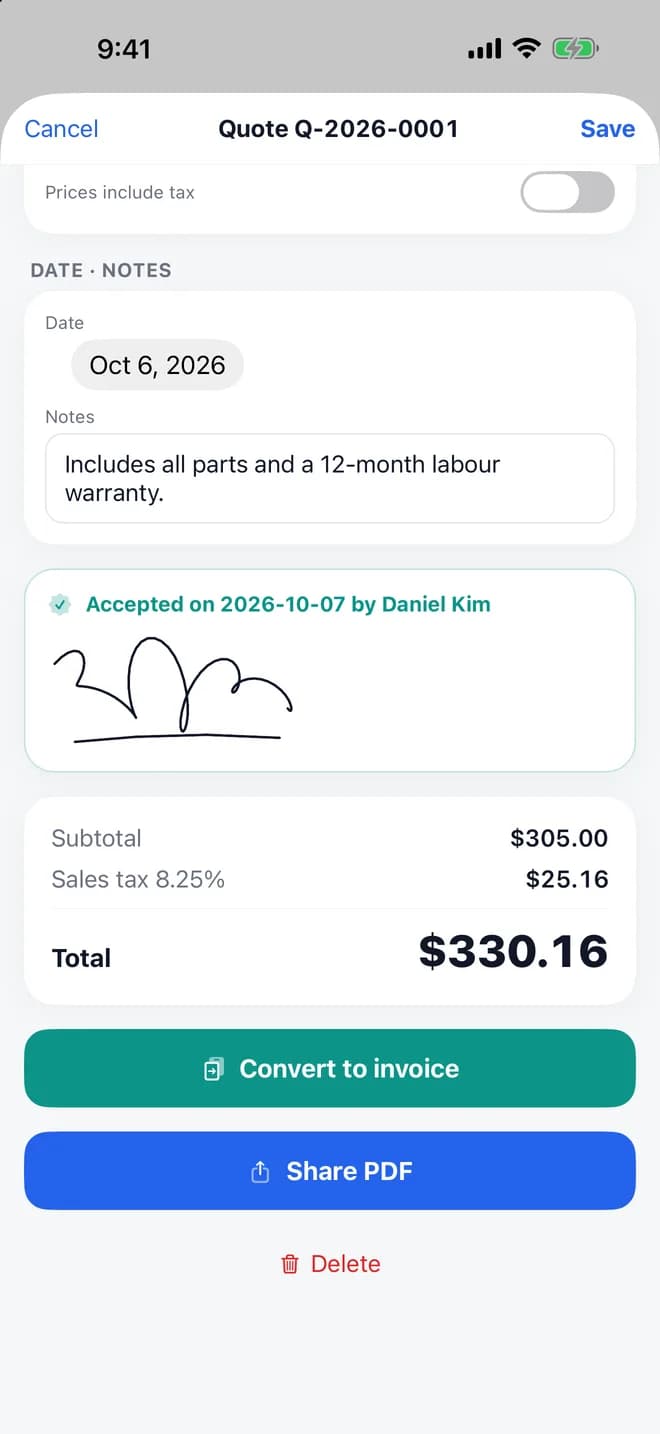
Signed by your clientYour client signs on your phone; the date of acceptance is kept.
Screens show sample documents and clients.
How-to guides
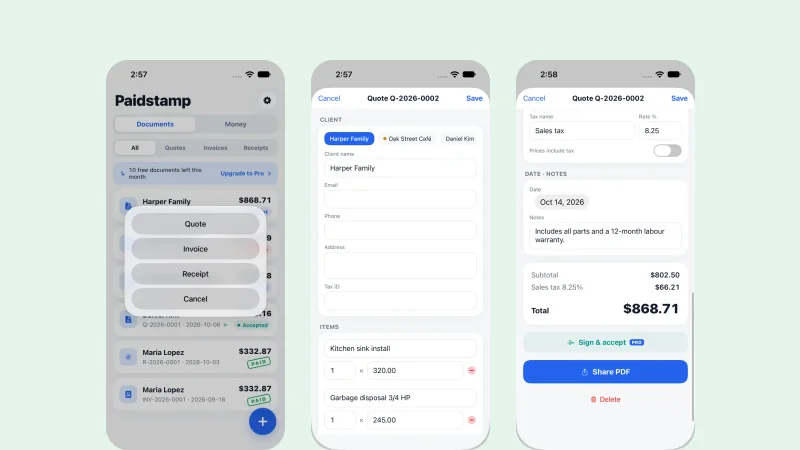 App · Paidstamp2 min readHow to Open a Quotation and Let Your Client Sign It on Your PhoneFill in the items, let the tax and total calculate, send a PDF, or hand your phone over so the client can sign to accept.
 App · Paidstamp2 min readFrom Quotation to Invoice to Receipt: No RetypingOne document flows through three steps: quotation, invoice, receipt.
 App · Paidstamp1 min readIs Paidstamp Right for You? It Cannot Replace an Official InvoiceA plain list of who it suits and who it does not.
What it does
A quote in about a minute
Add items, quantities and prices; discount and tax are worked out for you. Documents are numbered automatically.
Quote → invoice → receipt
Client said yes? Turn the quote into an invoice with one tap, then into a receipt once you are paid.
PDFs your clients can open
A clean A4 PDF named after the document number. Share it by email, WhatsApp, LINE, Messages or AirDrop, or print it.
Client e-signature
Hand your phone to the client to sign and accept a quote. The signature and date go on the PDF.
See who still owes you
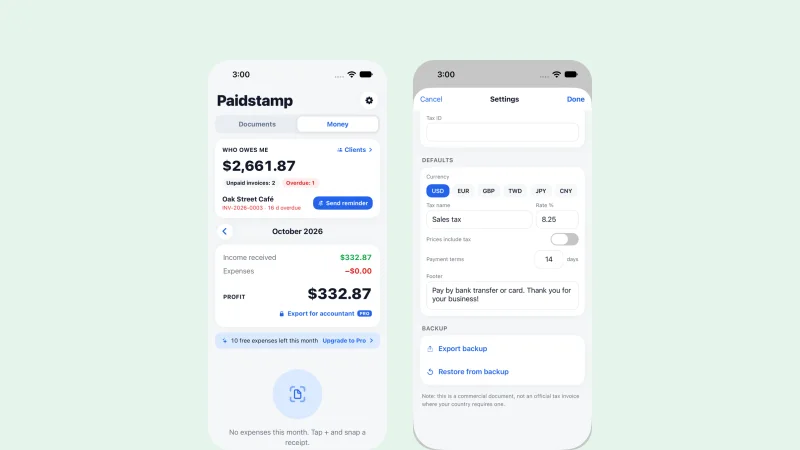
Mark documents as sent, accepted or paid. Overdue invoices turn red, and a reminder comes with a polite message ready to send.
Expenses and profit
Snap a receipt to log an expense and see income, expenses and profit each month. Receipt reading and export are Pro.
In motion
From quote to paid, without retyping
Write the quote, share the PDF, get it signed, and turn it into an invoice. Every document keeps its number and status.
- Automatic numbering: Q-2026-0001, INV-2026-0001, R-2026-0001
- Mark documents as sent, accepted or paid
- Overdue invoices turn red
Look professional
A clean PDF with your details
Every document carries your business details, tax ID and payment instructions, and your client's tax ID when they need it.
- Currency and sales tax, VAT or GST set for your region, all editable
- Tax added on top or included in prices
- Your logo on every PDF, without the “Made with Paidstamp” line (Pro)
Get paid
Signed on your phone, then one tap to invoice
Your client signs on your phone to accept the quote. The signature and acceptance date are stamped on the PDF.
- Reminders 1, 7 and 14 days after an invoice is due, with a friendly, neutral or firm message
- Each client's average days to pay
- Recurring invoices weekly, monthly or quarterly, waiting as drafts (Pro)
Your documents stay on your phone
Paidstamp works without an account. Without Pro the app shows ads; Pro removes them.
- No account and no sign-up
- Your documents and clients are stored on your phone
- Export a backup any time and restore it on a new phone
Questions
SupportDo I need an account?
No. Open the app and start. Your documents and clients are stored on your phone.Is this an official tax invoice?
No. Paidstamp makes commercial quotes, invoices and receipts. Some countries require a government tax invoice or e-invoicing system; Paidstamp does not replace those. Please check your local rules.Can I use my own currency and tax rate?
Yes. Currency and tax are set for your region and you can change both. Tax can be added on top or included in prices.I changed phones. How do I move my documents?
On the old phone open Settings → Export backup and save the file. On the new phone open Settings → Restore from backup and pick that file.How do I restore Pro?
Open the Pro screen and tap “Restore purchases”.How do I get help?
Email support@methodhelm.com with questions, bugs or ideas, or open the Paidstamp support page.

Paidstamp for iPhone
Send the quote. Get the signature. Get paid.
Paidstamp makes commercial quotes, invoices and receipts. It does not replace an official tax invoice or e-invoicing system where your country requires one.