
Free tool
Convert an image to JPG, PNG or WebP
Change a photo's format for a form, a website or an app that refuses your file. Transparency is kept where the format allows it.
Your image is processed on your device and is not uploaded to our servers. Closing the page discards it.Choose an image → adjust → download
JPG, PNG or WebP, up to 40 megapixels HEIC opens only in browsers that support it, such as Safari.
Example
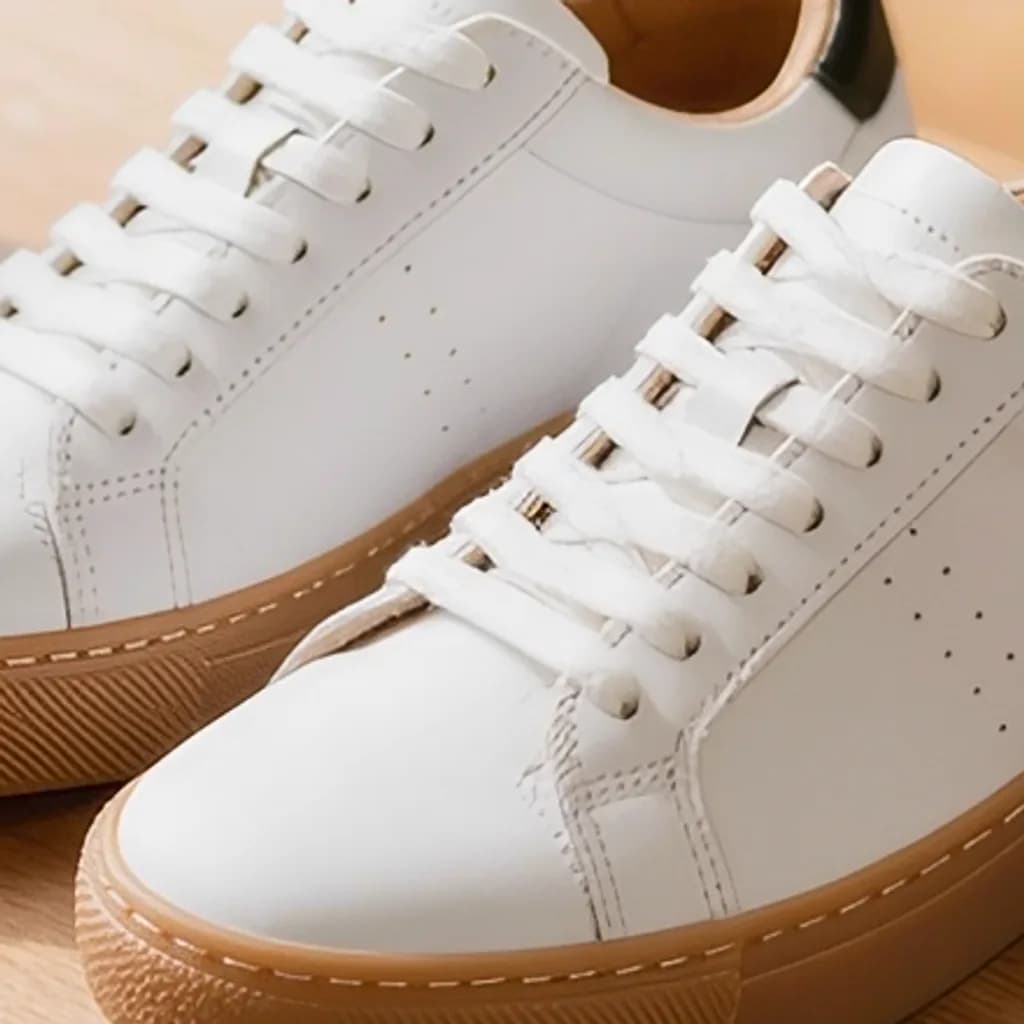
Same photo, another format
One photo saved in each format. The badges show the real file sizes.

Presets
Ready-made settings
Each one opens the tool with the setting already applied.
AI tools
Go further with AI
Cut out the background to a transparent PNG, remove unwanted objects, or upscale the photo with our AI tools.


FAQ
Good to know
What happens to a transparent background?
PNG and WebP keep transparency. JPG has no transparency, so transparent areas become white.Can I convert HEIC photos from an iPhone?
Only where your browser can open HEIC itself, which recent Safari versions do. Elsewhere, set the iPhone camera to “Most Compatible” to take JPG photos, or share the photo as JPG.Does converting lower the quality?
Converting to PNG is lossless. JPG and WebP use the quality you choose; 90% looks the same as the original for almost every photo.Is my photo uploaded?
No. The conversion happens on your device and the image is never sent to our servers.