
Free tool
Resize an image
Set the width and height in pixels, scale by a percentage, or choose a ready-made size for social media.
Your image is processed on your device and is not uploaded to our servers. Closing the page discards it.Choose an image → adjust → download
JPG, PNG or WebP, up to 40 megapixels
Example
Same photo, the size each site wants
The frame shows the part that fits the new shape, with its pixel size.
 Instagram post (square)1,080 × 1,080
- Instagram story / Reels1,080 × 1,920
- YouTube thumbnail1,280 × 720
Presets
Ready-made settings
Each one opens the tool with the setting already applied.
Social media
Documents and forms
AI tools
Need more than a new size?
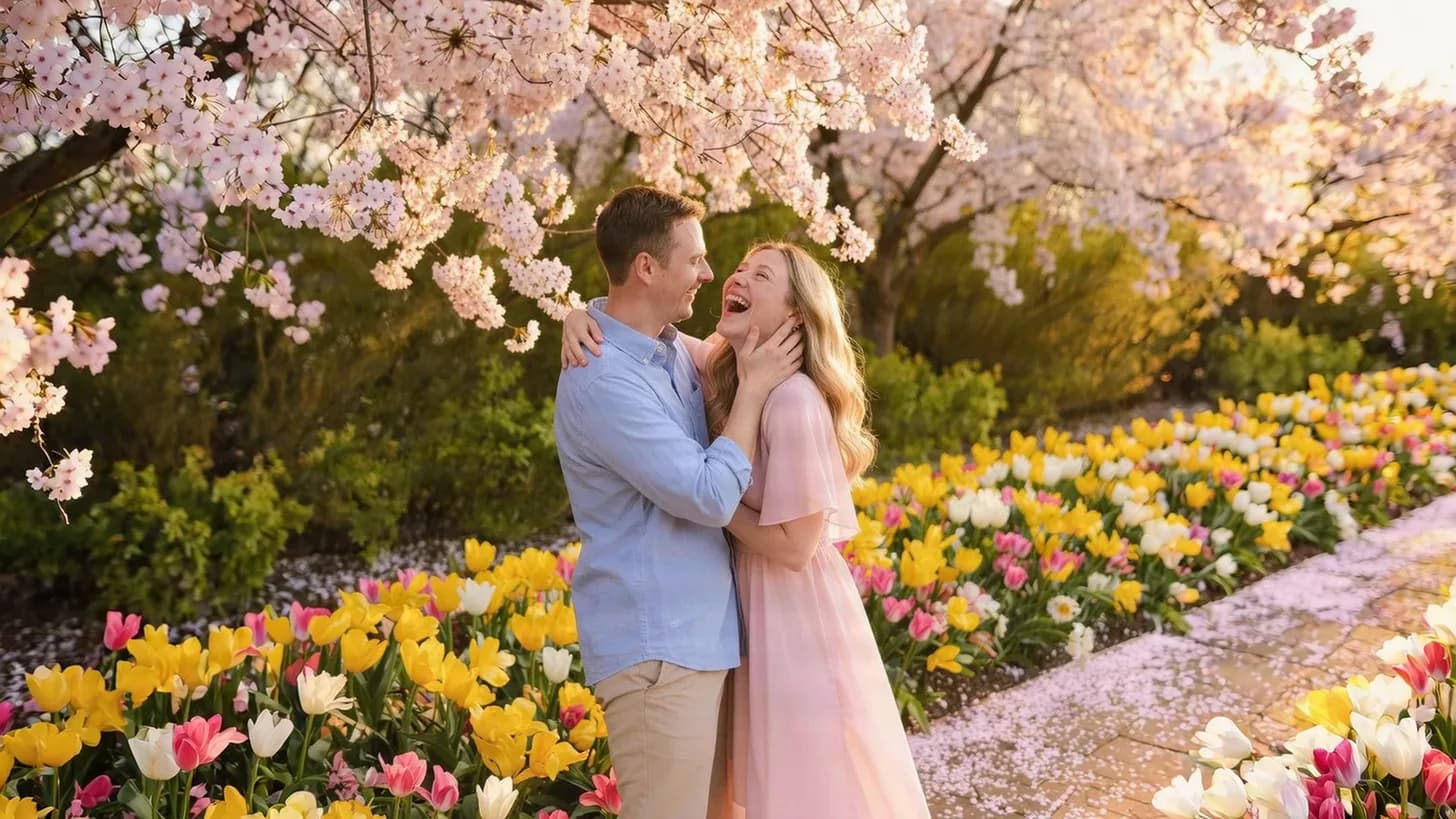
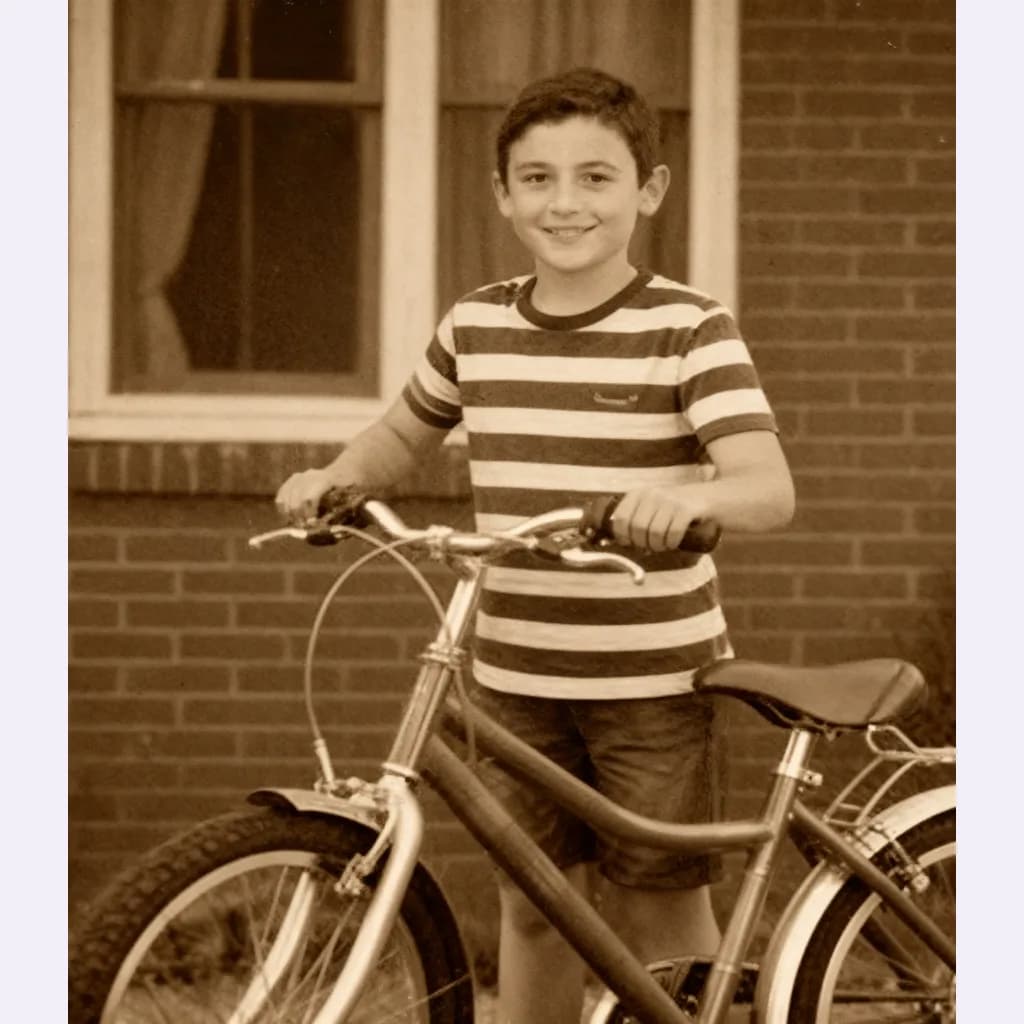
Our AI tools can extend the edges of a photo to a new shape, sharpen a small image, or restore an old one.
FAQ
Good to know
Will resizing stretch my photo?
Not while “Keep aspect ratio” is on: the other side follows automatically. Presets with a different shape crop the photo from the centre to fill the size, so nothing is stretched.Can I make a small image bigger?
Yes, but enlarging only spreads the existing pixels, so the result looks soft. For a sharper large version, use the AI image upscaler.Which format is the resized file?
It keeps the original format: a PNG stays a PNG, a WebP stays a WebP, and everything else is saved as JPG.Is my photo uploaded?
No. The resizing happens on your device and the image is never sent to our servers.