
Free tool
Compress an image
Shrink a photo for email, forms and websites. Use the quality slider, or pick a target size and we find the best quality that fits.
Your image is processed on your device and is not uploaded to our servers. Closing the page discards it.Choose an image → adjust → download
JPG, PNG or WebP, up to 40 megapixels
Example
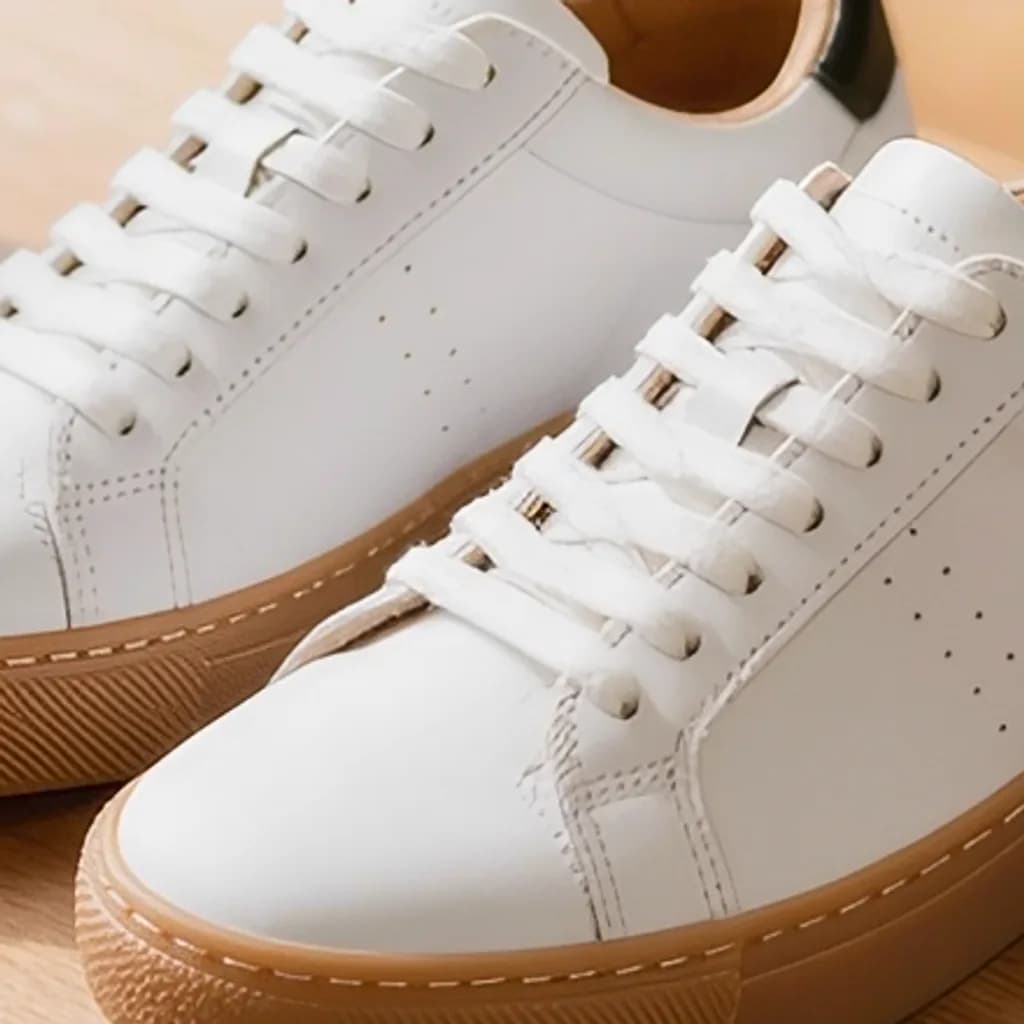
Same photo, a fraction of the size
A close-up of the same detail. The badges show the real file sizes.


- Original
- 1.2 MB
- Result
- 100 kB
Presets
Ready-made settings
Each one opens the tool with the setting already applied.
AI tools
Fix quality, not just size
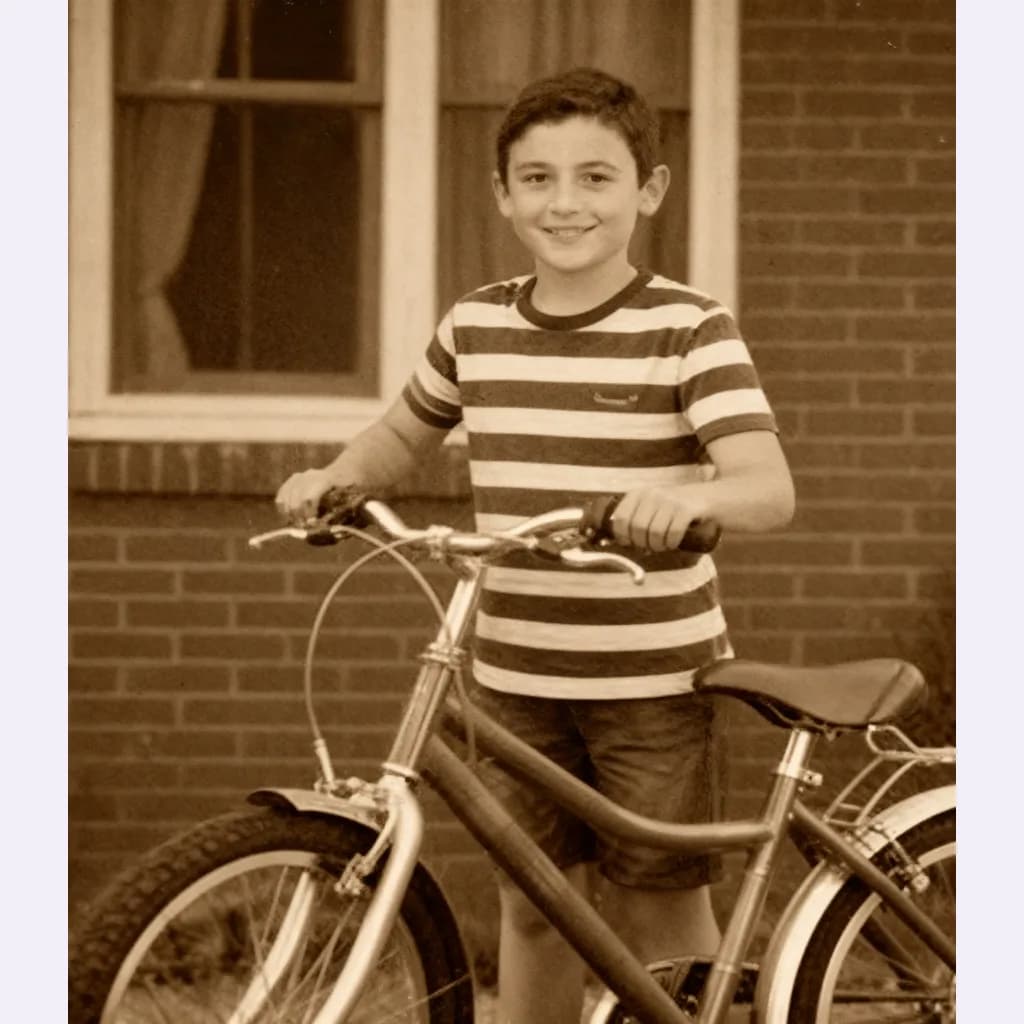
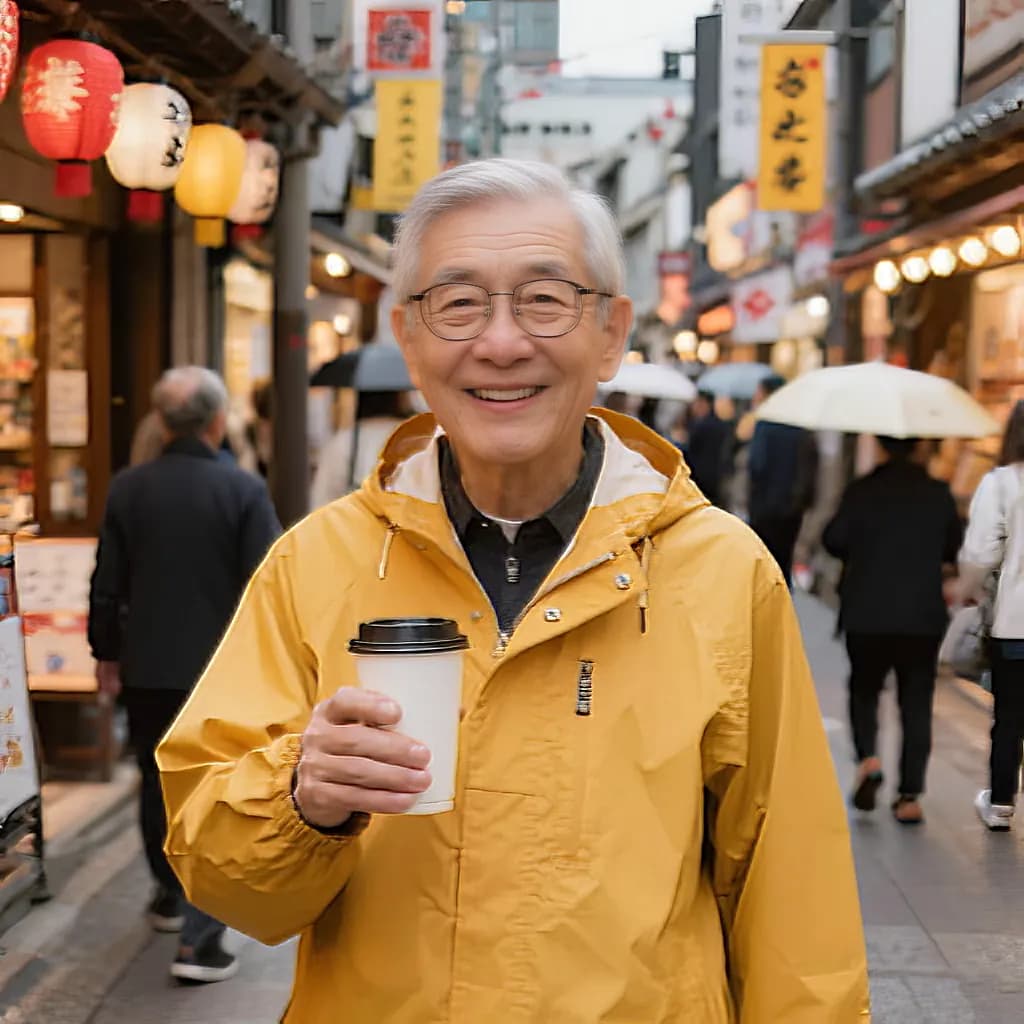
When a photo is blurry or damaged, compression cannot help. Our AI tools can upscale, sharpen and restore it.
FAQ
Good to know
How does the target size work?
The tool tries different quality levels and keeps the highest one that fits under your limit. If even the lowest quality is too big, it also reduces the pixel size a little.JPG or WebP — which is smaller?
WebP is usually 25–35% smaller than JPG at the same visible quality, and every current browser opens it. Choose JPG when a form or an older program asks for it.Why did my PNG get bigger?
PNG is lossless, so a quality setting does not apply to it. Compress a photo to JPG or WebP to make it smaller; keep PNG for screenshots and graphics with sharp edges.Is my photo uploaded?
No. The compression happens on your device and the image is never sent to our servers.