
AI photo to video
Bring a still photo to life.
Pick a motion such as a slow push-in, a gentle breeze or a smile, and get a 5-second clip made from your photo.
You see the credit cost before you run · Results vary by photo
Try it first: add your photo and pick your options. You only need a free account when you run it.
20 credits per run
- Credits shown before every run
- Failed runs return your credits
- Results private to your account
- Checkout by Paddle
To make your result, your photo is sent to the AI provider that runs this tool. Read our privacy policy
Use cases
What you can use it for

- Social posts and storiesA moving photo stands out in a feed.
- Bring memories to lifeLet a favorite photo breathe for a few seconds.
- Product teasersA short clip for listings and ads from one photo.
How it works
How it works
- 1UploadChoose a photo you have the rights to use.
- 2Pick a motionCamera push-in, pan, zoom out, natural motion, wind, smile or 3D parallax, and see the price.
- 3Watch & downloadPlay the 5-second clip and save it as an MP4.

Guides
How-to guides
 How to turn a photo into a video with AIPick a photo that animates well, choose a motion that suits it and turn it into a short clip you can share or edit.
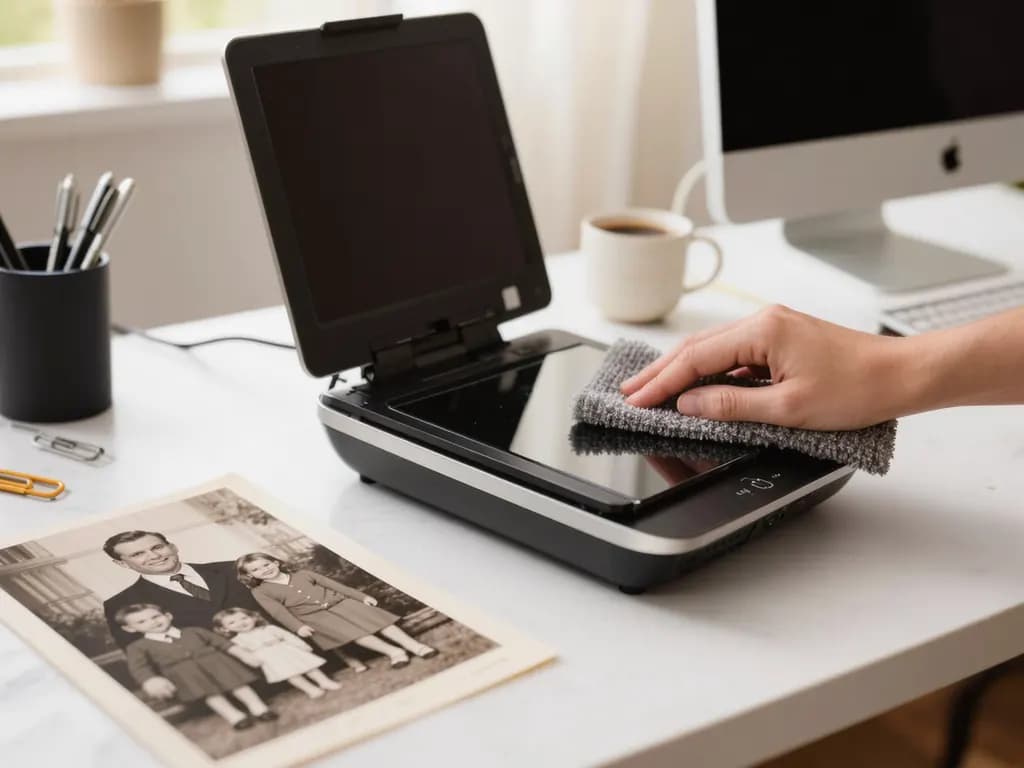 How to colorize black and white photosScan an old photo well, add believable colour with AI, then check what you know and label the result as colorized.
FAQ
Good to know
More questionsWhat photos work?
JPG, PNG or WebP, at least 300 px on each side, and no wider than 2.5:1 or taller than 1:2.5. Larger photos are resized in your browser to at most 1600 px before upload.What do I get?
A 5-second MP4 clip without sound. Its size follows the AI model and stays close to your photo's shape.Will the video look exactly like my photo?
Not exactly. The motion is generated by AI, so faces, hands, text and small details may change or look unnatural, and results vary from photo to photo.Which photos may I use?
Only photos you have the rights to. Do not animate real people without their consent, and do not upload sexual, violent or otherwise harmful content. A safety filter may refuse a photo; the held credits then come back.How long does it take?
Usually 1–4 minutes, sometimes longer when the service is busy. You can leave the page; the finished clip appears in your History.What if it fails?
Failed generations aren't charged — if the run fails or the photo is refused, the held credits come back automatically. Your clip is kept for 24 hours to download.
More tools
Related tools





Ready to try it?
Plans from US$12 a month. Cancel anytime.
Drop a photo hereChoose a photoIt opens in the tool at the top of this page. Nothing runs until you press the button.