
Our iPhone apps
Methodhelm also makes a few simple iPhone apps.
 Habit trackerFor iPhone
Streakfire
Check in with one tap and watch every day light up.
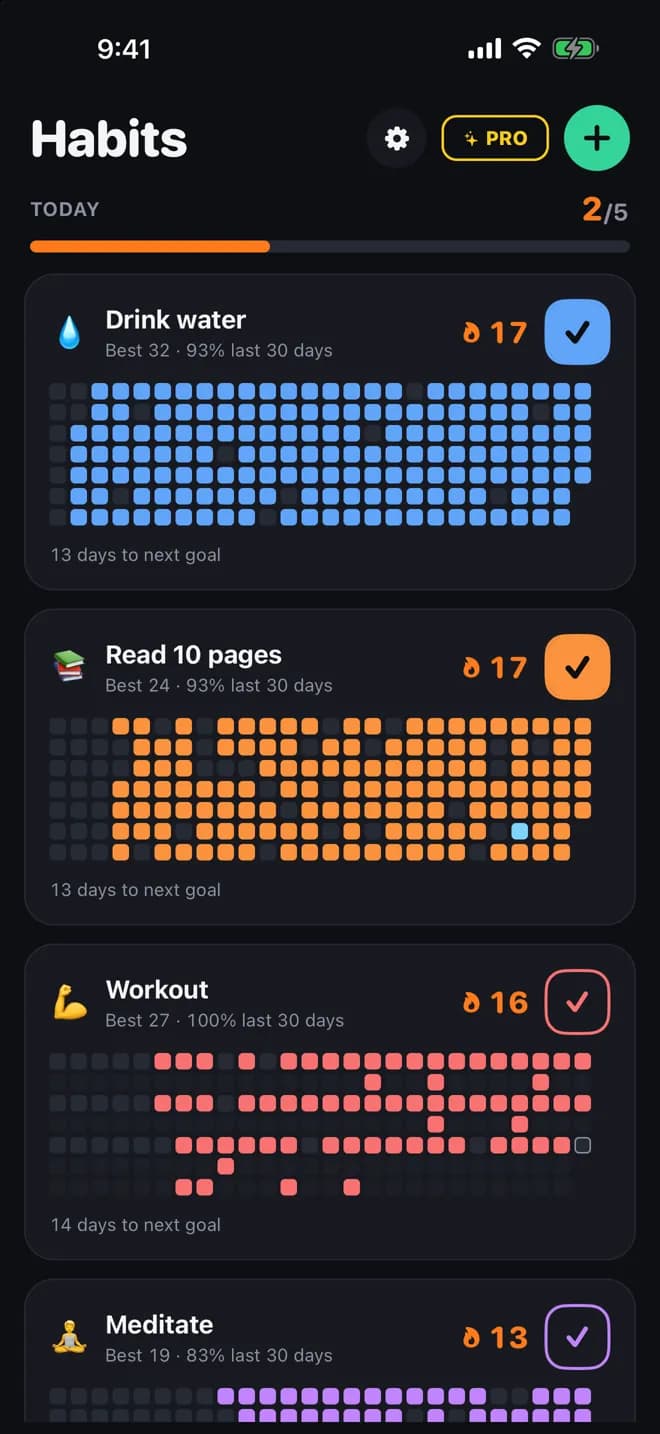
Every habit, one grid
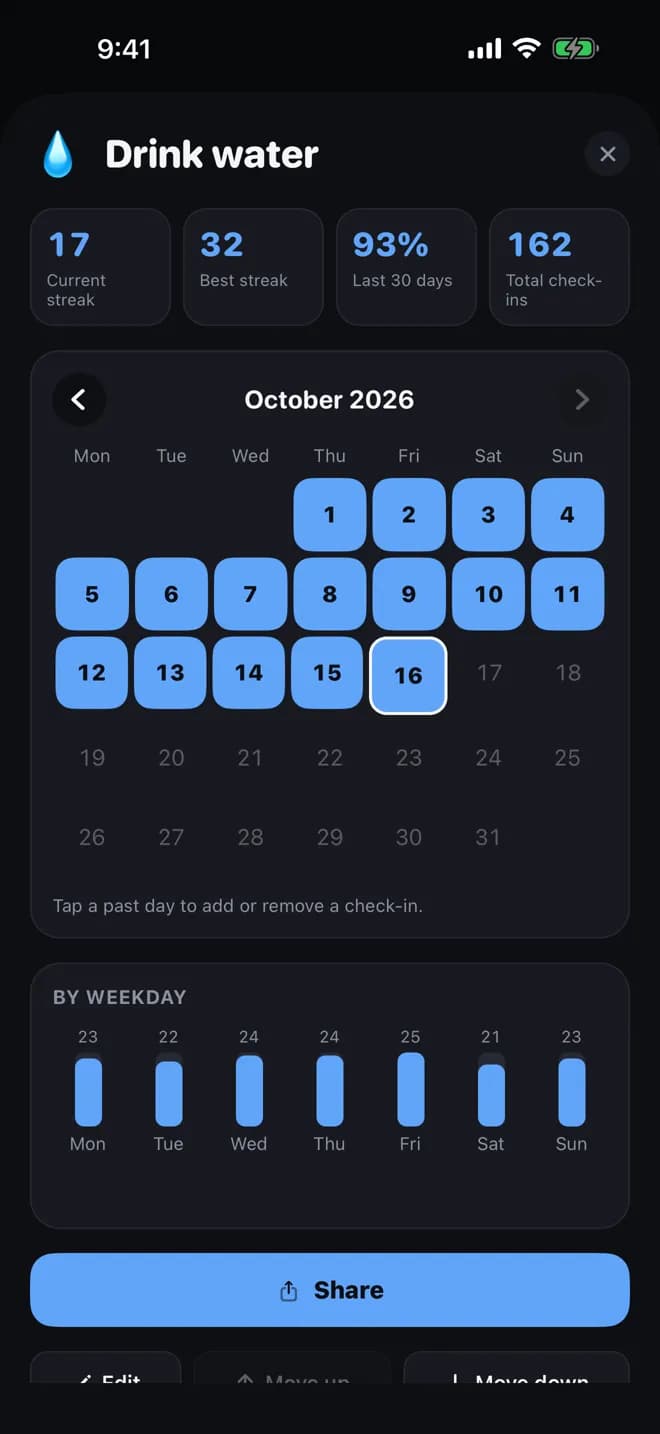
Your streak in numbers
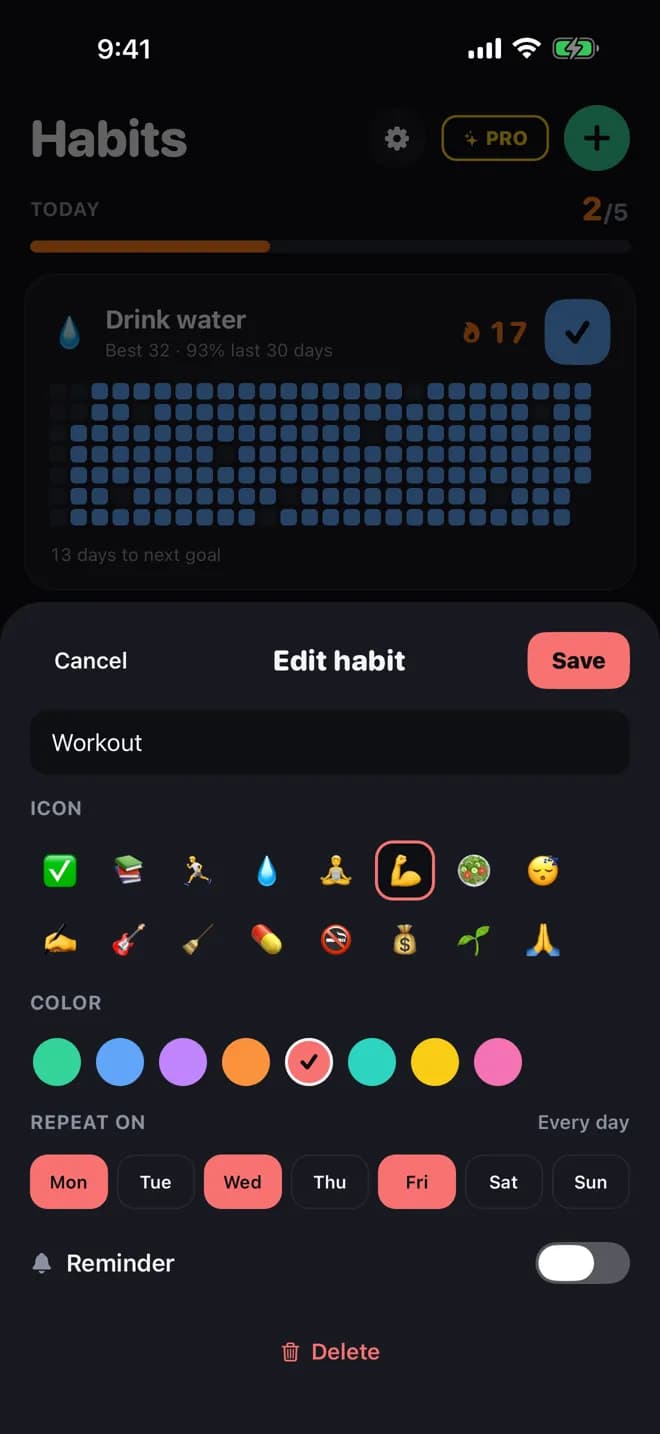
Pick the days that count
- One-tap check-insCheck in from the home screen and watch your grid fill up. Forgot a day? Fill it in from the calendar.
- Pick your daysTrain Monday, Wednesday and Friday? Rest days never break your streak. Or set a flexible goal, such as 3 times a week.
- Streak shieldsMissed a day? Use a shield to save your streak.
- Free
- Up to 5 habits (7 with short ads) and 1 streak shield a week.
- Pro
- No limit on habits, guided programs, 3 shields a week and no ads.7-day free trial with the yearly plan
See the App Store for the price in your country.


 Mission alarmFor iPhone
RiseCheck
An alarm you stop by getting up, not by tapping Stop.
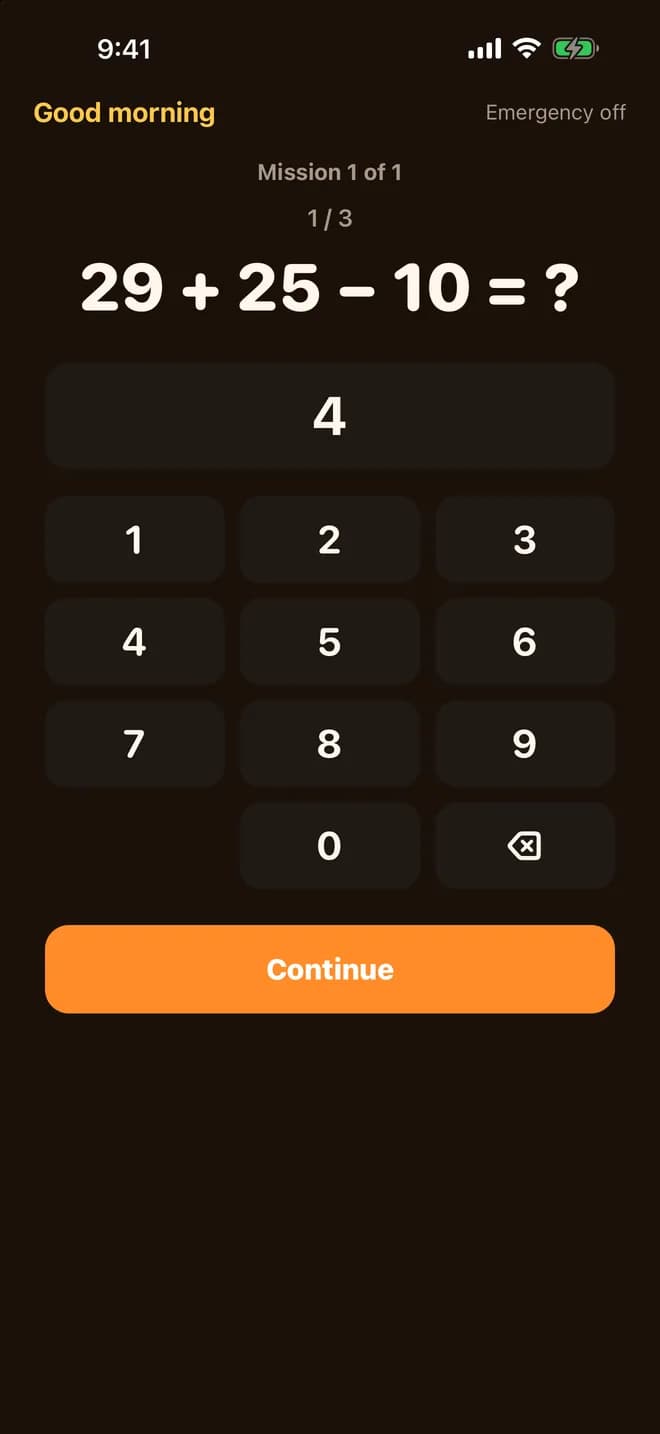
Solve it to stop the rings
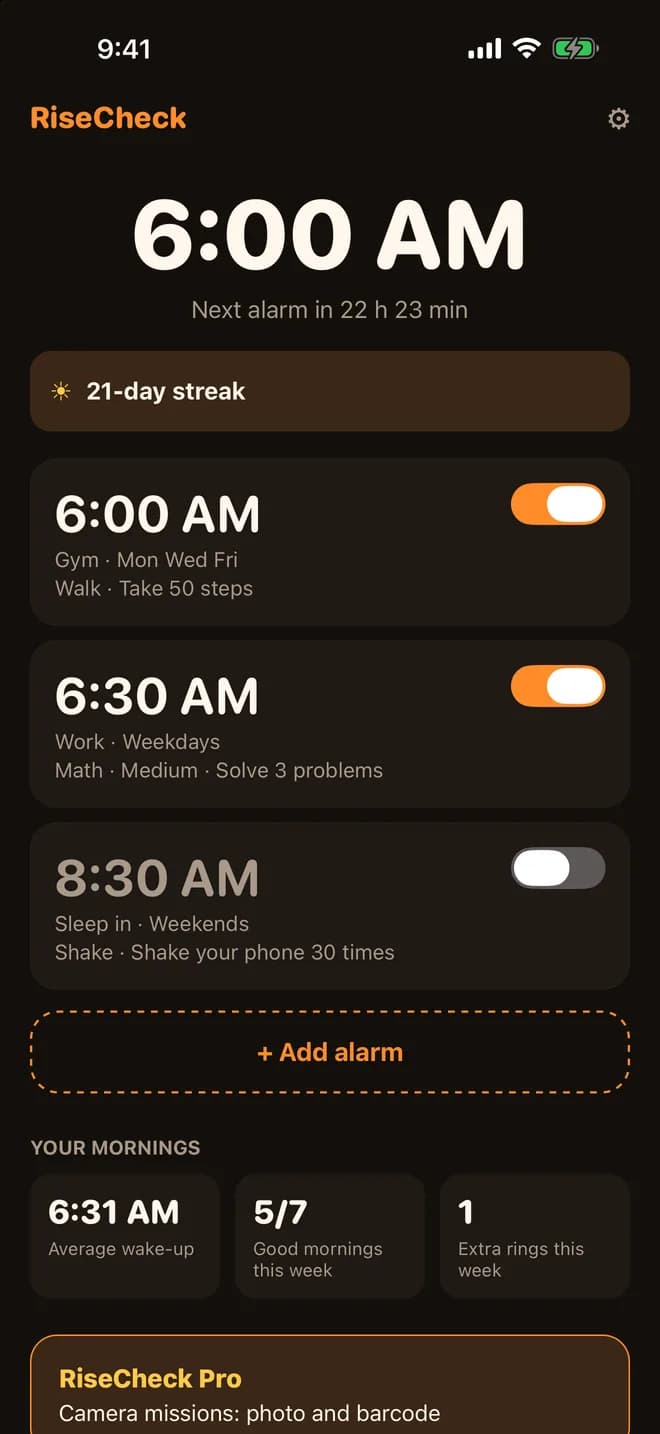
Your alarms and your mornings
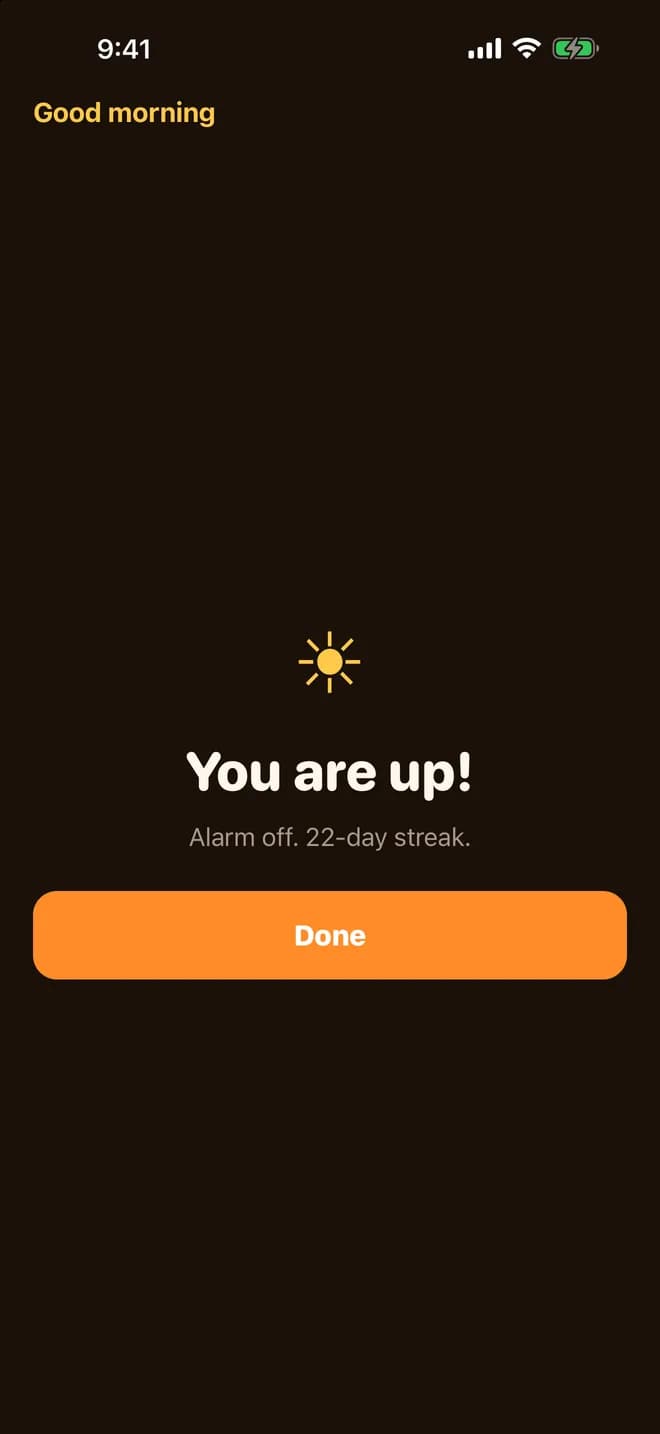
You are up
- Missions that get you upSolve sums at one of three levels, shake your phone or walk some steps. Choose a mission for each alarm.
- Pressed Stop in your sleep?Stop only ends the ring that is sounding. If the mission is not done, RiseCheck rings again a few more times to get you up.
- Rings through Silent and FocusRiseCheck is built on Apple's own alarm system, so it rings even when the app is closed.
- Free
- No limit on alarms, one math, shake or walk mission per alarm.
- Pro
- Photo and barcode missions, several missions per alarm and a wake-up check.7-day free trial with the yearly plan
See the App Store for the price in your country.

 Quotes, invoices & receiptsFor iPhone
Paidstamp
Quote, invoice, receipt. Then see who still owes you.
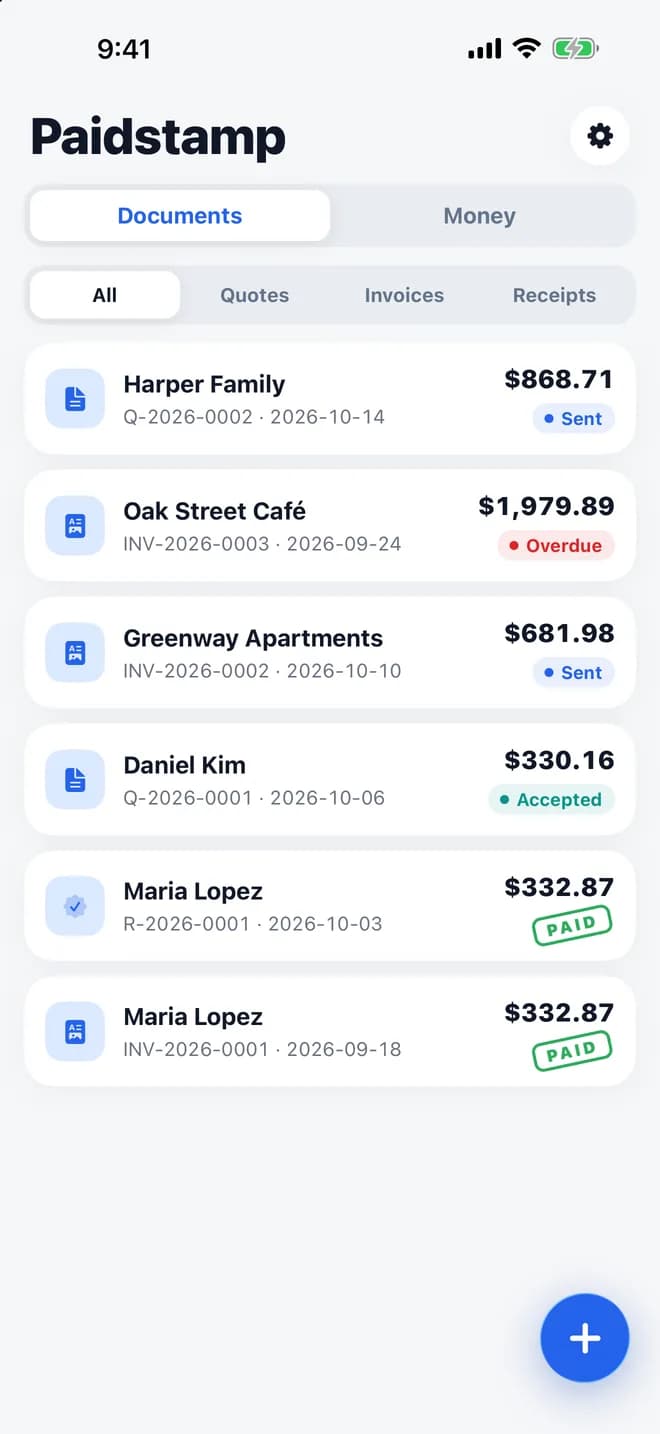
Every document, one list
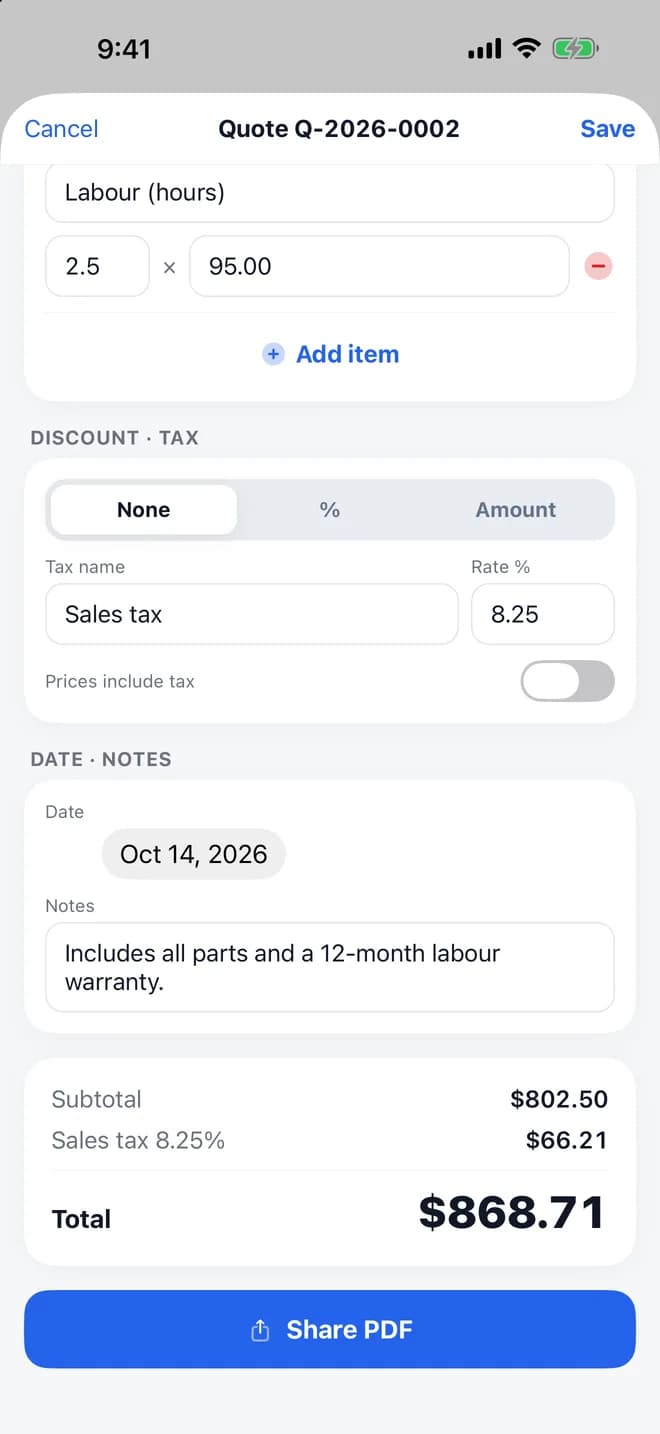
A quote in about a minute
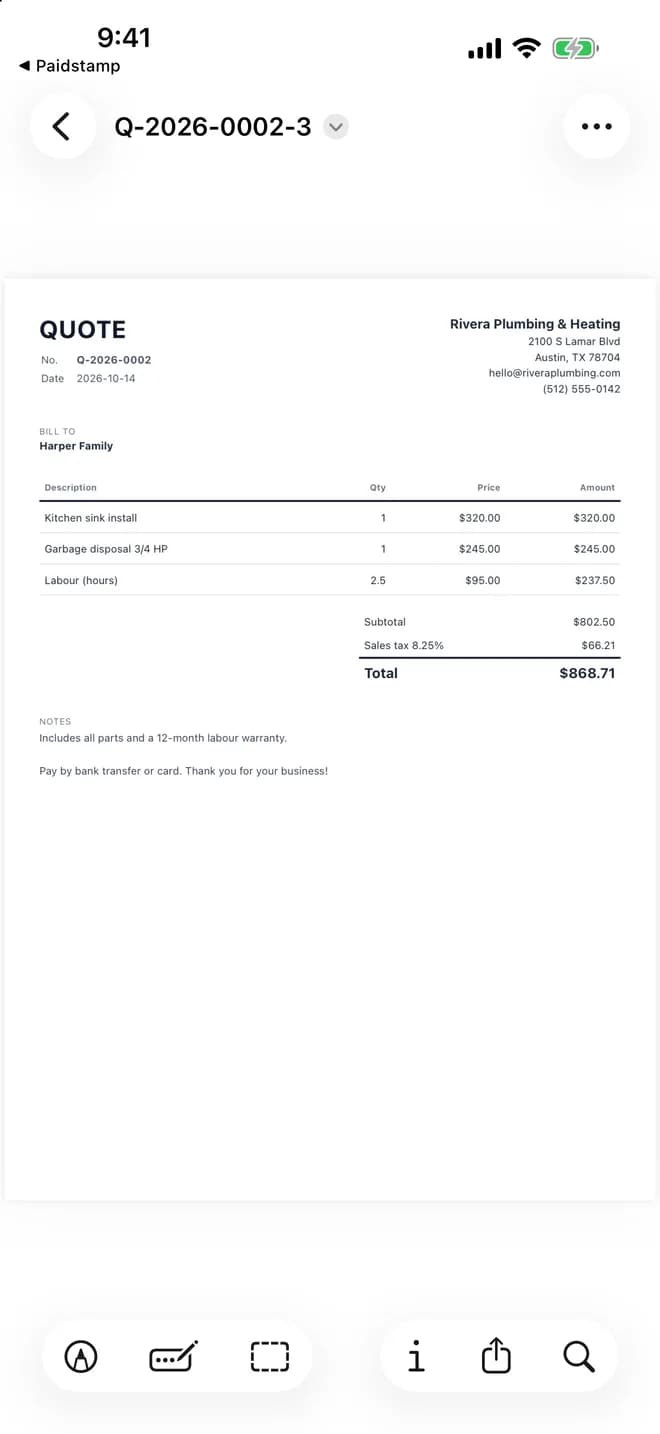
A clean A4 PDF
- Quote → invoice → receiptClient said yes? Turn the quote into an invoice with one tap, then into a receipt once you are paid.
- Client e-signatureHand your phone to the client to sign and accept a quote. The signature and date go on the PDF.
- See who still owes youMark documents as sent, accepted or paid. Overdue invoices turn red, and a reminder comes with a polite message ready to send.
- Free
- 10 documents a month with ads, plus 10 expenses a month.
- Pro
- No limit on documents, your logo on every PDF, receipt reading and no ads.7-day free trial
See the App Store for the price in your country.
