
AI virtual staging
Furnish an empty room in one photo.
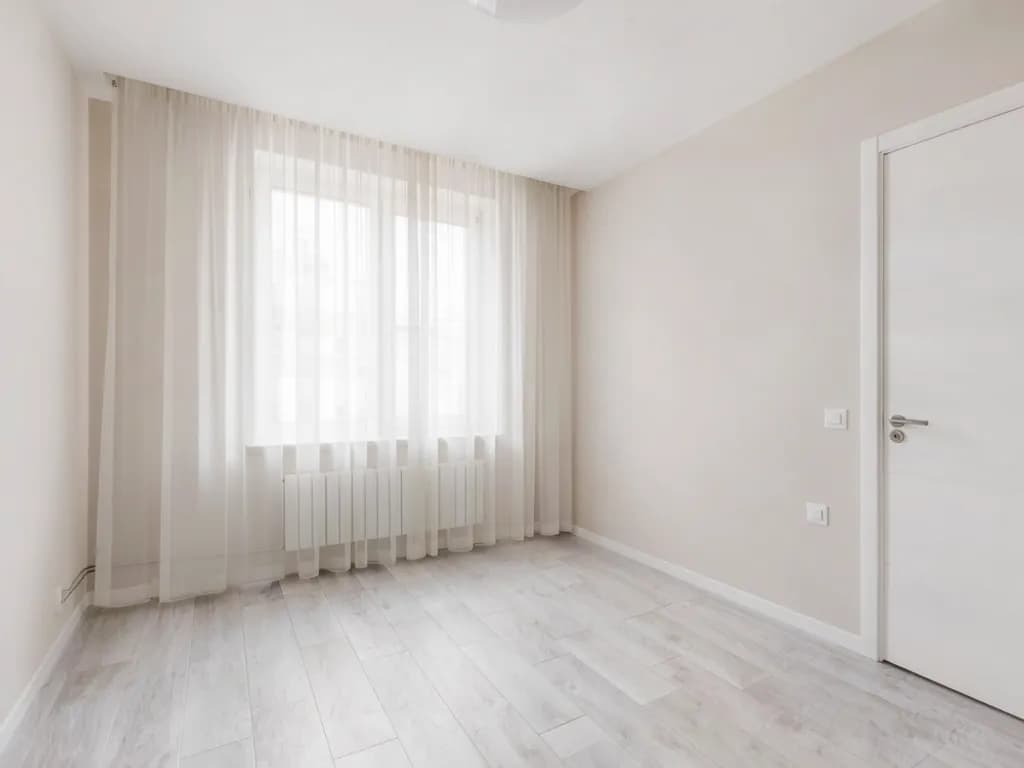
Upload a photo of an empty room, pick an interior style, and AI adds furniture and decor while aiming to keep the walls, windows, doors and floor as they are.
You see the credit cost before you run · Results vary by photo
Try it first: add your photo and pick your options. You only need a free account when you run it.
8 credits per run
Verify your email after signing up to get 10 welcome credits, valid for 14 days (a limited number are given each day).
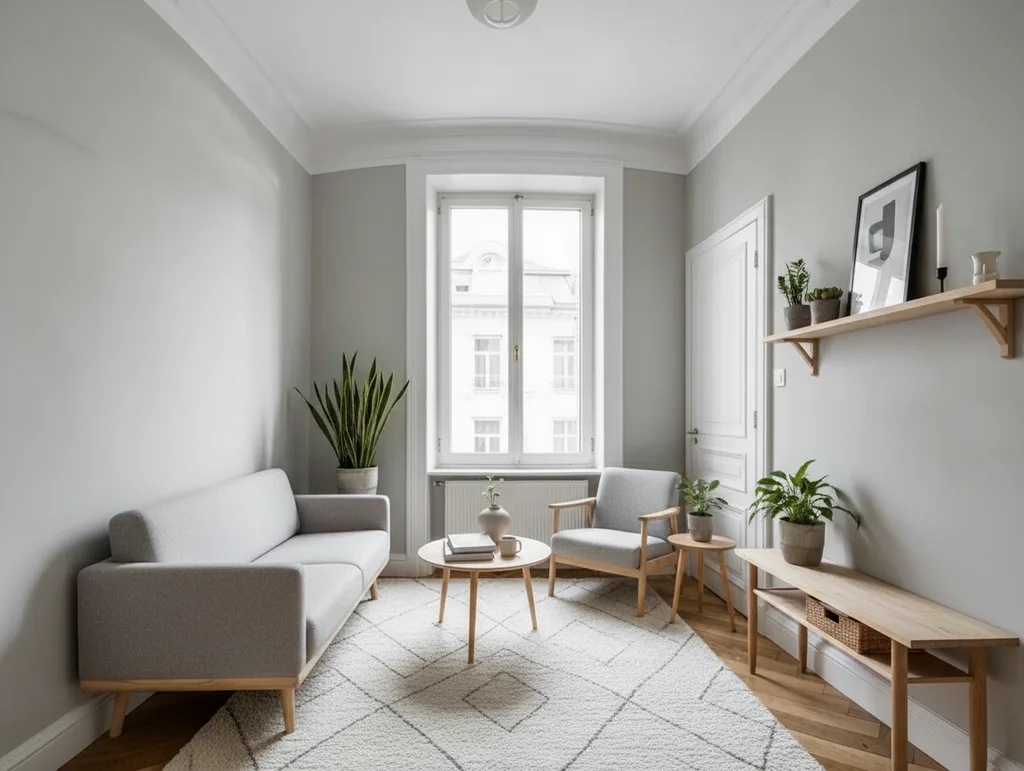
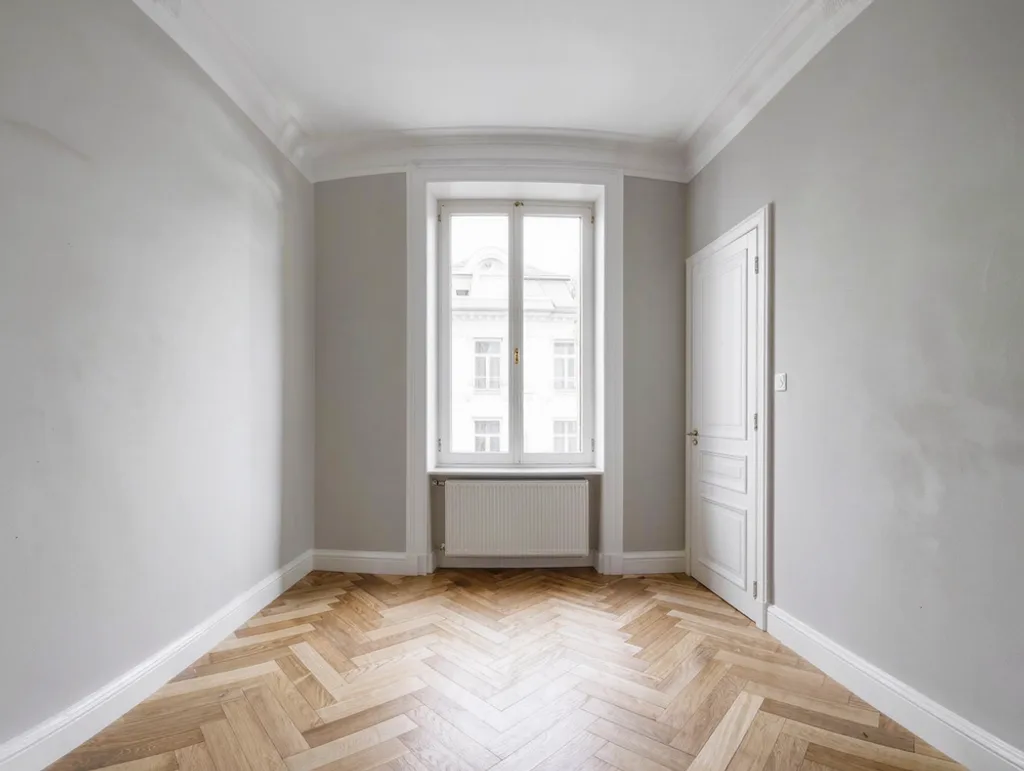
Virtually staged
- Credits shown before every run
- Failed runs return your credits
- Results private to your account
- Checkout by Paddle
To make your result, your photo is sent to the AI provider that runs this tool. Read our privacy policy
Use cases
What you can use it for
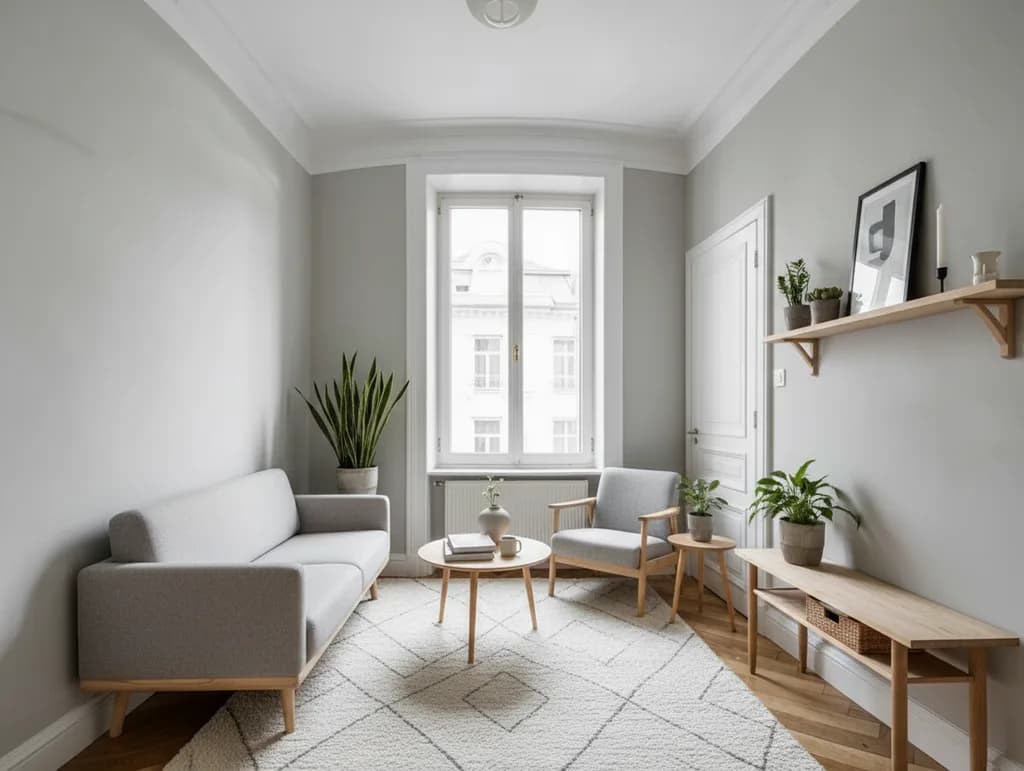 Virtually staged
- Property listingsShow buyers and renters how an empty room could be used, labeled as virtually staged.
- Rentals and hostingPicture a furnishing style before you buy anything.
- Home makeoversCompare interior styles for your own empty room.
How it works
How it works
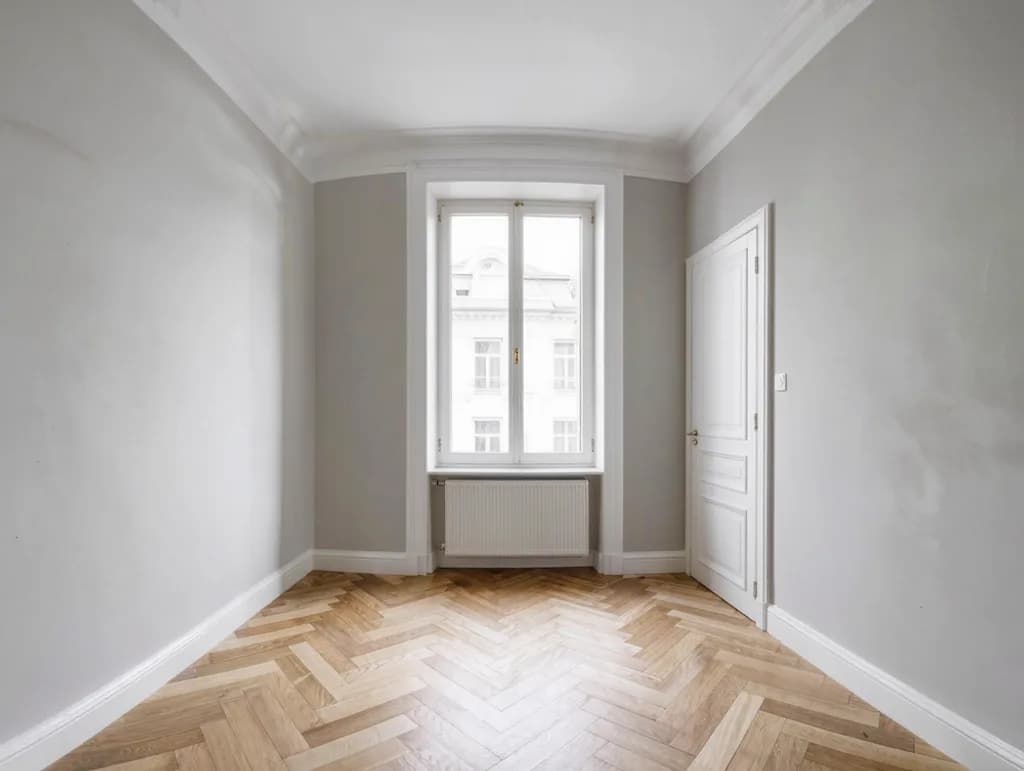
- 1UploadA photo of an empty or nearly empty room, shot in good light.
- 2Pick a styleChoose from 7 interior styles and see the price.
- 3Compare & downloadCheck the staged photo against the original, then save it.
FAQ
Good to know
More questionsWhat photos work best?
An empty or nearly empty room, shot straight on in daylight, with the floor and walls clearly visible and no people in the shot. JPG, PNG or WebP, at least 128 px a side; larger photos are resized in your browser to about 1 megapixel (at most 1600 px on the long side) before upload.Will it keep my room as it is?
It is asked to add only furniture and decor and keep the walls, windows, doors, floor, ceiling and camera angle. It is still AI-generated: it can change details such as wall color, light, fixtures, the view through a window or the floor, and furniture may be out of scale. Compare carefully, and do not use a result that changes the property's structure or features.Can I use it in a property listing?
Only with a clear disclosure. Label the photo as virtually staged or AI-generated, and keep the original photo available. Many listing platforms and some jurisdictions require virtually staged photos to be marked, and some also require the unstaged original. Check the rules that apply to you; you are responsible for how you use the image.Which photos may I use?
Only photos you have the rights to, such as your own photos or ones the owner or photographer allows you to use.How big is the result?
About 1 megapixel, in the standard shape closest to your photo (for example 1184 × 864 px for a 1000 × 753 photo), so the edges may be slightly trimmed or extended.What if it fails?
Failed generations aren't charged — if a run fails or the result cannot be used, the held credits come back automatically after a short hold, not instantly. Your result is kept for 24 hours to download.
More tools
Related tools



Ready to try it?
Plans from US$12 a month. Cancel anytime.
Drop a photo hereChoose a photoIt opens in the tool at the top of this page. Nothing runs until you press the button.