
From Quotation to Invoice to Receipt: No Retyping
Last updated:
A job often goes through three papers: a quotation, a request for payment and a receipt. Writing each one from scratch is slow and easy to get wrong.
In Paidstamp the same document moves from one step to the next. This guide shows the flow. Paidstamp needs iOS 17 or later.
A note on words: the app calls this document "Invoice". It is the document you use to ask for payment, and it cannot replace an official tax invoice. See the note at the end.
Note: this is a commercial document, not an official tax invoice where your country requires one.
Step 1. Quotation accepted
- A client can accept the quotation by signing on your phone.
- See how to open a quotation.
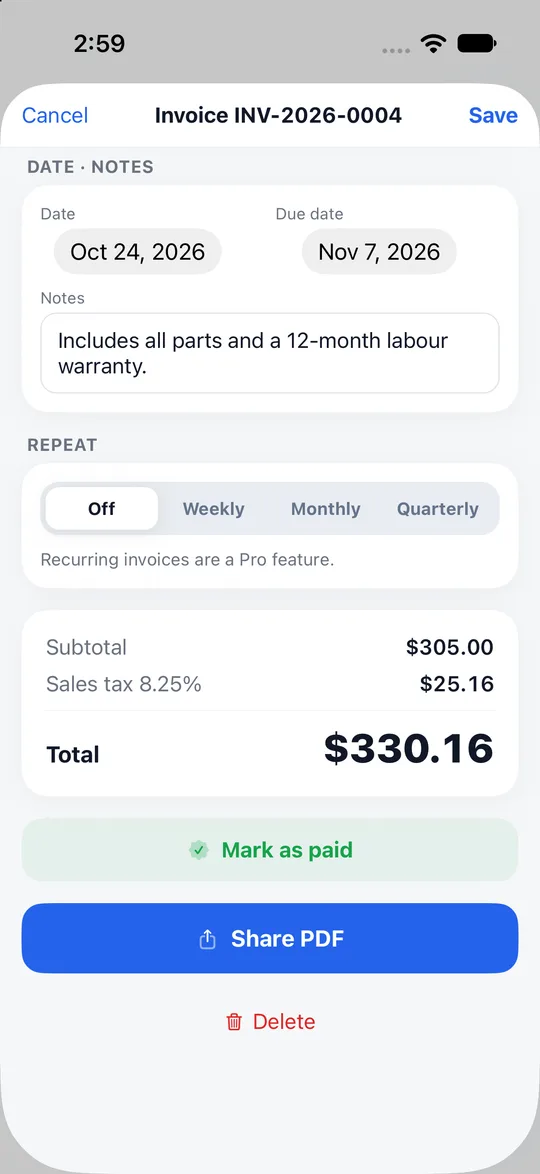
Step 2. Turn it into an invoice
- In the menu of an accepted quotation, choose "Convert to invoice" (the menu has "Share PDF", "Convert to invoice", "Duplicate" and "Cancel"; it changes with the document's status).
- You do not retype the items.
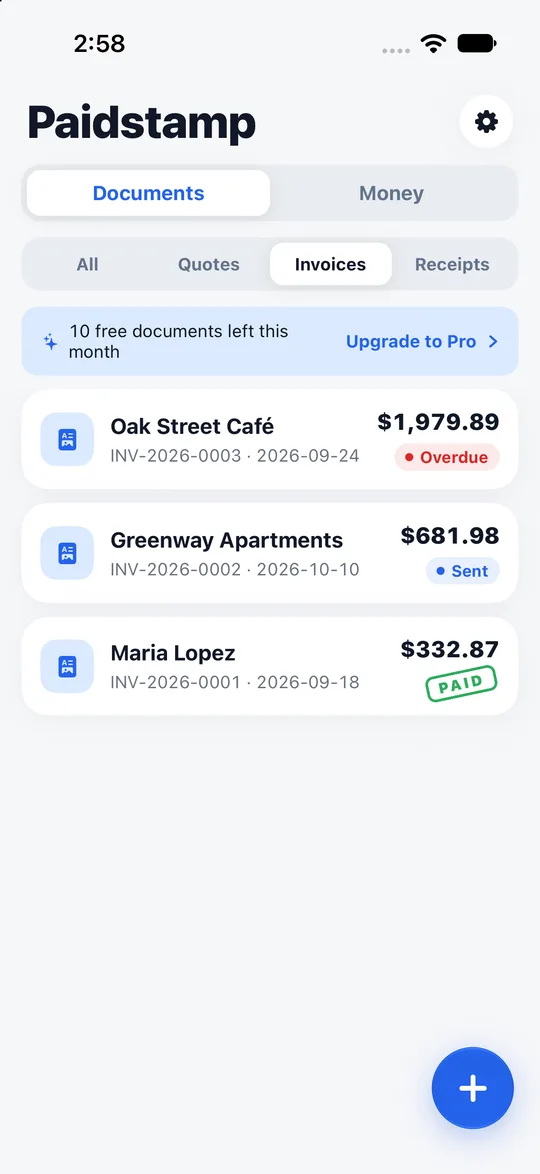
Step 3. Chasing a late payment
- An invoice that is overdue turns red in your list.
- There are ready-written reminder messages you can use.
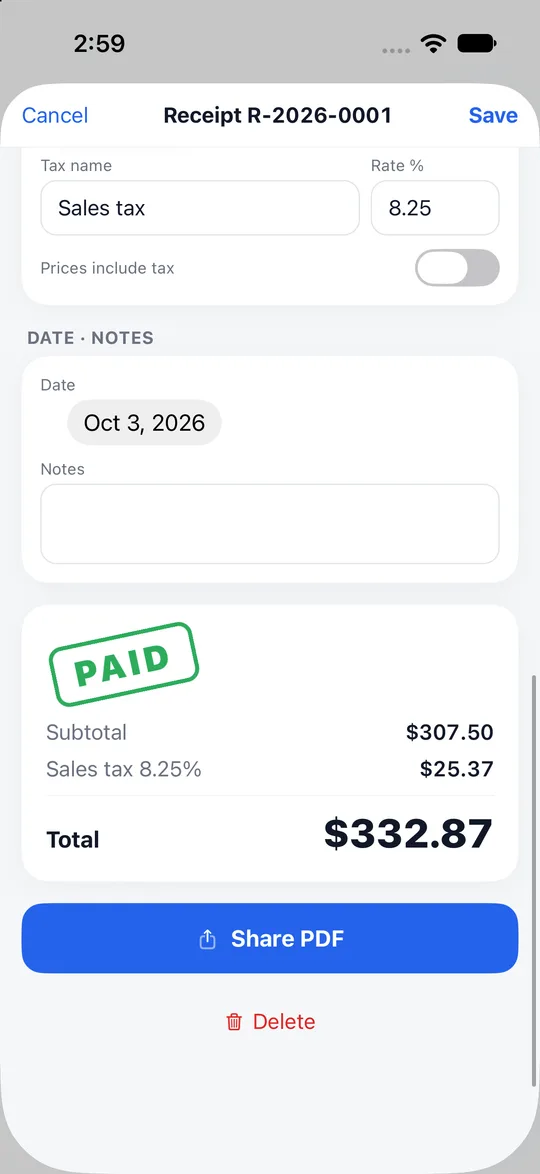
Step 4. Paid, so make the receipt
- When you are paid, create the receipt with one tap. No retyping.
- Send the A4 PDF by LINE, email or message, hand it over by AirDrop, or print a paper copy.
The whole flow
- Create and send the quotation.
- The client signs to accept it on your phone.
- From the document menu, turn it into an invoice.
- Watch the list. Overdue requests turn red. Use a ready reminder message.
- When you are paid, create the receipt.
Good to know
- An invoice or receipt made in Paidstamp does not replace an official tax invoice such as a Taiwan uniform invoice or e-invoice.
- You do not need an account; the documents and client details you enter are kept on your phone.
- The free version allows 10 documents a month with ads. Pro is a subscription.
Frequently asked questions
Do I retype anything between steps?
No.
Can I issue an official invoice here?
No. Paidstamp does not replace an official invoice.
Does the client need the app?
The client signs on your phone.
Is it right for me?
Wondering whether it fits your business? Read who Paidstamp suits.
Where do I download it?
The Paidstamp download link is on the home page of this website; install it, then turn your next quotation into a payment request and a receipt.