
How to make a Notion dashboard for tasks and projects
A Notion dashboard is a page you open each day to see what needs attention. It is not a special feature: it is a regular page that shows views of your databases. This guide builds a small one that you can grow later.
Methodhelm editorial teamLast updated: 2 min read
On this page
What you need to know first
According to Notion's help, a database is a collection of pages, and every item in it is its own page. Items have properties such as dates and status. You can show the same database as a table, board, calendar and other layouts, and each view can have its own filters and sorts.
Build it in five steps
- Create a task database
Create a task database: on a new page, start from a table. Add properties for status, a due date and priority.
- Create a project database in the same way, with status and a due date
Create a project database in the same way, with status and a due date. Link tasks to projects with a relation property if you want.
- Add a few real tasks so you can see what the views will show
Add a few real tasks so you can see what the views will show.
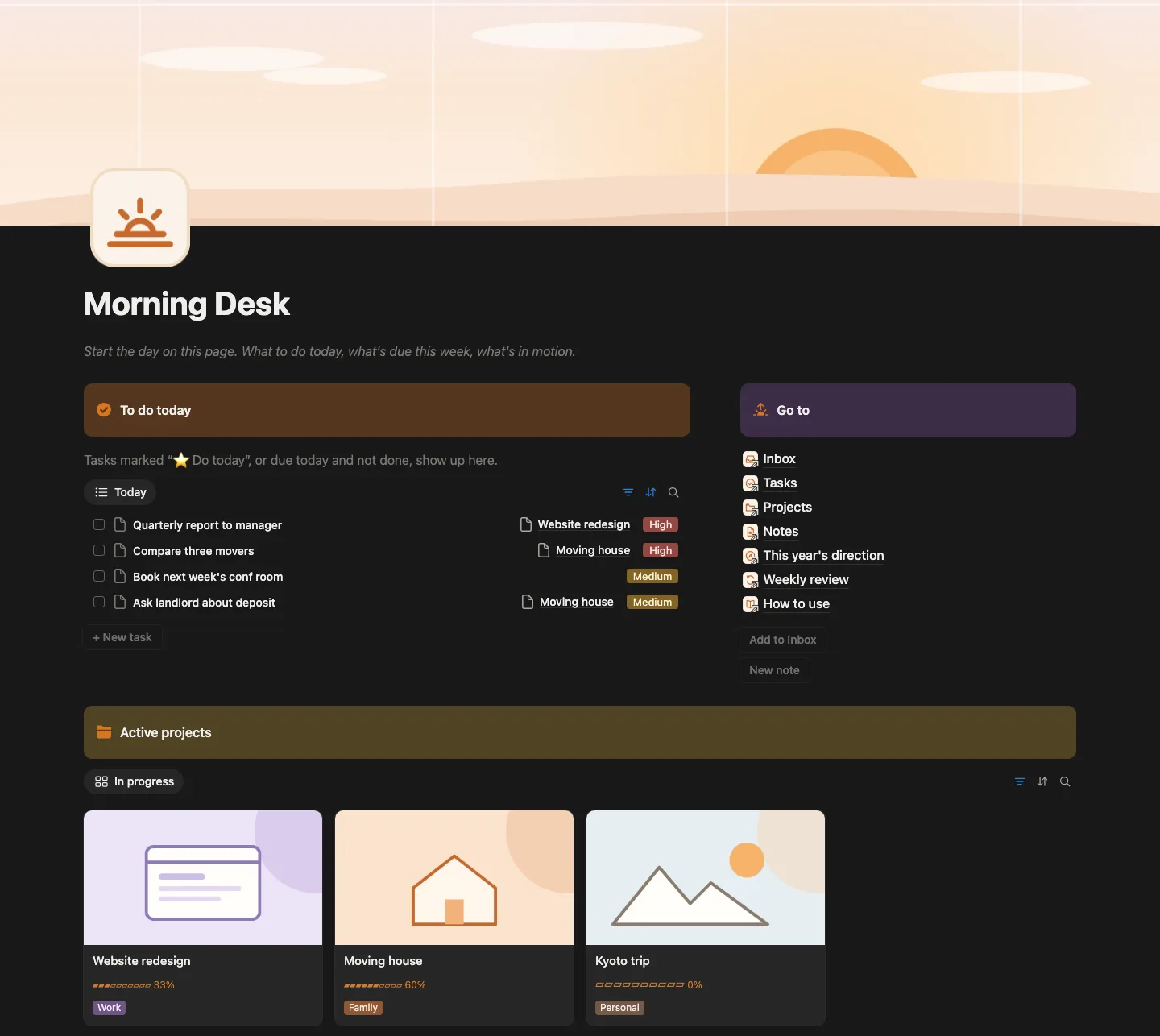
- Create your home page and add a linked view of the task database
Create your home page and add a linked view of the task database. Notion's help describes linking a view of another data source.
- Set the filter on that view, for example items due today or earlier that are not done, and sort by priority
Set the filter on that view, for example items due today or earlier that are not done, and sort by priority. Make a second view for active projects.
Keep it small
Start with two or three views. A dashboard with ten blocks is hard to scan; you can add more once the first ones earn their place.
Make it yours
Each view has its own settings, so a change to one view does not change the others. Choose a layout per view: a list for today, a board for project status, a calendar for dates.
A shortcut
If you would rather start from a finished setup, our personal dashboard template for Notion has tasks, projects, notes and a weekly review ready to duplicate. Everything above still applies, so you can change it.
Notion is a trademark of Notion Labs, Inc. This article has no partnership with or endorsement by Notion.
FAQ
Frequently asked questions
Do I need a paid Notion plan?
Check Notion's current plan page. Databases and views are described in Notion's help as core features.
What is the difference between a database and a view?
A database holds the items. A view is one way to display them, with its own layout, filter and sort.
Can I use it on my phone?
Notion has mobile apps, but layouts can look different on a small screen, so test your home page there.
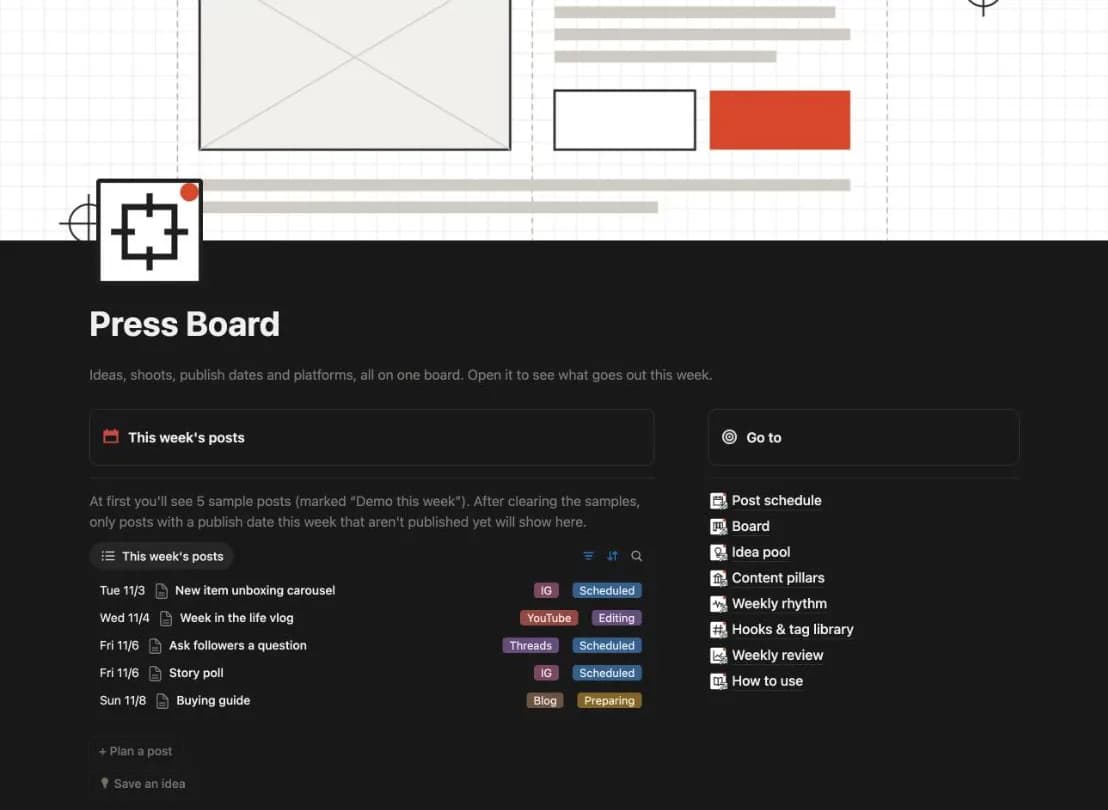
A ready-made home page for tasks and projects in Notion
Tasks, projects, notes and a weekly review, set up for you to duplicate and change. Check what your Notion plan allows before you buy.