
Tap-to-jump PDF
iPad digital planner 2027 edition
Write your whole year by hand. Tap to jump anywhere.
A planner PDF for iPad and Apple Pencil. Open it in GoodNotes.
- HandwritingSpace to write every month, week and day.
- Tap to jumpLinks between year, month, week and day, so you never flip page by page.
- Pay onceNo subscription.
US$12.99one-time purchase
Confirm taxes and the final total at checkout.
Available right after payment. Once a file is downloaded, the 14-day cancellation no longer applies (some regions differ). Terms of Service · Refund policy
Portrait · Monday or Sunday start · 523 pages (undated edition 495) · under 3 MB per edition · download from My purchases after payment
- Available in 20 languages
- After payment, download from My purchases
- Checkout by Paddle
What's inside
Only the pages you need for planning and notes.
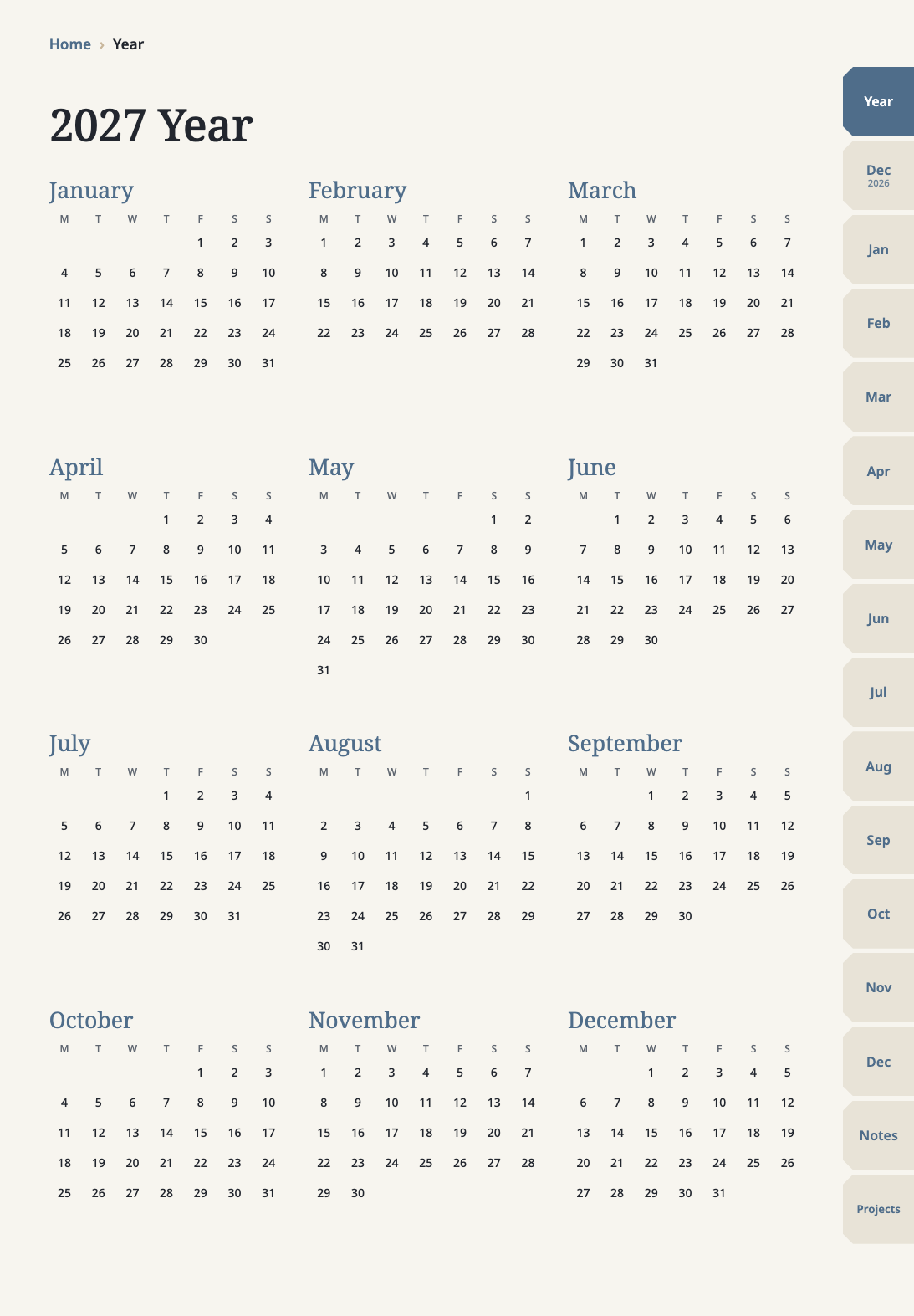
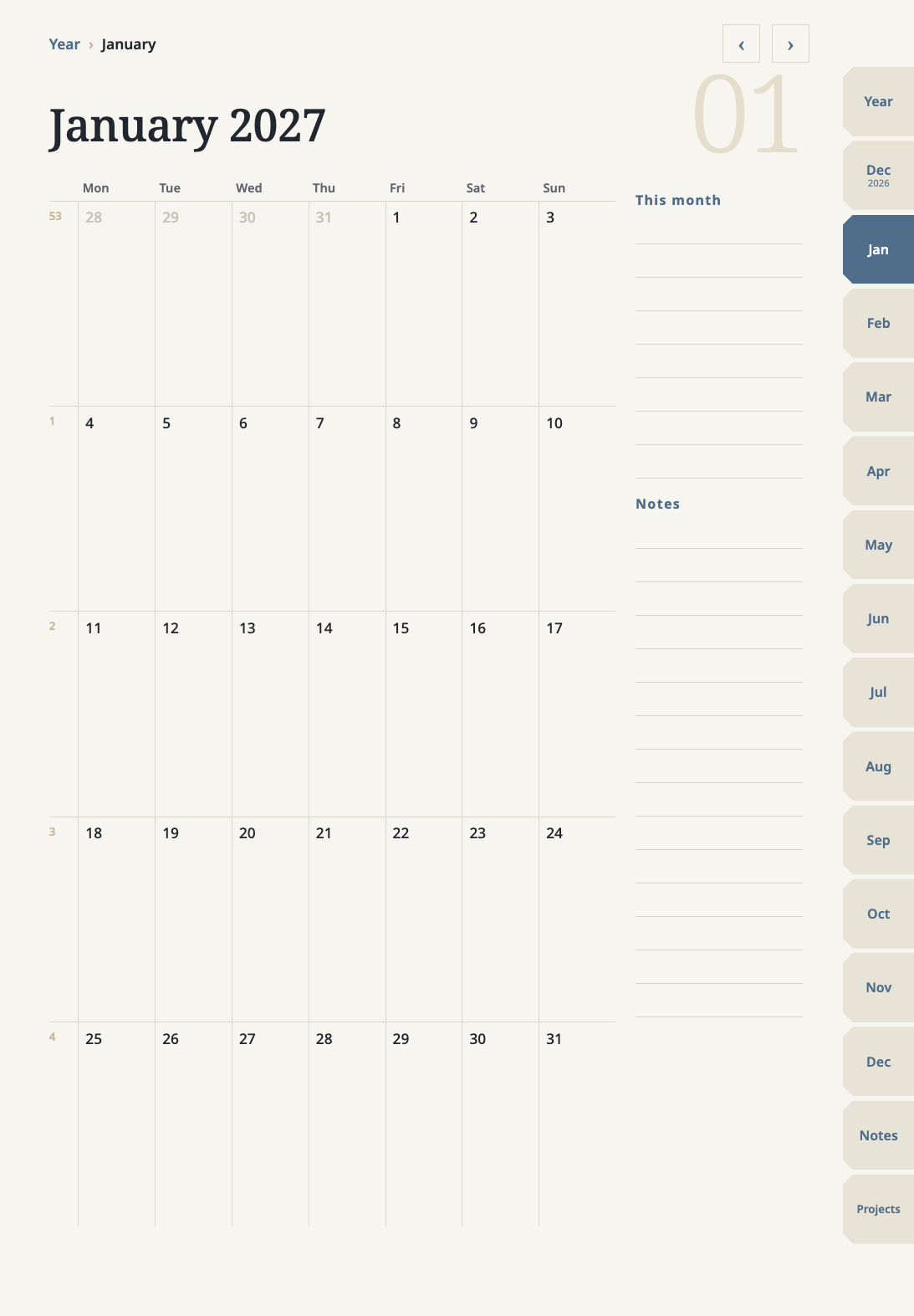
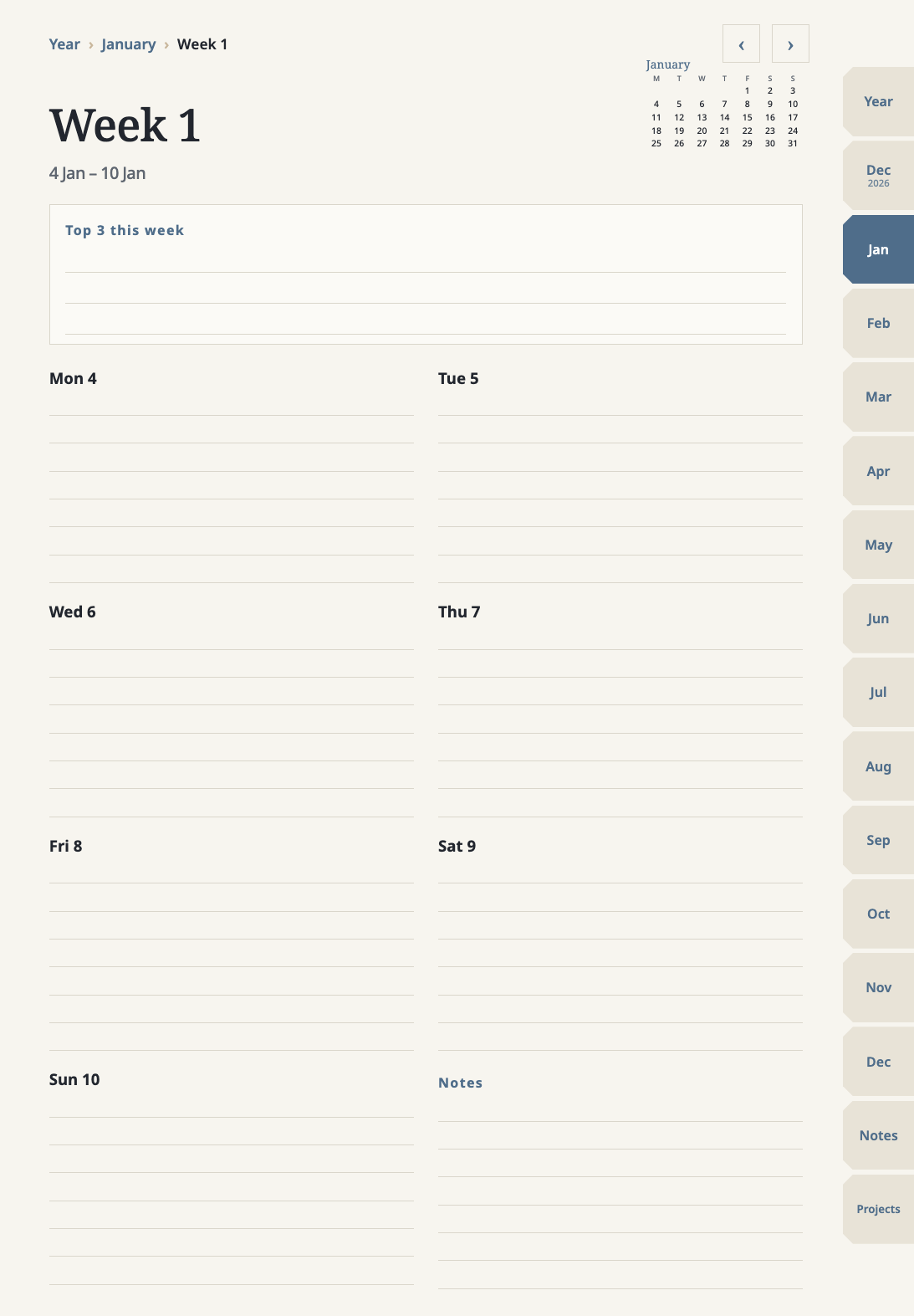
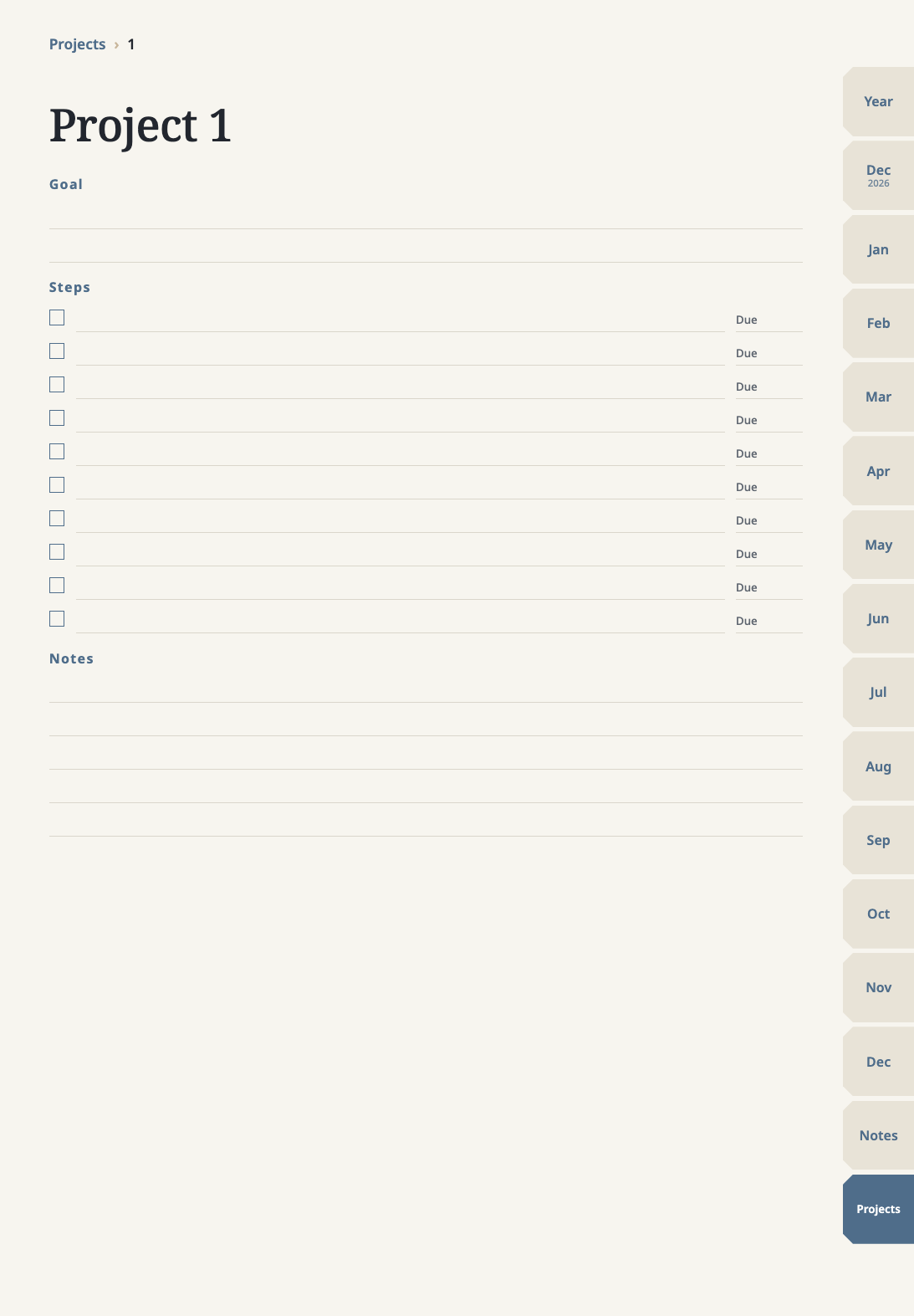
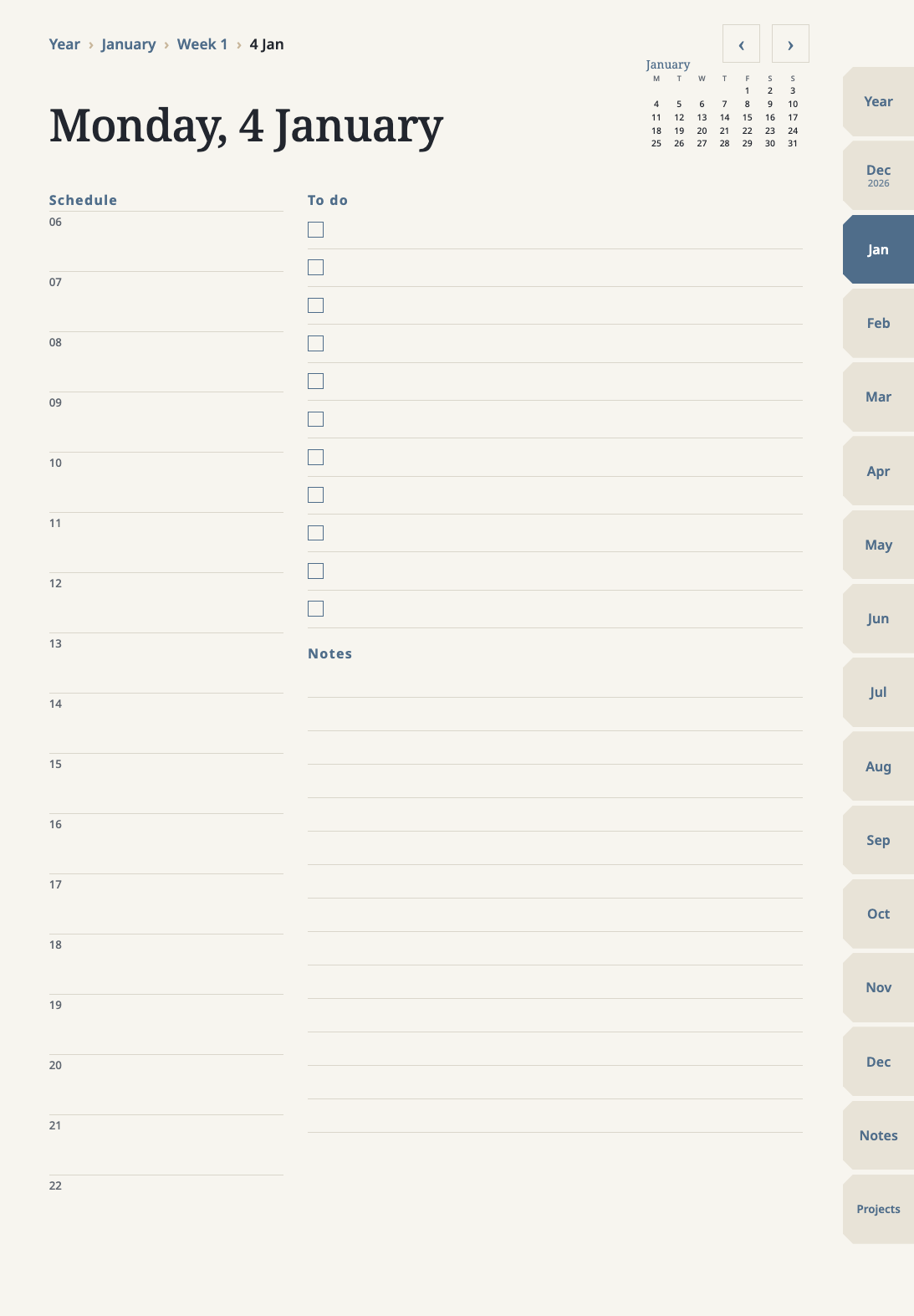
Tap to jump
The tabs on the right open the year, each month, notes and projects. In a month, tap a date to open that day or a week number to open that week. The "Year › Month › Week" line at the top of every page takes you back up. More than 20,000 links in all.
- Year
- March
- Week 10
- 12 Mar
Start in three steps
- Download the language and week start you want from My purchases.
- Import the PDF into GoodNotes.
- Tap the side tabs, month dates or week numbers to jump.
Specs
- Works with
- GoodNotes (iPad, iPhone, Mac)
- Free plan
- GoodNotes: up to 3 notebooks
- Tested
- Tested in GoodNotes for Mac
- Orientation
- Portrait
- Week starts
- Monday or Sunday
- Editions
- 2027 (with December 2026) + undated
- Pages
- 523 (undated edition 495)
- Languages
- 20
- File
- PDF, under 3 MB per edition
- License
- Personal use
Questions
My iPhone and iPad already have Calendar and Reminders. Why do I need this?
The built-in apps are good for alerts and for sharing plans with others. This planner is for people who like writing by hand: write on the planner pages with Apple Pencil, and tap to jump between year, month, week and day, like a paper planner with a table of contents. You can use both together; we do not replace the built-in Calendar.Which app do I need?
Works in GoodNotes (iPad, iPhone, Mac), under 3 MB per edition; tested in GoodNotes for Mac. The GoodNotes free plan lets you create up to 3 notebooks; once that limit is used, you need a paid GoodNotes plan to import more.What if it won't import into GoodNotes?
Most often the GoodNotes free plan's 3 notebooks are used up (deleting old notebooks does not always free a slot). That is a GoodNotes limit, not a broken file. You can upgrade GoodNotes and import again. Other note apps that open PDFs may also work, but we have only tested GoodNotes.See the refund policyDoes it work on iPhone, Android or a computer?
GoodNotes on iPhone and Mac works too, but the layout is made for an iPad in portrait, so text is smaller on iPhone. Android and Windows can open the PDF, but links are not guaranteed.Does the week start on Monday or Sunday?
Both are included; you choose when you download.Which languages are there?
20 languages; you choose on the download page. Months and weekdays follow each language's own style.What is the undated edition?
It comes in the same purchase. Every month has 6 rows and 31 day pages; you fill in the dates and months yourself, so it fits any year and you can start over when it's used up.Do I have to buy again next year?
No. If you bought the 2027 edition, the 2028 edition will be added free to My purchases on the same account (this one time only). For later yearly editions, returning customers get a loyalty discount. A refunded purchase gets neither. See the Terms.How do I get the file?
After payment, download it from My purchases. You can download it again as often as you like.Can I print it?
You can print it for your own use, but the layout is made for iPad, so A4 prints have wider margins.Can I get a refund?
Within 14 days of payment, you can get a refund as long as you have not downloaded the file; if the file has a problem, you always get a refund.See the refund policyCan I share it with friends or sell it?
It is for the buyer's own use only. You may not pass it on, resell it, or sell an edited version.
iPad digital planner (2027 edition)
Undated edition included · 20 languages · one-time purchase · Confirm taxes and the final total at checkout.
GoodNotes is a trademark of GoodNotes Limited. This planner is not affiliated with or endorsed by GoodNotes; it is a PDF made to work in GoodNotes.