
Works on Notion's free plan
Press BoardContent calendar template for Notion
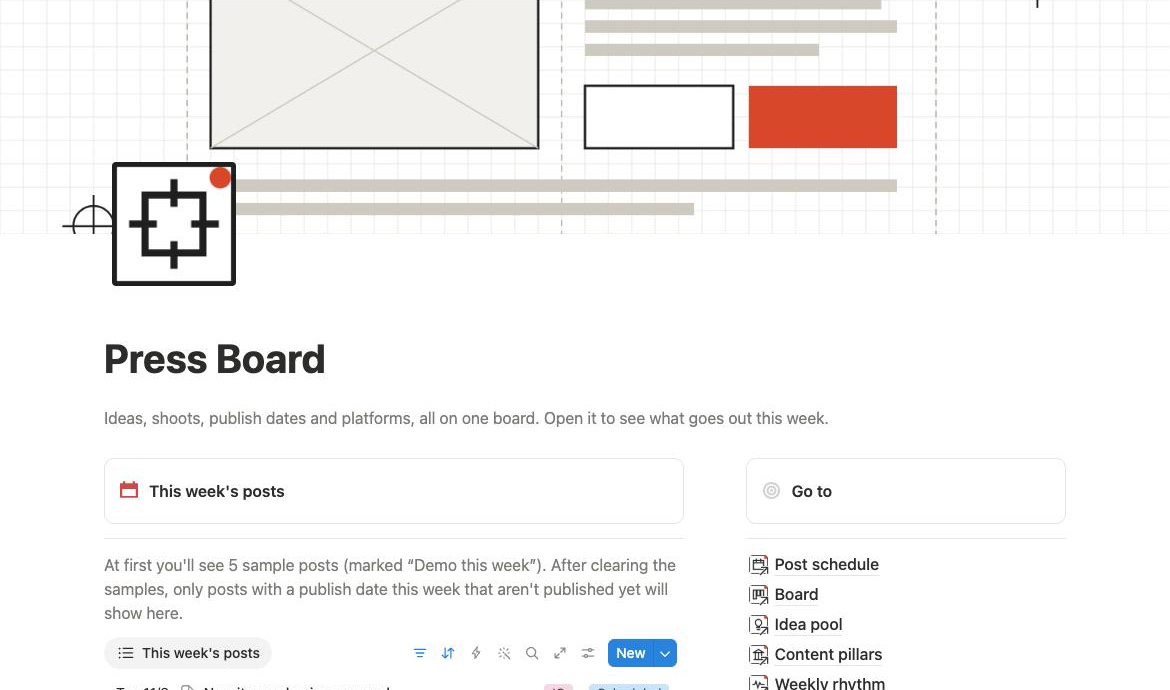
Keep up with Instagram, YouTube and a blog on your own. Ideas, filming, publish dates and platforms are linked, and calendar and board are one click apart.
US$14one-time purchase
Confirm taxes and the final total at checkout.
Available right after payment. Once the template is duplicated, the 14-day cancellation no longer applies (some regions differ). Terms of Service · Refund policy
Calendar, board, by platform, idea pool, pre-post checks · 20 languages · duplicate from My purchases after payment
- Pay once
- Available in 20 languages
- After payment, get it from My purchases
- Checkout by Paddle
What's inside
 CalendarSee the whole month's posts at a glance; drag one to change its date.
 BoardIdea → Preparing → Shoot or write → Editing → Scheduled → Published.
 By platformOne column each for Instagram, YouTube, TikTok, blog, Threads, Facebook, X, LinkedIn and newsletter.
 Idea poolCollect ideas first and schedule them when you have time.
 RepurposeTurn one topic into versions for other platforms, linked together.
 Pre-post checksEvery post has a pre-post checklist and a tag library you adjust per platform.
Start in three steps
- After payment, go to My purchases, pick a language and press “Copy template link”.
- Open the link in a browser on a computer, sign in to Notion and press “Duplicate” at the top right.
- The template is now in your workspace. Follow its first page to start; the Notion mobile app works too.
Notion's free plan is enough; no paid upgrade needed. No Notion account yet? Sign up free at notion.com first.
FAQ
Do I need a Notion account?
Yes. Sign up free at notion.com, then open the link and press “Duplicate”.Does it work on Notion's free plan?
Yes. Everything is built with features of Notion's free plan, so no upgrade is needed.Can I use it on my phone?
Yes. Once duplicated, it works in Notion's iPhone and Android apps. We recommend doing the “Duplicate” step in a browser on a computer.Which languages are there?
20 languages; pick one in My purchases. Property names, options and sample content are all in that language.Will it be updated?
When a Notion change calls for it, we make a new version, and buyers can duplicate it again from My purchases. The copy already in your workspace does not change by itself.Can I change it?
Yes. Once it is in your Notion, you can change the properties, colours and layout.Can I share the link with a friend?
It is for the buyer's own use only. Please don't pass it on, resell it or resell a changed version.Can I get a refund?
Within 14 days of payment, you can get a refund as long as you have not duplicated the template into your Notion. If the template or link has a problem, we always refund.See the refund policy
Press Board
20 languages · Works on Notion's free plan · One-time purchase · Confirm taxes and the final total at checkout.
Notion is a trademark of Notion Labs, Inc. Press Board is a template made by Methodhelm for Notion and is not affiliated with or endorsed by Notion.