
How to create a content calendar in Notion
A content calendar answers one question: what do I publish, and when? In Notion you can do it with a single database and a few views. This guide shows the setup for posts across Instagram, YouTube, a blog or anything else.
Methodhelm editorial teamLast updated: 2 min read
On this page
The idea
Notion's help says a database is a collection of pages and that you can show it in different layouts. That fits a content calendar: each post is a page, and you view the collection as a calendar to see dates and as a board to see progress.
Set it up in five steps
- Create a database and name it Posts
Create a database and name it Posts. Each row is one piece of content.
- Add properties
Add properties: a date for the publish day, a status (idea, writing, ready, published) and a multi-select for the platform.
- Add a calendar view
Add a calendar view. Notion's help says the calendar view displays items by their date property, so choose your publish date.
- Add a board view grouped by status, so you can drag posts from idea to published
Add a board view grouped by status, so you can drag posts from idea to published.
- Add a few posts and a filter on one view to show only the next two weeks
Add a few posts and a filter on one view to show only the next two weeks.
Make a post template
A post that repeats a checklist, such as caption, image and links, can be turned into a database template: according to Notion's help, click the dropdown arrow next to New and choose New template. Each new post then starts with the same structure.
Keep the habit
Review the calendar once a week, move what slipped, and add the next week's ideas. A calendar you open every week matters more than a perfect one.
A shortcut
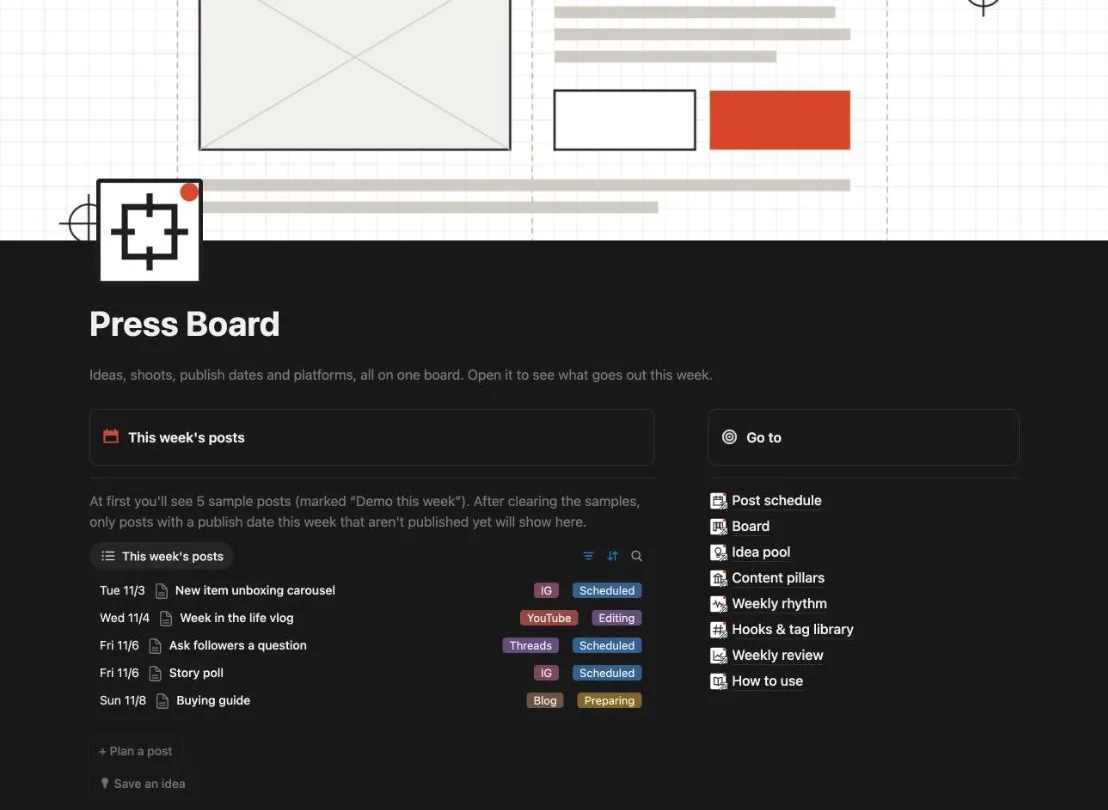
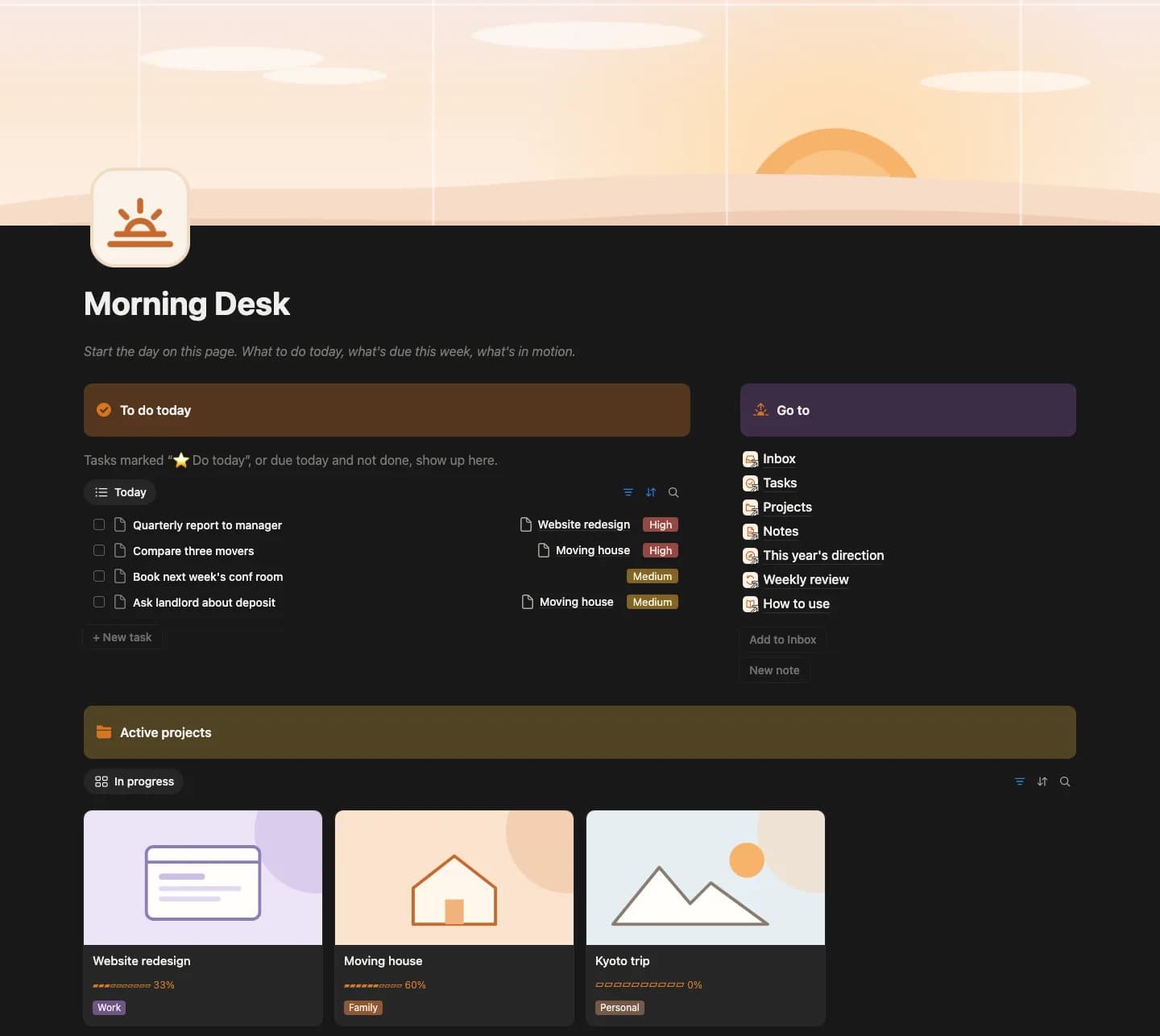
If you prefer a ready setup, our content calendar template for Notion includes a posts database with calendar and board views, a content theme list and a weekly review.
Notion is a trademark of Notion Labs, Inc. We are independent of Notion, and this article is not endorsed by them.
FAQ
Frequently asked questions
Do I need a separate database for each platform?
No. One database with a platform property is easier to manage, and you can filter by platform in a view.
Can the calendar show more than posts?
Yes, if you add other items with a date property to the same database, though keeping posts separate keeps it clean.
Will this post for me?
No. It plans content; publishing is still done in each platform.
A content calendar for Notion, ready to duplicate
A posts database with calendar and board views, a content theme list and a weekly review. Plan first, publish in each platform.