
Passport Photo Rejected? What to Check and What to Do Next
A rejected passport photo usually comes back with one short sentence: "shadows on face", "background not plain", "photo altered". The sentence is often vague, and the natural reaction is to open an editing app and fix it. For official documents that is frequently the wrong move.
Methodhelm editorial teamLast updated: 5 min read
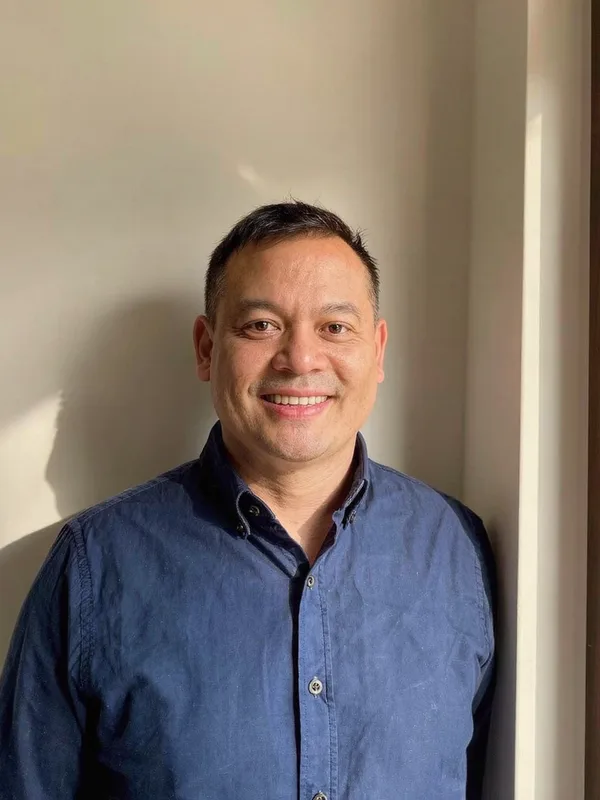
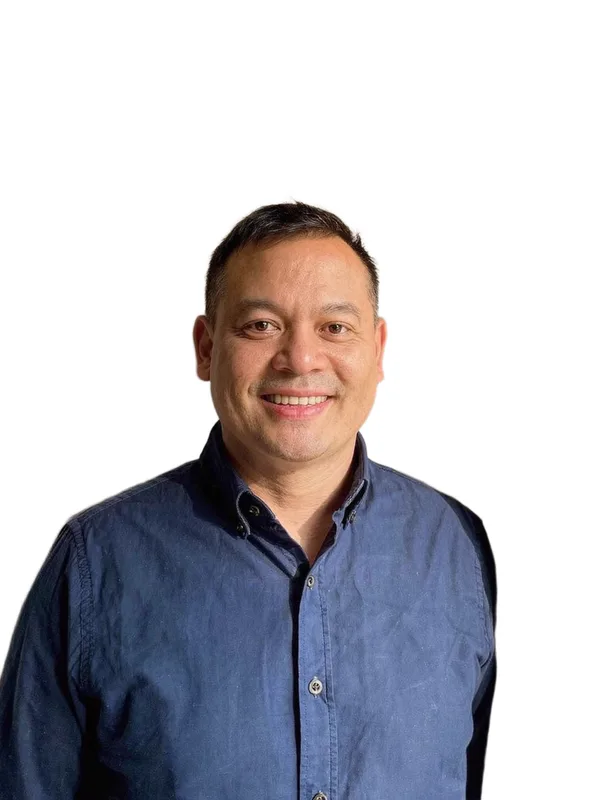
This guide helps you work out the real reason, decide whether a retake or a simple crop is enough, and understand which kinds of edits many government offices do not accept. It also says plainly what Methodhelm's tools can and cannot do for an official photo. For the shooting setup itself, see How to take a passport photo at home.
On this page
Read the rejection reason first
Write down the exact wording the office or website gave you. Most reasons fall into five groups:
The UK government's online guidance (GOV.UK), for example, asks for a clear, in-focus, colour photo that is unaltered by computer software, taken against a plain light-coloured background, with no shadows on the face or behind you, and at least 600 pixels wide and 750 pixels tall. Other countries publish different numbers, so use your own office's page.
- Quality: out of focus, too small in pixels, file too large or too small, red eyes.
- Light: shadows on the face or on the wall behind you, glare on glasses, uneven lighting.
- Background: not plain, not light enough, or not in clear contrast with you and your clothes.
- Pose and face: not facing the camera, mouth open, eyes not clearly visible, hair across the eyes, head covering.
- Editing: the photo looks altered, retouched, filtered or composited.
Step by step: decide what to do
- Match the reason to a group
Use the five groups above. If the message is vague, look up the official photo page for your document and compare line by line.
- Check whether editing is the problem
If the photo was filtered, smoothed, brightened, or had its background changed, do not fix it with another edit. Retake it.
- Retake for light, background and pose problems
Stand about a metre in front of a plain light wall, with a window or lamp in front of you rather than behind or beside you, and have someone take the photo at eye level. Wear clothes that differ in colour from the wall so your outline is clear.
- Use a crop only for size or framing problems
If the only issue is that the head is too small or the print size is wrong, a crop of the original photo may be enough. The Crop image tool works on your device. Nothing is uploaded and it costs no credits.
- Follow your office's upload rules
The UK online passport service (GOV.UK), for example, says not to crop the photo yourself because the system does it. A booth or shop code can make approval more likely than a photo taken on your own device.
Clothing and other things that get photos rejected
- Clothes that blend into the background. A white shirt against a white wall hides your shoulder line, and an automatic check can mistake the shirt for part of the background. Wear a plain colour that differs from the wall.
- Busy patterns and logos. They draw attention away from the face and can confuse automatic checks. Plain, simple tops are safer.
- Uniforms and military-style clothing. For a regular US passport, the State Department's Foreign Affairs Manual says a US Uniformed Services uniform or military or law-enforcement-style clothing, which usually includes camouflage, is not acceptable (8 FAM 402.1-4). Other offices have their own rules, so check yours.
- Hair, glasses and head coverings. Hair in front of the eyes, tinted lenses, glare on frames and head coverings without a religious or medical reason are common causes for rejection.
- Shadows. A shadow on the neck from your chin, or on the wall behind your head, is one of the most common reasons. Put the light in front of you and move away from the wall.
What you cannot fix with editing
Many authorities say in plain words that a digitally changed photo will not be accepted. Examples from official pages, with links. Check the page for your own document as well:
So an AI tool that removes the background and puts a new colour behind you can turn a fixable photo into one that is refused for a second time. Rules on cropping and resizing differ from office to office; the UK online service, for example, asks you not to crop.
- UK: the photo must be unaltered by computer software (GOV.UK).
- US: the State Department's Foreign Affairs Manual says digital manipulation or retouching of the face on a passport photo is not acceptable, and that beauty filters and other filters from social media sites and apps are also not acceptable (8 FAM 402.1).
- South Korea: the passport office says a photo made by removing the background with photo-editing software, or by compositing a person onto a white background, cannot be submitted (passport.go.kr).
- Taiwan: the Bureau of Consular Affairs asks for unaltered photos and says composite photos and mirrored photos cannot be used; it defines a composite as a photo made by combining, changing or adjusting two or more image elements digitally (BOCA photo notice, what is a composite photo).
- Check your own country's office as well. We have not listed offices whose pages we could not read.
What Methodhelm can and cannot do here
- It can crop and resize your original photo to a standard size on your device, with nothing uploaded and no credits used.
- It cannot fix shadows, glare, expression, closed eyes or clothing. Those need a retake.
- The Passport photo tool replaces the background with a plain colour. We do not recommend it for a passport, visa or national ID unless your office clearly allows an edited background. It is useful for non-official needs such as a CV photo, a school form or a staff badge.
- Acceptance is decided by the office, not by us. Check your office's current rules before you submit.
Frequently asked questions
My photo was rejected for "shadows". Can I just brighten it?
No. Brightening or removing shadows with software counts as altering the photo in some countries. Retake it with the light in front of you.
Can AI fix the wrong background colour?
It can, technically, but many offices do not accept a background that has been replaced. Retake against a plain light wall, or use a photo booth or shop.
Is a crop allowed?
Often yes, because it does not change the content, but it depends on the office. Some online services say not to crop at all.
Can Methodhelm promise my passport photo will be accepted?
No. Offices decide, and rules change.
Will I get my credits back if my photo is rejected by the office?
A rejection by an office is not a failed run, so credits are not returned automatically. For a payment made on the website, you can ask for a refund of the unused credits from that payment until the end of the 14th day after the day of payment (UTC time); used credits are not refundable. Purchases made in the iPhone app are refunded by Apple, at reportaproblem.apple.com. See the refund policy. Read the notice shown before a run and your office's rules before you use a paid tool.
Related guides
 How to Take a Passport Photo at Home That Meets the RulesLighting, background, expression and glasses rules for a home passport photo, plus how to print it at the exact size.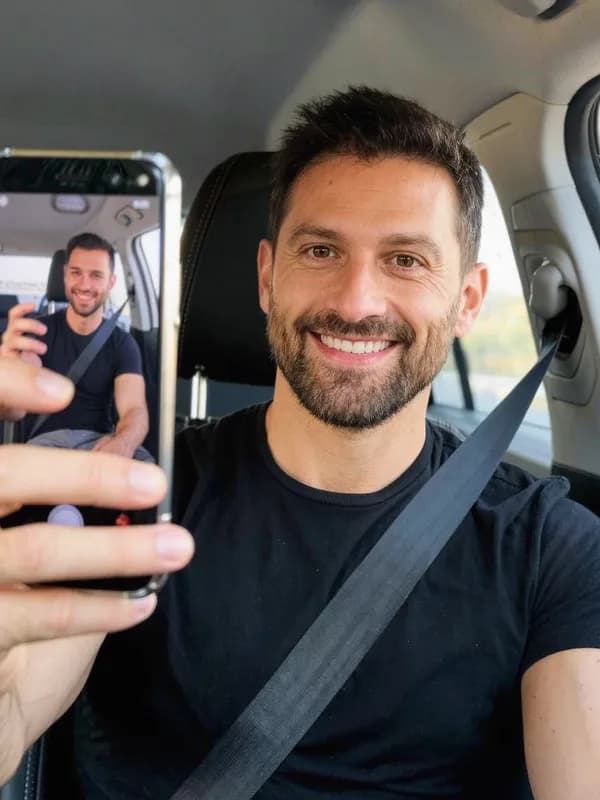
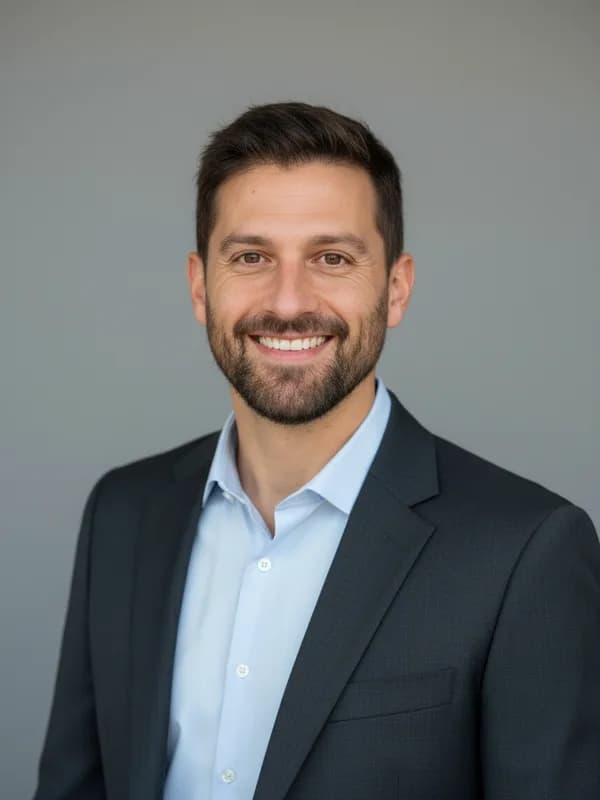 How to Turn a Selfie Into a Professional LinkedIn HeadshotTake a selfie that works as a profile photo, decide whether an AI headshot helps, and check the result still looks like you.
Related tools

Crop your own photo to the right size
Crop and resize an unedited photo on your device. Nothing is uploaded and it uses no credits.