
How to Take a Passport Photo at Home That Meets the Rules
A passport or visa photo is one of the few pictures where creativity counts against you. Officials want a plain, evenly lit, straight-on image of your face at a precise size, and a photo that misses one rule can delay an application. A phone, a light wall and a window are usually enough to take one at home, as long as you know what the rules ask for.
Methodhelm editorial teamLast updated: 6 min read
This guide walks through preparation, camera setup, pose, expression and glasses, then cropping and printing at the exact size. It also covers the cases where a home photo will not be accepted at all, because some countries only take photos captured at the office or sent digitally by a registered studio. Always check your country's current official requirements before you print or submit anything.
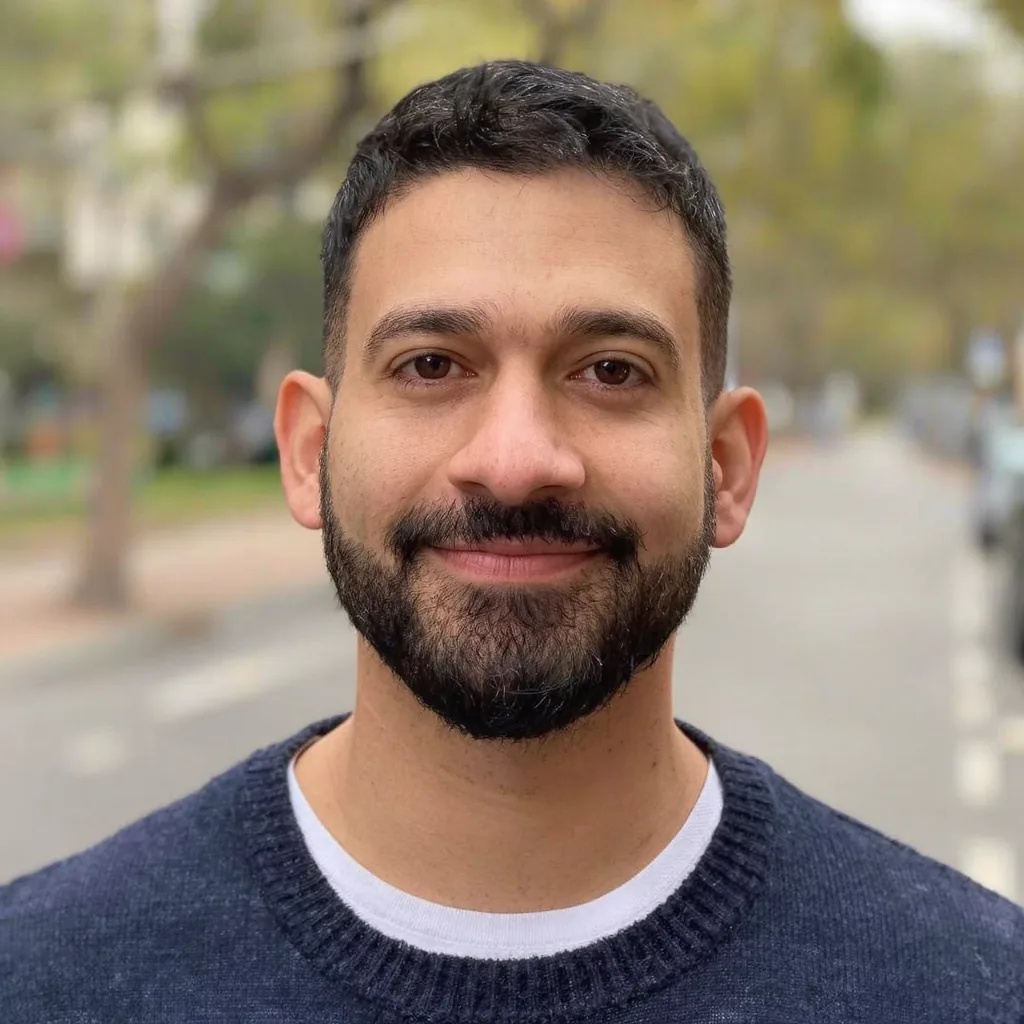 Before
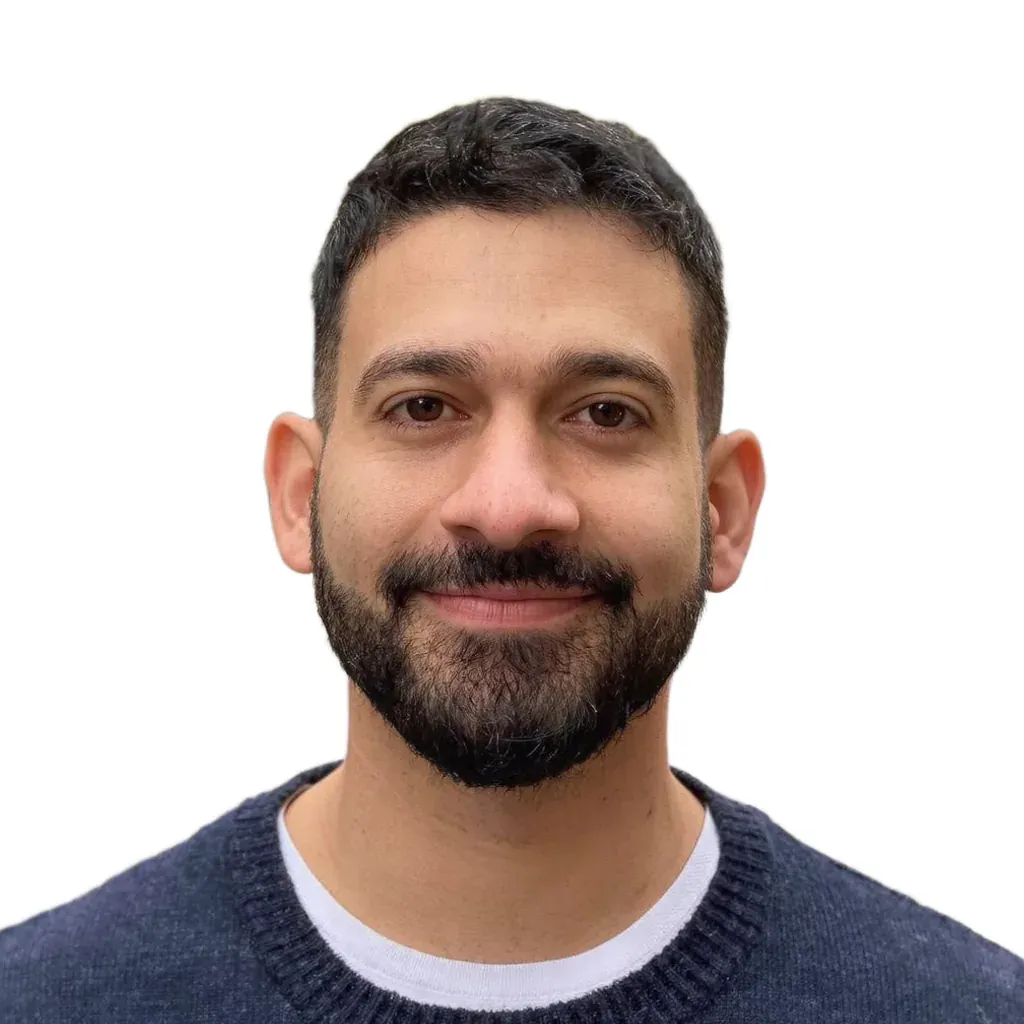 After · Example: CV / résumé photo
On this page
Start with your document's official rules
Every government sets its own size, head height and background colour, and those rules change. Find the official page for the exact document you are applying for, whether that is a passport, a visa, a residence permit or an ID card, and keep it open while you work. A few examples of current official requirements:
- US passport: 2×2 inches, head 1 to 1⅜ inches (25–35 mm) from chin to top of head, taken in the last 6 months, plain white or off-white background. Glasses have not been allowed since 2016, except in rare medical cases with a signed doctor's statement.
- UK passport: 35×45 mm, plain light background (cream or light grey), neutral expression with your mouth closed.
- Japan passport: 35×45 mm, with the head about 34 mm (±2 mm) from the top of the head to the chin.
- Korea passport: 3.5×4.5 cm on a white background. Taiwan passport: 35×45 mm, head 3.2–3.6 cm, white background. China passport: 33×48 mm, white background.
Set up light, background and camera
Most rejected home photos fail on light or shadows, not on the face itself. These tips work whether you crop by hand or use a tool afterwards:
- Stand facing a large window in daylight, with no direct sun. Light from the front keeps both sides of your face even.
- Use a plain, light wall with nothing hanging on it, and stand about half a metre in front of it so your shadow falls behind you rather than next to your head.
- Avoid a single ceiling light or a lamp from one side; both cast shadows under the eyes or across the cheek.
- Keep the camera at eye level and about 1 to 1.5 metres away. Holding the phone at arm's length distorts the nose and leaves the frame tilted.
- Ask someone else to take the photo, or prop the phone up and use the timer. Use the main rear camera if you can, with no filters, beauty mode or portrait blur.
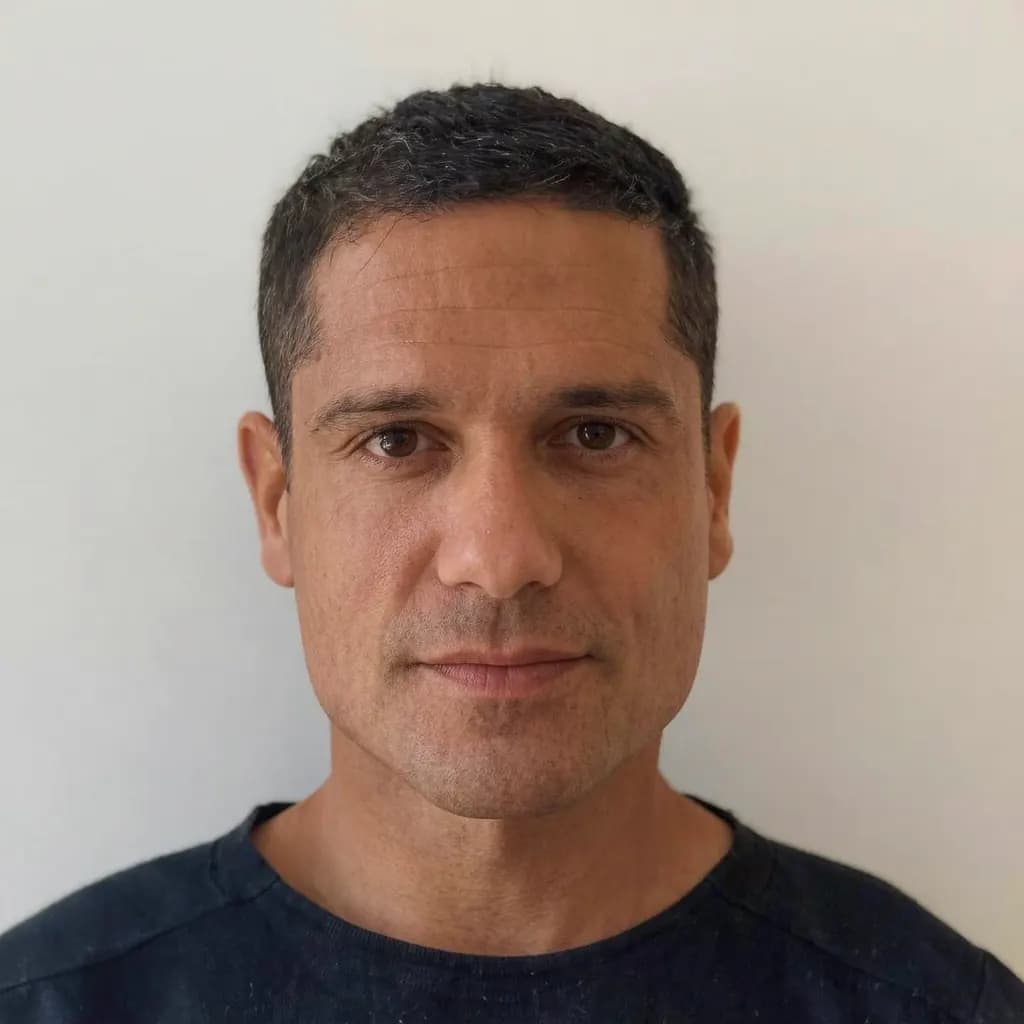
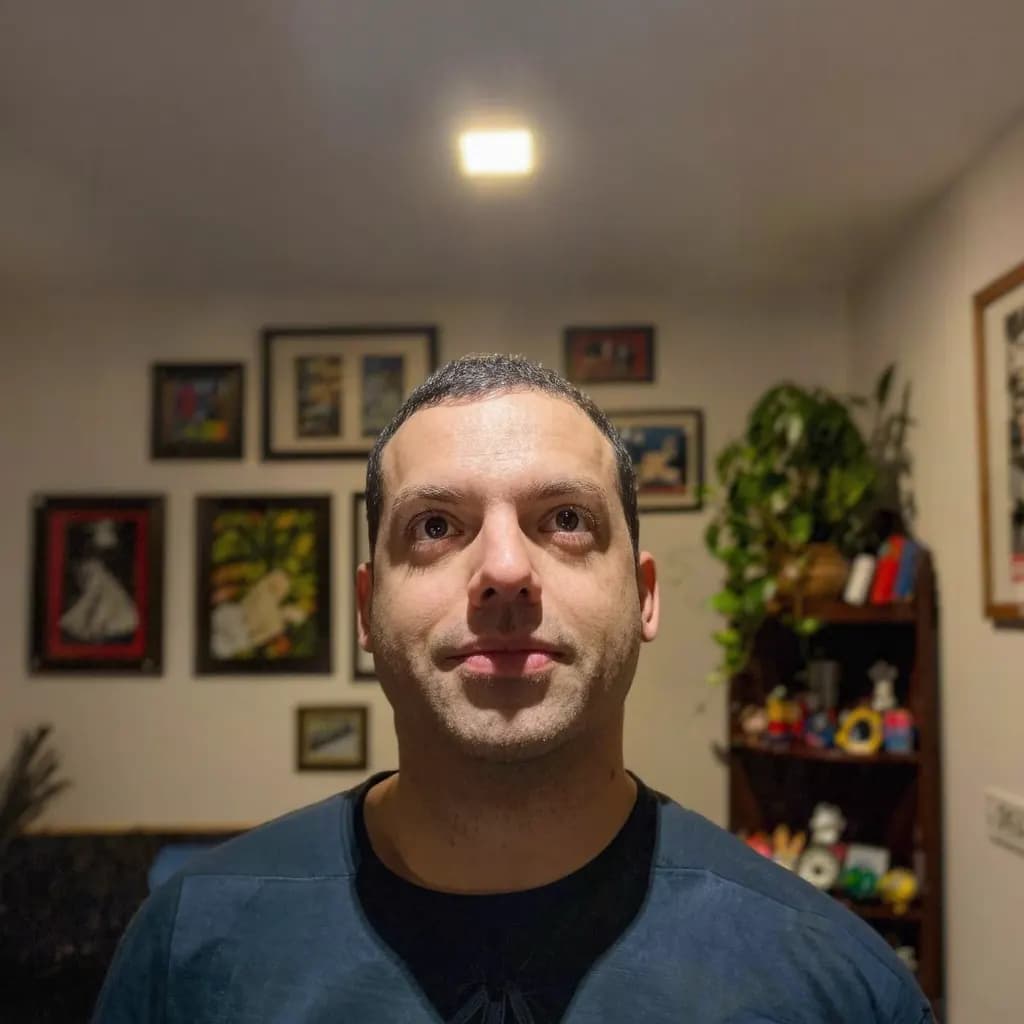
Step by step: from snapshot to printed photo
- Prepare yourself
Wear everyday clothes that contrast with the background, push hair away from your eyes and remove hats or head coverings unless you wear them for religious or medical reasons. Take off glasses unless your rules allow them.
- Set the scene
Stand facing soft window light in front of a plain, light wall. Put the camera at eye level about 1 to 1.5 metres away, or ask someone to hold it.
- Take several straight-on shots
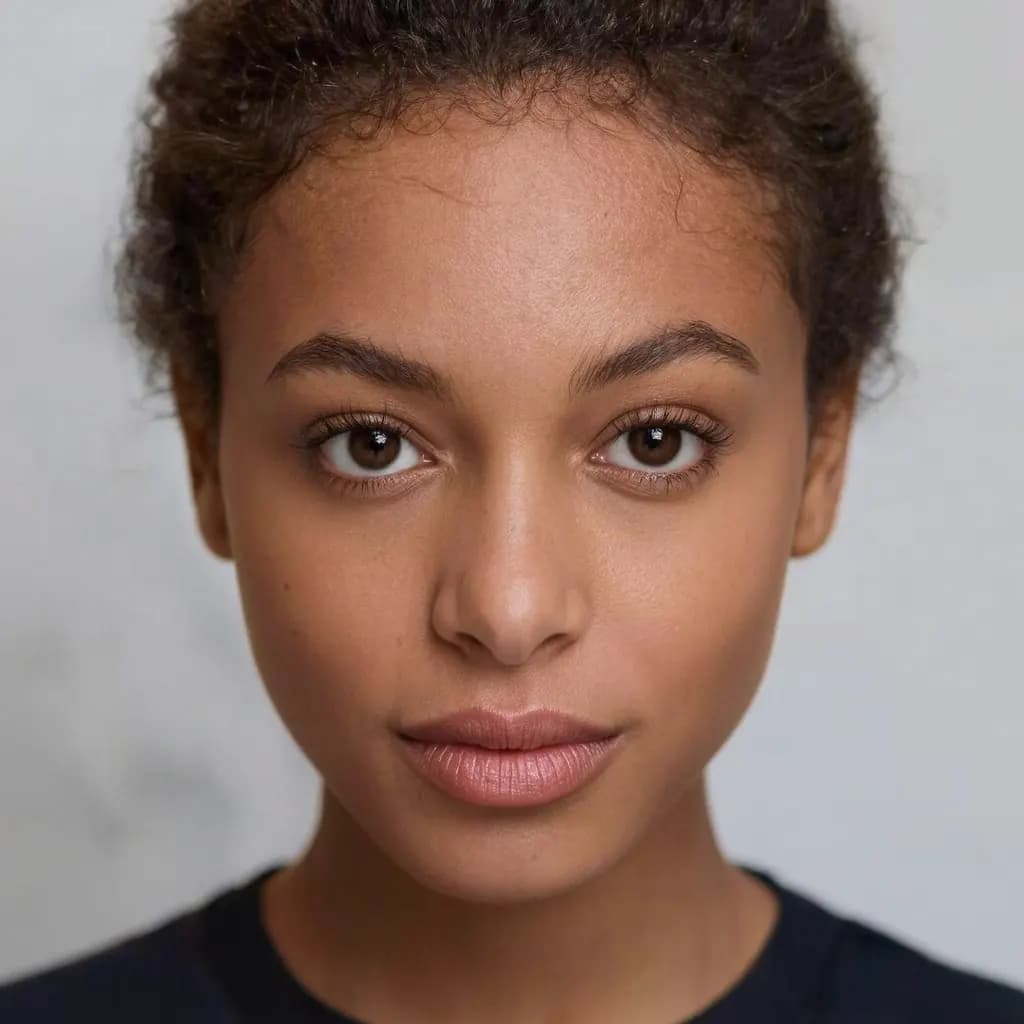
Look straight into the lens with a neutral expression, eyes open and mouth closed. Keep your shoulders square and your head level, not tilted or turned.
- Choose the sharpest shot
Zoom in on the eyes and pick the photo with no blur, no shadows on your face or the wall, and no glare.
- Crop to your document's size
In the Methodhelm passport photo maker, open the No-edit crop and choose your country and document; the frame and guides are set to that document's size and head height. Line your head up with the guides and download. Your original photo, background included, stays as you took it.
- Download and print at actual size
Download the exact-size photo, or a 4×6 in print sheet with cut lines. Print at 100% with no fit-to-page at a photo kiosk or lab, then cut along the grey lines.
Expression, glasses and what to wear
Rules differ, but these are common requirements across many countries. Confirm the details for your document.
- Face the camera straight on with a neutral expression, eyes open and mouth closed. A big smile is often a reason for rejection.
- Keep hair away from your eyes.
- No hats or head coverings unless worn for religious or medical reasons; your face must still be fully visible.
- Remove glasses unless your rules allow them and there is no glare. For a US passport they are not allowed except in rare medical cases.
- Do not use filters, beauty mode or retouching apps. Many offices count any digital change as an edit, including a removed or replaced background: US, UK, Canadian, Australian, Korean, Taiwanese and Chinese passport rules, for example, reject such photos.
Limitations: when a home photo will not work
No tool can make a home photo acceptable everywhere. Some countries only accept photos taken at the office or sent digitally by a registered photographer or studio; Germany, for example, works this way for passports and ID cards. In those cases a home print is not an option, however good it looks.
Software also cannot fix the photo itself. Cropping to size is generally fine, but software cannot remove a shadow across your face, open closed eyes, sharpen heavy blur into real detail or straighten a turned head, and replacing the background is itself an edit that many offices refuse. If the source shot breaks a rule, take a new one. Acceptance is always decided by the issuing office, so nobody can guarantee a photo will pass.
AI headshot generators are a different thing altogether. They create a new, idealised image, which is fine for a profile picture, as explained in our guide to a LinkedIn headshot from a selfie, but must never be used for a passport or any official ID.
Frequently asked questions
Can I take my own passport photo with a phone?
In many countries, yes. Use soft, even light, a plain light wall, the camera at eye level about 1 to 1.5 metres away, and a neutral expression. Some countries only accept photos taken at the office or sent by a registered studio, so check the official rules first.
What colour background does a passport photo need?
It depends on the document. A US passport needs plain white or off-white, a UK passport a plain light background such as cream or light grey, and Korea, Taiwan and China passports white. Check the current rules for your document.
Can I wear glasses in a passport photo?
Often not. Glasses have not been allowed in US passport photos since 2016, except in rare medical cases with a signed doctor's statement. Other countries vary, so remove them unless your rules clearly allow them and there is no glare.
How do I print a passport photo at the right size?
Print the file at actual size, 100% with no fit-to-page, at a photo kiosk or lab. A 4×6 in sheet with several photos and cut lines is a common, inexpensive format; cut along the lines afterwards.
How much does the Methodhelm passport photo maker cost?
You sign in and see the exact credit price before you run it. Failed generations aren't charged — held credits come back automatically. You pay once per photo and can export every size you need from it; the result is kept for 24 hours to download. Current credit prices are on the pricing page.
Related guides

 How to Turn a Selfie Into a Professional LinkedIn HeadshotTake a selfie that works as a profile photo, decide whether an AI headshot helps, and check the result still looks like you.
 How to fix a blurry photoRecognise the kind of blur in your photo, sharpen it with AI or a classic editor, and know when a picture cannot be saved.
Related tools
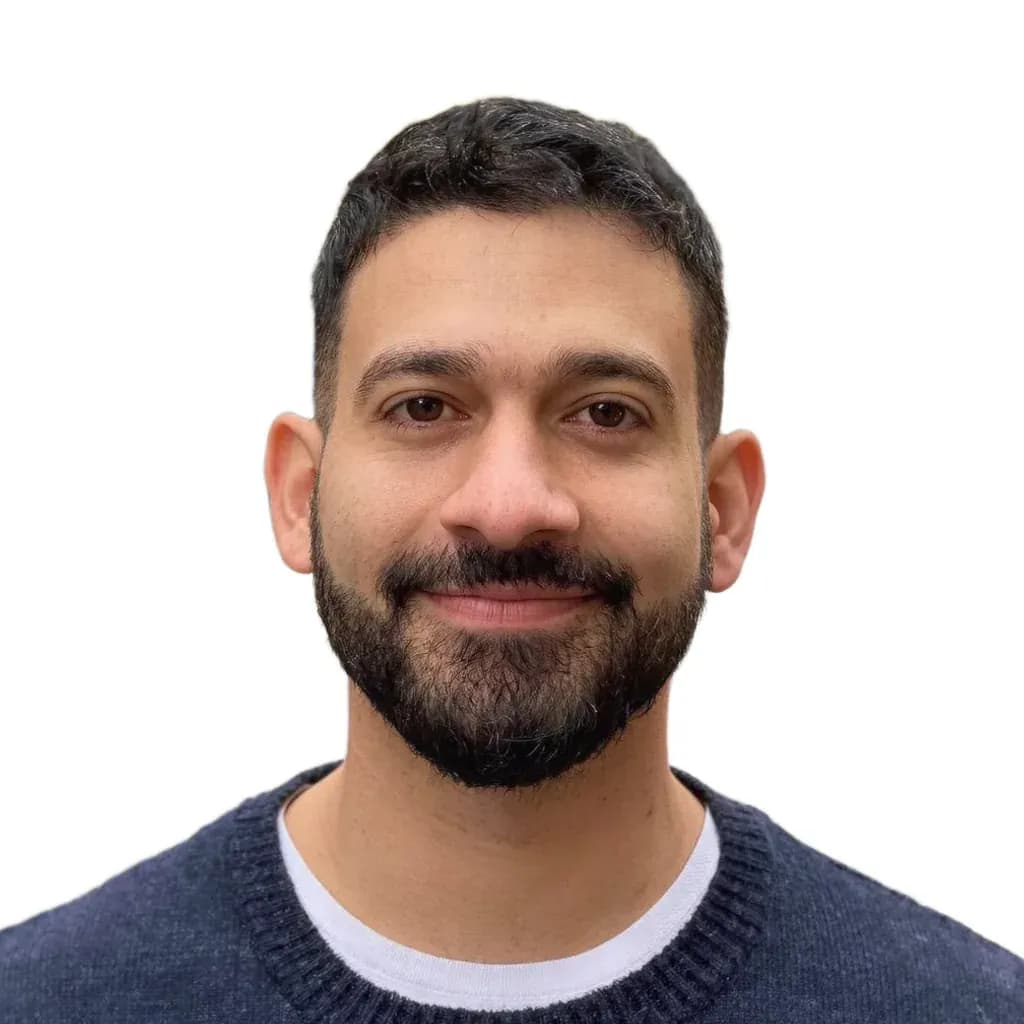

Turn your best shot into an exact-size document photo
Choose your country and document, line up with the guides and download a print sheet with cut lines. You see the credit price before running, and failed generations aren't charged.