
How to Set an Alarm Challenge That Stops Only After a Task
Last updated:
Turning an alarm off is easy. Actually getting up is harder, especially if you are a heavy sleeper who sleeps through it or keeps hitting stop.
RiseCheck is a task alarm. Every alarm has a task you must finish before it stops. This guide shows how to set one up. RiseCheck needs iOS 26.1 or later.
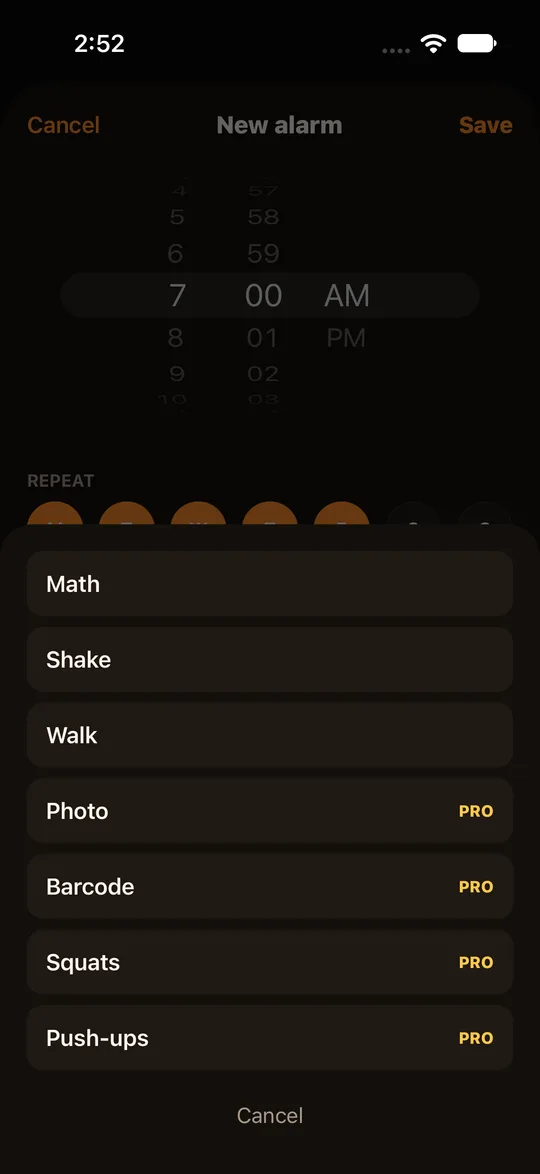
Choose a task for the alarm
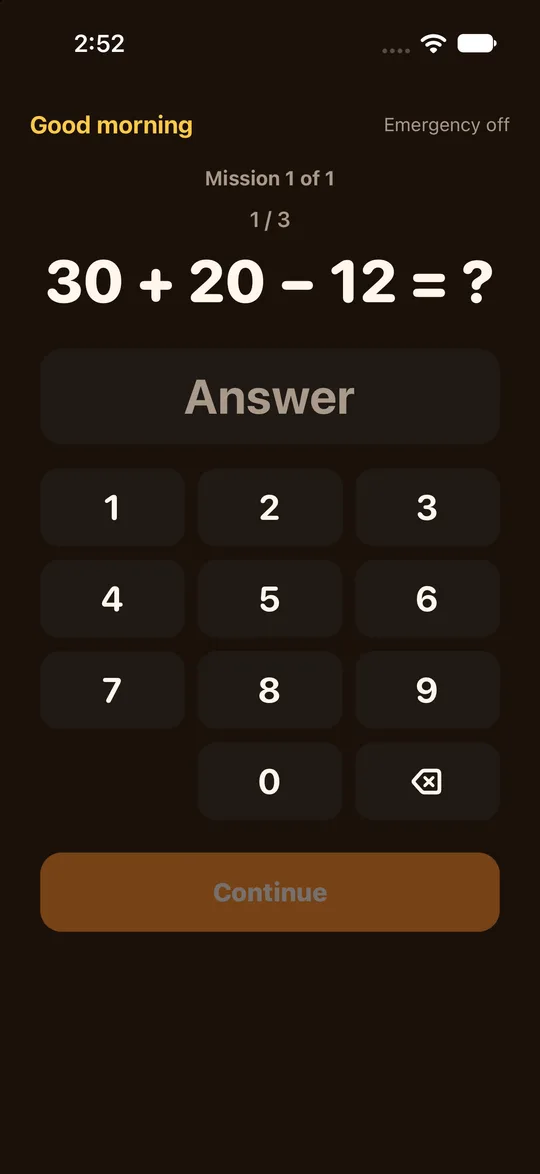
- Maths: solve a few sums. For example, 45 + 33 - 10.
- Shake: shake your phone.
- Walk: take a number of steps.
- Pro adds more: take a photo of a place you choose, scan a barcode or QR code, and combine several tasks on one alarm.
- Free and Pro are explained on the pricing page.
Set days and time
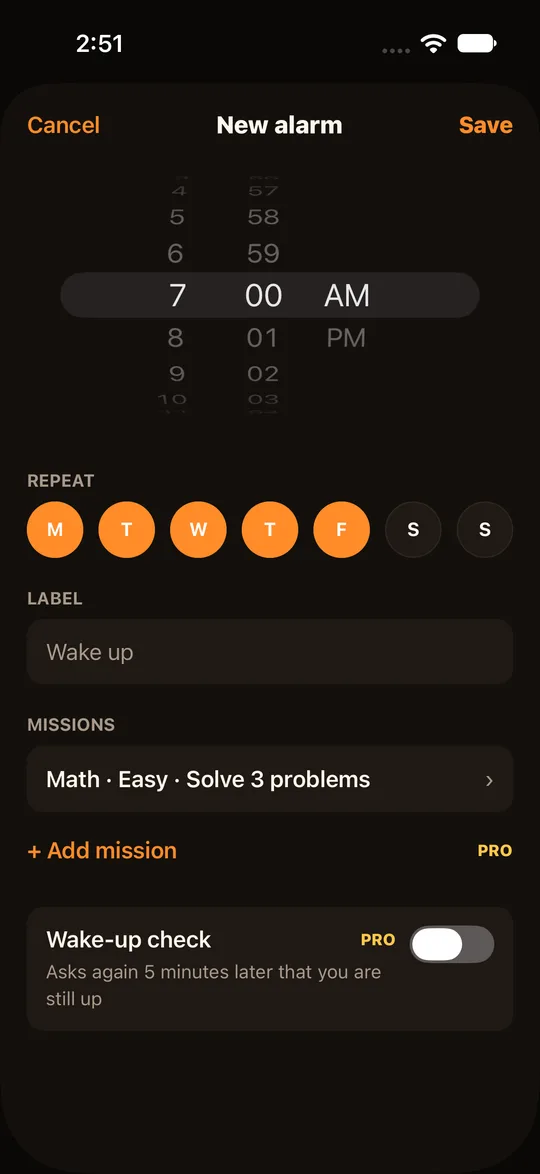
- Pick the repeat days. Weekdays only is a common choice.
- Each alarm has its own task. You can keep a gentle one for weekends.
What happens if you do not finish
- If the task is not done, the alarm rings again.
- The alarm is built on Apple's own alarm system, which is why silent mode and focus modes cannot stop it from ringing.
Make a task alarm
- Open RiseCheck and add an alarm.
- Set the time and the repeat days.
- Choose a task: maths, shake or walk.
- Save the alarm and check it in your list.
- When it rings, finish the task to switch it off.
- On the home screen you can follow your streak and see how your average wake-up time moves across the week.
If you get stuck
- After 3 failed tries the app switches you to an easier backup task.
- For real emergencies there is an emergency close. See backup tasks and emergency close.
Frequently asked questions
Will it wake me up for sure?
No app can promise that. It makes it harder to switch the alarm off without waking up.
Do I need an account?
No. Your alarms and records stay on your iPhone.
Which phones?
iPhones with iOS 26.1 or later.
Is it for me?
See who RiseCheck suits.
Where do I download it?
The home page of this website has the RiseCheck download link, so you can set up your first task alarm.