
Is the RiseCheck Task Alarm Right for You?
Last updated:
A task alarm is not for everyone. Some people want a bit of extra push to get out of bed. Others just want a simple ring.
Here is who RiseCheck suits, and who may want something simpler.
It suits you if you
- Keep switching the alarm off and falling back asleep. You may be a heavy sleeper.
- Want to wake with a task: some sums, shaking your phone or walking some steps.
- Like seeing your wake-up streak and your average wake-up time for the week.
- Prefer no account. Your alarms and records stay on your iPhone.
It may not suit you if you
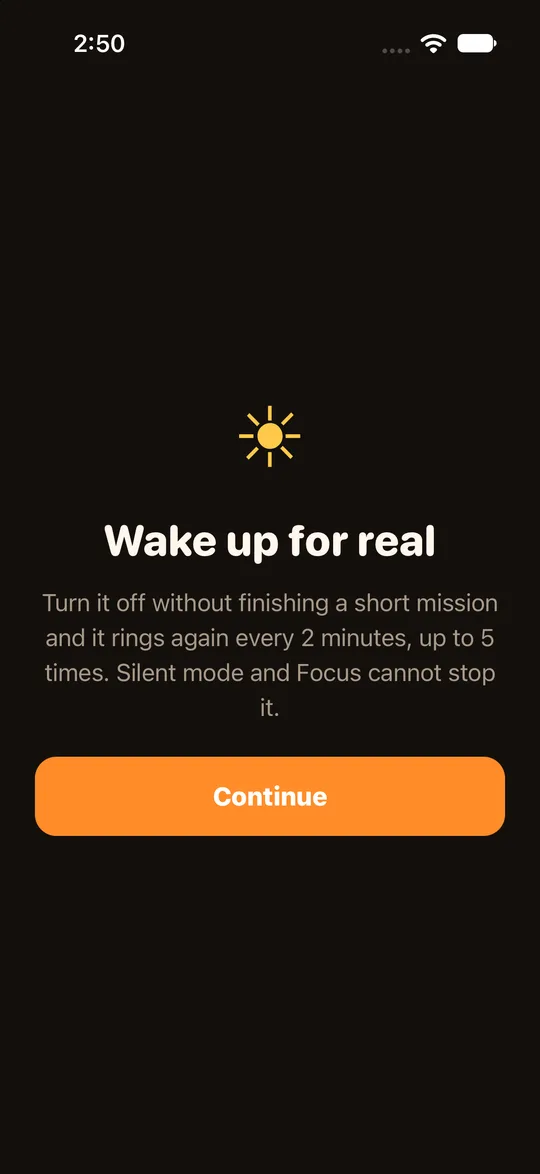
- Have an iPhone that is not on iOS 26.1 or later. You cannot install it.
- Only want a plain ring and no task. An ordinary alarm is enough then.
- Want to see your records on several devices. They stay on this iPhone.
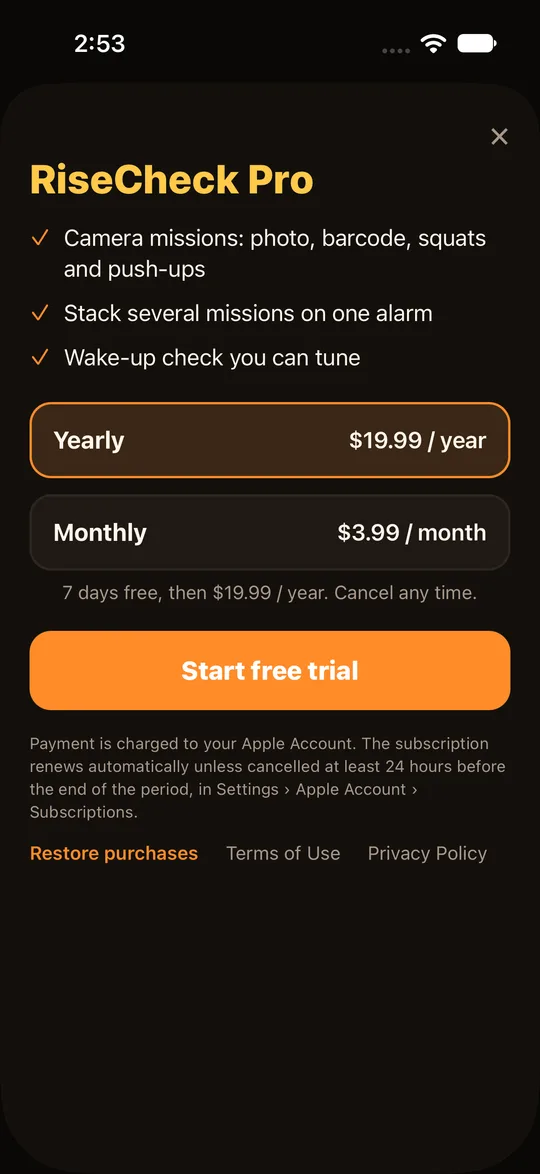
- Need photo, barcode or stacked-task alarms. Those are Pro, which is a subscription.
Quick check
- Check your iPhone runs iOS 26.1 or later.
- Decide which task you could do half asleep: sums, shaking or walking.
- Set one alarm. See how to set a task alarm.
- Read how to get out of a task when you need to: backup task and emergency close.
Frequently asked questions
Does it ring in silent mode?
Yes. It uses Apple's alarm system, so silent mode and focus modes still ring.
Does it need an account?
No.
Is it free?
There is a free version and a Pro subscription. See the pricing page.
Where do I download it?
Once you know RiseCheck suits you, you will find its download link on the home page of this website.
More questions?
Other questions are answered in the FAQ.