
How to plan your week in 15 minutes
A weekly plan is useful when it is short enough that you really write it. This is a method you can finish in about 15 minutes once a week, on paper or in a digital planner.
Methodhelm editorial teamLast updated: 2 min read
The five steps
- Look back
Read last week's page. Which things moved to this week? Note them, but do not copy everything.
- Choose three priorities
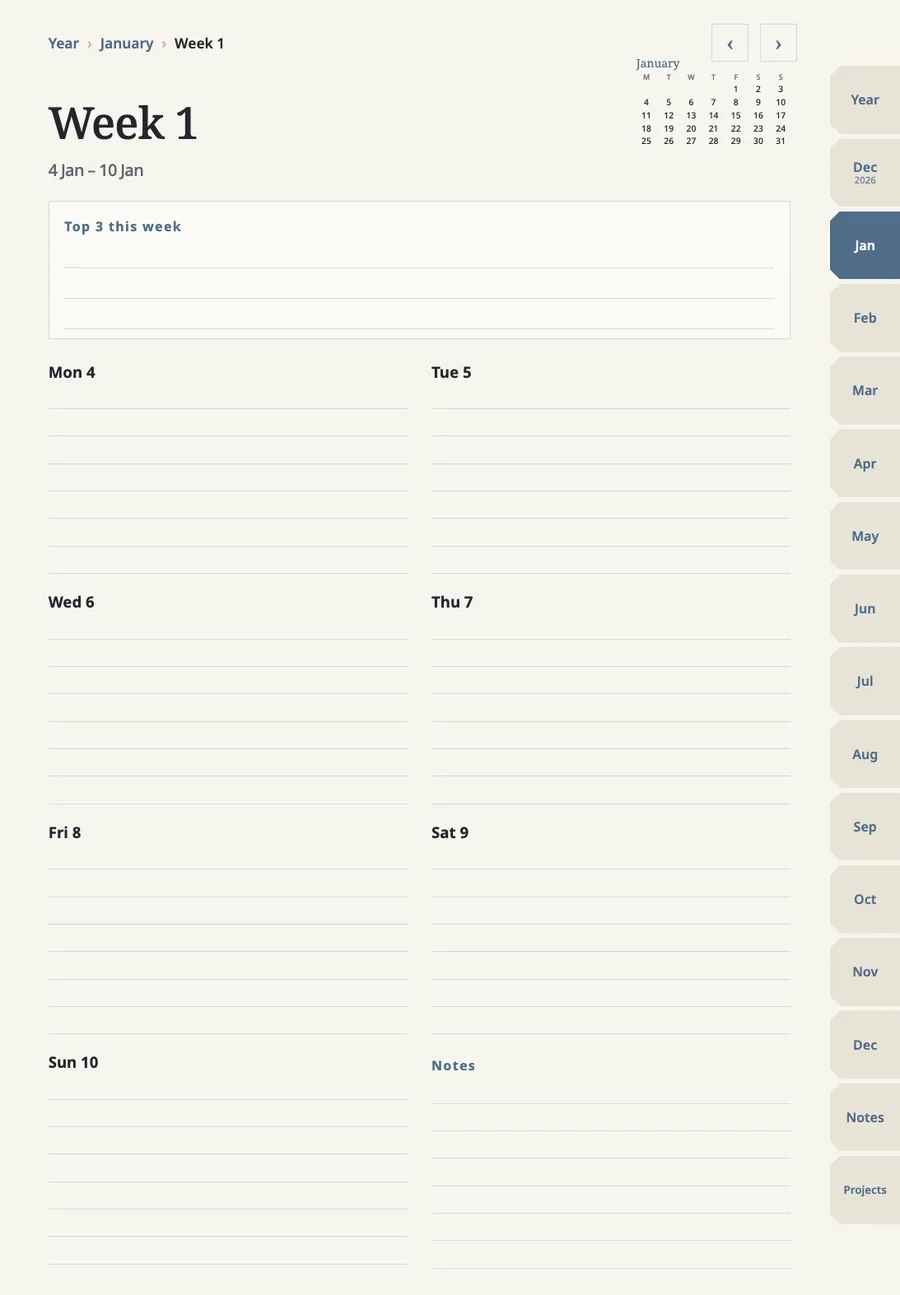
Write the three things that would make the week a good one. Keep it to three: every extra item makes the top three less likely to happen.
- Place what is fixed
Add appointments, deadlines and anything with a set time to the day it belongs to. These decide how much room is left.
- Put priorities on days
Give each priority a day, ideally one with space around it. Then add small tasks to the days that remain.
- Leave space
Do not fill every slot. A plan with a gap survives an unexpected meeting; a full one breaks on Tuesday.
Common mistakes
- Writing ten priorities. Pick three and let the rest wait on the daily page.
- Planning every hour. Place only what has a fixed time.
- Skipping the look back. Last week's page shows what to move and what to drop.
On an iPad planner
This applies to the dated version. A weekly page in a planner like ours has a place for the three priorities, a block for each of the seven days, and a notes area. Tapping a link takes you from the month page to the week and from the week to a day, so you plan from the top down. Handwrite in GoodNotes or your PDF app, and go back to last week with the arrows.
If you plan in GoodNotes on an iPad, our digital planner has this weekly page, with links from the month page and to each day.
The GoodNotes name is a trademark of GoodNotes Limited. This guide is written independently and is not sponsored by GoodNotes.
FAQ
Frequently asked questions
How often should I plan?
Once a week for the plan, and one minute each morning to check the day.
What if I miss a day?
Cross it out and move one task, not all of them.
Do I need a digital planner?
No. Paper works. A digital one helps if you like to move and rewrite things without crossing out.
Related guides
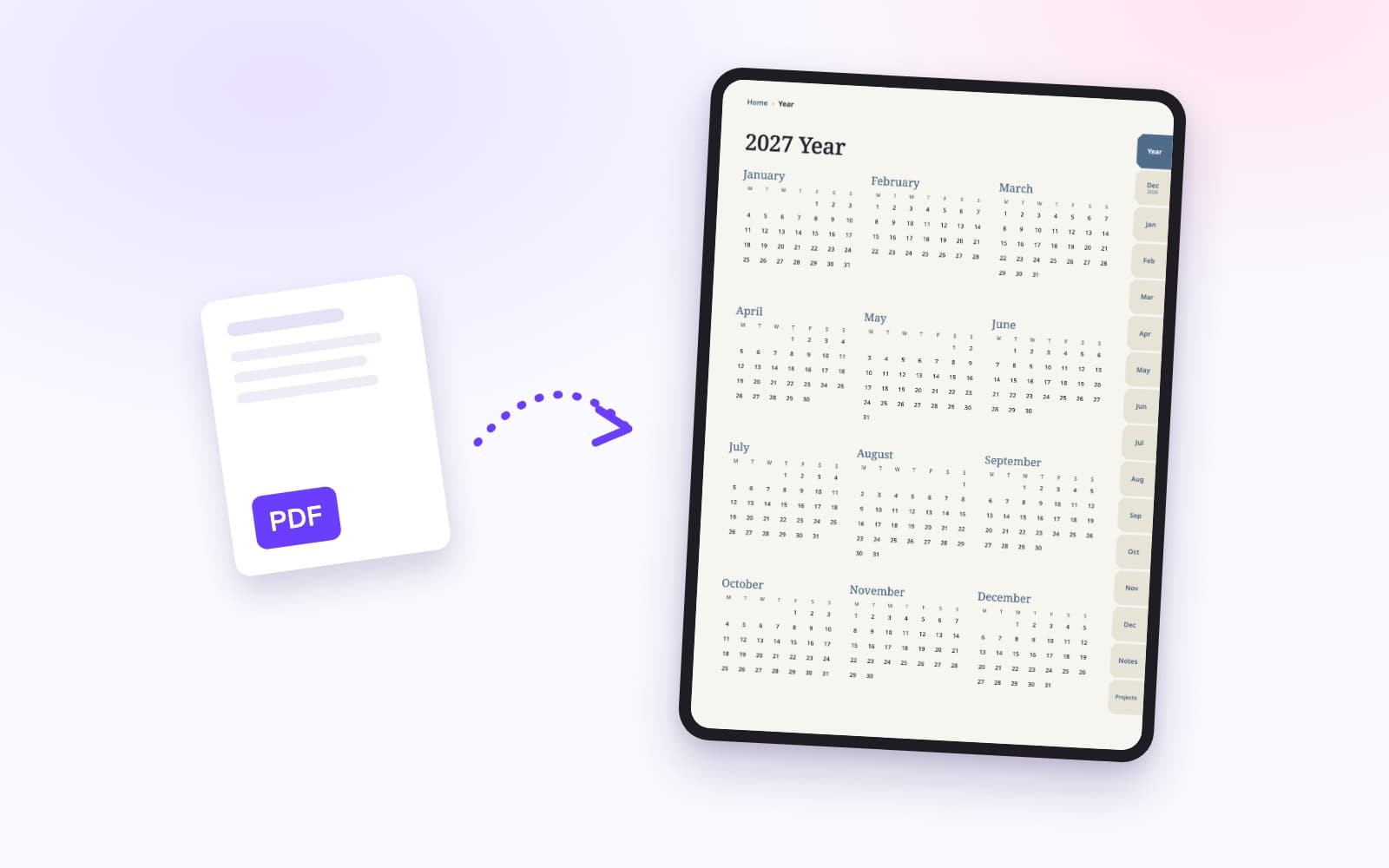 How to import a PDF planner into GoodNotesA PDF planner imports like any PDF. The links inside it only work if they were built into the file, and GoodNotes' plan limits decide whether the import goes through.
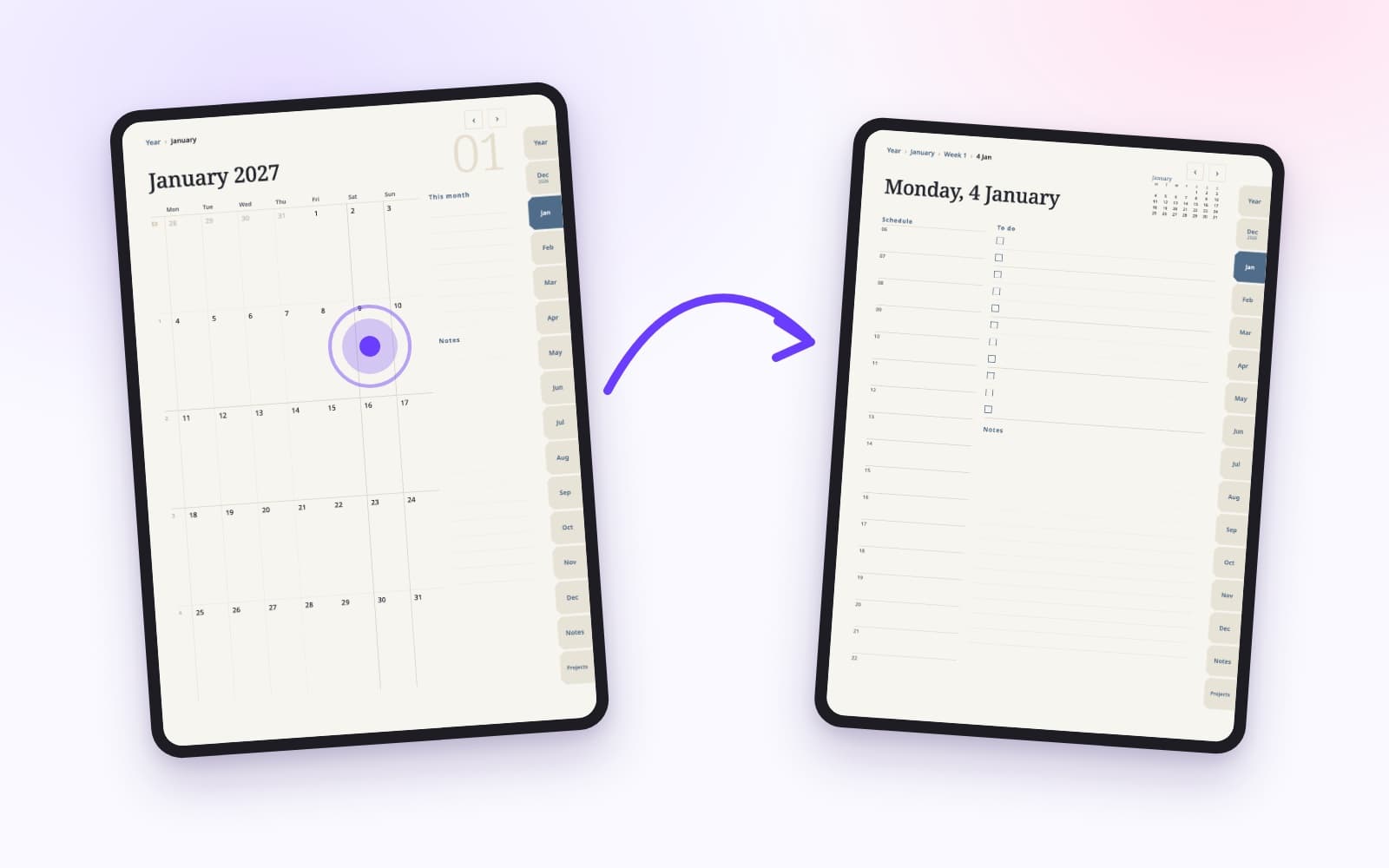 GoodNotes hyperlinks: how to jump between pagesGoodNotes has two kinds of links. PDF links come with the file, and your own links are added to typed text. They are made differently and have different limits.
A planner with page links built in, made for GoodNotes
Year, month, week and day pages, notes and projects, with tabs and dates you tap to jump. Each file is under 3 MB. Check that GoodNotes still lets you add a file before you buy.