
AI Image Generator: How to Write a Description
With the AI image generator you describe an idea in words and get a new image. You can also add a reference picture.
Methodhelm editorial teamLast updated: 2 min read
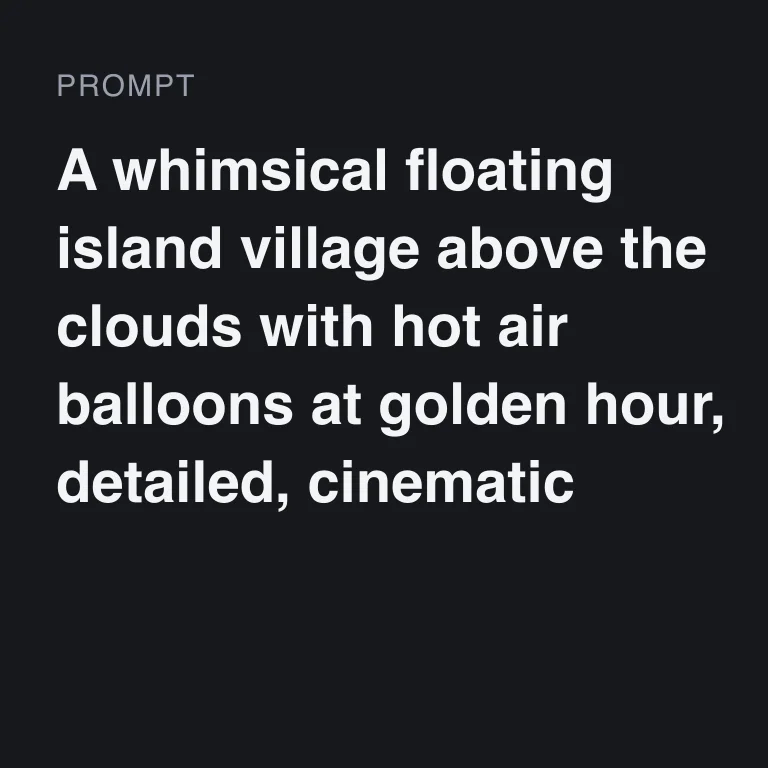
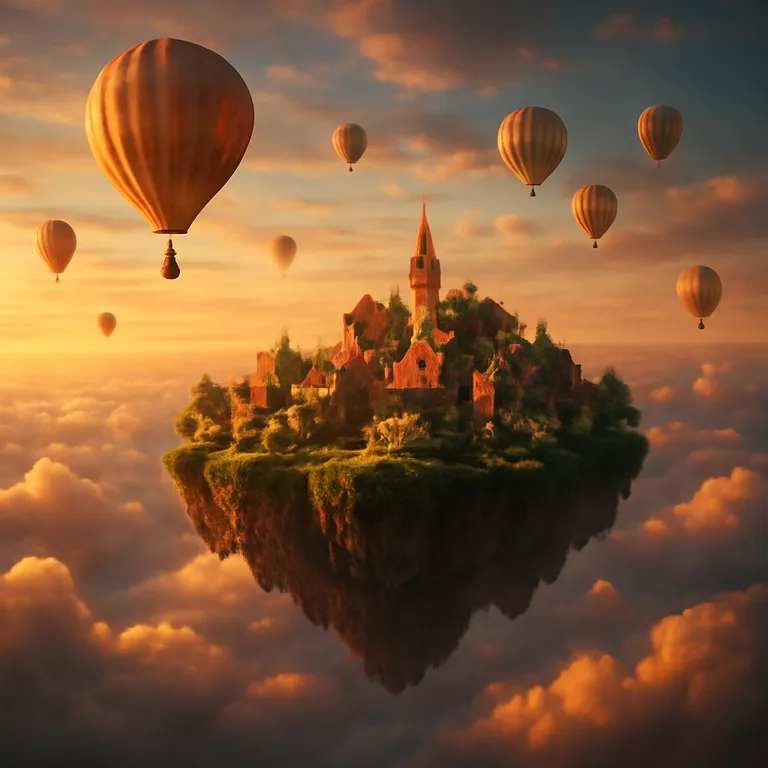
A short, clear description is easier to check than a long one. This guide shows how to write one, how to use a reference picture, and what to check before you download.
On this page
What the site says
- You write what you want to see, and AI creates a new image. A reference picture is optional.
- You choose a generation mode on the tool page, and you see the credit price before it runs.
- The site says to use your own description.
- Reference pictures: JPG, PNG or WebP up to 10 MB.
- Typical uses listed on the site: social visuals, concept ideas, and articles and slides.
Write the description
- Name the subject
What is the main thing in the picture? "A ceramic teapot", "a bicycle leaning on a wall".
- Add the scene
Where is it? "On a wooden table by a window".
- Add the light and mood
"Soft morning light", "quiet", "warm".
- Keep it in plain words
One or two sentences are enough to start. We have not tested how long a description works best.
- Run once and look
Check the result before you change anything.
- Change one thing at a time
If you do not like the light, change only the light words. Repeating the same description can give a different result, and each run uses credits again.
When to add a reference picture
- Use one when you want the new image to follow a shape, layout or mood you already have.
- Use only a picture you took yourself or have the rights to use.
- Do not upload photos of other people without their agreement.
- The tool makes a new image. Details in the result can differ from the reference, so compare them.
What to check in the image before you save it
- The subject. Is it what you described?
- Text and numbers inside the picture. The Terms say AI results may be inaccurate, so if the picture contains text or numbers, check every word.
- People, hands and small objects. Look closely before you use them.
- Fit. Does it work in the place you will use it, such as a post or a slide?
- Rights. Do not use the tool to infringe other people's rights, for example their artwork or trademarks. You are responsible for what you ask for and for how you use the result.
Be clear that the image is AI-made
If you show an AI image as if it were a photograph of something real, readers may be misled. Say that it was made with AI when it matters.
Frequently asked questions
Can I see the price before I generate an image?
Yes. The credit price is shown before the image is generated.
Do I get credits back if the image fails?
If an image fails to generate, you are not charged and the held credits come back automatically. An image still waiting to be confirmed may keep its credits held until the check is finished. An image you do not like is not a failed run.
Do I need a reference picture?
No. It is optional.
What file types work for a reference picture?
Reference images in JPG, PNG or WebP format, up to 10 MB.
Can I copy a description from somewhere else?
The site says to use your own description.
Related guides

 How to Turn a Photo Into Anime or Cartoon ArtPick a photo that converts well, choose from nine drawing and animation styles, and know what the AI changes along the way.
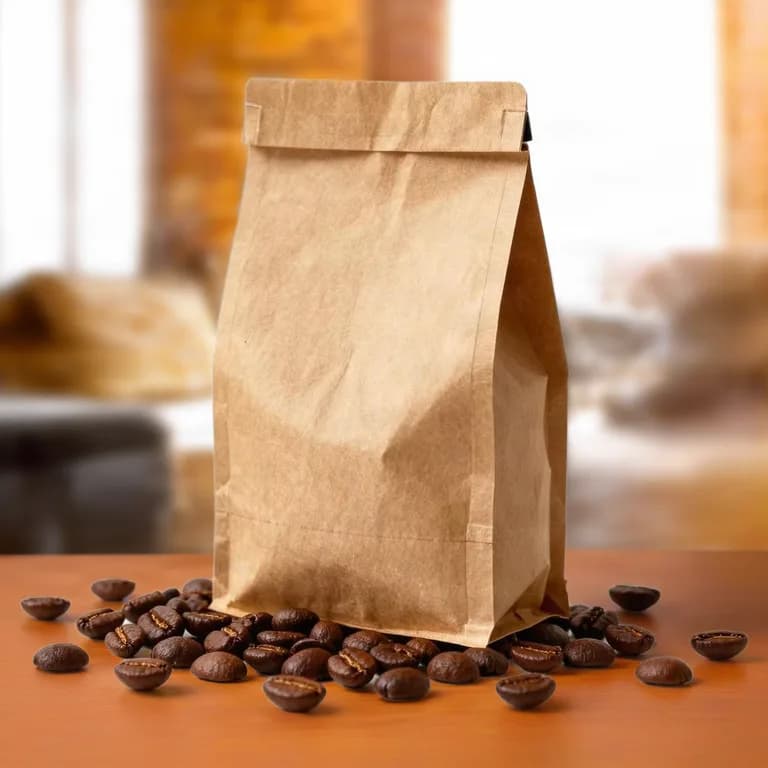 How to Make Product Lifestyle Photos for Your Online ShopTurn one clean product photo into styled scene images for listings, ads and social posts, and know where a white main image is still required.
Related tools

Describe one idea first
Write one or two sentences, see the credit price before it runs, and check the result before you download.