
How to Turn a Photo into Anime or Cartoon Art
An anime-style profile picture, a cartoon of your dog for a birthday card, a pixel-art version of your holiday snap: turning a photo into a drawing used to mean commissioning an illustrator or spending hours with a tablet. AI style transfer now redraws a photo in a chosen style in under a minute.
Methodhelm editorial teamLast updated: 4 min read
This guide explains which photos give the best results, how to choose between the nine styles in Photo to anime on Methodhelm, and what to expect from the result, including how much it will still look like you.
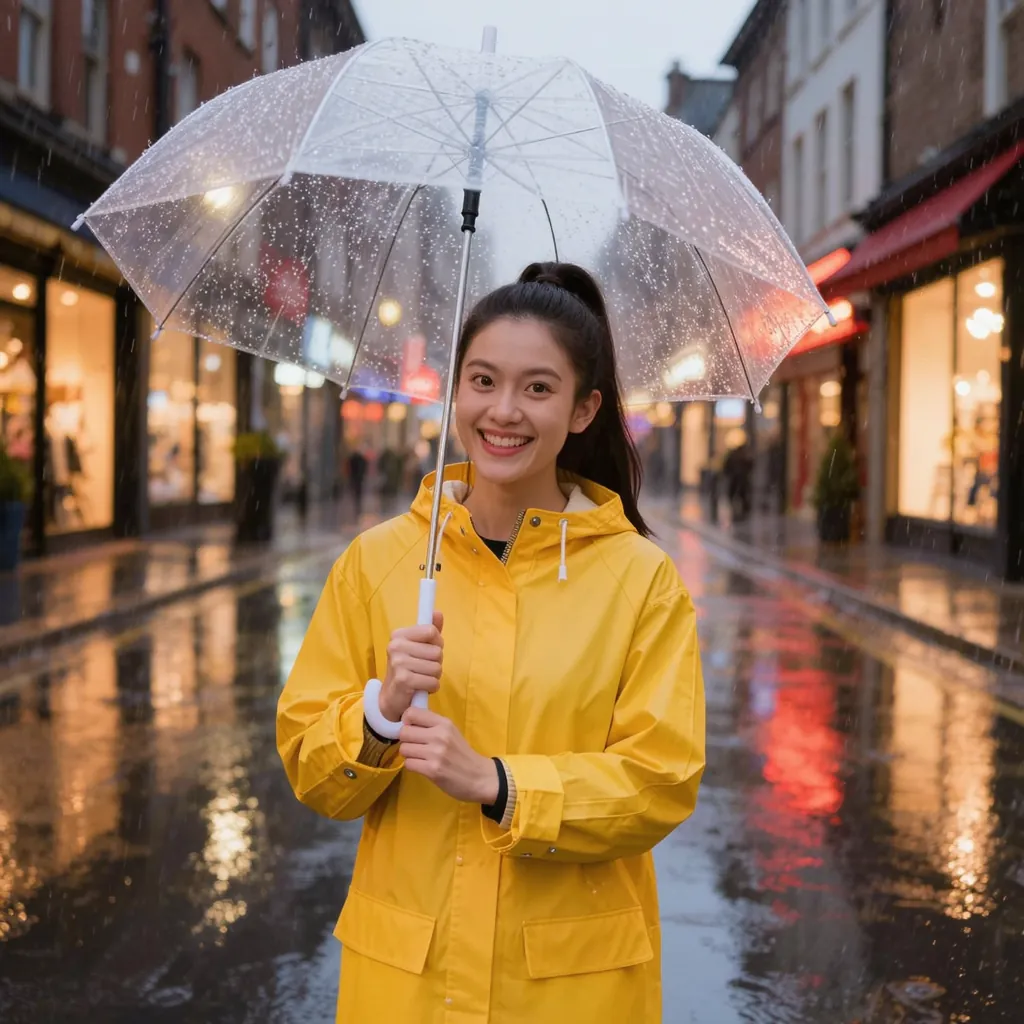 Before
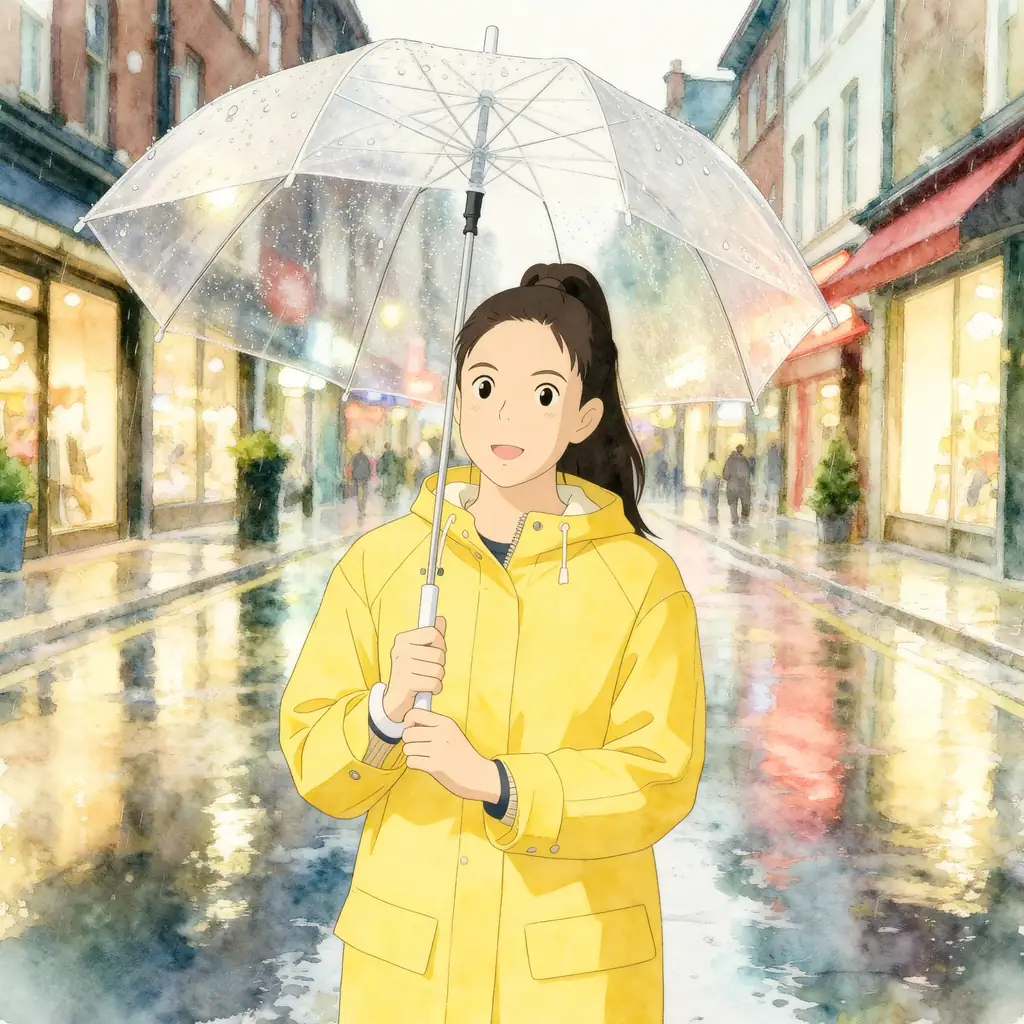 After
AfterOn this page
What photo-to-anime AI actually does
Style transfer does not trace your photo. It reads the main shapes, such as the face, hair, clothes, pose and background, and draws a new image that keeps them in a different visual language: clean outlines and flat colour for anime, rounded volumes for a 3D cartoon, chunky squares for pixel art, loose brushstrokes for an impressionist painting.
Because the image is drawn again, it is a creative interpretation. The main features of your photo stay recognisable, but faces, poses, backgrounds and details change with the style, and two photos of the same person can come out quite differently.
Choose a photo that converts well
- One clear main subject: a single person, a pet, a couple or a landmark. Crowds and tiny faces lose their features.
- A face you can see: eyes visible, no heavy shadow across it, not hidden behind sunglasses or a hand.
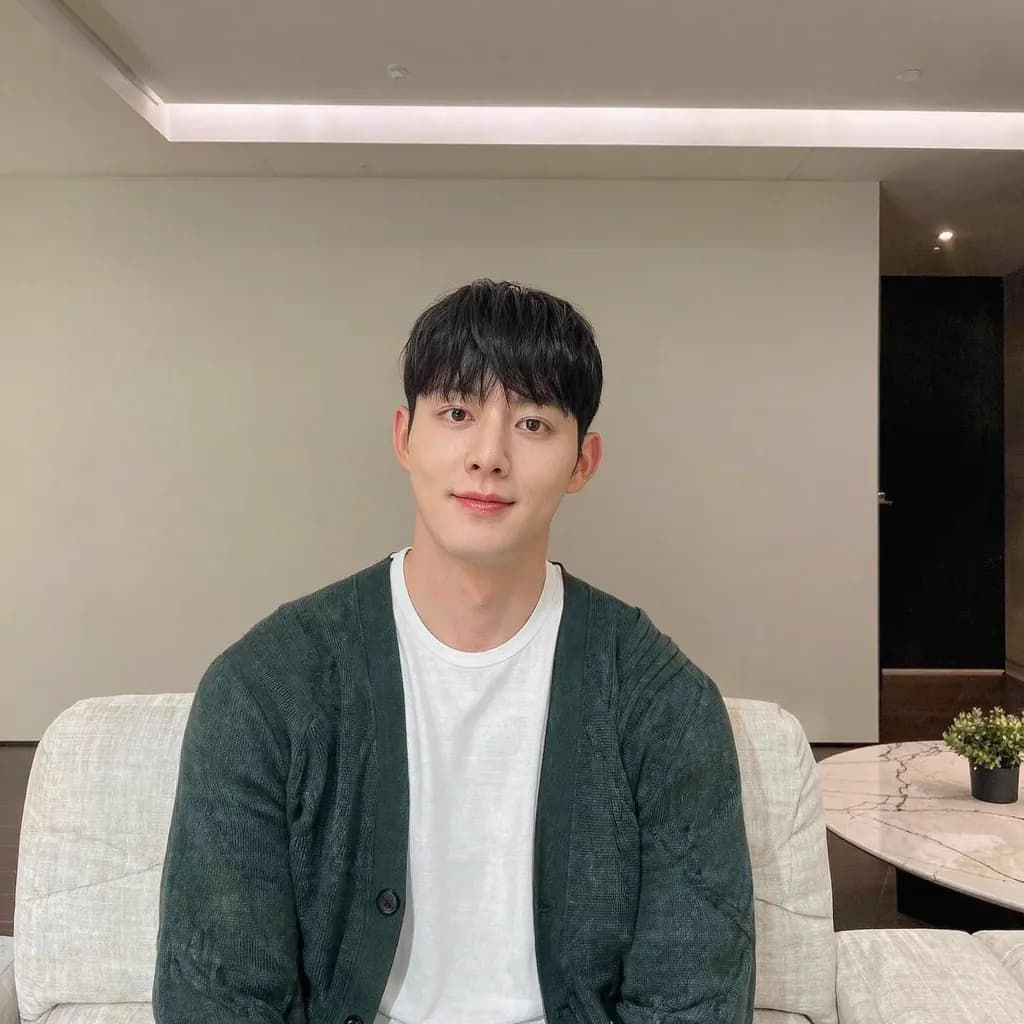
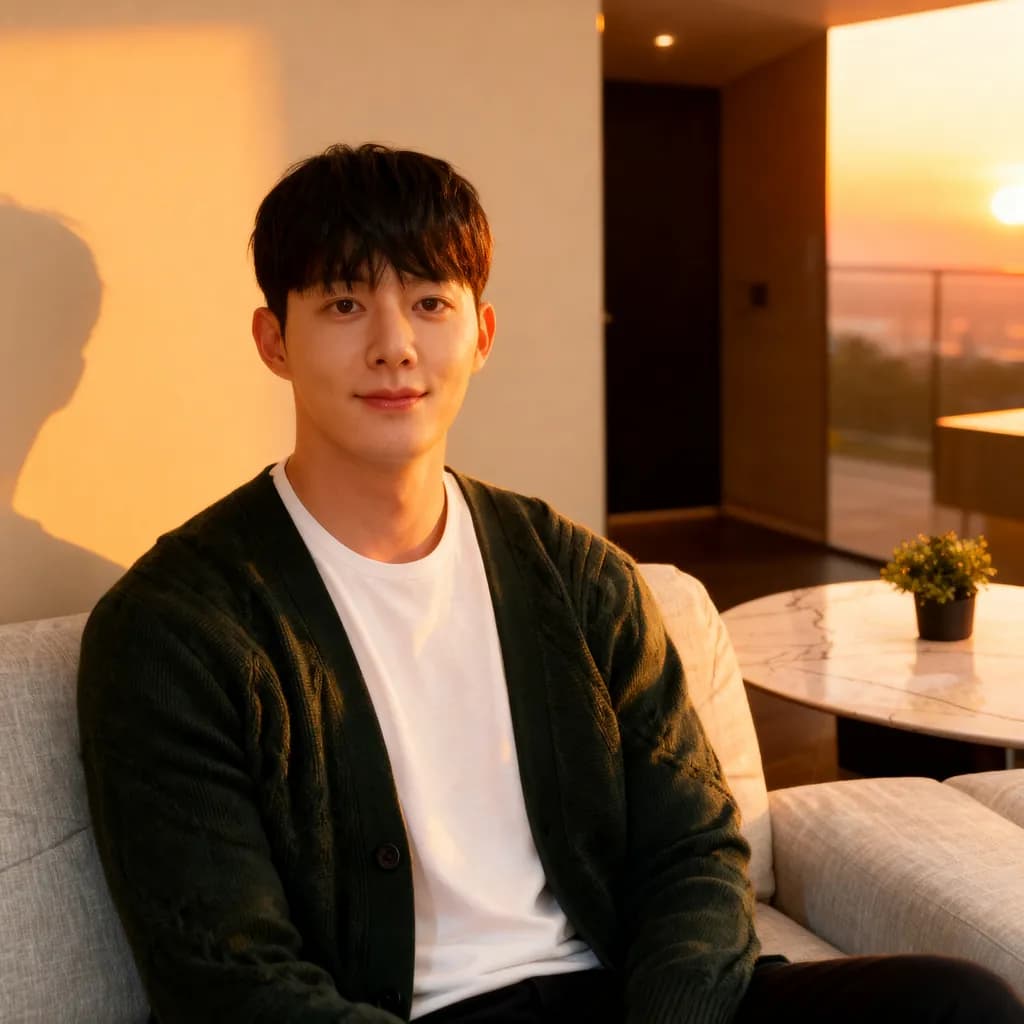
- Good, even light. A backlit silhouette or a dark bar photo gives the AI little to work with; our guide on fixing flat or dull lighting can help.
- A sharp photo, at least 128 px a side. JPG, PNG or WebP; larger photos are scaled to at most 1600 px before upload.
- A simple background usually gives a cleaner drawing. A busy street turns into many small, busy shapes.
- Your own photo, or one you have the rights to. Use photos of other people only with their consent.
Step by step: turn your photo into anime
- Upload your photo
Open Photo to anime and add the photo. Crop it first if the subject is small in the frame.
- Pick a style
Anime is the default; eight more styles are listed below. After signing in you see the exact credit price before the run.
- Apply the style
It usually takes 20 to 60 seconds. Failed generations aren't charged — held credits come back automatically. Your result is kept for 24 hours to download.
- Compare and save
Compare the artwork with your photo. If you like it, download it; if not, try a different style on the same photo, since each style treats faces differently.
The nine styles and what they suit
All of these are generic style names. We do not offer styles named after any studio, artist, brand or character, and the results are AI-generated. If you want a softer, simpler cartoon, Cartoon photo is another option.
- Anime: clean lines, large expressive eyes and soft cel shading; the classic choice for avatars.
- Anime character: a stronger character look that puts the person at the centre, good for profile pictures.
- Hand-drawn animation: softer, painterly backgrounds and a warm, traditional animation feel.
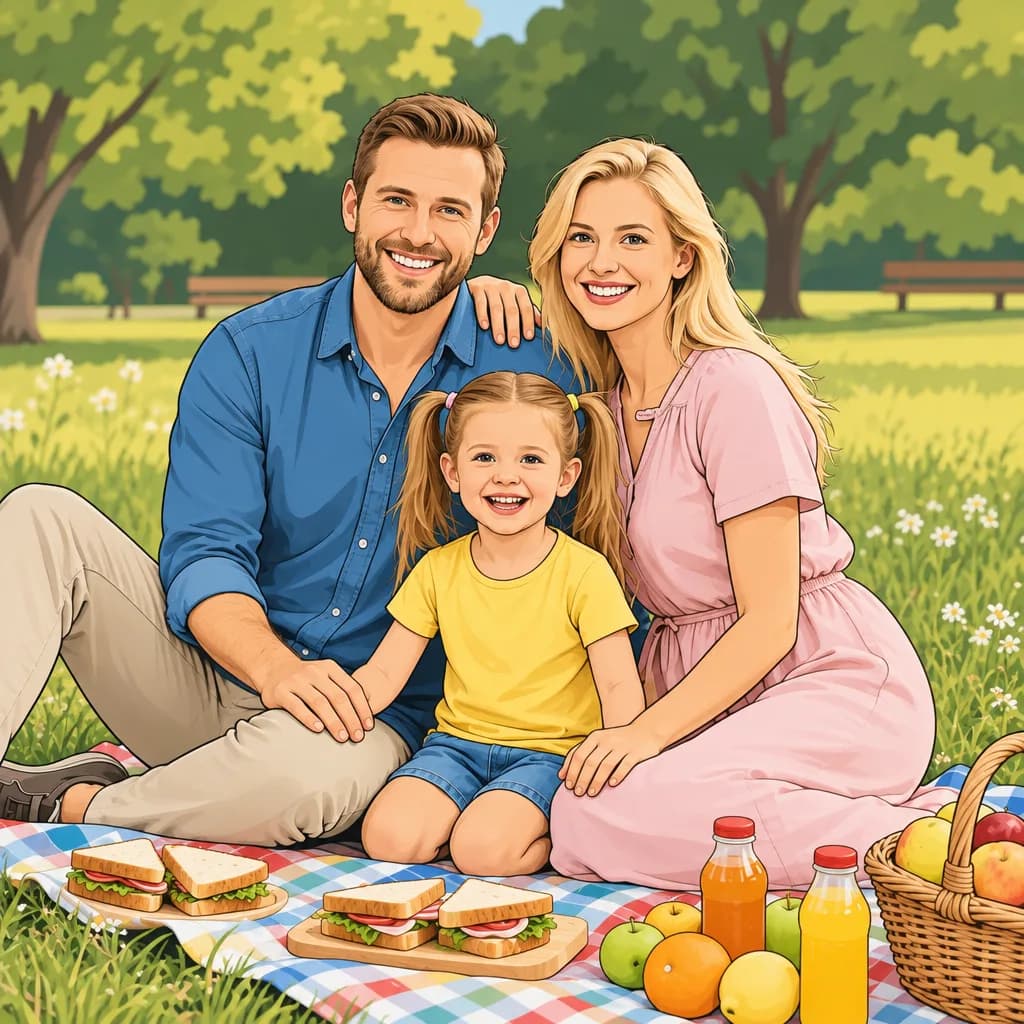
- Cartoon: simple shapes and bold outlines for playful posts and stickers.
- 3D cartoon: rounded, toy-like volumes, popular for family and pet photos.
- Comic book: ink lines, strong shadows and punchy colour.
- Claymation: a handmade, modelling-clay look.
- Pixel art: a retro game look built from visible squares.
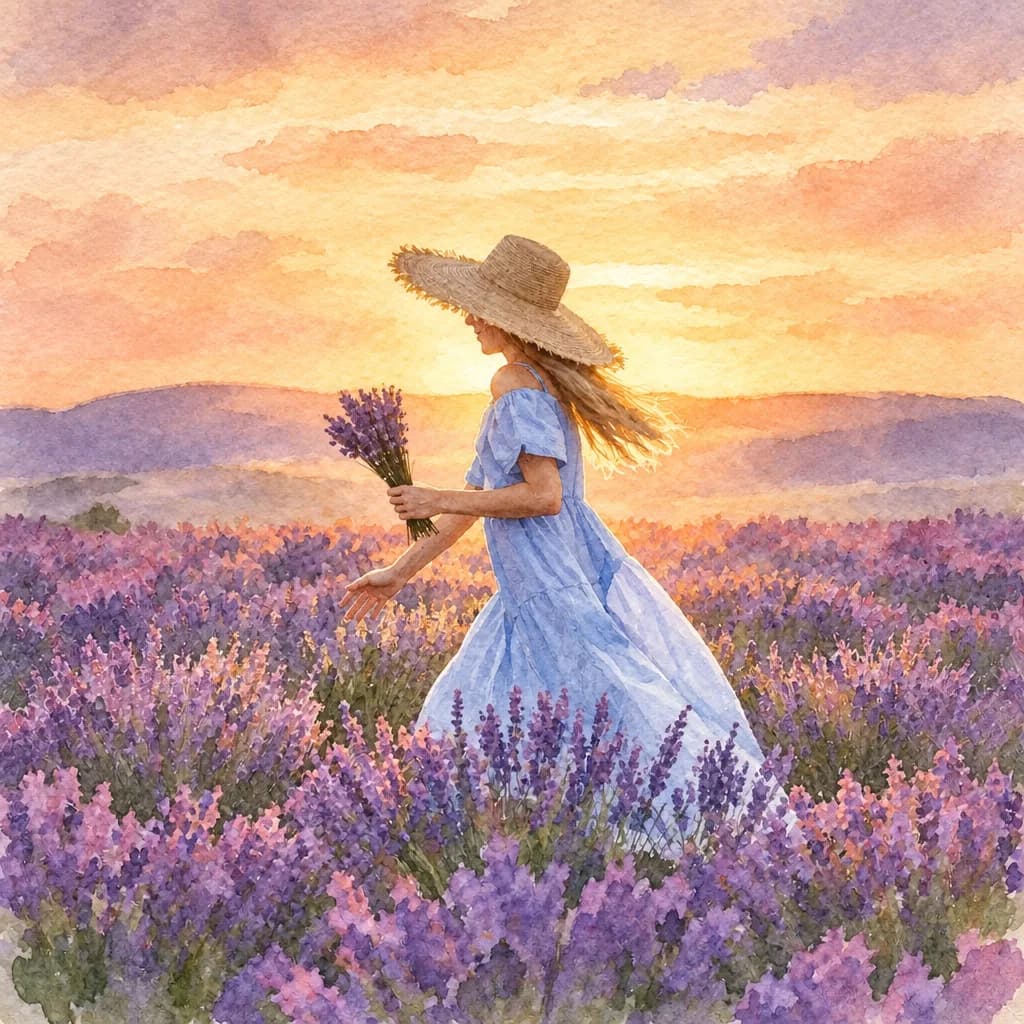
- Impressionist painting: loose brushstrokes and soft light, for landscapes and travel photos.
Limitations and fair use
- Likeness varies. The artwork keeps the main features of your photo, but faces, poses, backgrounds and details change with the style, and results vary from photo to photo.
- Hands, glasses, jewellery, text on clothing and small background details are the most likely to be altered or simplified.
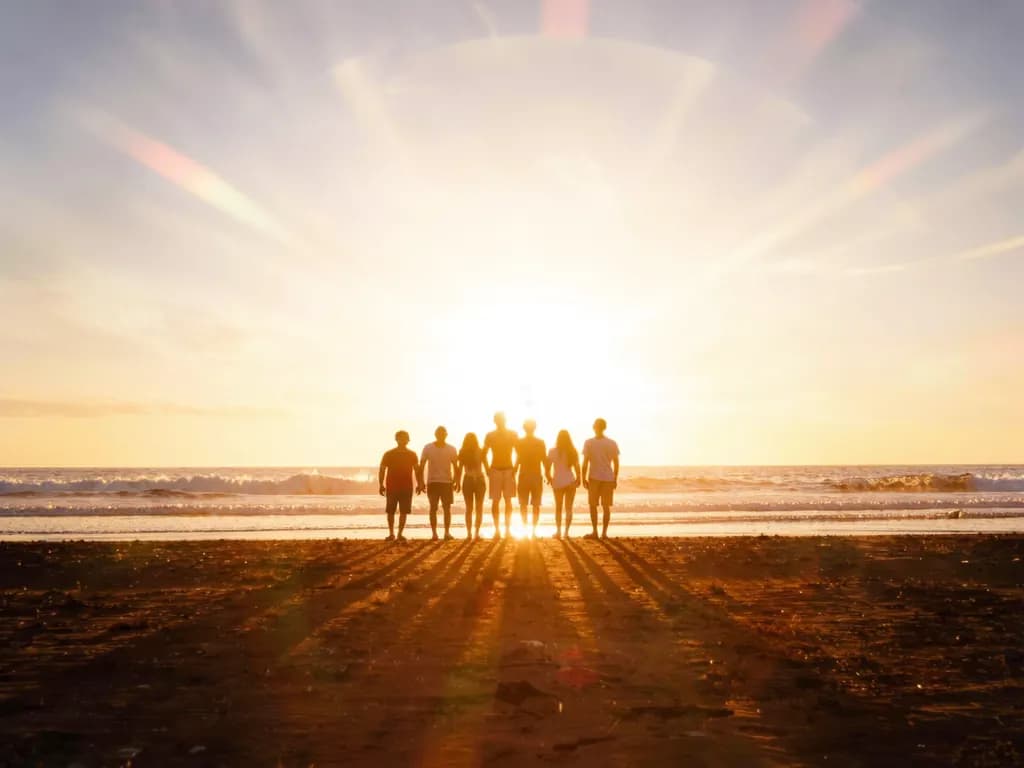
- Group photos with several small faces often come out less recognisable than a single close portrait.
- The result is up to 2048 px on the long side, in the standard shape closest to your photo (square, 3:4, 4:3, 9:16 or 16:9), so the edges may be slightly trimmed or extended.
- Do not use the artwork to impersonate someone or to suggest that a real person said or did something.
Frequently asked questions
Will the anime version still look like me?
It keeps the main features of your photo, such as hair, clothing and pose, but the face is redrawn in the style, so the likeness varies. A clear, well-lit close portrait gives the most recognisable result.
Can I turn my pet into a cartoon?
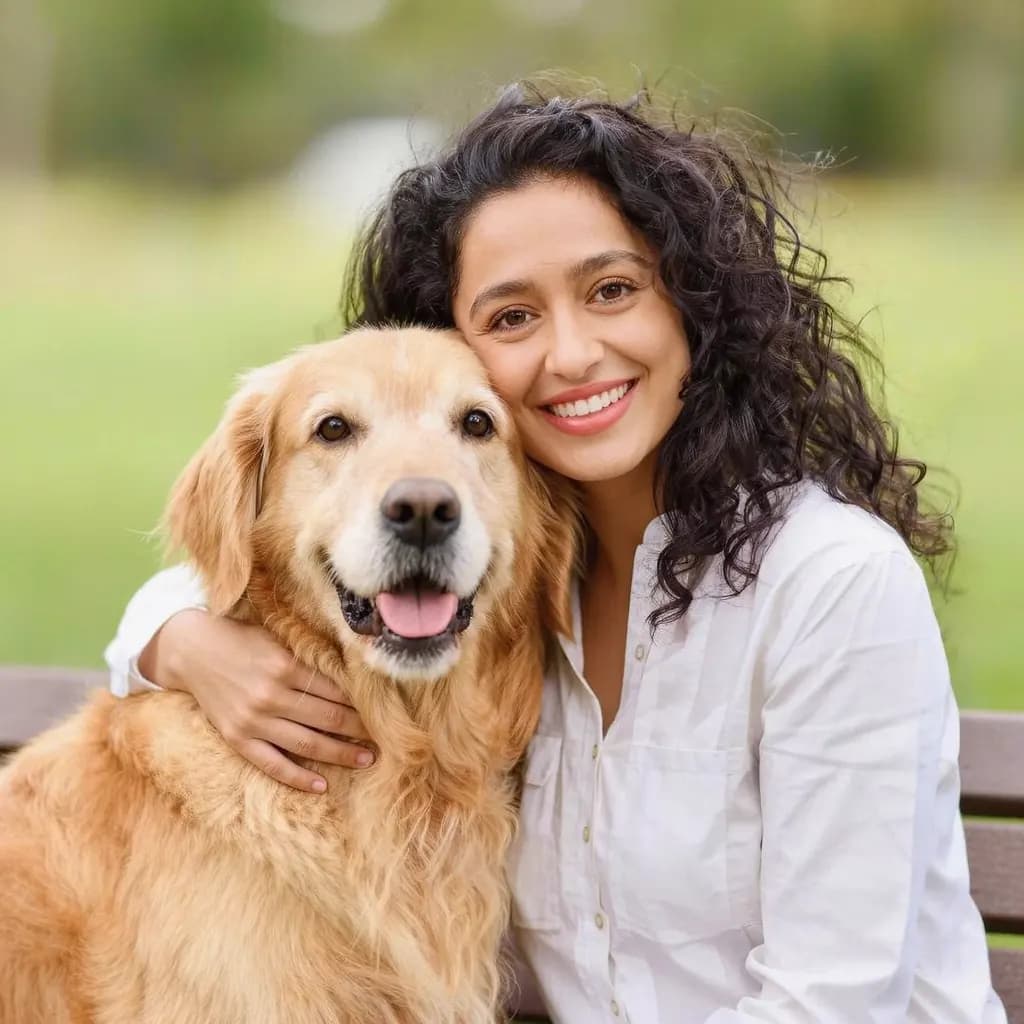
Yes. A sharp photo where the pet fills much of the frame, with its eyes visible, works best. 3D cartoon and Cartoon are popular for pets.
Can I choose the style of a specific studio or artist?
No. We only offer generic styles such as anime, cartoon, comic book or pixel art, never styles named after a studio, artist, brand or character.
What size is the finished artwork?
Up to 2048 px on the long side, in the standard shape closest to your photo: square, 3:4, 4:3, 9:16 or 16:9. The edges may be slightly trimmed or extended.
Can I turn a group photo into anime?
You can try, but the more people and the smaller their faces, the more likely features are simplified or drawn wrongly. For recognisable results, crop the group photo into a few closer shots of one or two people and convert each one.
Can I use a photo of a friend?
Only with their consent, and only if you have the rights to the photo. Do not use the result to impersonate anyone.
Related guides
 How to Fix Flat or Dull Lighting in a PhotoUnderstand why a photo looks flat, fix what you can when shooting, and relight the rest with golden hour or soft light.
 How to turn a photo into a video with AIPick a photo that animates well, choose a motion that suits it and turn it into a short clip you can share or edit.
Related tools
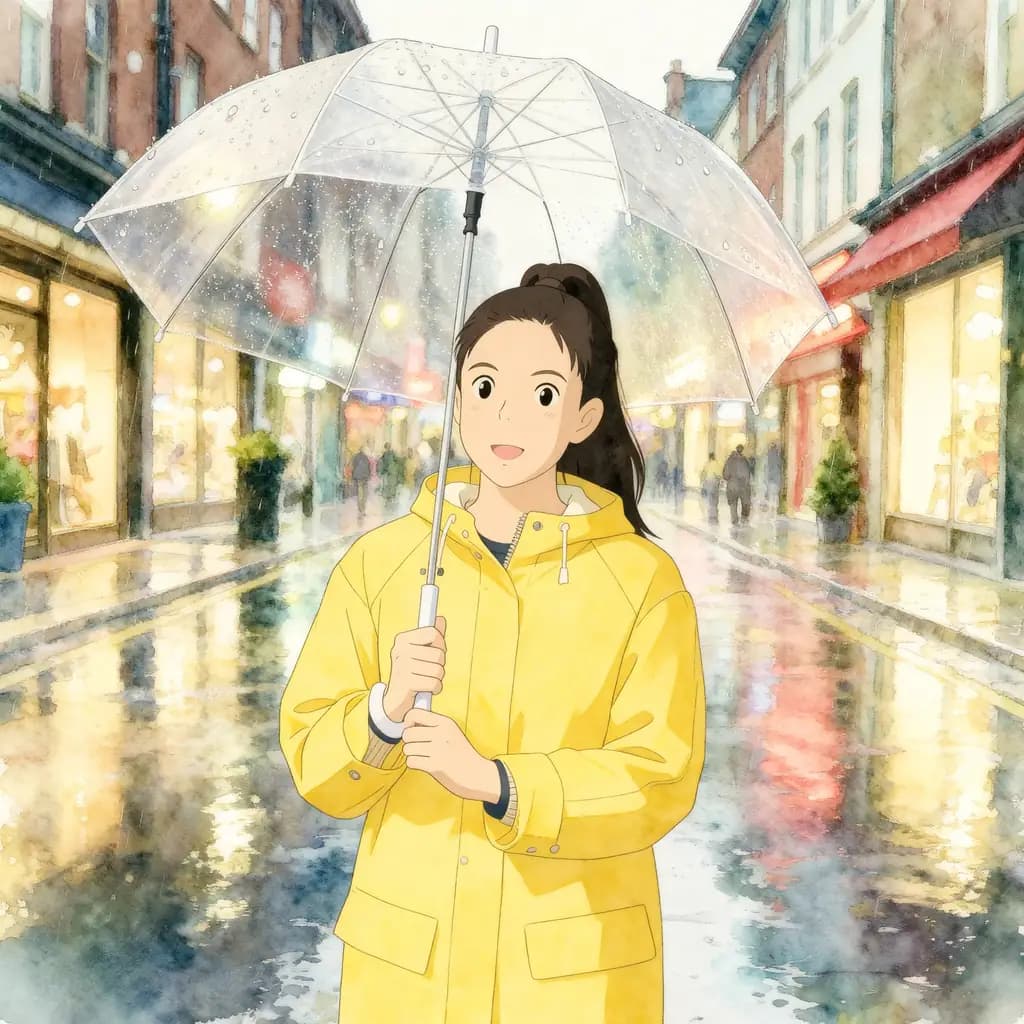
Turn your photo into anime art
Upload a clear photo of a person, pet or place, pick from nine styles and compare the artwork with your photo. You see the credit price before it runs, and a failed run returns the held credits.