
How to fix a blurry photo
A blurry photo hurts because the moment is usually gone: the birthday candles, the friend who visited once, the product shot you needed today. The good news is that a lot of blur is mild, and mild blur can often be pulled back to something you would happily share. The bad news is that no tool, AI or otherwise, can recover detail the camera never captured.
Methodhelm editorial teamLast updated: 5 min read
This guide shows how to tell what kind of blur you have, how to sharpen a picture step by step with an AI deblur tool, which classic editing tricks still work, and how to judge the result honestly. Most of it applies whatever software you use.
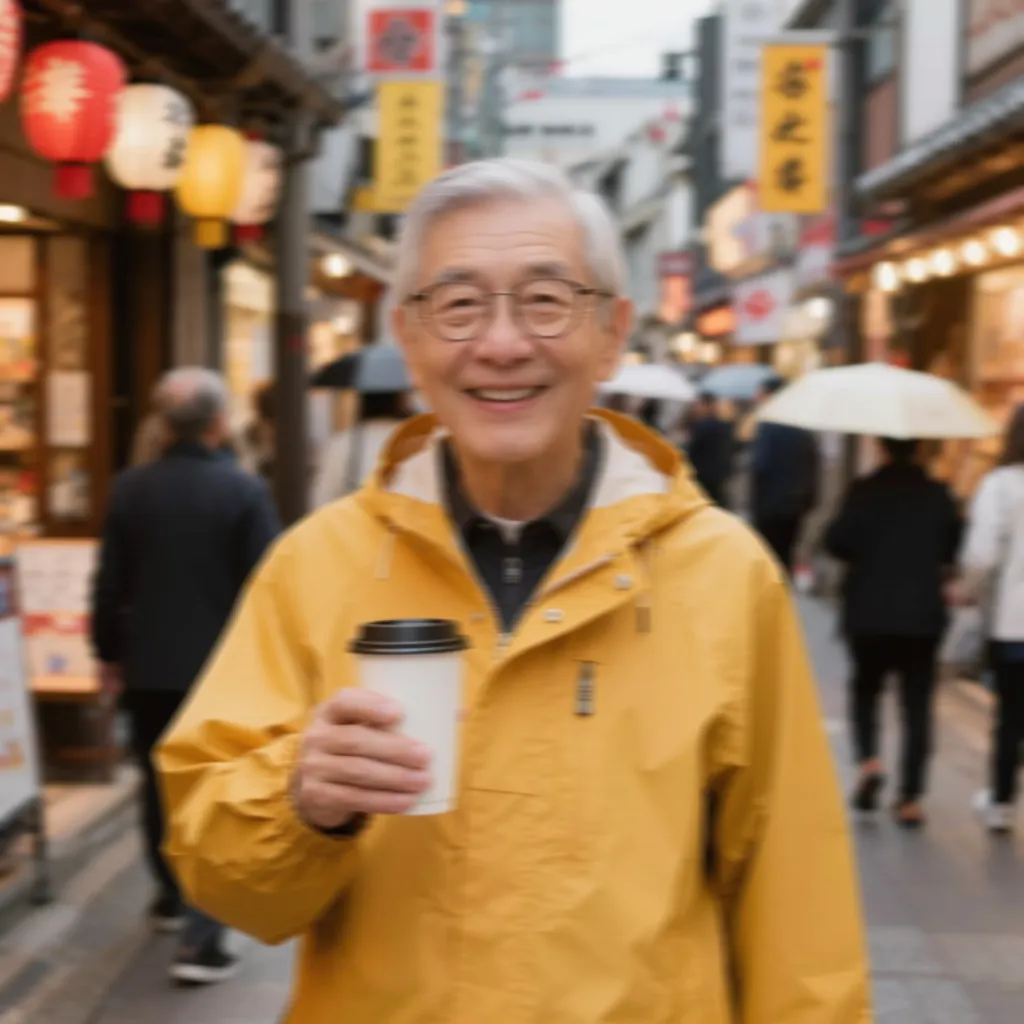 Before
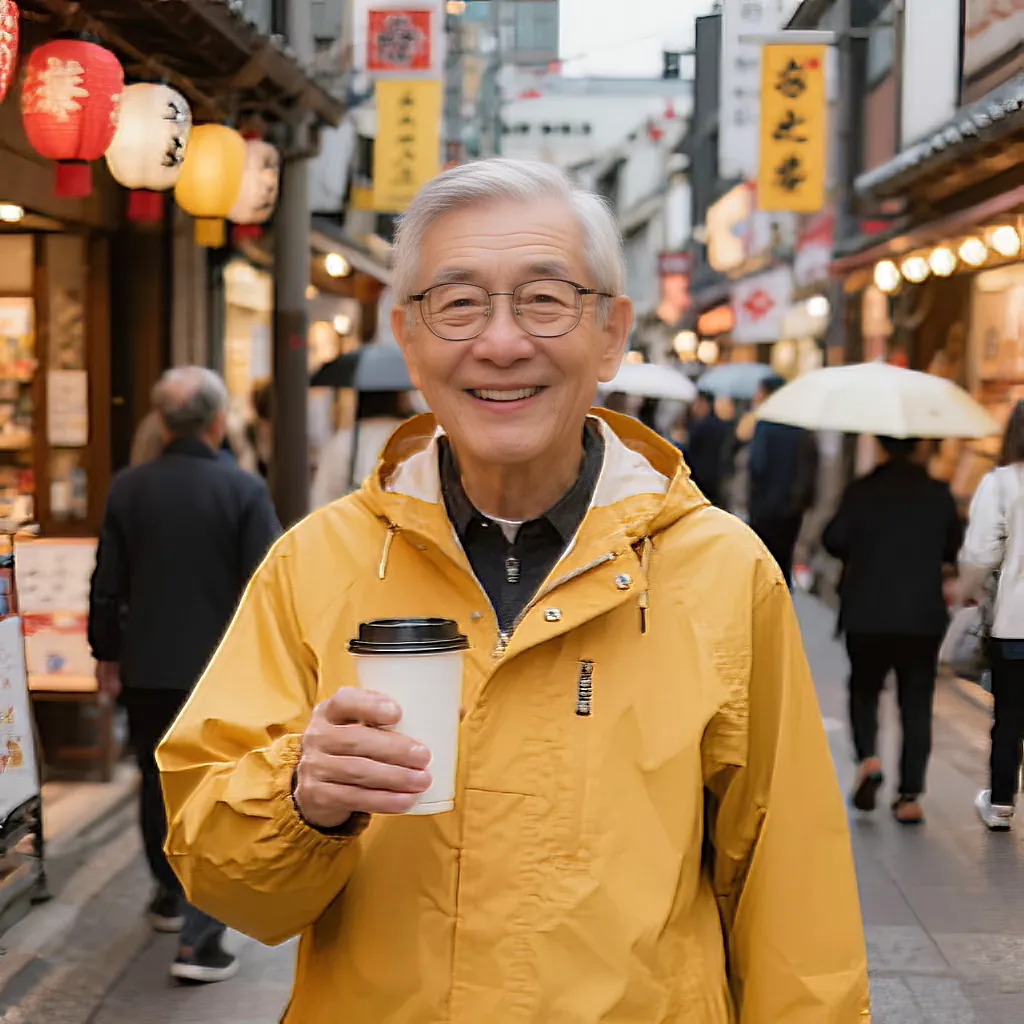 After
AfterOn this page
Work out what kind of blur you have
Open the photo and zoom to 100 percent, so one pixel of the image fills one pixel of your screen. Phone previews hide blur and also hide damage from over-sharpening. Then look at edges: eyelashes, hair, lettering, a shoulder against the sky.
- Slightly soft: everything looks a little mushy but shapes are clear. Common with older phones, digital zoom, or photos squeezed by a messaging app.
- Out of focus: something in the scene is sharp, but not the part you care about. The wall behind is crisp while the face has smooth, rounded edges, because the camera focused on the wrong spot.
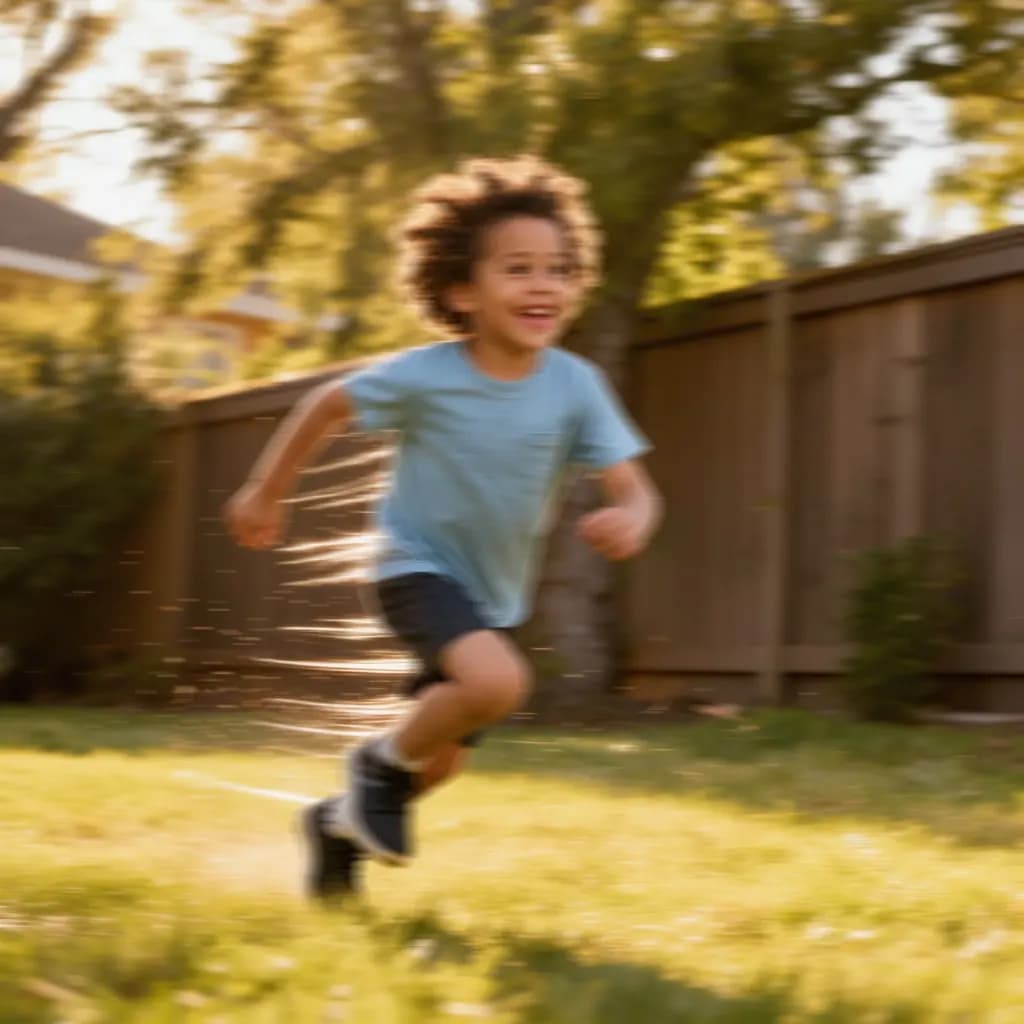
- Motion blur: edges are smeared in one direction and small bright points turn into short streaks. Either the camera moved during the shot or the subject did.
- Noise or compression, not blur: blocks, colour speckles or heavy grain are a different problem. Sharpening usually makes them worse.

How to unblur a photo step by step
These steps use Methodhelm's Photo deblur tool, which makes a photo sharper at the same size.
- Keep a copy of the original
Duplicate the file before you change anything. If a result looks wrong, you can always start again from the untouched photo.
- Sign in and upload the photo
Upload a JPG, PNG or WebP that is at least 128 pixels on each side. Larger photos are resized to at most 1600 pixels before upload.
- Choose the blur type
Pick Standard for slightly soft photos, and start there if you are unsure. Choose Out of focus when the camera focused on the wrong spot, Motion blur for camera shake or a moving subject, and Portrait when a face is the main subject.
- Check the price and run it
The exact credit price is shown before each run, and processing usually takes 10 to 60 seconds. Failed generations aren't charged — held credits come back automatically. Your result is kept for 24 hours to download.
- Compare before and after
Drag the slider to compare the original with the sharpened version. Zoom in on eyes, hair and edges rather than judging the whole picture at once.
- Download, or try another blur type
If it is better, download it; the result is the same size as the photo you uploaded, up to 1600 pixels on the long side. If it looks off, run a different blur type on the original instead of sharpening the result again.
Sharpening tips that work with any tool
- Always work from the original. Every re-save as JPG loses a little more detail, so go back to the source each time you try again.
- Classic unsharp mask still helps with mild softness. Most editors let you set an amount (strength), a radius (edge width) and a threshold (how much contrast is needed before sharpening applies). Keep the radius small and raise the amount slowly.
- Watch for halos. Too much sharpening draws bright and dark outlines along edges, like a glow around people and buildings. If you see them at 100 percent, back off.
- Sharpen last. Crop, straighten and fix exposure and colour first; brightening an already sharpened photo exaggerates grain and halos.
- Unsharp mask cannot undo motion blur. It raises edge contrast but does not move smeared detail back into place.
- Match the strength to the use. A picture viewed small on a phone tolerates more sharpening than one printed large.
What AI deblurring cannot do
AI deblurring works best on mild to moderate blur. It sharpens detail that is partly there, such as the outline of an eye or the stroke of a letter. When the blur is very heavy, that information is no longer in the file, and the result may still look soft or strange.
Some things will not become sharp: tiny faces in a crowd, text you cannot read in the original, and license plates. Sharpening can also make grain more visible, especially in dim indoor shots. Because the output is generated, fine details such as hair strands, skin texture or fabric patterns can come out slightly different from reality, so look closely before using the result where accuracy matters.
Deblurring is also not enlarging or retouching. Deblur makes a photo sharper at the same size, the AI upscaler makes it twice as big, and photo retouch smooths skin. For a small blurry photo, sharpen first and then upscale. Scratched, faded prints are a different job: see how to restore old photos. For a soft selfie you want to use as a profile picture, see turning a selfie into a LinkedIn headshot.
How to avoid blurry photos next time
- Steady the phone: use both hands, tuck your elbows in or lean on a wall, and press the shutter gently.
- Tap to focus on the subject, ideally the eyes, and wait for the focus to settle before you shoot.
- Clean the lens. A fingerprint smear makes the whole picture hazy, and no setting fixes it afterwards.
- Add light. In dim rooms the camera uses a slower shutter, so any movement becomes blur. Move near a window, switch on lights, or pick a faster shutter speed on a camera.
- Use burst mode for children, pets and sports, then keep the sharpest frame.

Frequently asked questions
Can you really unblur a photo?
Partly. Mild to moderate blur can usually be improved a lot, because the shapes are still there and only the edges are soft. Very heavy blur cannot be reversed, since AI can only sharpen detail that is partly present in the photo.
Which blur type should I choose?
In Photo deblur, start with Standard if the photo is slightly soft or you are unsure. Use Out of focus when the camera focused on the wrong spot, Motion blur for camera shake or a moving subject, and Portrait when a face is the main subject.
Will deblurring make my photo bigger?
No. Photo deblur returns the photo at the same size you uploaded, up to 1600 pixels on the long side. To make it twice as big, run the AI upscaler after sharpening.
Can AI make a blurry license plate or sign readable?
Usually not. If the text is unreadable in the original, deblurring will not reliably recover it, and any letters that appear may be invented by the model. Do not treat such a result as evidence.
What does it cost, and what happens if it fails?
You sign in and see the exact credit price before each run. Failed generations aren't charged — held credits come back automatically. Your result is kept for 24 hours to download. See pricing for details.
Related guides
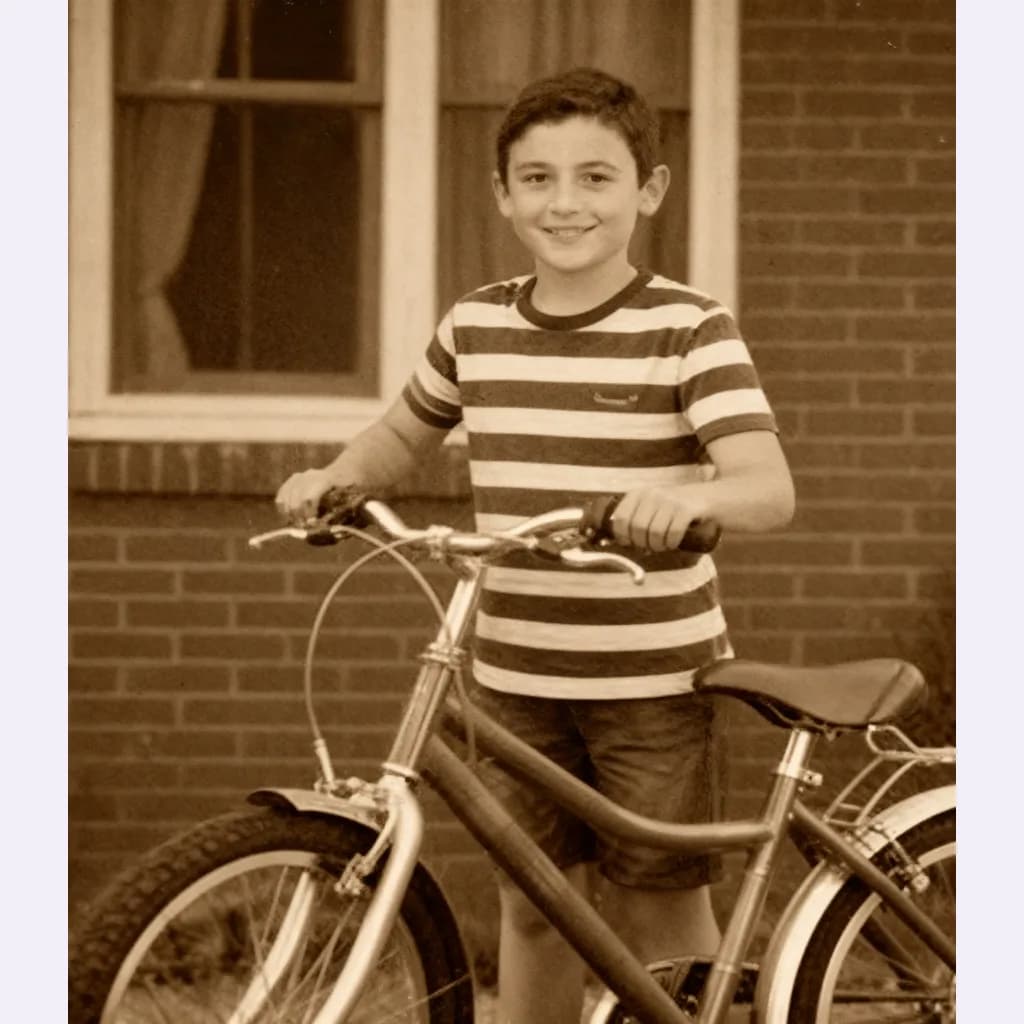 How to Restore Old Photos Without Losing the OriginalHandle, scan and repair scratched, torn or faded family photos, and keep an untouched copy of every original.
 How to Turn a Selfie Into a Professional LinkedIn HeadshotTake a selfie that works as a profile photo, decide whether an AI headshot helps, and check the result still looks like you.
Related tools
Sharpen a blurry photo
Upload a JPG, PNG or WebP, pick a blur type and compare before and after with a slider. You see the exact credit price before you run it.