
Resume Photo Tips: Check Whether You Need One, Then Keep It Simple
Whether a resume has a photo depends on the country, the industry and the employer. In some places it is common. In others it is left out. Check before you add one.
Methodhelm editorial teamLast updated: 2 min read
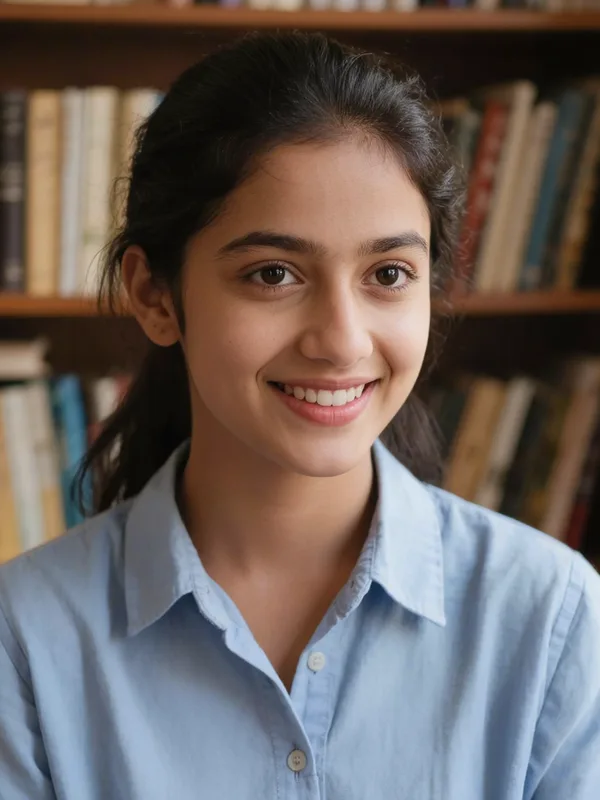
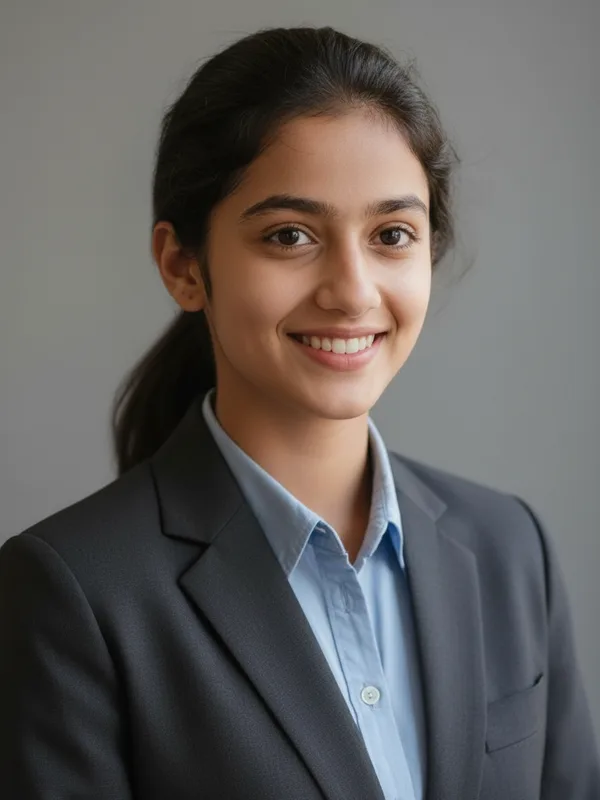
This guide helps you decide, then shows how to take a plain, natural photo and, if you use AI headshot, how to keep it honest. For a networking-site profile, see Professional headshot from a selfie.
On this page
First decide whether to include one
- Read the job post and the employer's application page. If they ask for a photo, add one. If they say not to, leave it out.
- Look at what is common for your country and field, for example by asking someone in the field or reading the employer's careers page.
- If nothing says either way, a photo is optional. We have not checked the rules of any particular job site or country for this guide.
Take the photo
- Sit facing a window for soft daylight on your face, with no flash.
- Head and shoulders, looking at the camera, at eye level.
- Clothes you would wear to the interview. Plain, no big logos.
- A relaxed expression.
- Choose a plain background and leave hats and sunglasses off.
- No group photos, no cropped holiday photos.
If you use an AI headshot
- Start with a good selfie
The better the original, the less the tool has to invent.
- Choose a plain background style
Try the styles on your own photo and compare them. Pick the one that looks plain and like you.
- Check the price, then make your resume photo
You see the credit price before anything runs. When a run fails, the credits held for it return automatically, and they can stay held while a result waits to be confirmed.
- Compare with the real you
Eyes, nose, hairline, skin, glasses and clothes at 100 percent. At the interview you must look like the picture.
- Save the resume photo within 24 hours
Keep the resume photo true to you
- The photo should look like the person who arrives at the interview.
- Don't change your age, face shape or features.
- Some employers or countries may expect an unedited photo. Check the instructions, and if unsure use a plain unedited one.
- Never use an AI image in place of a photo that an official form requires.
When to skip an AI headshot
- The application requires an unedited photo, or says nothing about editing and you are unsure.
- You cannot get a result that looks like you.
- The photo is for an official document. See rejected passport photos.
Frequently asked questions
Do I need a photo on my resume?
It depends on the country, field and employer. Check the application instructions.
What should I wear?
Something you would wear to the interview.
Can I use a cropped group photo?
A clear photo of just you is better.
Do I get credits back if my resume photo fails?
No charge is made for a resume photo that fails, and the credits held for it are released automatically. If the photo is still being confirmed, they remain held until that check ends.
Which background style?
A plain one; compare them on your own photo.
Related guides
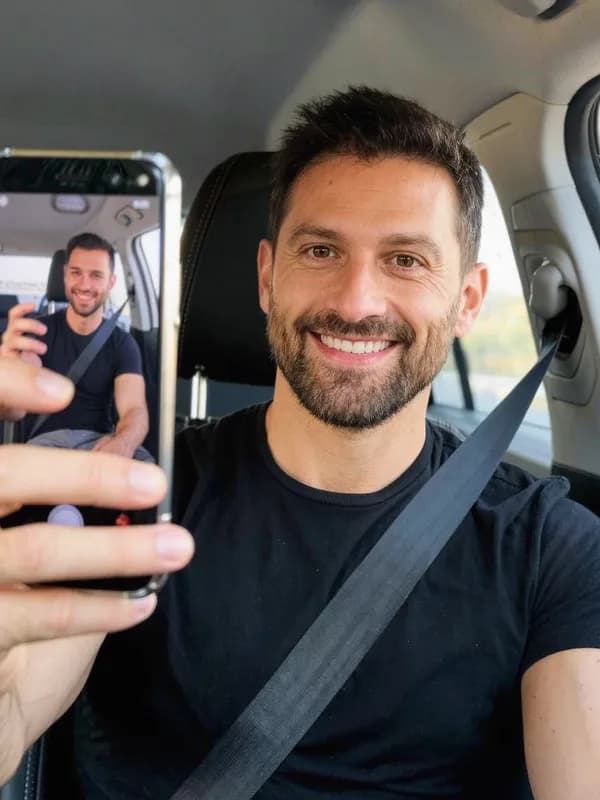
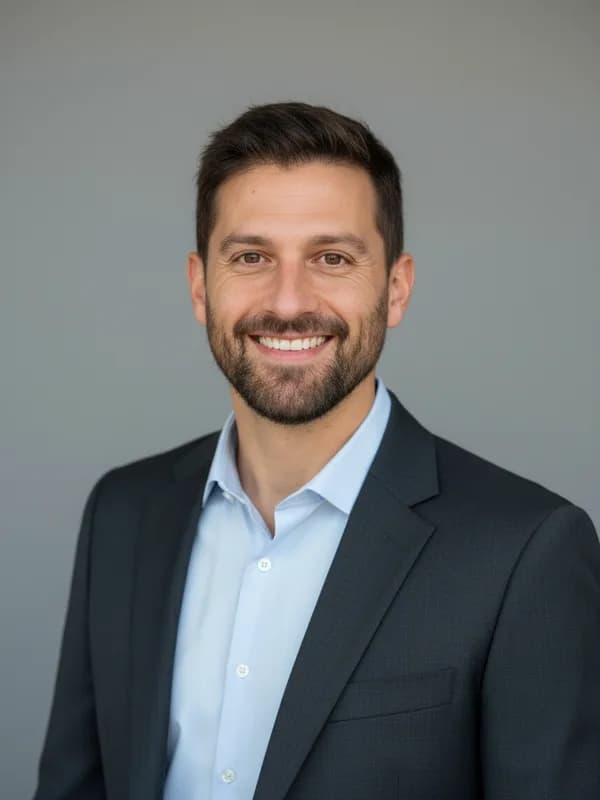 How to Turn a Selfie Into a Professional LinkedIn HeadshotTake a selfie that works as a profile photo, decide whether an AI headshot helps, and check the result still looks like you.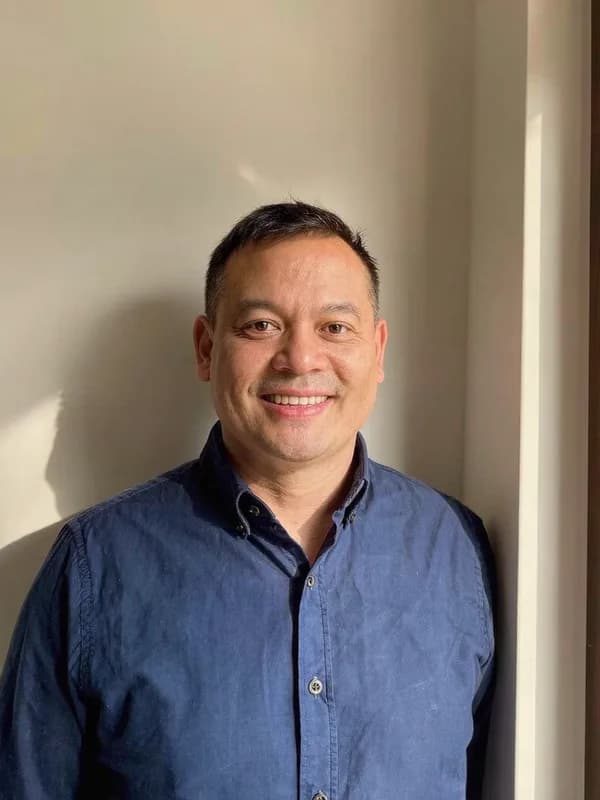
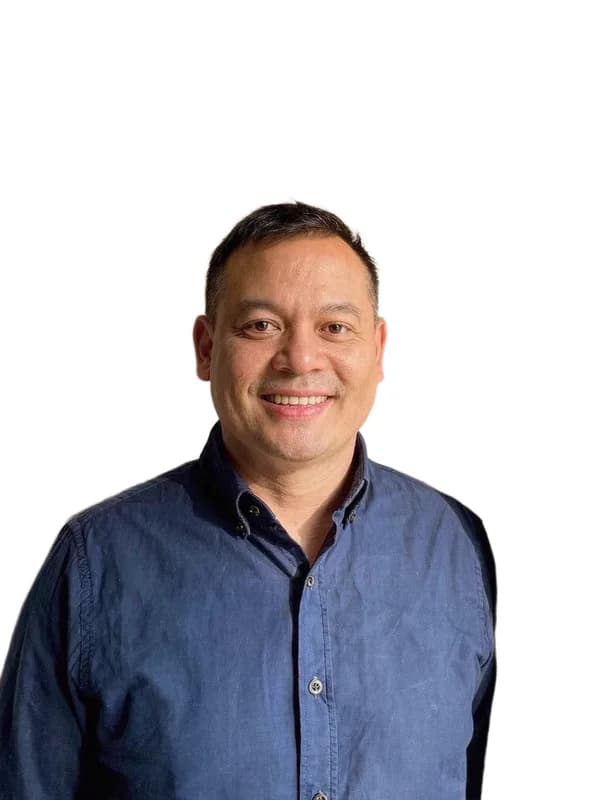 Passport Photo Rejected? What to Check and What to Do NextFind out why a passport or visa photo was rejected, decide between a retake and a crop, and avoid edits that get a photo refused again.
Related tools

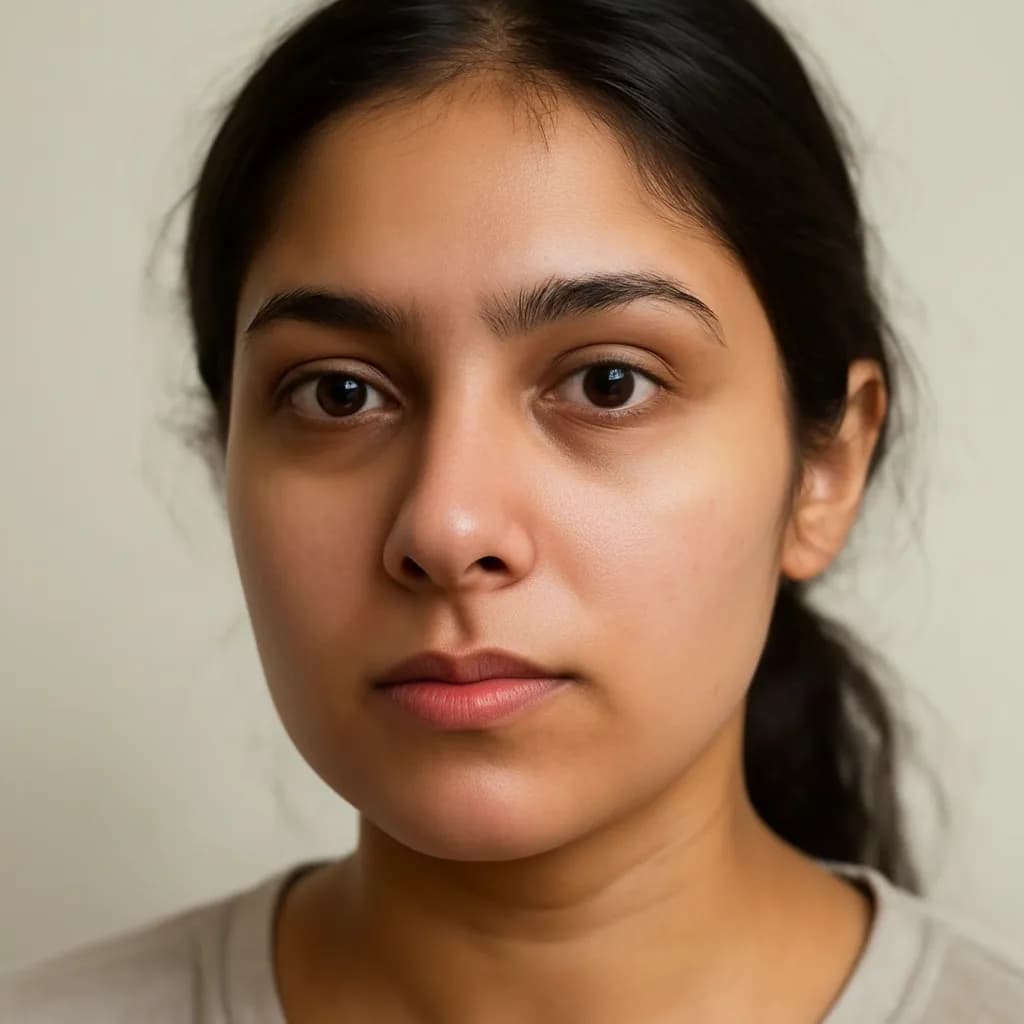

Try one photo
Upload a selfie, see the credit price before you run it, and compare the result with the real you.