
Make Stickers From Your Own Photo: How to Cut Out the Subject
A sticker is a subject with no background: a face, a pet, an object or a hand-held sign. Making one from your own photo starts with a clean cutout.
Methodhelm editorial teamLast updated: 3 min read
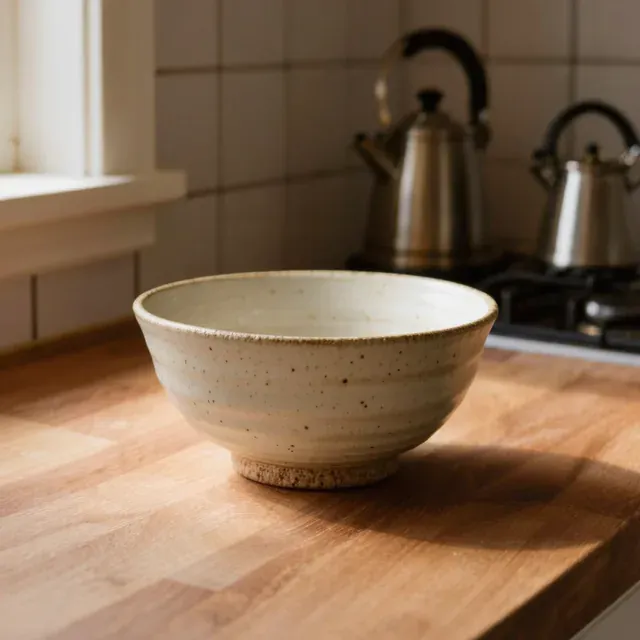
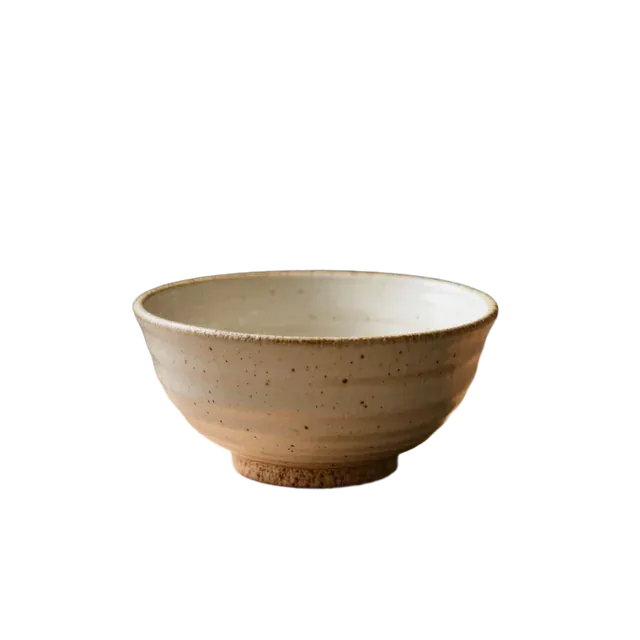
This guide covers how to choose the photo, how to run Background remover, and what to check before you send the sticker anywhere. For the file details of transparent images, see how to make a transparent background PNG.
On this page
Choose a photo that works as a sticker
- One clear subject, large in the frame, with an expression or pose people will understand at a small size.
- A background that differs in colour from the subject.
- Sharp and evenly lit. A soft edge is hard to cut out.
- Only people who agree, and only pets or objects you have the rights to use. Do not use celebrity photos, logos or other people's artwork.
Step by step: cut out the subject
- Choose a bold, simple photo for the sticker
Use a bold, simple JPG or PNG, up to 10 MB.
- Open Background remover for the sticker photo
Go to Background remover and upload it.
- Check the price, then cut out the sticker
You see the credit price before the sticker is cut. When a run fails, the held credits are given back automatically, and credits may stay held until the check ends if the result is not confirmed.
- Download the transparent PNG
One run also gives a white-background PNG.
- Check the edges at 200 percent
Put the PNG on a dark colour and on a light colour, because stickers are shown on different backgrounds. Look for white or coloured fringes and missing parts.
- Save the sticker cut-out within 24 hours
Your sticker cut-out is kept for 24 hours, so send it to your sticker printer in that time. The Privacy Notice says results are fully deleted from storage within 7 days.
Make it read well as a sticker
- Keep the subject big and the expression clear. Small details disappear when a sticker is shown small.
- Add text or a border in an image editor if you want it, after the cutout.
- The result is 1024 px on the long side with the same proportions as your photo. Resize it in your editor to the size the platform asks for; make it smaller, not larger.
Before you upload anywhere
Each sticker platform has its own file sizes, shapes, numbers of images and approval rules. We have not checked them for this guide. Read the platform's current guidelines first, and set the canvas to its requirements before you export.
When the cutout is not good enough
- Thin hair, fur, glasses and transparent items are hard in any cutout. We have not tested them for this guide, so judge each photo yourself.
- Take a new photo with a plainer background and better contrast rather than running the same photo again and again.
Frequently asked questions
Do I need the transparent PNG?
Yes, for a sticker that sits on different backgrounds.
What size should the sticker be?
It depends on the platform. Check its guidelines.
Can I use a photo of my friend?
Only if your friend agrees to being made into a sticker.
Do I get credits back if the sticker cut-out fails?
When a sticker cut-out fails, nothing is charged and the held credits come back automatically. If the result is unconfirmed, they can stay held until the check is finished. A sticker you do not like is not a failed run.
Can I sell the stickers?
You are responsible for the rights to everything in the photo and for following the platform's rules.
Related guides
 How to Make a Transparent Background PNG From a PhotoCut out the subject, download the transparent PNG, check its size and keep it in a format that keeps the transparency.
 How to Make White Background Product Photos That Marketplaces AcceptShoot, cut out and finish a clean white-background main image, and know what Amazon asks for before you upload.
Related tools


Cut out your sticker subject
Upload a JPG or PNG and get a transparent PNG. You see the credit price before it runs.