
Free tool
Resize an image for a LinkedIn banner (1584 × 396)
The 4:1 background behind your LinkedIn profile photo, at the size LinkedIn recommends.
Your image is processed on your device and is not uploaded to our servers. Closing the page discards it.Choose an image → adjust → download
Example
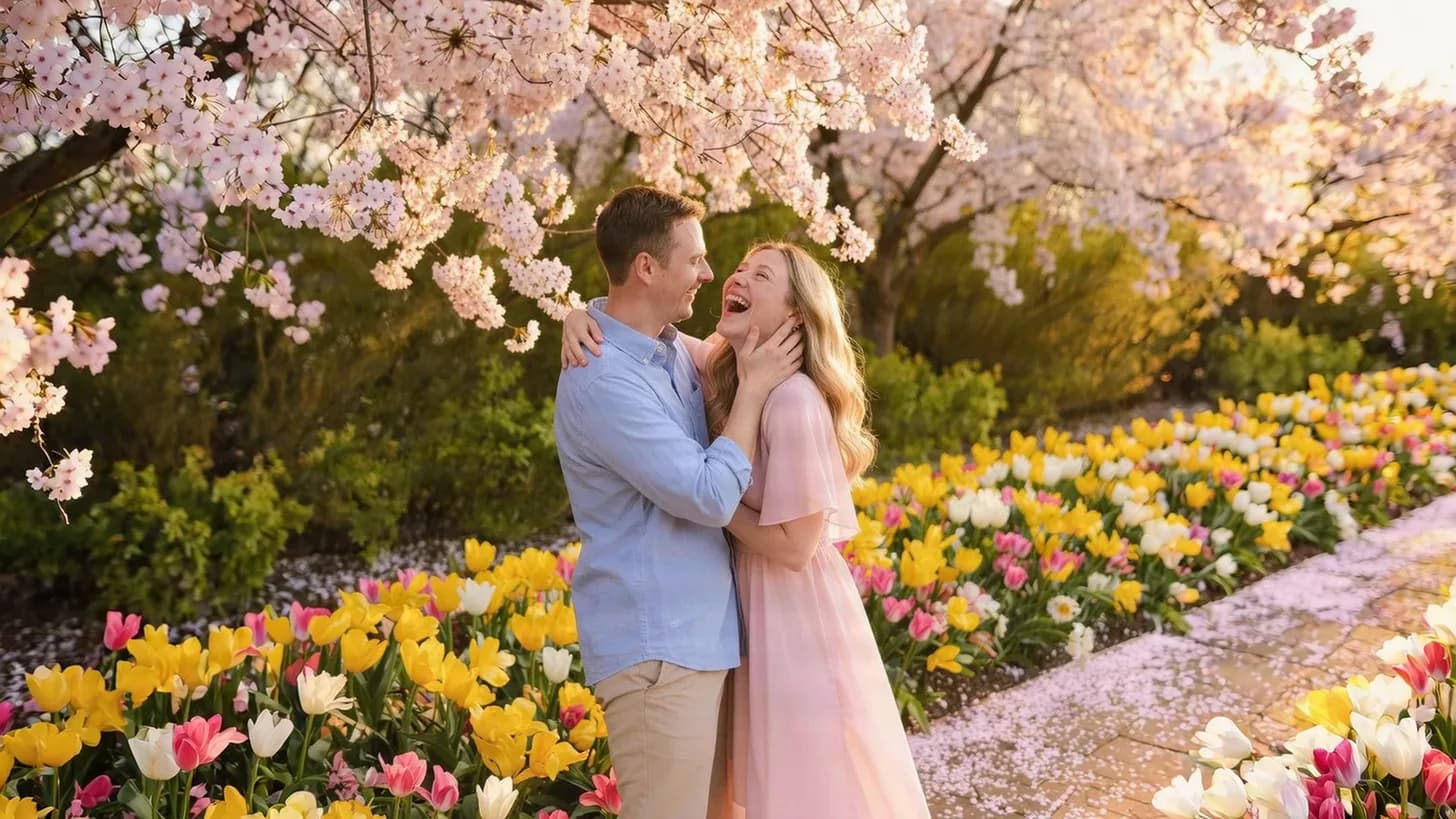
Same photo, the size each site wants
The frame shows the part that fits the new shape, with its pixel size.
 LinkedIn banner1,584 × 396
About this setting
A very wide, very short image
At 4:1, the LinkedIn banner is one of the widest shapes on any network. Cut from a normal 3:2 or 4:3 photo, only a narrow horizontal strip remains, so landscapes, skylines, desks and textures work far better than portraits.
Your profile photo covers part of the left side of the banner, and the mobile app shows less of the edges than a computer. Put any words or a logo on the right half, away from the photo.
Tips
- Choose a wide photo — a portrait loses most of its height in a 4:1 crop.
- Keep text on the right half, where the profile photo does not cover it.
- For a wider scene, extend the photo sideways with the AI image expander before resizing.
AI tools
Take it further with AI
When a free fix is not enough, this AI tool can help.
FAQ
Good to know
What size is a LinkedIn banner?
1584 × 396 pixels, a 4:1 ratio, for a personal profile background. Company pages use a different cover shape, so check the size LinkedIn shows when you upload.Why is part of my banner hidden?
The round profile photo sits over the left side of the banner, and phones crop the edges. Keep important parts away from the left and the outer edges.Will my photo be squashed into the banner?
No. The tool cuts a 4:1 strip from the centre of your photo and resizes it, so the proportions stay the same.
Presets