
Free tool
Resize an image for an Instagram story (1080 × 1920)
Full-screen 9:16 for stories and Reels covers, so the picture fills the phone instead of floating on a blurred background.
Your image is processed on your device and is not uploaded to our servers. Closing the page discards it.Choose an image → adjust → download
Example
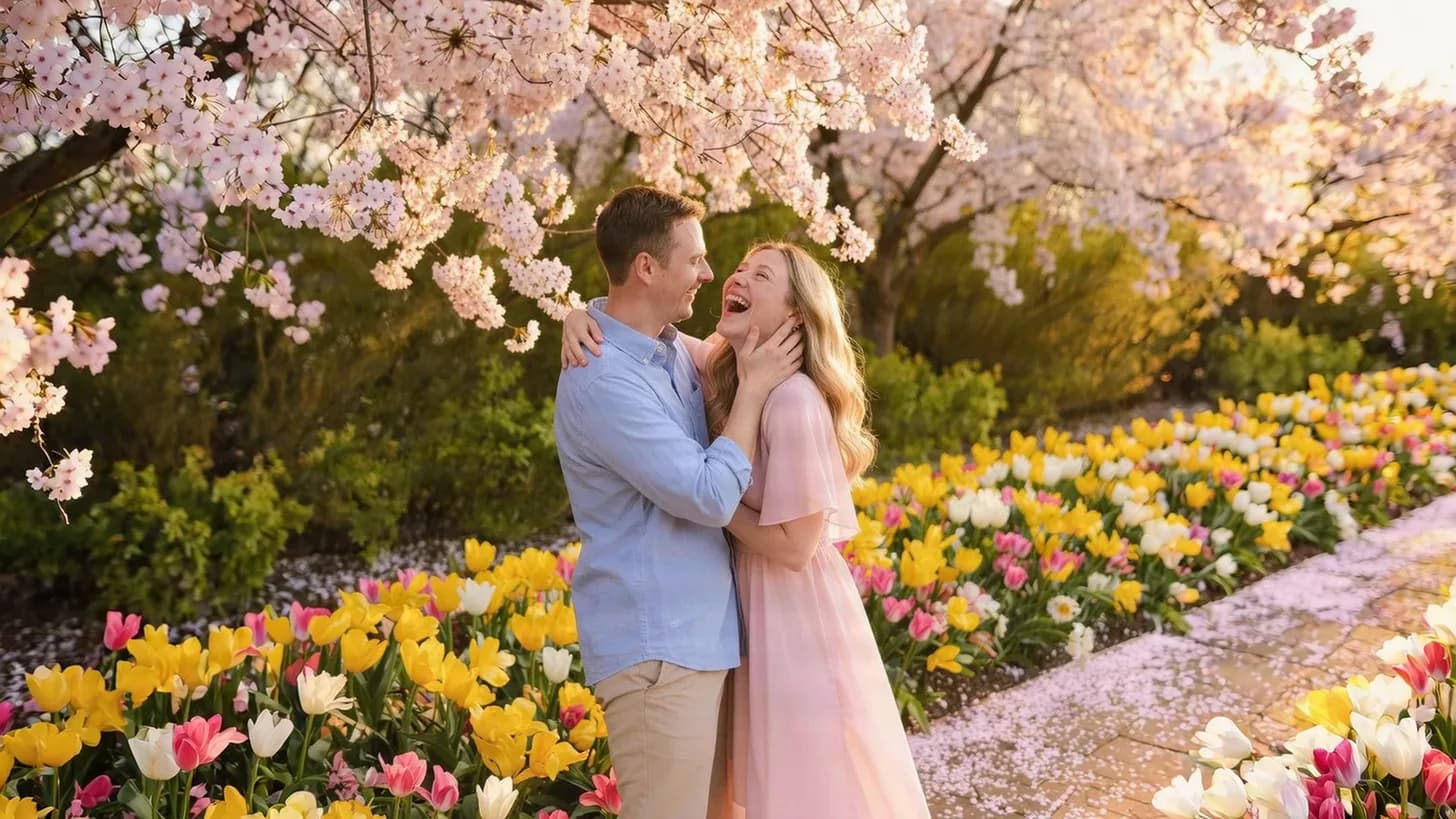
Same photo, the size each site wants
The frame shows the part that fits the new shape, with its pixel size.
 Instagram story / Reels1,080 × 1,920
About this setting
Fill the screen, mind the edges
Stories are shown edge to edge at 9:16. A photo of any other shape gets a coloured or blurred border, so resizing to 1080 × 1920 is what makes it fill the screen. Most phone photos are 3:4, so the sides are trimmed when the photo is cropped to 9:16 — the preview shows what is kept.
Your profile name at the top and the reply bar at the bottom each cover roughly the outer 250 pixels. Keep faces and text in the middle of the picture so nothing important ends up underneath them.
Tips
- Turn a landscape photo into a story with the AI image expander instead of losing both sides.
- Keep text out of the top and bottom 250 pixels.
- Reels covers are cropped to 3:4 on your profile grid, so centre the important part.
AI tools
Take it further with AI
When a free fix is not enough, this AI tool can help.
FAQ
Good to know
Can I use a horizontal photo for a story?
Yes, but cropping it to 9:16 keeps only a narrow strip from the centre. To keep the whole scene, extend the photo upwards and downwards with the AI image expander first.Is 1080 × 1920 also right for Reels?
Yes. Reels and stories share the 9:16 full-screen shape, and 1080 × 1920 is the size Instagram recommends for both.Why does my story still look blurry after uploading?
Instagram compresses every story. A sharp photo at exactly 1080 × 1920 gives it the least work to do; a dark or very small photo looks soft whatever its size.
Presets