
Free tool
Resize an image for an Instagram post (1080 × 1080)
The square feed size Instagram has used from the start, at the full 1080-pixel width the app displays.
Your image is processed on your device and is not uploaded to our servers. Closing the page discards it.Choose an image → adjust → download
Example
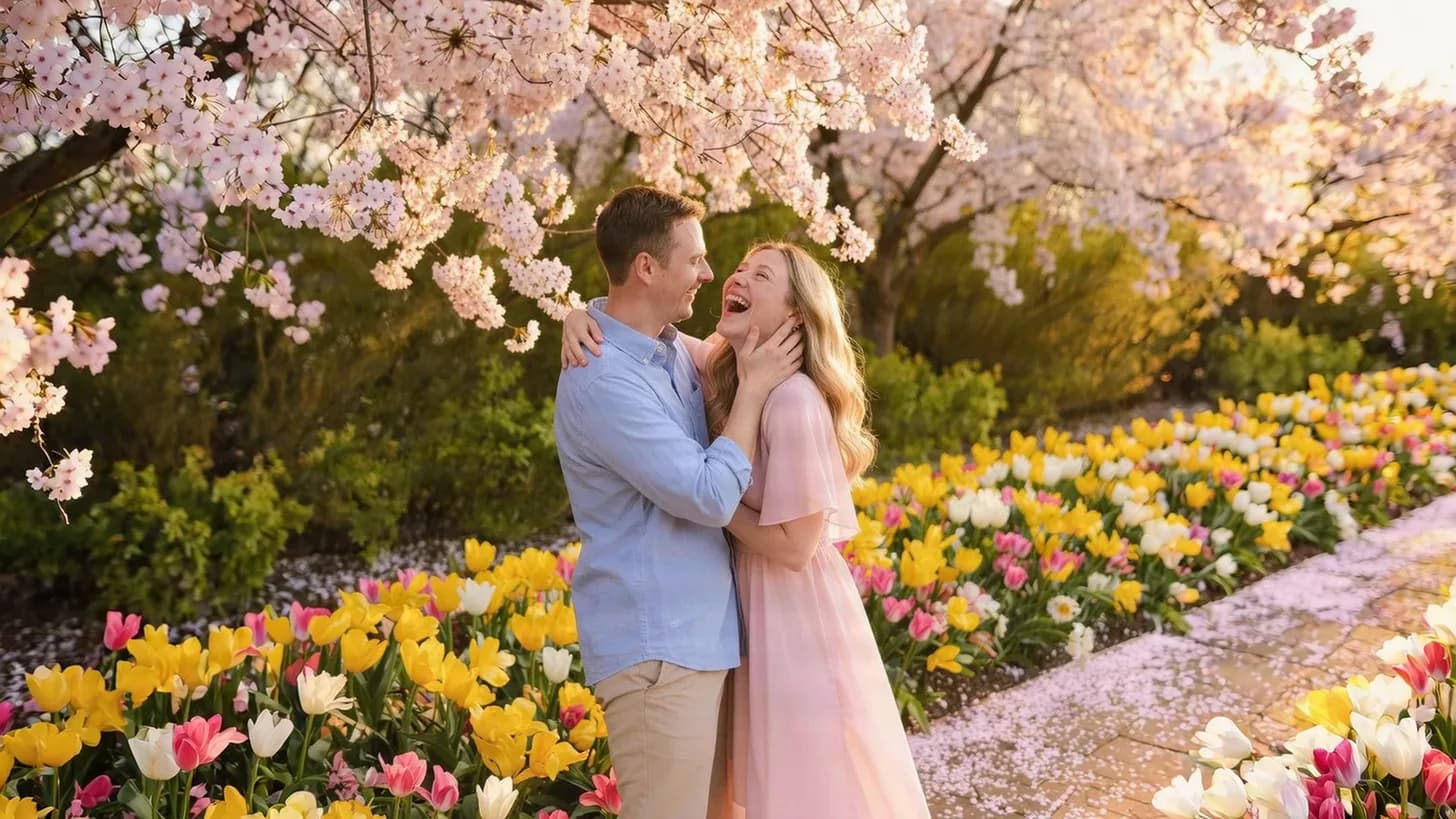
Same photo, the size each site wants
The frame shows the part that fits the new shape, with its pixel size.
 Instagram post (square)1,080 × 1,080
About this setting
Why 1080 pixels
Instagram shows feed images at up to 1080 pixels wide and scales anything larger down itself, often with stronger compression. Uploading exactly 1080 × 1080 means the app does not have to resize your photo, so edges and text stay crisper. Smaller images are scaled up and look soft.
Square is the safe shape for a feed post. If you want more room on screen, a 4:5 portrait (1080 × 1350) is taller — it is also in this tool's size list.
Tips
- Put the subject in the middle: the photo is cropped from the centre to become square.
- The profile grid shows taller 3:4 thumbnails, so keep important details away from the left and right edges.
- Want the whole photo without cropping? The AI image expander can add matching edges first.
AI tools
Take it further with AI
When a free fix is not enough, this AI tool can help.
FAQ
Good to know
Is 1080 × 1080 still the right size for Instagram?
Yes, for square posts. Instagram displays feed images at up to 1080 pixels wide, so 1080 × 1080 is the sharpest square you can upload.Will my photo be stretched into a square?
No. It is cropped from the centre to the square shape and then resized, so people and objects keep their proportions.What format is the resized file?
The same as your original: JPG stays JPG, PNG stays PNG and WebP stays WebP. If the app refuses a WebP file, convert it to JPG first.
Presets