
A Yellowed or Faded Old Photo: What Can Be Fixed and What Cannot
Many old prints turn yellow, brown or reddish with age. People search for a quick fix and hope an AI tool will make the colours neutral.
Methodhelm editorial teamLast updated: 3 min read
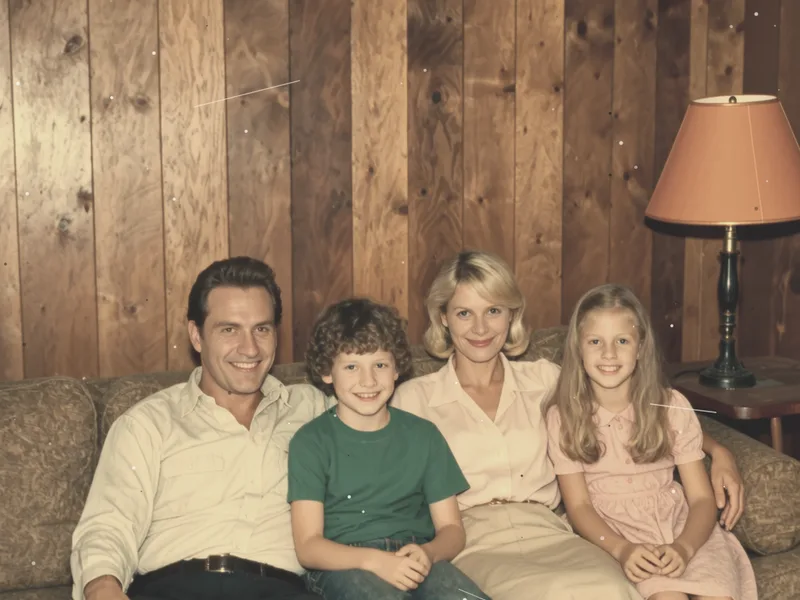
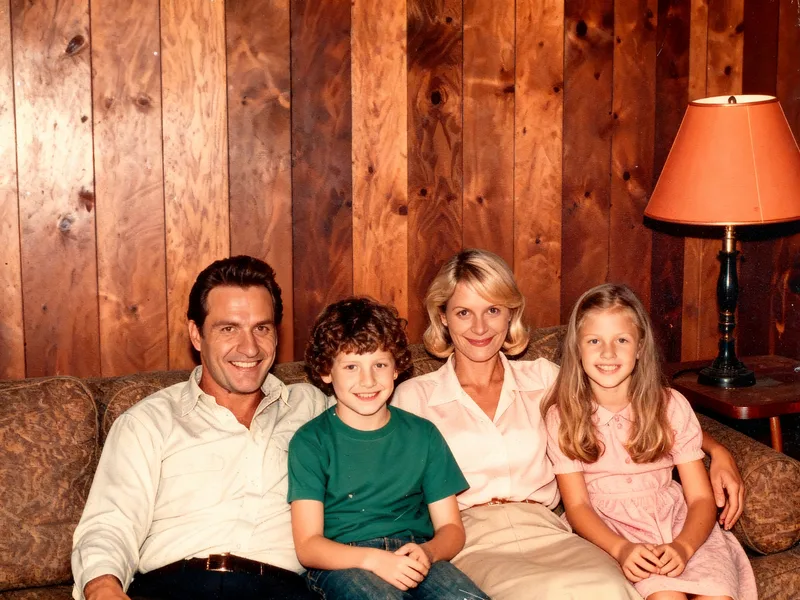
This guide is clear about one thing: Photo restoration on this site is designed to repair scratches and damage, and it keeps the original tones. For colour, see the options below, and when to stop.
On this page
What Photo restoration does and does not change
- It repairs scratches and damage.
- It keeps the original tones, so a black-and-white photo stays black and white. To add colour, see Old photo restore & colorize below.
- The site's FAQ advises keeping your original file, because the AI fills in missing detail and faces and text may differ slightly from it. (FAQ)
- Photos are resized to at most 1600 px on the long side before processing, and results are at most 2048 px.
What to try for the colour
- Re-scan with care
A yellow cast can come from the scanner, the light or a phone camera setting, not only from the print. Scan again flat, in even light, with automatic colour correction turned off if your scanner allows it. See the scanning tips in How to restore old photos.
- Adjust the colour in a simple photo editor
Many people adjust the white balance or the levels in an ordinary editing app. We have not tested this for this guide, and the result depends on the print, so keep the original and compare.
- If the photo was black and white, consider converting it to black and white
Removing the colour entirely hides a yellow cast. After that you can use Photo restoration for scratches. Do this on a copy.
- Colourise only if you want colour
Old photo restore & colorize is described on the site for black-and-white or faded photos and adds colour. The colours are a plausible guess, not a record of the real ones, and we have not tested it on yellowed photos.
- Keep every version
The original, the colour-adjusted copy and the final result in separate files.
What to check in the result
- Faces: do they still look like the person?
- Skin tones and clothes: not too grey or too orange.
- Any text or numbers on the photo.
- Edges of the faded areas.
When to stop or ask a professional
- If the print is valuable, fragile or the only copy, a professional conservator or lab can handle it without risk to the print itself.
- If you cannot get a result that looks right, keep the original scan. A faded but honest photo is better than a wrong one.
Frequently asked questions
Will Photo restoration fix yellowing?
It is designed to repair scratches and damage and keeps the original tones. We have not tested it on yellowed photos. Check the colour in your scan first (see above).
Can Old photo restore & colorize fix a yellow cast?
The site's page describes it for black-and-white or faded photos, and it adds colour. We have not tested it on yellowed photos, so check the result against your original.
Should I scan again?
Yes, if the cast might come from the scan.
Should I keep the original?
Yes, the FAQ recommends it.
Do I get credits back if the restoration fails?
If restoring a faded photo fails, you are not charged and the held credits are released automatically. A restoration that is still unconfirmed can keep those credits held until the check ends.
Related guides
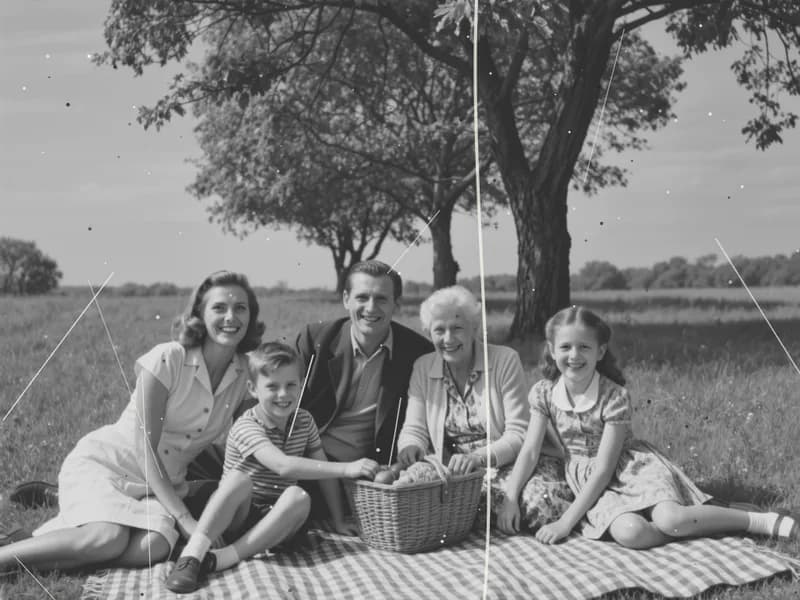
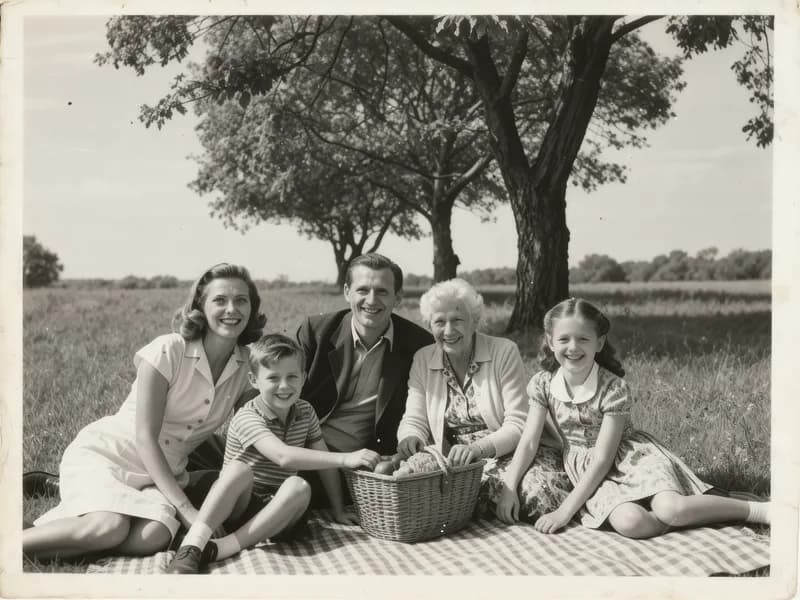 How to Restore Old Photos Without Losing the OriginalHandle, scan and repair scratched, torn or faded family photos, and keep an untouched copy of every original.
 How to Fix a Blurry PhotoRecognise the kind of blur in your photo, sharpen it with AI or a classic editor, and know when a picture cannot be saved.
Related tools
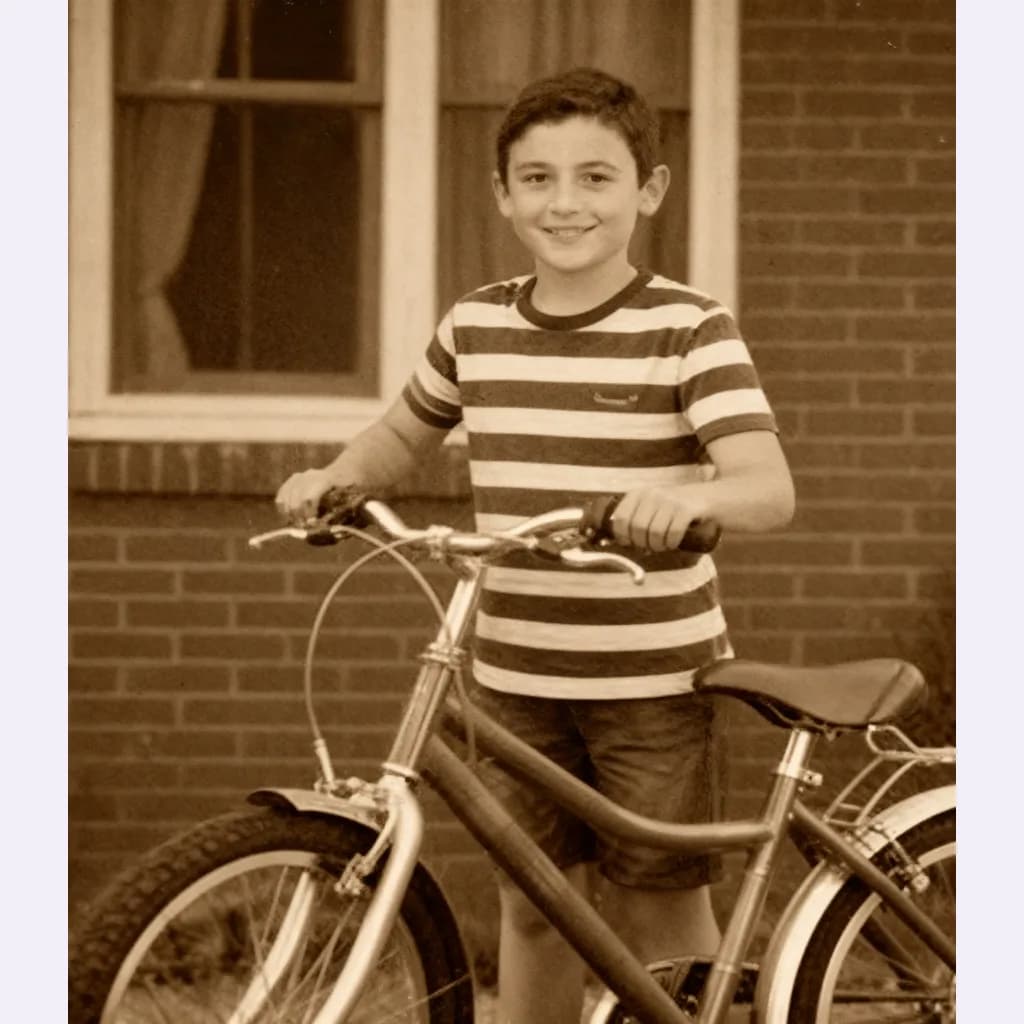


Repair scratches and sharpness first
Photo restoration repairs scratches and damage, and keeps the original tones. You see the credit price before it runs.