
Digital planner vs paper planner: an honest comparison
People choose between a digital planner and a paper one for different reasons. This comparison is meant to help you pick, even if the answer is paper.
Methodhelm editorial teamLast updated: 2 min read
On this page
Where a digital planner is stronger
- Changes are easy. You can move a task or rewrite a plan without crossing things out.
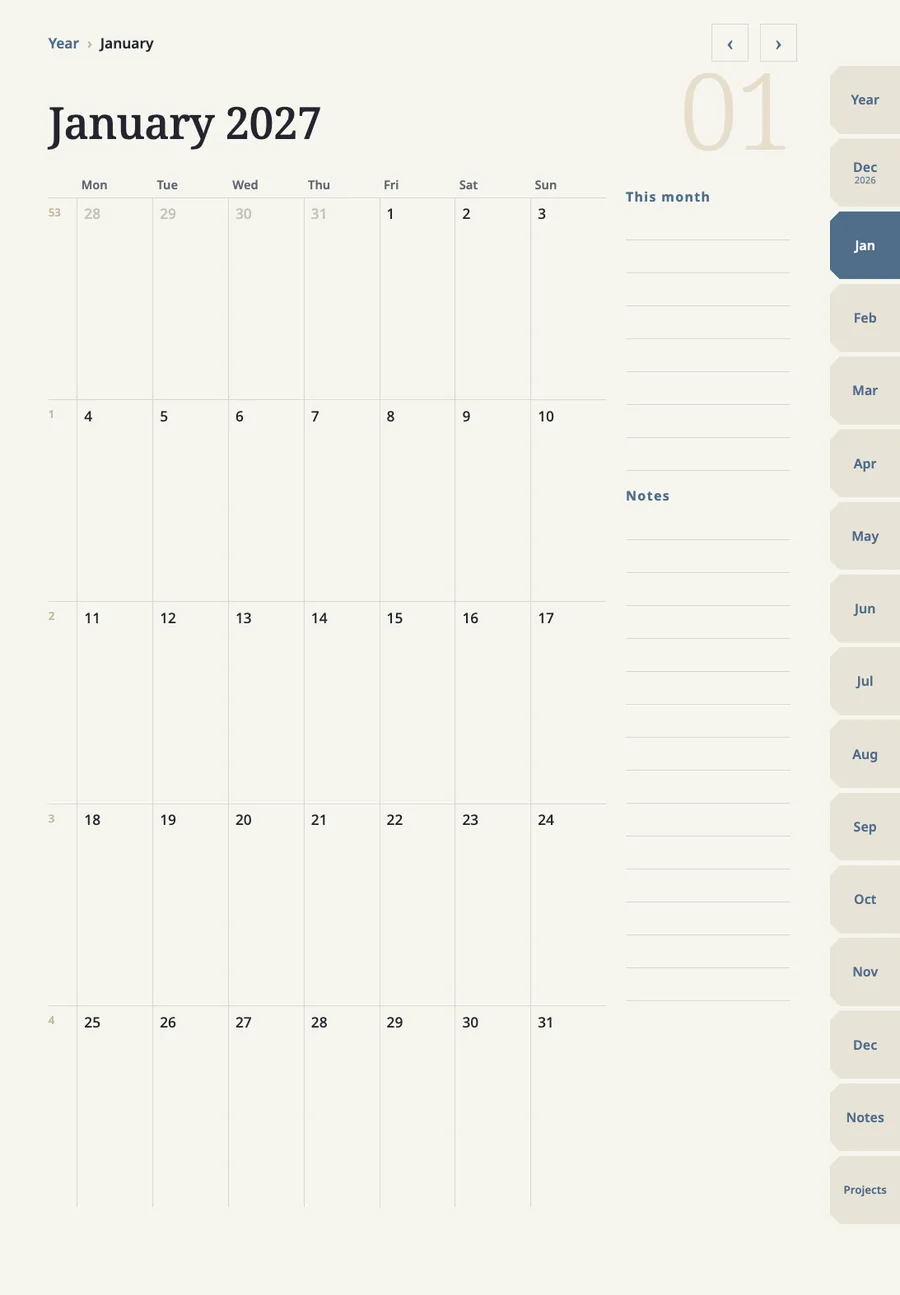
- Links save time. In a planner with page links, one tap takes you from a month to a week to a day.
- It lives on a device you already carry, and you can keep many notebooks in one place.
- Some apps can search handwriting, so you can find an old note.
Where paper is stronger
- It opens instantly and has no notifications competing for your attention.
- Writing on paper is, for many people, more natural than writing on glass.
- There is no battery, no import limit and no software update to think about.
- It cannot be lost to a software problem.
Cost, honestly
A paper planner is a yearly purchase. A digital planner file can be reused, and some, like undated ones, can be used again after the year ends. But a digital planner needs a tablet and a note app, and a note app may have limits on how many files you can keep, so the cheaper choice depends on what you already own.
How to decide
- Do you already own an iPad and write on it daily?
Do you already own an iPad and write on it daily? Digital is a small step.
- Do you plan on the go, with only a phone?
Do you plan on the go, with only a phone? Paper may feel clumsy, and a phone app may fit better than a PDF planner.
- Do you get distracted when you pick up the device?
Do you get distracted when you pick up the device? Choose paper.
FAQ
Frequently asked questions
Can I use both?
Yes. Some people keep a paper page for the day and a digital planner for the year view.
Is a digital planner worse for focus?
It can be, since the device also holds other apps. Turning notifications off while you plan helps.
Will a digital planner break when the app updates?
Planner PDFs are standard files, so they should keep opening. We have not tested every app version. If you decide on digital, our digital planner is one option, and how to use a digital planner on iPad covers the first week.
Related guides
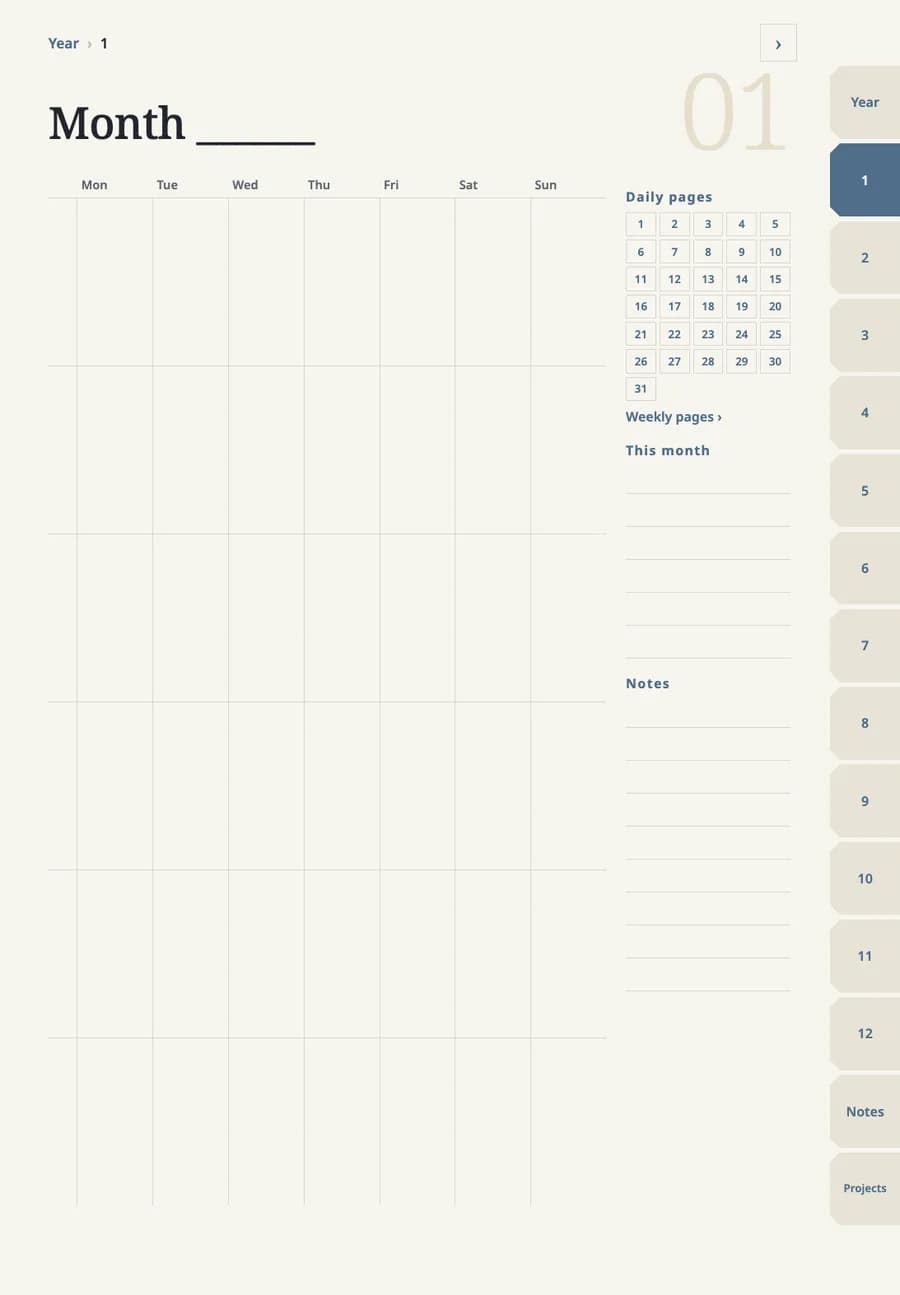 Dated vs undated digital planner: which to chooseA dated planner has the calendar filled in and linked. An undated one leaves the dates for you to write, so you can start in any month and reuse it. The choice depends on how steady your routine is.
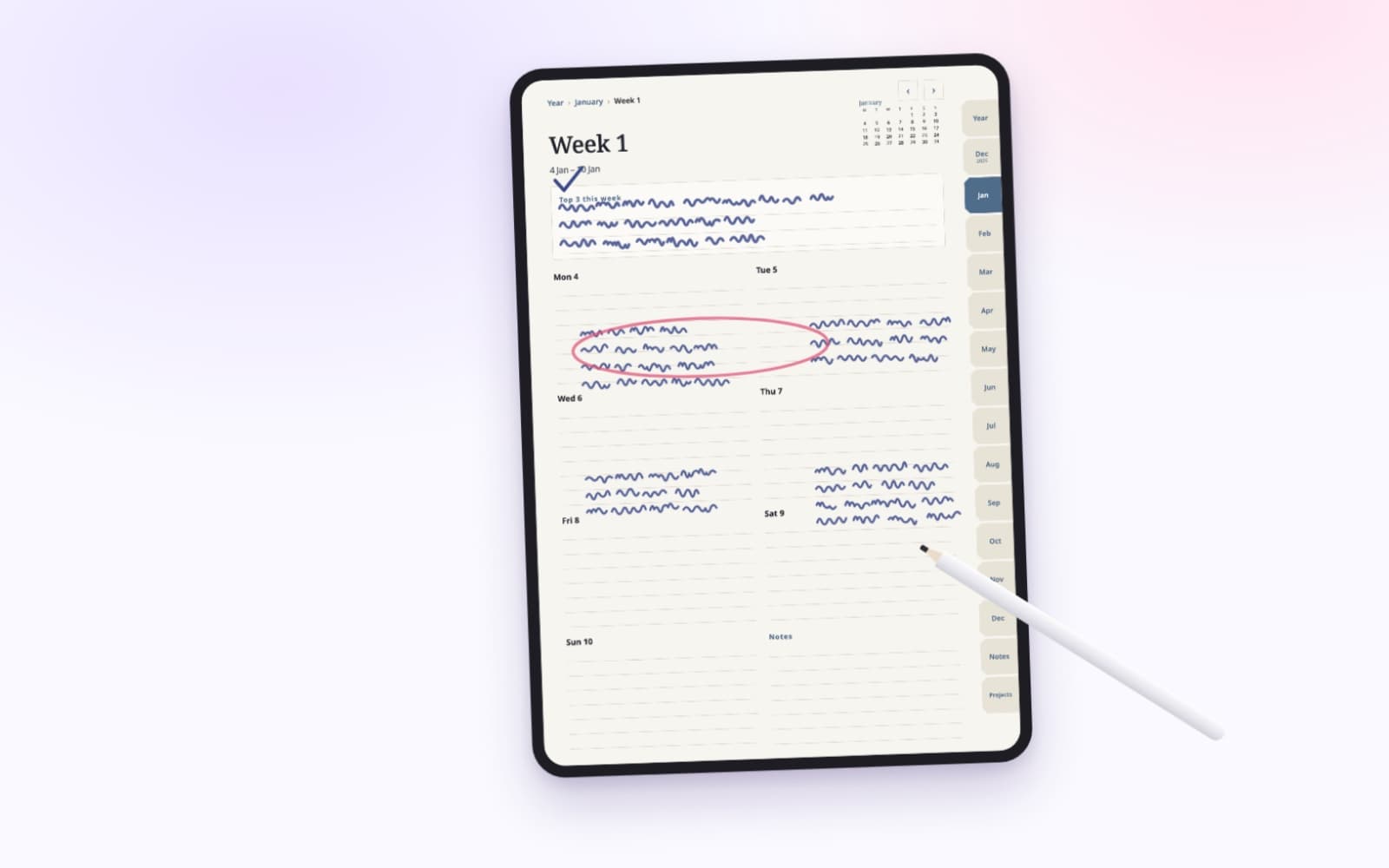 How to plan your week in 15 minutesPick three priorities, place what is already fixed, then add small tasks around them. The same steps work on paper or in a planner on your iPad.
A planner with page links built in, made for GoodNotes
Year, month, week and day pages, notes and projects, with tabs and dates you tap to jump. Each file is under 3 MB. Check that GoodNotes still lets you add a file before you buy.