
Virtual staging: how to furnish an empty room photo with AI
Empty rooms photograph badly. Without furniture there is nothing to show scale, the walls look bare and buyers or renters struggle to picture where the bed, the sofa or the desk would go. Physical staging solves that but costs money and time, and it is rarely worth it for a rental, a small flat or a room you are still planning to furnish yourself.
Methodhelm editorial teamLast updated: 5 min read
Virtual staging adds furniture and decor to a photo of the empty room instead. This guide covers how to photograph a room so staging gives a believable result, how to stage it step by step with Virtual staging on Methodhelm, which style suits which room, and how to use a staged photo honestly in a listing.
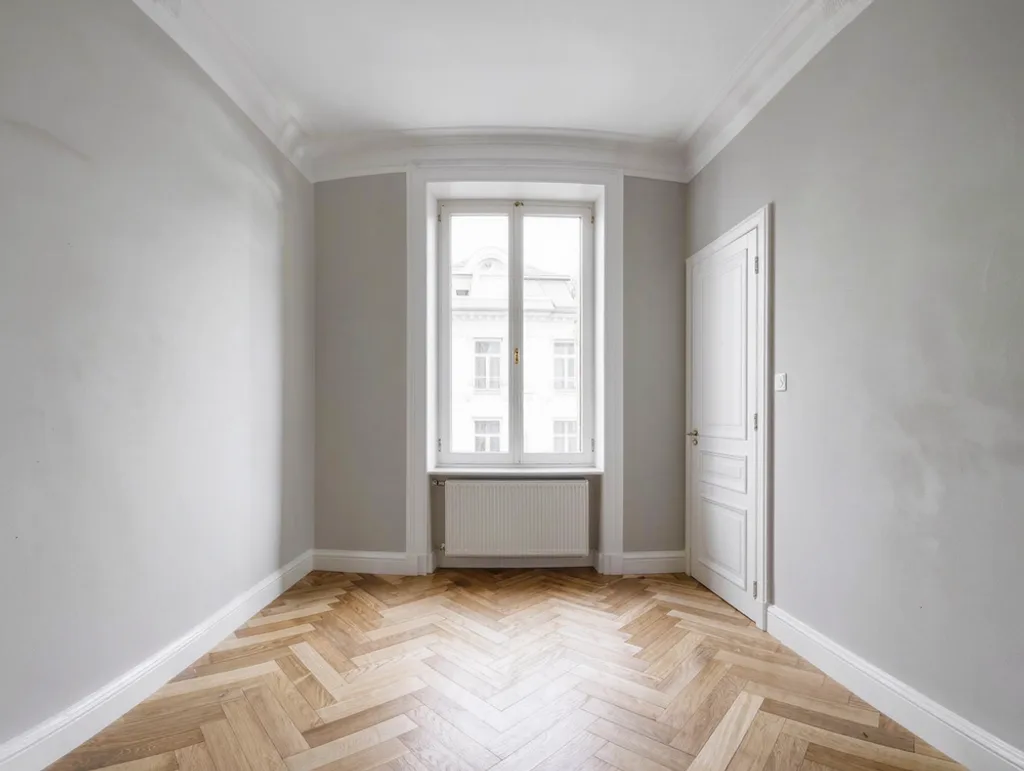 Before
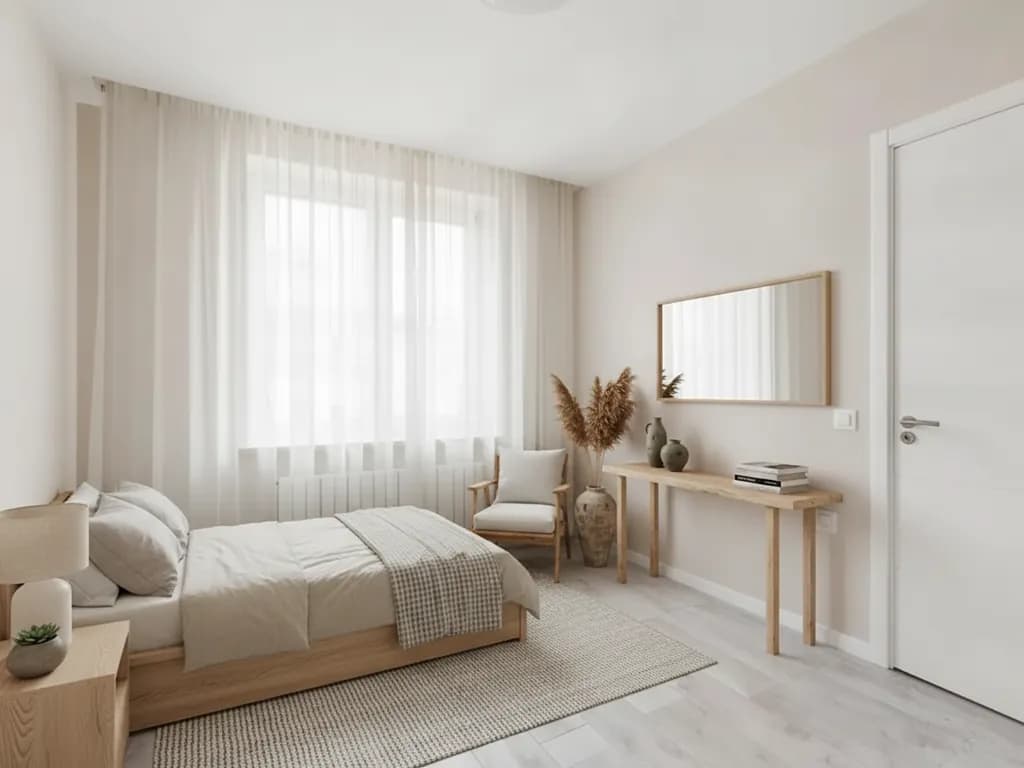
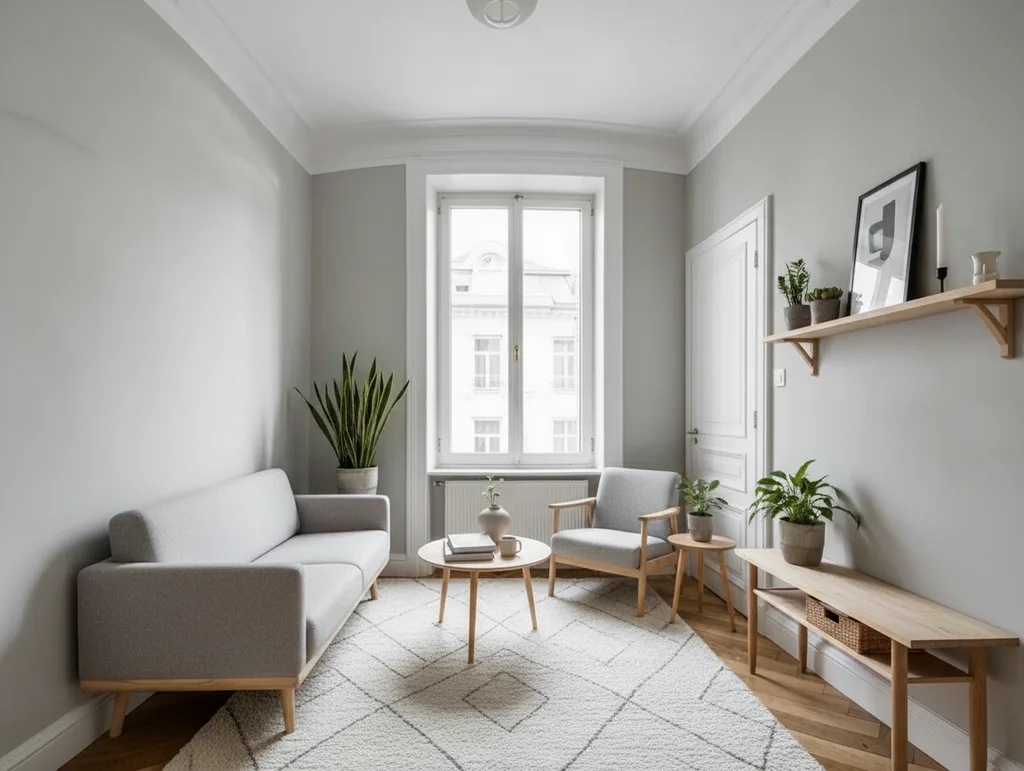 After · Virtually staged
On this page
What virtual staging is good for
A staged photo answers one question quickly: how could this space be used? A bare rectangle becomes a bedroom with room for a double bed, or a living room with a sofa facing the window. That helps a listing stand out among other photos, helps a landlord show that a small room still fits a desk, and helps you compare interior styles before you buy a single piece of furniture.
It does not change what the property is. A staged photo should show the same walls, windows, floor and layout as the real room, and the furniture it adds is an illustration, not something included in the sale or rent. Keep that difference clear, both when you check the result and when you publish it.
Photograph the empty room so staging works
- Clear the room completely: boxes, ladders, cables and leftover items confuse the AI and may stay in the picture. If something cannot be moved, remove it first with the object remover.
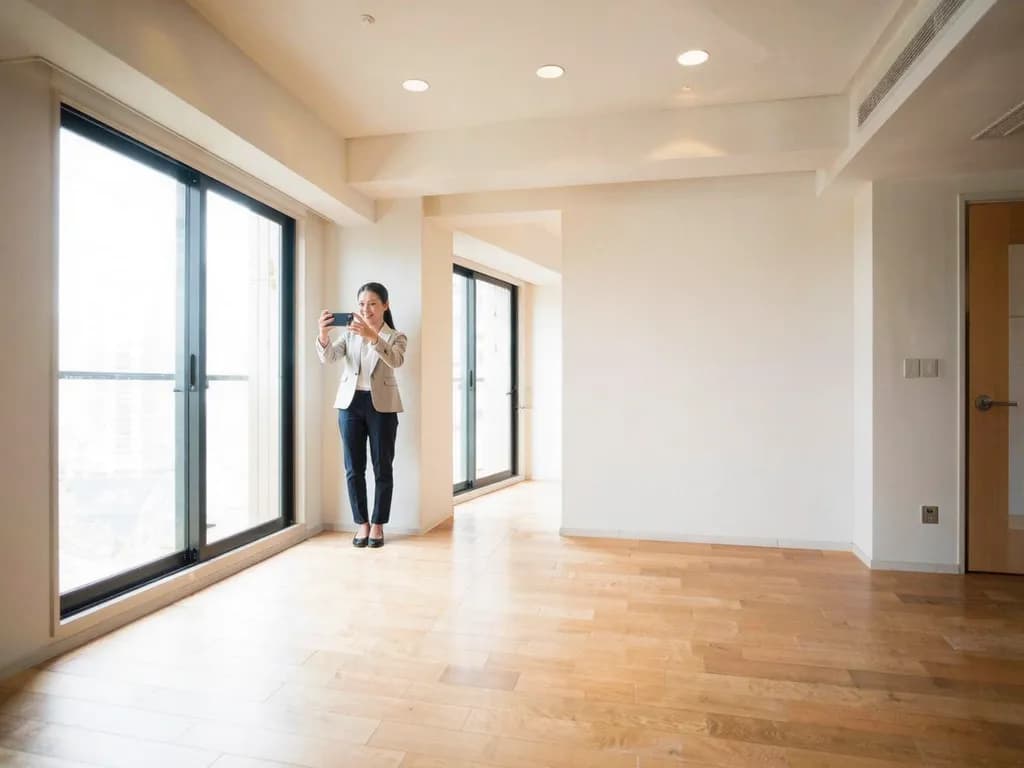
- Shoot from a corner or a doorway at chest height, so the floor and at least two walls are visible. Floor space is where the furniture goes.
- Hold the phone level and horizontal. Tilted verticals make the room, and the added furniture, look like they are falling over.
- Use daylight and switch on the room's own lights. A dark room gives darker, less convincing furniture; see how to fix flat or dull lighting if your photos come out grey.
- Avoid the extreme ultra-wide setting, which stretches the corners, and keep people and pets out of the shot.
- Take one photo per room angle you want to show, and keep the unedited originals.
Step by step: stage an empty room with AI
- Upload the empty room photo
Open Virtual staging and upload a JPG, PNG or WebP of at least 128 px a side. Larger photos are scaled to about 1 megapixel, at most 1600 px on the long side, before upload.
- Pick an interior style
Choose one of 7 styles: Modern, Scandinavian, Minimalist, Industrial, Japandi, Cozy or Luxury. After signing in you see the exact credit price before the run.
- Run the staging
It usually takes 20 to 60 seconds. Failed generations aren't charged — if a run fails or the result cannot be used, the held credits come back automatically after a short hold. Your result is kept for 24 hours to download.
- Compare with the original
Drag the slider and check the walls, windows, doors, floor, radiators and light fittings. They should look the same as in your photo.
- Try another style if needed
If the furniture feels wrong for the room, run the same photo with a different style and keep the version that fits the space and the audience best.
Which interior style for which room
- Modern: a safe, broad choice for most listings, with clean lines and neutral tones.
- Scandinavian: light wood, white textiles and plants; makes small or dark rooms feel brighter.
- Minimalist: only a few pieces, so the room still looks spacious. Good for very small rooms.
- Japandi: low, natural wood furniture and muted earthy colours; calm bedrooms and living rooms.
- Cozy: soft fabrics, rugs and warm lamps; family homes and long-term rentals.
- Industrial: leather, dark metal and reclaimed wood; lofts and rooms with brick or concrete.
- Luxury: velvet, marble and brass accents; larger rooms in higher-end properties.
Limitations and honest use in listings
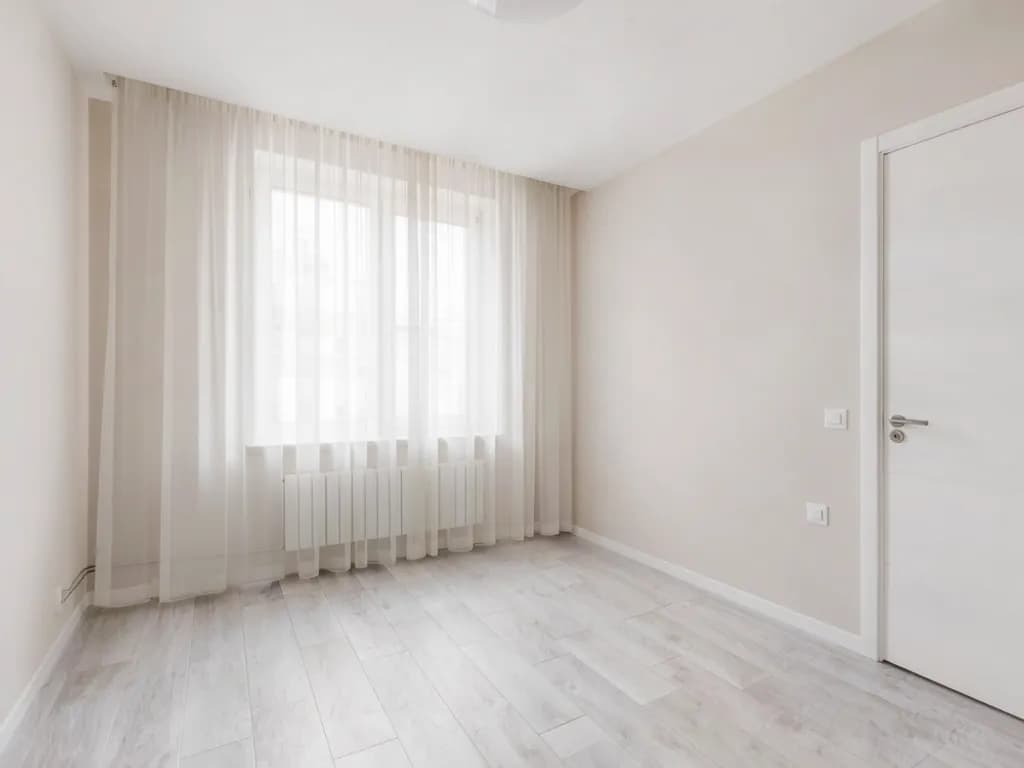
The tool is asked to add only furniture and decor and to keep the room as it is, but the result is still generated. It can change details such as wall colour, light, fixtures, the view through a window or the floor, and furniture can be out of scale. In the example above, the window, curtains, radiator, door and floor stay as they were, but the bed now hides the lower part of the radiator and the cable along the left wall, and a large mirror has been added to the wall beside the door. Never publish a result that changes the property's structure or features.
- Label staged photos clearly, for example “virtually staged”, and keep the original photo available next to it.
- Many listing platforms and some jurisdictions require virtually staged photos to be marked, and some also require the unstaged original. Check the rules that apply to you.
- The result is about 1 megapixel, in the standard shape closest to your photo, so the edges may be slightly trimmed or extended.
- Only upload photos you have the rights to: your own, or ones the owner or photographer allows you to use.
Frequently asked questions
What is virtual staging?
Adding furniture and decor to a photo of an empty room with software instead of moving real furniture in. It shows how a space could be used, for example in a property listing or when planning your own interior.
Is virtual staging allowed in real estate listings?
Generally yes, as long as it is not misleading. Label the photo as virtually staged, keep the original available and do not change the property itself. Some platforms and jurisdictions have specific rules, so check the ones that apply to you.
Can I stage a room that still has furniture in it?
It works best on an empty or nearly empty room. Existing furniture and clutter may stay or mix oddly with the new pieces, so clear the room or remove leftover items from the photo first.
Why did the wall colour or window view change?
The result is generated, so details besides the furniture can change. Compare it carefully with the original and run it again, or with another style, if the room itself looks different.
How much does it cost?
Methodhelm uses credits. You see the exact price before each run in the tool and on the pricing page. Failed generations aren't charged — held credits come back automatically. Your result is kept for 24 hours to download.
Related guides

 How to remove unwanted objects and people from a photoErase photobombers, litter and power lines from a picture, and learn which scenes AI can rebuild convincingly and which it cannot.
 How to Fix Flat or Dull Lighting in a PhotoUnderstand why a photo looks flat, fix what you can when shooting, and relight the rest with golden hour or soft light.
Related tools
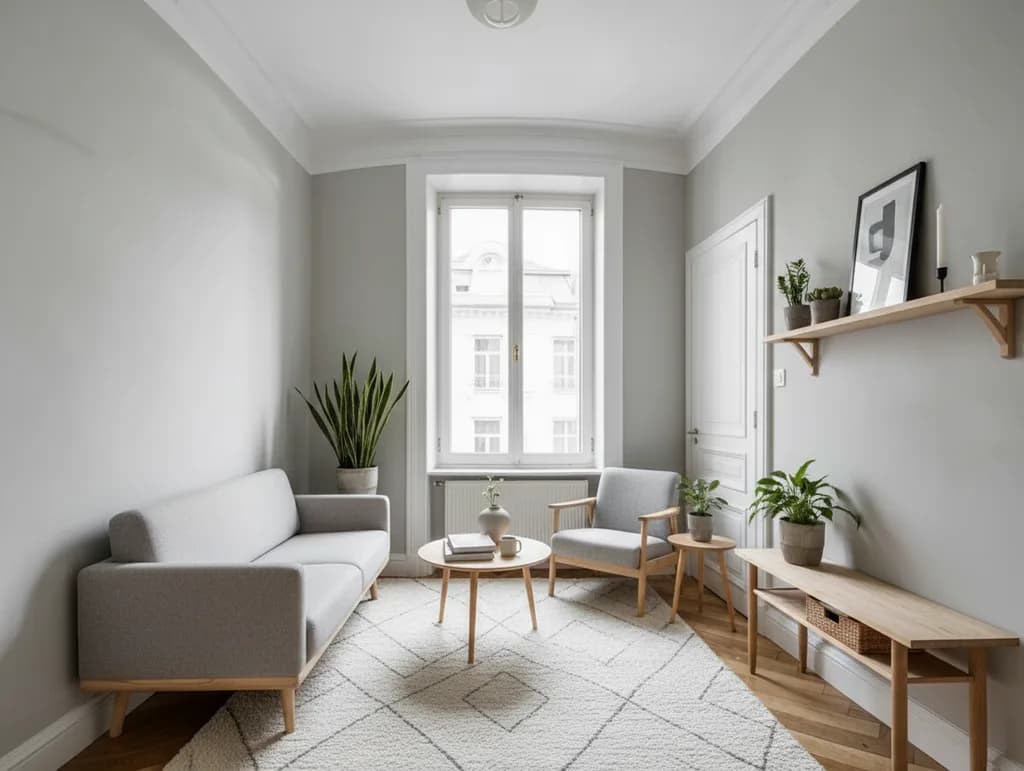
Furnish your empty room photo
Upload an empty room, choose from 7 interior styles and compare the staged photo with the original. You see the credit price before it runs.