
Making a Loved One's Photo Clearer for a Memorial
When someone dies, the family often needs a clear photo quickly, and the best one is small, dark, scratched or blurry. This guide is for that moment. It is short, careful and honest about the limits of AI.
Methodhelm editorial teamLast updated: 3 min read
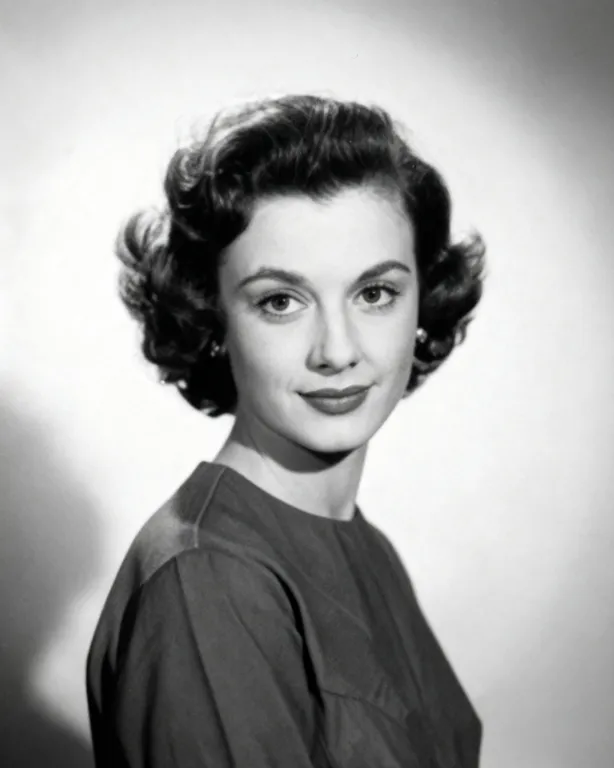
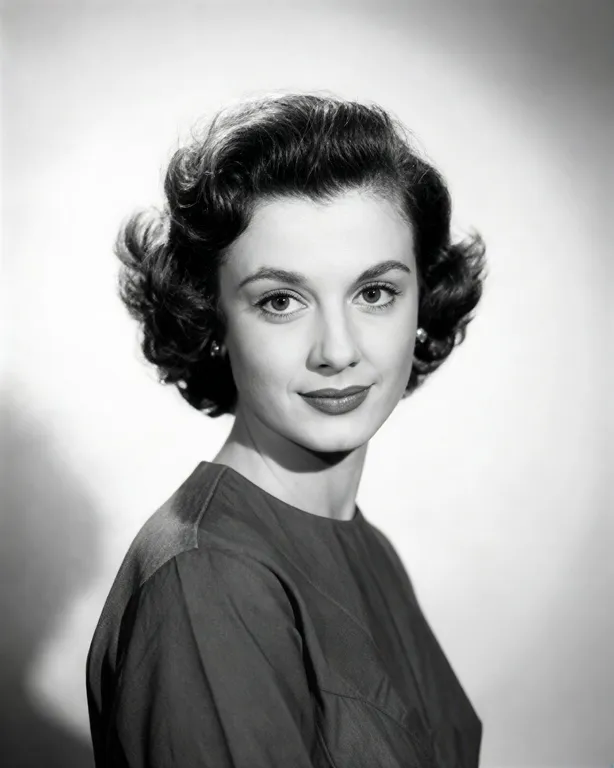
We use Photo restoration and, if needed, Photo deblur. The aim is a clearer version of the same photo, not a different one.
On this page
Start with the best photo
- Ask family and friends for every photo they have of the person. A recent photo that people remember is better than a perfect old one.
- Choose a photo where the face is clear and the expression is natural.
- Ask for the original file. Photos sent through messaging apps are usually smaller.
- If it is a printed photo, scan it flat. See How to restore old photos.
- Don't overwrite the original.
How to restore a portrait for a memorial
- Look at the problem
Look at what is wrong with the portrait: dark, scratched, faded, small or blurry? A dark portrait is a lighting problem, see fix photo lighting. A soft portrait is a blur problem, see fix a blurry photo.
- Try Photo restoration for age damage
It repairs scratches and damage. It keeps the original tones. Check the credit price before it runs.
- Ask family to check the likeness
The site's FAQ says AI fills in missing detail, so faces may differ slightly from the original. (FAQ) Family will notice small changes, so ask them before you print or share.
- If it is still soft, try deblur
The result is at most 1600 px on the long side.
- Stop when it looks like the person
If a result looks like someone else, go back to the earlier version.
- Download within 24 hours and keep all versions
The site keeps the restored portrait for 24 hours, so save it before you print for the service. The Privacy Notice says results are fully deleted from storage within 7 days.
What to leave alone
- Don't change clothes, backgrounds or expressions. The goal is to keep the person as they were.
- Don't animate the photo or make it speak. Some families find that comforting and others find it upsetting. Ask first.
- Don't use a photo of someone without the agreement of those who have the right to decide.
Size for printing
A small photo stays small. Check the size you need, and compare with the size of your result before you order a large print. Do the arithmetic: pixels divided by the print resolution gives the print size in inches.
When to ask a professional
- A photo that is the only copy, is torn or stuck, or whose face is badly damaged.
- A large print for a service or a display.
Frequently asked questions
Will the face look exactly the same?
Not always. According to the FAQ, a face can come out slightly different from the original, which is why a relative should look it over.
Can I add colour?
There is a Colorize tool, but the colours are a guess, so consider whether you want that for a memorial.
Should I keep the original?
Yes, always.
Do I get credits back if restoring the portrait fails?
A portrait restoration that fails does not cost you credits; whatever was held is returned automatically. While the restored portrait is still awaiting confirmation, the held credits may stay on hold until that check is complete.
Can I share it online?
Check with the family first.
Related guides
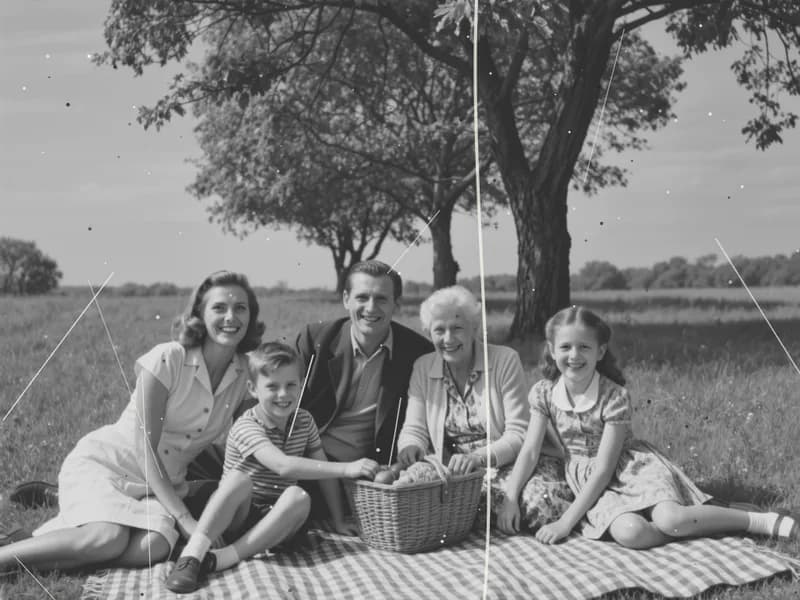
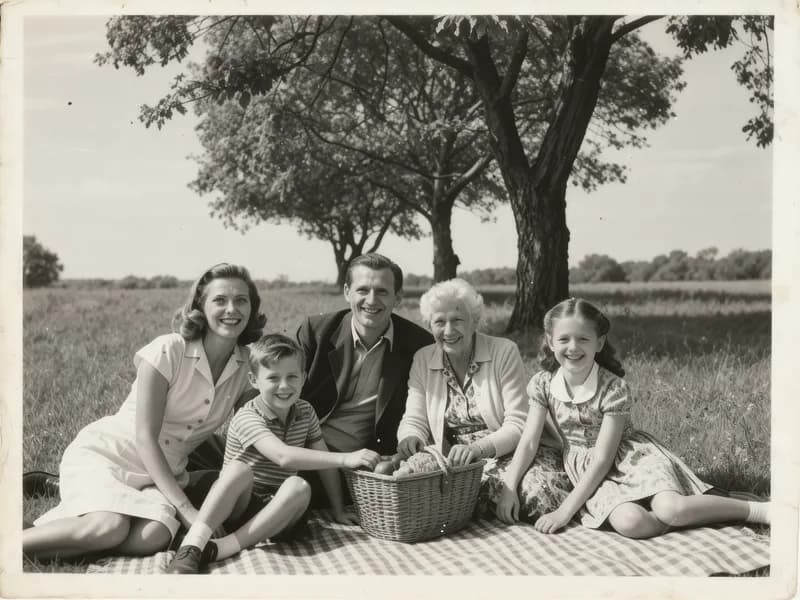 How to Restore Old Photos Without Losing the OriginalHandle, scan and repair scratched, torn or faded family photos, and keep an untouched copy of every original.
 How to Fix Flat or Dull Lighting in a PhotoUnderstand why a photo looks flat, fix what you can when shooting, and relight the rest with golden hour or soft light.
Related tools
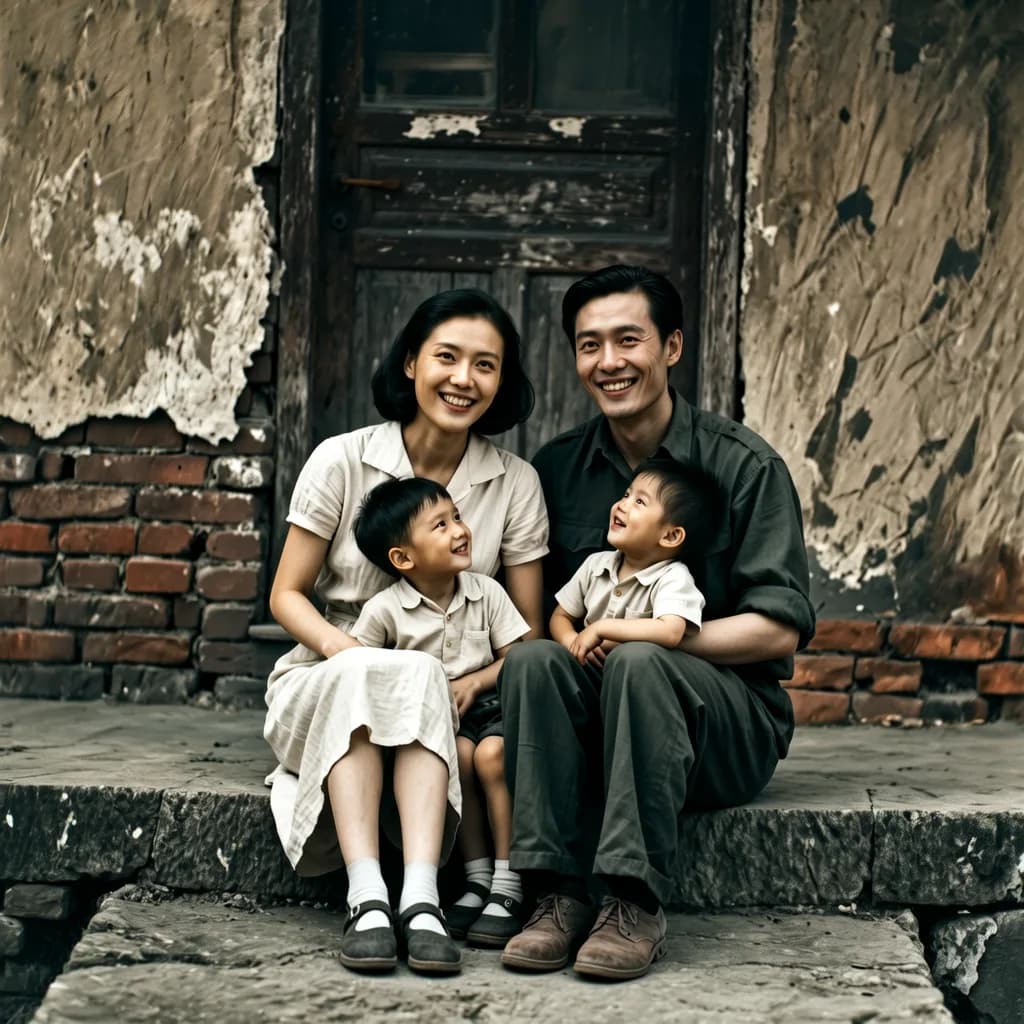
Start with the clearest photo
Upload one photo, see the credit price before it runs, and ask family to check the likeness.