
Free tool
Compress an image to under 500 KB
Large enough to keep a full-size phone photo looking sharp, small enough for most upload limits.
Your image is processed on your device and is not uploaded to our servers. Closing the page discards it.Choose an image → adjust → download
Example
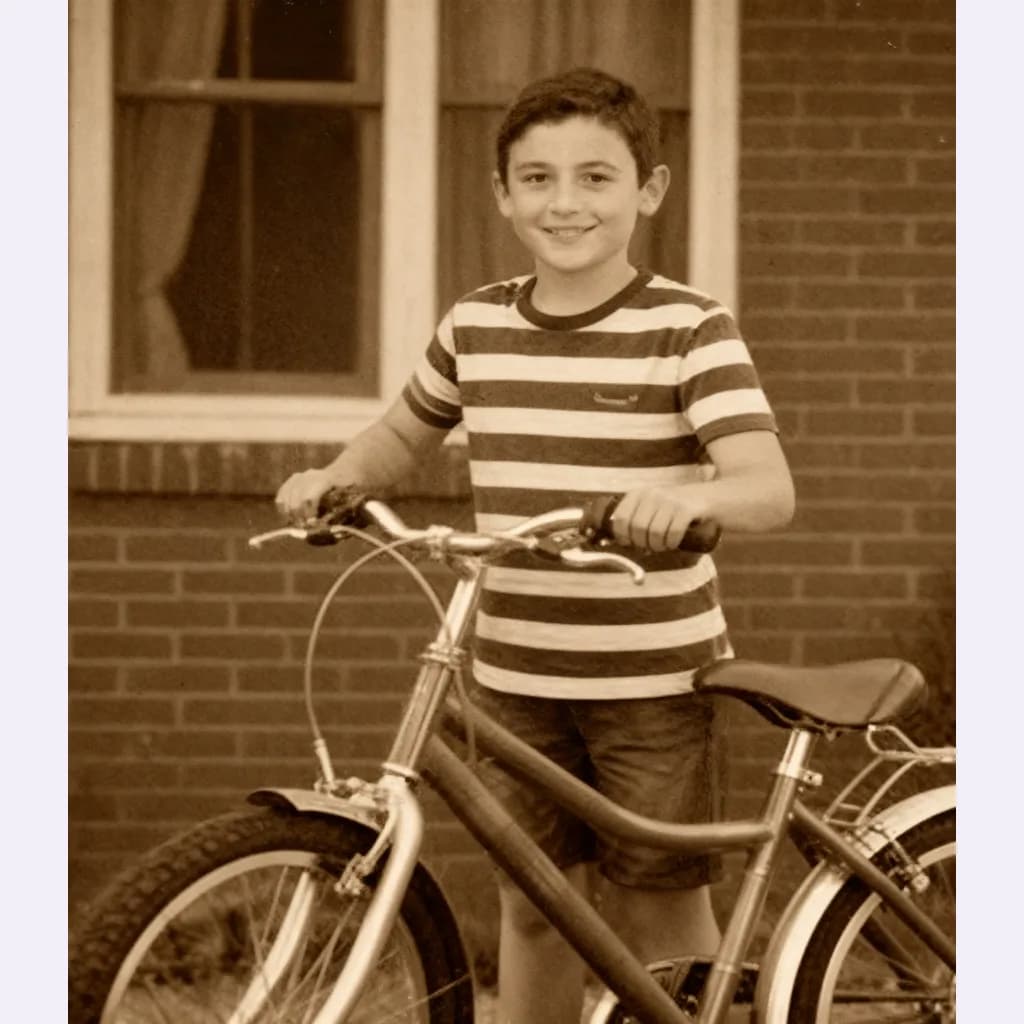
Same photo, a fraction of the size
A close-up of the same detail. The badges show the real file sizes.


- Original
- 1.2 MB
- Result
- 492 kB
About this setting
Why 500 KB is the sweet spot
A 12-megapixel photo saved by a phone camera is usually 3 to 6 MB. Saved again as a well-tuned JPG under 500 KB, it typically keeps its full width and height and looks the same on any screen. That makes 500 KB a good target when you want a smaller file without visibly losing anything.
Rental, insurance and support forms often cap each attachment at 500 KB, and so do some online shops for review photos. Ten photos at this size also stay under 5 MB together, which any email provider handles easily.
Tips
- You rarely need a smaller pixel size at 500 KB, so start from the original and let the tool tune the quality.
- For screenshots with text, compare the preview carefully — PNG can be clearer for those.
- Sending many photos at once? Compress each one to keep the whole message small.
AI tools
Take it further with AI
When a free fix is not enough, this AI tool can help.
FAQ
Good to know
Will I see a difference after compressing to 500 KB?
Almost never on a screen. Cameras save at a very high quality; a carefully chosen lower quality removes detail the eye does not notice.Can I print a photo compressed to 500 KB?
For small prints, yes: a full-resolution phone photo at 500 KB prints well at postcard size. For large prints, keep the original file.Why did my image get smaller in pixels too?
Only very large or very detailed images need it, such as panoramas or 40-megapixel photos. The tool reduces the pixel size only when no quality setting fits under 500 KB.
Presets