
Free tool
Compress an image to under 20 KB
For upload boxes that refuse anything bigger than 20 KB — usually signatures and small ID photos on application portals.
Your image is processed on your device and is not uploaded to our servers. Closing the page discards it.Choose an image → adjust → download
Example
Same photo, a fraction of the size
A close-up of the same detail. The badges show the real file sizes.

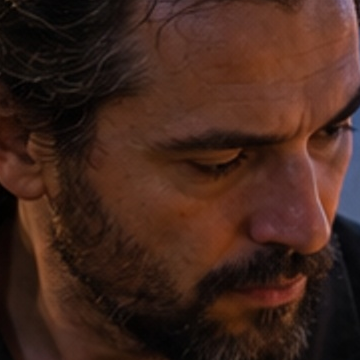
- Original
- 1.2 MB
- Result
- 20 kB
About this setting
Why 20 KB is so hard to hit
20 KB is tiny: a normal phone photo is 100 to 200 times bigger. Quality alone cannot close that gap, so after trying lower quality settings the tool also scales the picture down until it fits. Expect a small image, often a few hundred pixels across — which is what forms with a 20 KB limit are built for.
Limits this small usually come from exam, recruitment and government portals that store thousands of uploads. Many of them also set a minimum, often 10 KB, and an exact pixel size, so read the form's instructions before you upload.
Tips
- Crop to the subject first: less background leaves more of the 20 KB for the face or the signature.
- A signature scanned on plain white paper compresses far better than one photographed on a desk in poor light.
- If the form names exact pixels, resize to that size first, then compress here.
AI tools
Take it further with AI
When a free fix is not enough, this AI tool can help.

FAQ
Good to know
Why is my 20 KB image so small in pixels?
Below about 40 KB, lowering the quality rarely gets a phone photo under the limit, so the tool reduces the width and height too. Forms with a 20 KB cap expect small images, so this is normal.Is the file guaranteed to be under 20 KB?
The tool shows the exact size of the result before you download. If it could not get under 20 KB, it says so and gives you the smallest file it could make.The form says between 10 and 20 KB. What if my file is smaller?
Check the size shown under the result. If it is below the minimum, start from a sharper, higher-resolution photo or scan: the tool keeps the highest quality that fits, so more detail gives a larger file.
Presets