
Free tool
Compress an image to under 100 KB
A common cap on profile pictures, marketplace listings and document upload forms.
Your image is processed on your device and is not uploaded to our servers. Closing the page discards it.Choose an image → adjust → download
Example
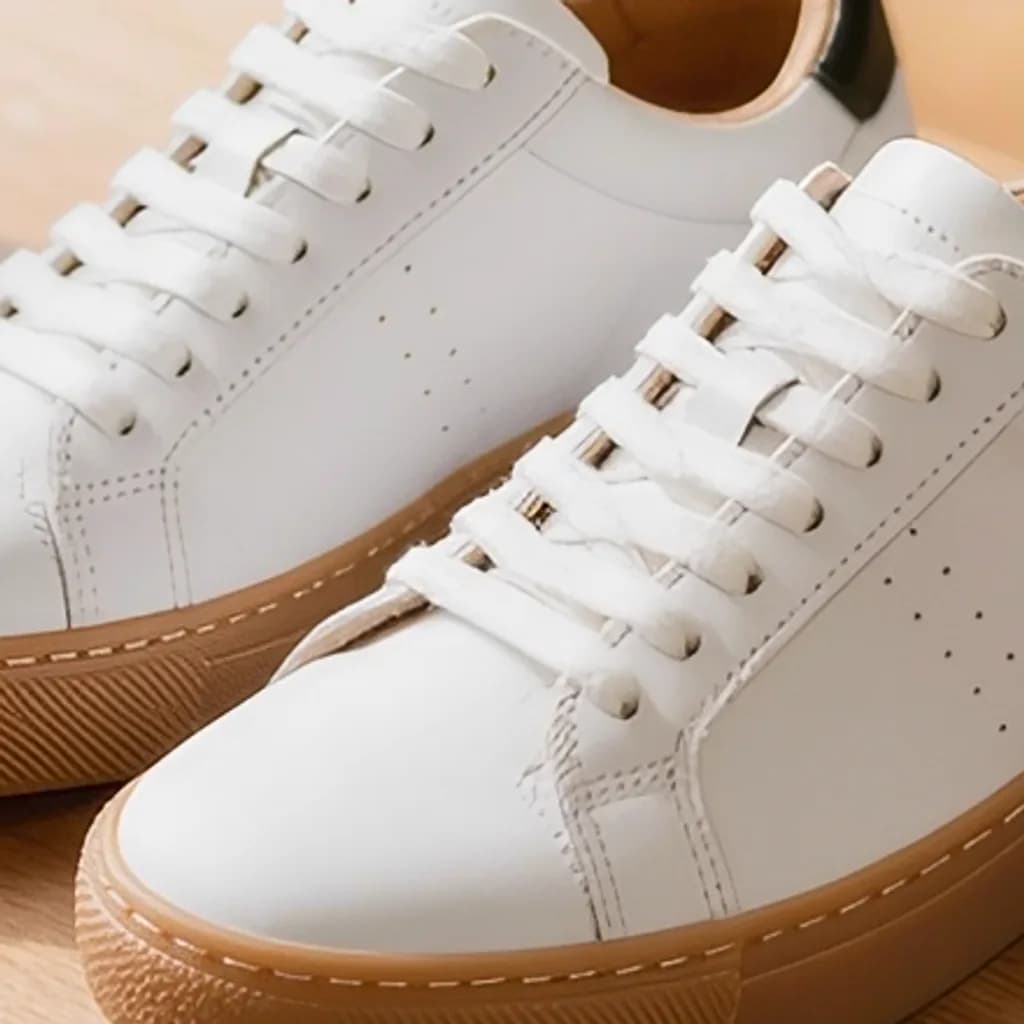
Same photo, a fraction of the size
A close-up of the same detail. The badges show the real file sizes.


- Original
- 1.2 MB
- Result
- 100 kB
About this setting
How much photo fits in 100 KB
100 KB is roughly a 1000-pixel-wide JPG at good quality. For most uses on screen — a profile picture, a product photo, an image in a form — nobody can tell it apart from the original. The tool searches for the highest quality that stays under the limit, so you do not have to guess a slider position.
It is also a sensible size for images on a web page: ten 100 KB photos still load quickly on a mobile connection, while ten untouched phone photos can add up to 30 MB or more.
Tips
- If the result looks soft, crop away empty space first — the pixels you keep get more of the budget.
- Photos full of fine texture, such as grass or gravel, need more bytes; expect a smaller pixel size for those.
- For a website, try WebP in the format menu: it is usually 25–35% smaller than JPG for the same look.
AI tools
Take it further with AI
When a free fix is not enough, this AI tool can help.
FAQ
Good to know
Is 100 KB good enough for a profile picture?
Yes. Profile pictures are shown at a few hundred pixels at most, and 100 KB gives a sharp JPG at that size and well above it.Does the tool change the pixel size?
Only if it has to. It first lowers the quality step by step; if even the lowest setting is above 100 KB, it scales the image down until it fits. The new width and height are shown with the result.Why is the result only a little smaller than my original?
Your original was probably already close to 100 KB. The tool keeps the highest quality that fits, so it does not shrink the file more than it needs to.
Presets