
Free tool
Compress an image to under 1 MB
For photos that are just too big to attach or upload — the result usually keeps every pixel.
Your image is processed on your device and is not uploaded to our servers. Closing the page discards it.Choose an image → adjust → download
Example
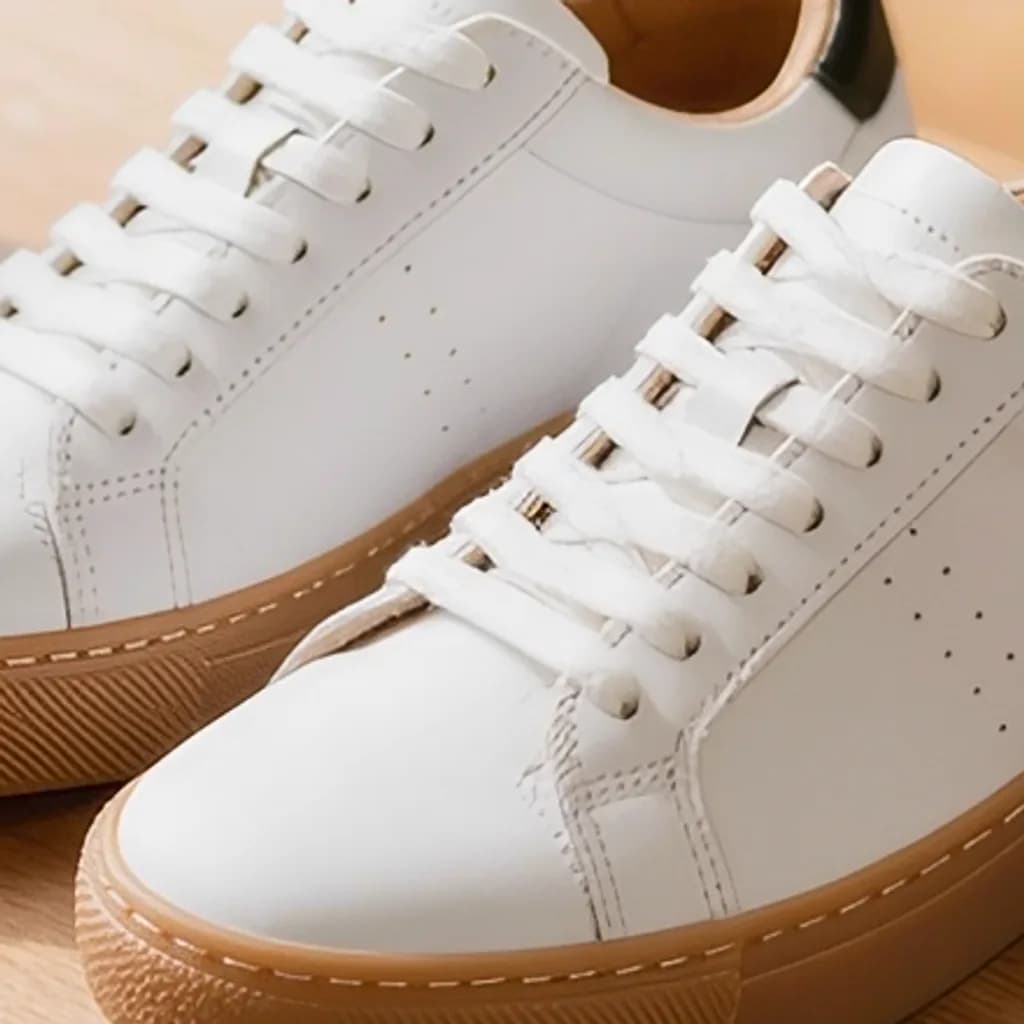
Same photo, a fraction of the size
A close-up of the same detail. The badges show the real file sizes.


- Original
- 1.2 MB
- Result
- 841 kB
About this setting
What 1 MB is good for
1 MB is the limit many forms, help desks and older website systems set per image. At that size a JPG can hold a 12- to 24-megapixel photo at high quality, so the tool usually lowers the quality only a little and keeps the full resolution. The target is decimal — 1,000,000 bytes — so the file also fits a limit written as 1,024 KB.
It is also a good size before sending photos through chat apps that recompress large images themselves: a file you have already compressed carefully is less likely to be degraded again.
Tips
- iPhone photo in HEIC? Convert it to JPG first if the form needs JPG, then compress it here.
- Very large files, such as 50-megapixel photos, may also be reduced in pixel size to fit 1 MB.
- Keep your original: compress a copy for sending, not your only file.
AI tools
Take it further with AI
When a free fix is not enough, this AI tool can help.
FAQ
Good to know
Does 1 MB here mean 1,000 KB or 1,024 KB?
The tool aims for under 1,000,000 bytes, which is also under 1,024 KB. Either way the file fits a form that says 1 MB.Will the photo keep its full size?
In most cases, yes. Only images above roughly 25 megapixels, or with a great deal of fine detail, are also scaled down to stay under 1 MB.Can I compress several photos at once?
No, the tool handles one photo at a time. Download the result, then choose the next photo; it takes a few seconds each.
Presets