
Water-Damaged or Moldy Photos: What to Do First
Water, damp and mold can leave stains, spots and stuck-together prints. The first question is not "which tool?" but "how do I stop it getting worse?"
Methodhelm editorial teamLast updated: 3 min read


This guide is deliberately limited. It covers making a digital copy and what to expect from Photo restoration. It does not give cleaning or mold-removal instructions, because we have not verified safe methods for this guide. If the photos matter, ask a professional.
On this page
Protect the original first
We have not checked official conservation guidance for this guide. For precious photos, contact a professional conservator or a local archive or library for advice.
- Don't force stuck prints apart and don't rub stains.
- Keep damaged photos separate from good ones, so damp or mold does not spread to them.
- If you think mold is present, take care: it may be a health concern for some people. Ask a professional about handling it.
- Keep photos away from heat and direct sunlight.
Make a digital copy
- Scan or photograph the print as it is
Flat, in even light, no flash, as large as you can. See the tips in How to restore old photos.
- Name the file clearly
(for example "grandma-1975-water-damaged-original") and don't overwrite it.
- Back it up in two places
- Work on copies only
What to expect from a restoration tool
- Use Photo restoration to mend scratches and other damage; it leaves the original tones as they are.
- The AI fills in missing detail, as the site's FAQ explains, so a face or a line of text can end up slightly different from the original. (FAQ)
- We tried one old photo with simulated water stains and black specks (not real mold): the round stain rings and most specks disappeared and the faces were not visibly distorted, but the overall brown tone got darker and more orange. Real water damage and mold may behave differently, so try it on a scan first and compare with the original at 100 percent.
- Where a face or an important detail is damaged, the tool must invent what it cannot see. Check that the person still looks like themselves.
Try the tool carefully
- Upload one scan to Photo restoration and look at the credit price before you run it
Upload one scan to Photo restoration and look at the credit price before you run it. Nothing runs until you confirm.
- Check the result against the original
Look at faces, text and the damaged areas.
- If the result looks wrong, don't use it
The damaged original is still the truth.
- Save the cleaned scan within 24 hours
The site keeps the cleaned scan for 24 hours, so save it before you handle the next photo. The Privacy Notice says results are fully deleted from storage within 7 days.
- Keep every version
When to ask a professional
- Photos that are valuable, rare, or the only copy.
- Prints stuck together, or with visible mold.
- Photos where the stain covers a face.
- When you are not sure how to handle the damaged print safely.
Frequently asked questions
Can Photo restoration remove water stains?
We have not tested this, so we can't promise it.
Can it remove mold spots?
Same answer: not tested.
Is it safe to clean the print myself?
This guide does not give cleaning instructions. Ask a professional.
Should I keep the original?
Yes, and keep your digital copy too.
Do I get credits back if cleaning the scan fails?
A clean-up of a damaged scan that fails is not charged; the held credits return automatically. If the cleaned scan is still awaiting confirmation, the credits can stay held until the check finishes.
Related guides
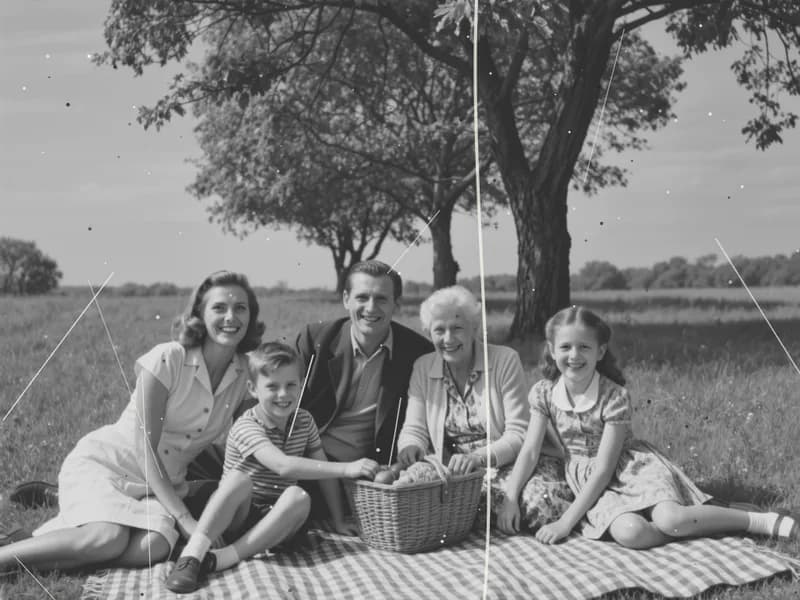
 How to Restore Old Photos Without Losing the OriginalHandle, scan and repair scratched, torn or faded family photos, and keep an untouched copy of every original.
 How to Fix a Blurry PhotoRecognise the kind of blur in your photo, sharpen it with AI or a classic editor, and know when a picture cannot be saved.
Related tools



Start with a careful scan
Make a digital copy first. If you try the tool, you see the credit price before it runs.