
How to retouch a portrait photo and keep it natural
Most portraits need only a little help. A spot that appeared the morning of the photo, shadows under tired eyes, a red patch from the cold or a shiny forehead under office lights are temporary, yet they are what people notice first. Heavy beauty filters fix them by smoothing everything, and the result looks like plastic, not like you.
Methodhelm editorial teamLast updated: 4 min read
Natural retouching aims for the version of you on a good day: the same face, the same features, with temporary distractions softened. This guide explains how to start from a portrait that needs as little fixing as possible, how to retouch it step by step with Portrait retouch on Methodhelm, what to keep untouched, and where retouching should not be used at all.
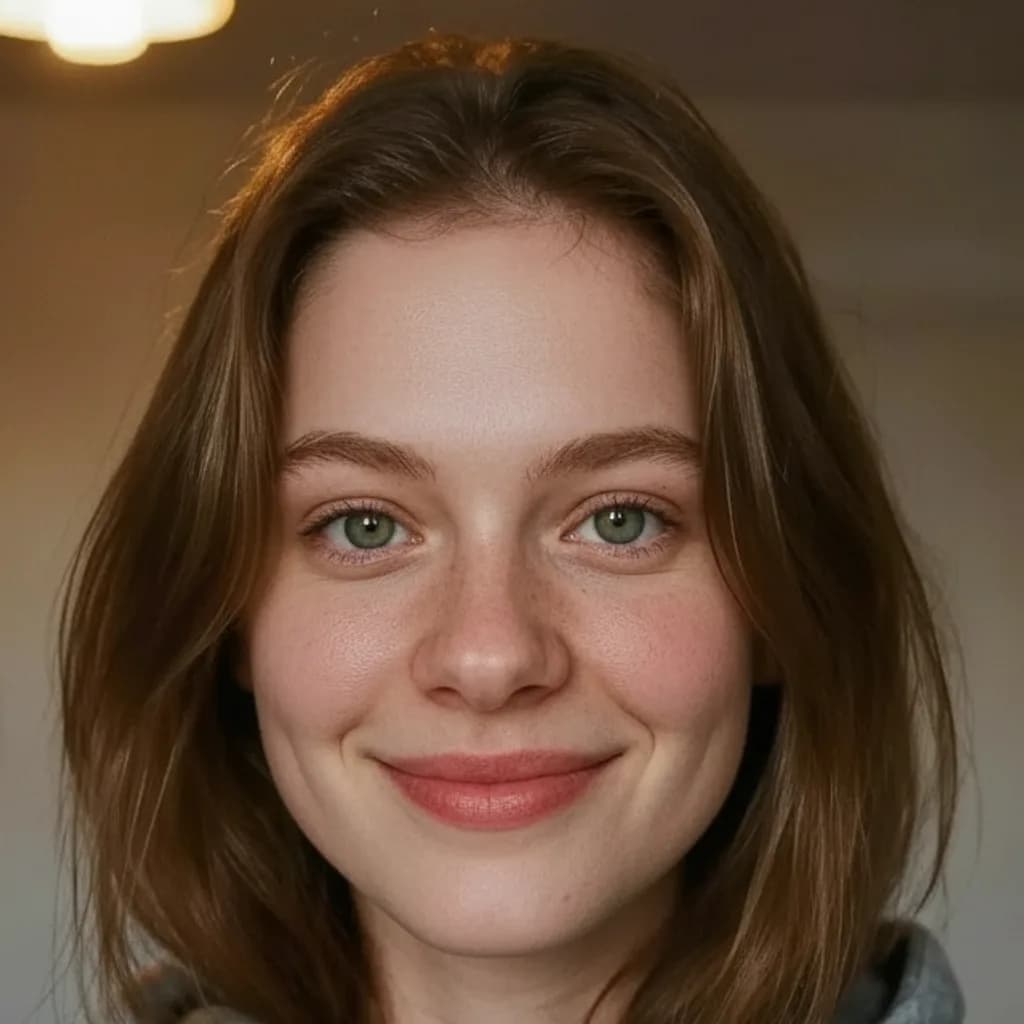
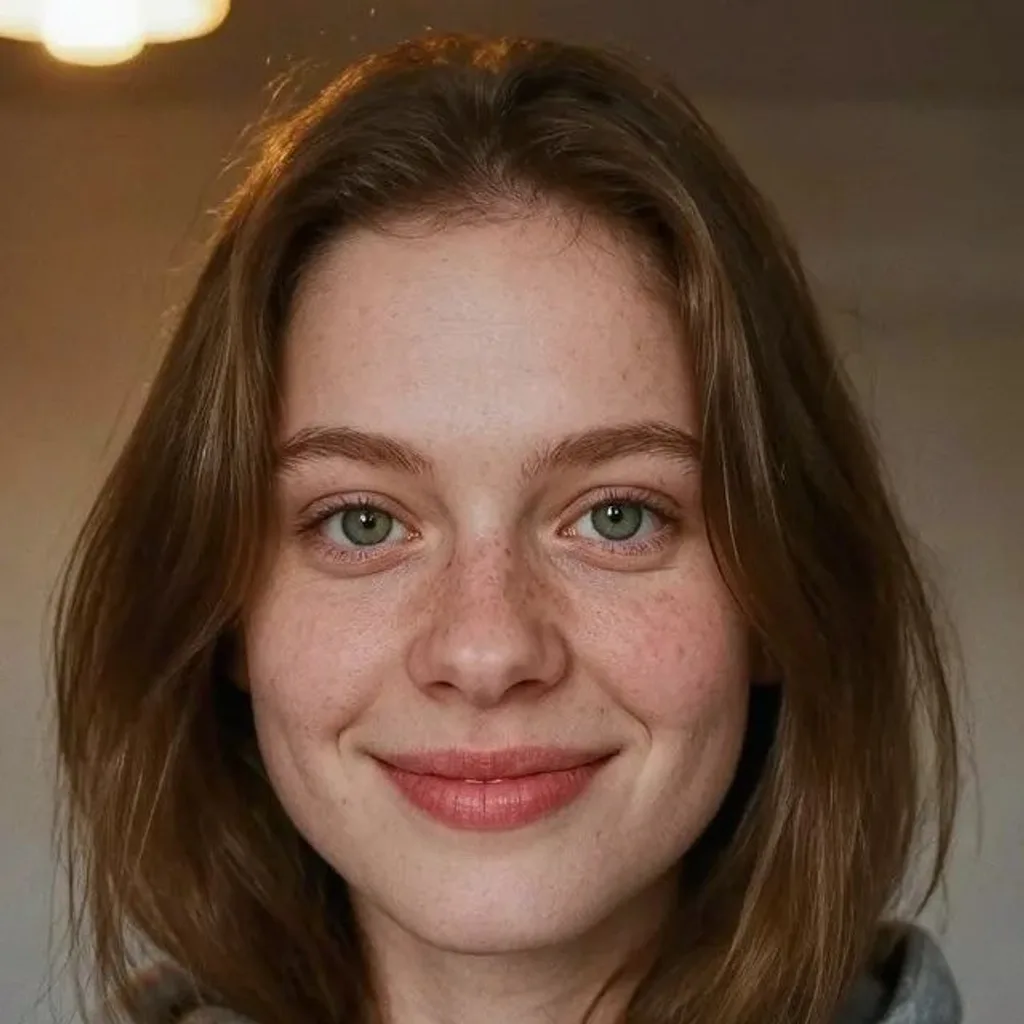 Before
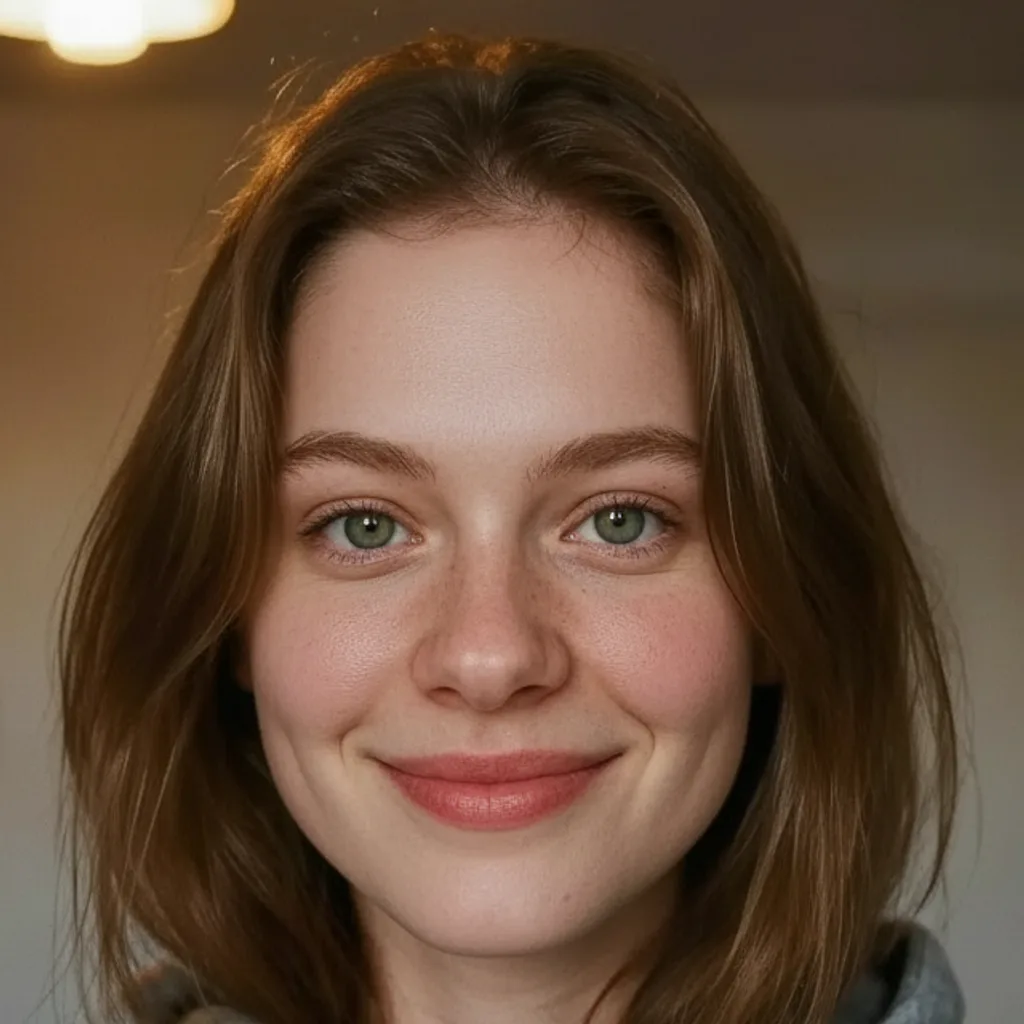 After
AfterOn this page
What natural retouching means
Good portrait retouching removes what is temporary and keeps what is permanent. Spots, small red marks, uneven patches of tone, slight shine and a bit of under-eye darkness can be softened. Freckles, moles, scars, smile lines, the shape of your face, nose, eyes and lips belong to you and should stay.
The other half is texture. Real skin has pores and fine variation, and that texture is what makes a face read as a photograph. Once it is smoothed away the eye notices immediately, even if it cannot say why. A good retouch is one that nobody can point to.
Start with a portrait that needs less fixing
- Light matters more than retouching. Soft window light from the front or slightly to the side hides texture problems that a ceiling light or flash exaggerates; see how to fix flat or dull lighting.
- Use the main camera at a little distance, not a close selfie with a wide lens, which enlarges the nose and the centre of the face.
- Turn off beauty filters and portrait smoothing when you take the photo, so the retouch starts from real detail.
- Make sure the face is sharp. Retouching cannot repair a blurry photo; fix that first with Photo deblur.
- Choose a photo with one clear, front-facing face. Group shots and side profiles give less predictable results.
Step by step: retouch a portrait with AI
- Upload the portrait
Open Portrait retouch and upload a JPG, PNG or WebP of at least 128 px a side. Larger photos are scaled to at most 1600 px before upload.
- Check the price and run it
After signing in you see the exact credit price before the run. It usually takes 10 to 40 seconds.
- Compare before and after
Drag the slider and look at the eyes, teeth, hair edges and any freckles or moles. The face should look like the same person on a good day.
- Zoom in on the skin
At full size, the skin should still show some texture. If it looks waxy, use the original or a lighter edit instead.
- Save or start again
Failed generations aren't charged — held credits come back automatically. Your result is kept for 24 hours to download. If the result is not right, try a better-lit source photo rather than retouching the retouched version.
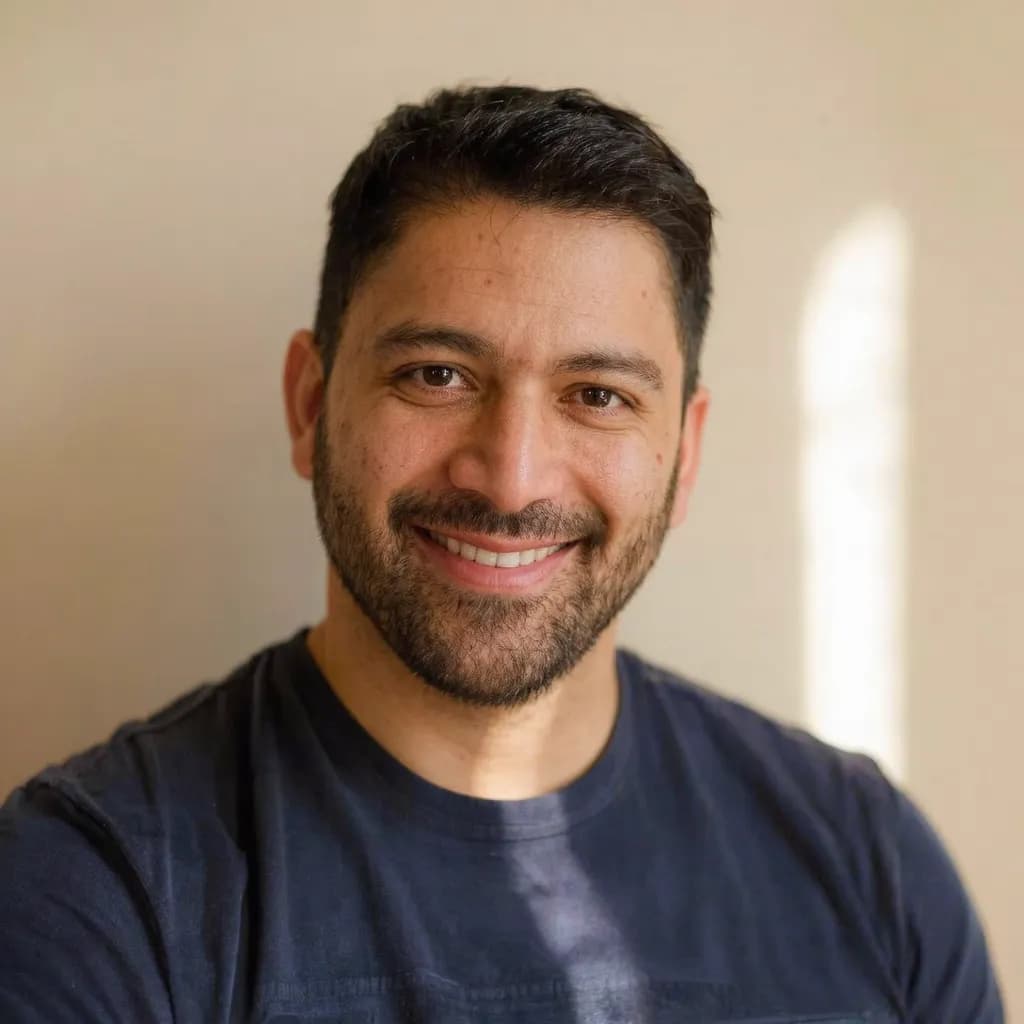
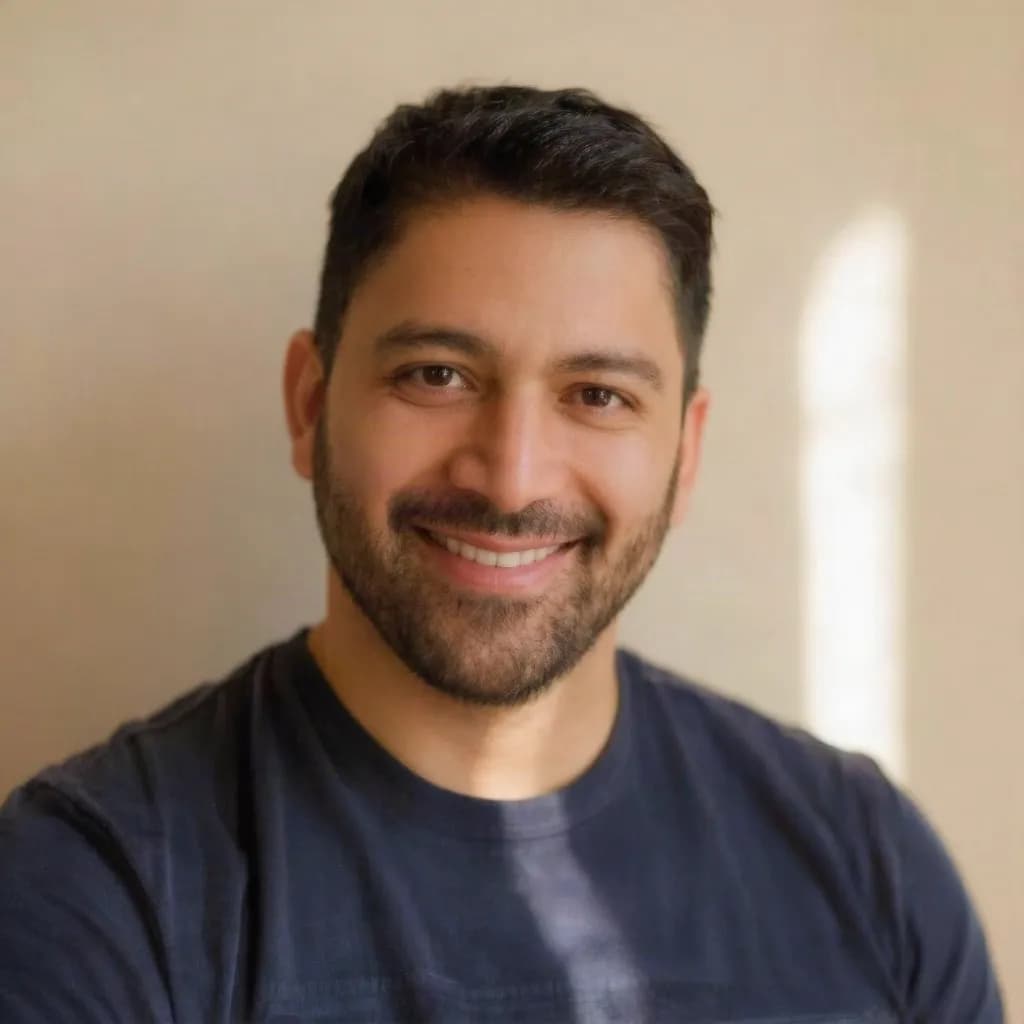
Keep it natural: what to leave alone
- Freckles, moles, beauty marks and scars are part of your face. If they disappear, the photo stops looking like you.
- Smile lines and laugh lines show expression. Removing them makes a smile look frozen.
- Keep some under-eye shadow; removing it entirely makes the face look flat.
- Do not combine several smoothing steps. One gentle retouch looks better than a filter on top of a retouch.
- For a work profile, pair a light retouch with good light or a new background; see how to make a LinkedIn headshot from a selfie.
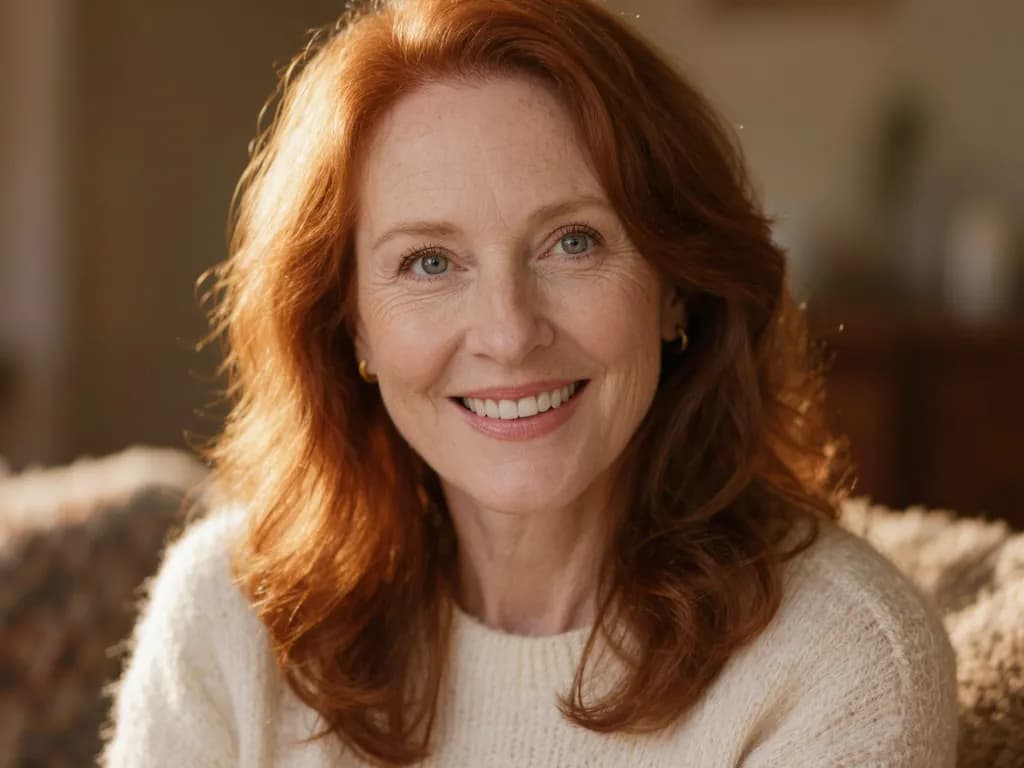
Limitations and where not to retouch
The tool aims to keep your face and features the same and only clean up skin, but it is generated, so results vary from photo to photo and small details can change. Always compare before you save.
- The result is about 1 megapixel, in the standard shape closest to your photo, so the edges may be slightly trimmed or extended.
- Do not retouch passport, visa or ID photos; authorities require an unedited face. See our passport photo guide.
- Avoid retouching photos used as evidence or in news, and say so if a retouched photo is used in advertising where rules require it.
- Only upload your own photos, or photos of other people with their consent.
Frequently asked questions
How do I retouch a portrait without it looking fake?
Start from a sharp, well-lit photo, soften only temporary things like spots and uneven tone, and keep skin texture, freckles and smile lines. Compare the result at full size before you use it.
Can AI remove acne and blemishes from a photo?
It can soften spots and small red marks and even out skin tone. It does not diagnose or treat skin and is not a medical tool.
Will retouching change my face shape?
The retouch is meant to keep your features and only clean up skin, but generated results can vary slightly. Check the eyes, nose, lips and outline against the original.
Can I retouch a passport or ID photo?
No. Official photos must show your face unedited. Take a new photo in good light instead.
How much does it cost?
Methodhelm uses credits. You see the exact price before each run in the tool and on the pricing page. Failed generations aren't charged — held credits come back automatically. Your result is kept for 24 hours to download.
Related guides

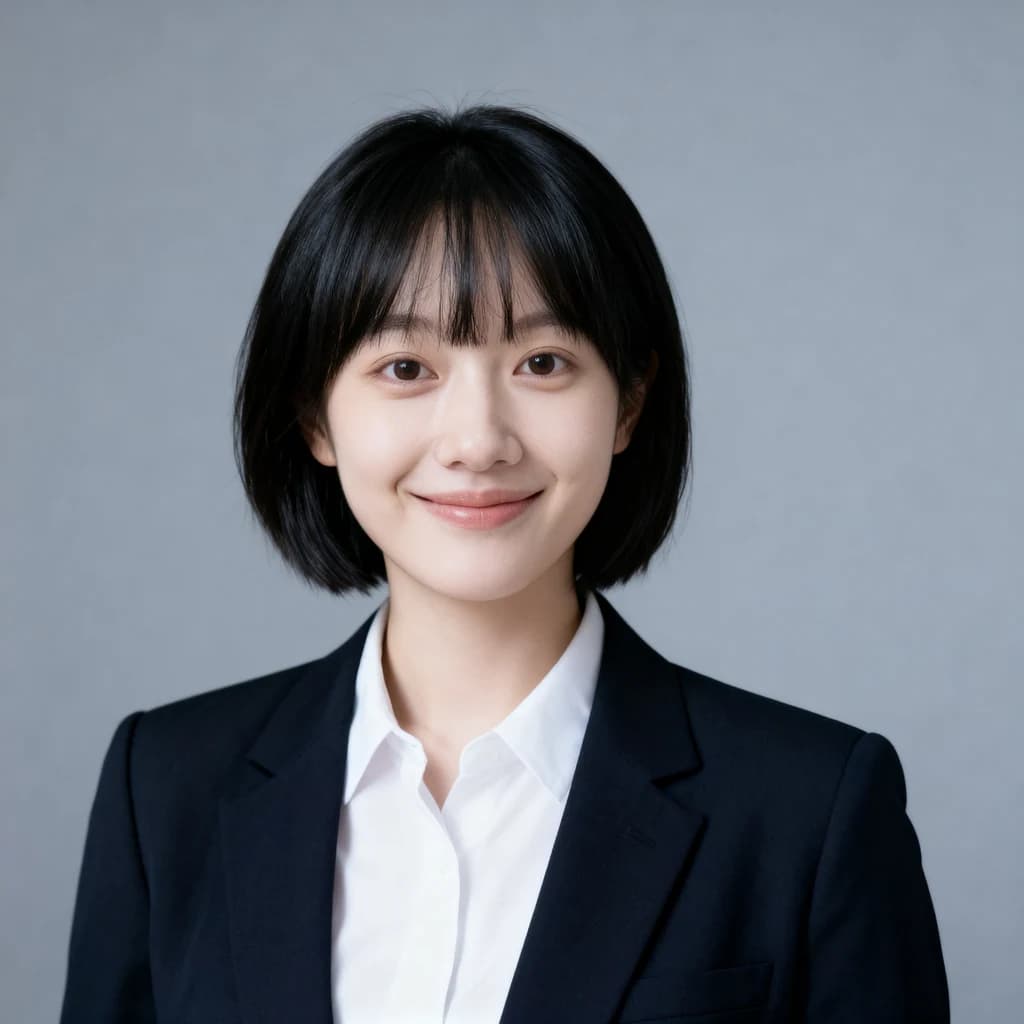 How to Turn a Selfie Into a Professional LinkedIn HeadshotTake a selfie that works as a profile photo, decide whether an AI headshot helps, and check the result still looks like you.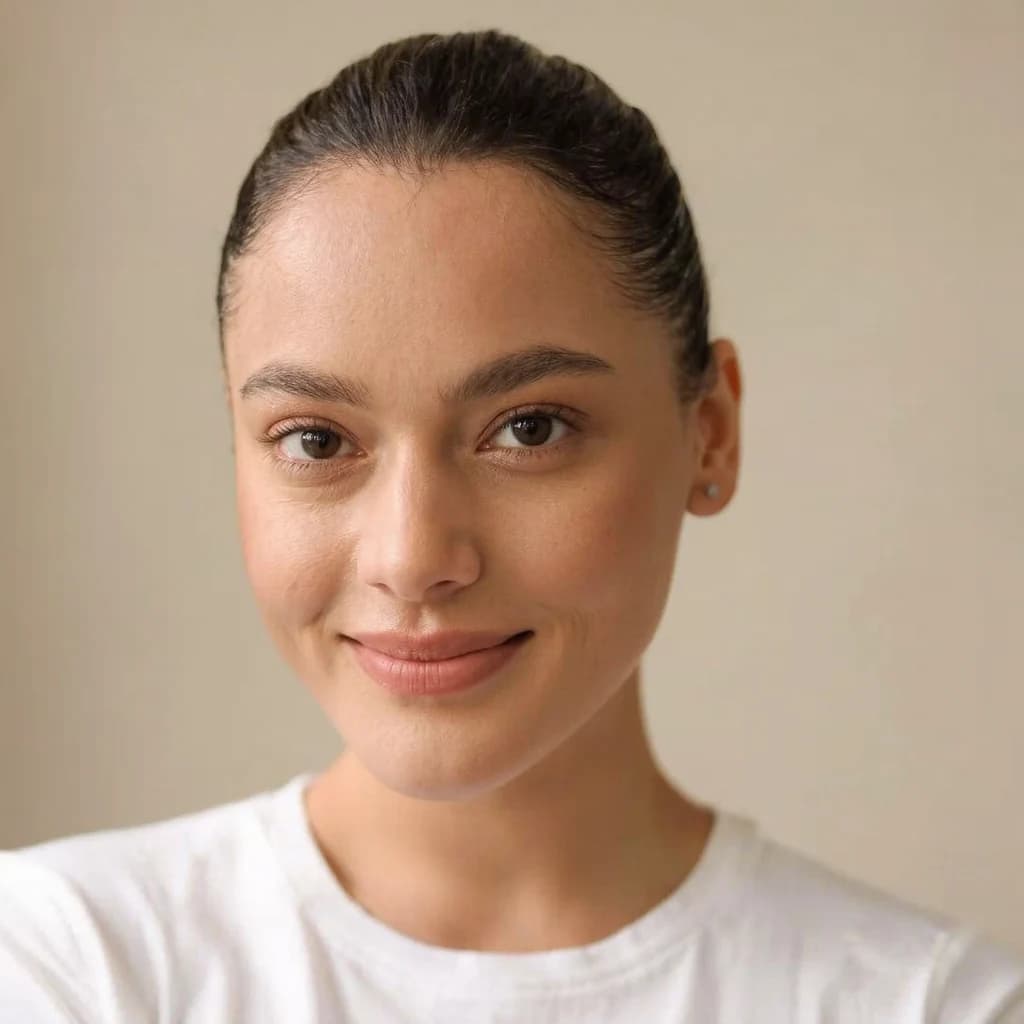
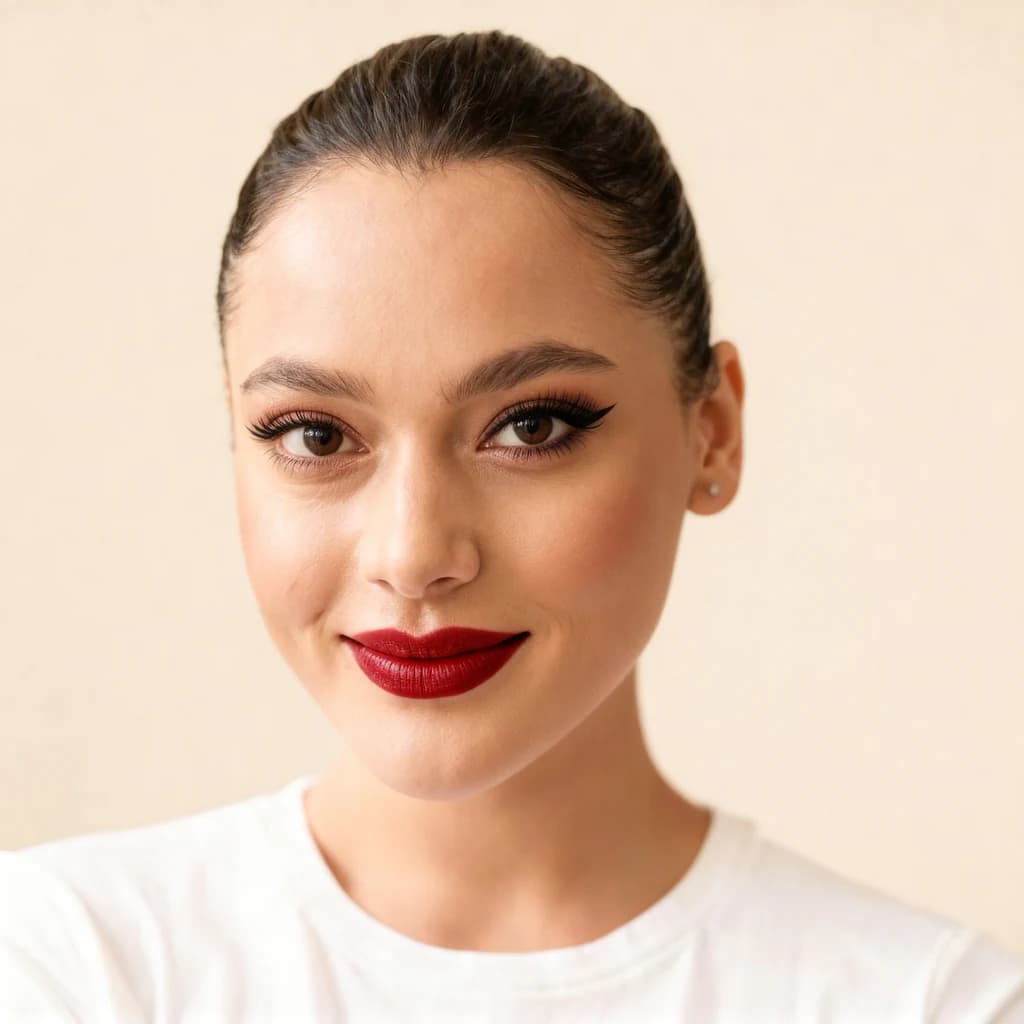 How to try makeup looks online on your own photoTake a clear selfie, preview makeup looks and intensities with AI, and use the result to choose a direction before you buy or book.
Related tools

Retouch your portrait, naturally
Upload a portrait with a clear face, soften blemishes and even out skin tone, and compare before and after. You see the credit price before it runs.