
Remove a Background Yourself or Hire an Editor: How Time and Steps Compare
A cut-out looks like a small job until you have forty product photos or one tricky picture of hair against a busy wall. Then the real question appears: do it yourself, or pay someone who does this all day?
Methodhelm editorial teamLast updated: 3 min read
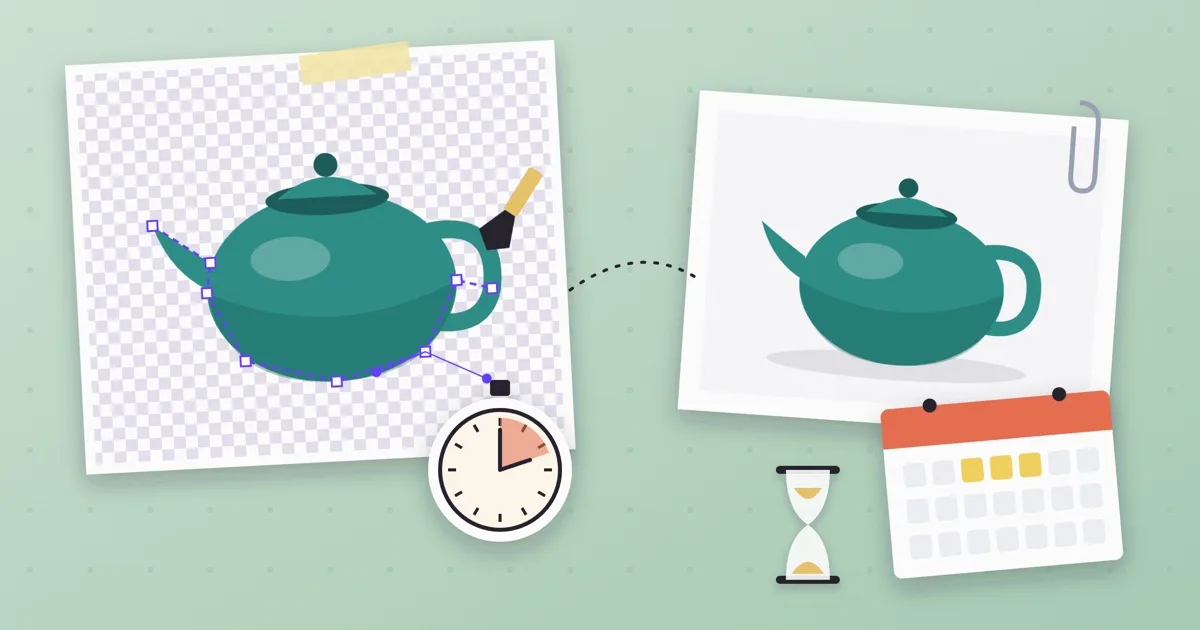
This guide compares the two by what you can actually plan around: how many steps there are, where your time goes and which one suits how many photos. It does not quote prices. Rates vary by editor, country and picture, and any number here would be a guess, so ask for a quote for your own photos.
On this page
What doing it yourself involves
Doing it yourself means choosing a tool, cutting out the subject, checking the edge and saving a file. With an AI tool such as the background remover the cutting is automatic. With a manual tool you trace the edge yourself.
- Your time goes into learning the tool, checking edges and fixing mistakes. The first photo is slow; later ones go faster.
- You control the result and can redo it any number of times.
- Difficult edges such as hair, fur, glass and thin straps are where the result is most likely to need touching up. Check every result at full size.
- Nothing waits on another person. You can work the minute the photos exist.
What hiring an editor involves
Hiring means finding someone, explaining what you need, sending the photos, waiting and reviewing what comes back.
- Your time goes into briefing and review, not into cutting. A clear brief with the output size, background and file type saves a round of messages.
- An experienced editor handles hard edges with manual work.
- You depend on their schedule, so turnaround is not in your hands.
- Changes mean another message and another wait.
- Ask for a quote on your own photos, and agree on revisions before you start.
Time and steps side by side
- One photo, simple edge: doing it yourself is usually quicker than briefing someone.
- One photo, very hard edge: an editor may save you a long fix, if you can wait.
- Many photos, same kind of subject: with a tool you run the photos one by one on your own schedule; an editor can take the whole set, but you wait for it.
- Photos that arrive every week: learning a tool once pays back; an editor suits when you do not want the work at all.
- Rush job: the tool, because nobody else has to be available.
How to choose in five steps
- Count the photos
One, ten or a hundred? Write the number down; it changes the answer more than anything else.
- Rate the edges
Smooth edges such as a bottle or box are easy. Hair, fur and glass are hard.
- Test one photo yourself
Run one typical photo through a tool and look at the edge at full size. This takes minutes and tells you whether the tool is enough.
- Decide what 'good enough' means
A marketplace thumbnail and a printed poster need different edges. Be specific about the use.
- Send only the failures to an editor
If most photos pass, keep them and hire help only for the ones with hard edges. For a background colour or transparency, see how to make a transparent background PNG.
Costs you can count without guessing prices
With Methodhelm, the exact credit price is shown before each run, and failed runs return held credits automatically; see the pricing page. Results are kept for 24 hours here, so download what you need. The background remover's result is about 1024 px on the long side, so for a large print ask an editor to work on your original file instead.
Frequently asked questions
Is doing it myself always cheaper?
It does not cost another person's time, but it costs yours, and credits if you use a paid tool. Whether it is cheaper depends on your photos, so compare a quote for your own pictures.
Which is better for hair or fur?
These are the hardest edges. Our background remover suits products with clear edges, and we have not tested it on hair or fur, so do not count on it there. If the result matters, an experienced editor can work on them by hand.
How long does an editor take?
It depends on the editor and the number of photos. Ask for a delivery time before you agree, and allow for a revision.
Can I use both?
Yes. Run all photos through a tool first, and send only the ones that fail to an editor.
Do I own the cut-out result?
That depends on the photo, which you must have the right to use, and on the terms of whoever edits it. Agree in writing with an editor before you start.
Related guides
 How to Make a Transparent Background PNG From a PhotoCut out the subject, download the transparent PNG, check its size and keep it in a format that keeps the transparency.
 How to Make White Background Product Photos That Marketplaces AcceptShoot, cut out and finish a clean white-background main image, and know what Amazon asks for before you upload.
Related tools


Test one photo before you decide
Run one typical photo, check the edge at full size, and see the credit price before you start.