
Turn a Product Photo Into a 5-Second Video for Reels and Short Ads
Short videos get seen, but making a video for every product takes time. A photo-to-video tool can turn one still photo into a short clip you can use as raw material for a Reel, a short ad or a listing.
Methodhelm editorial teamLast updated: 3 min read
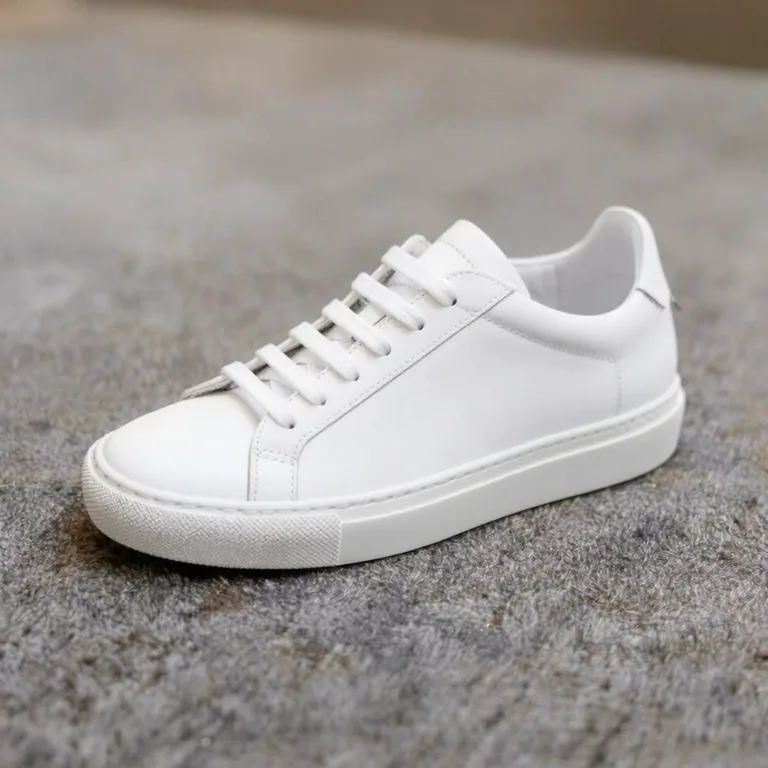
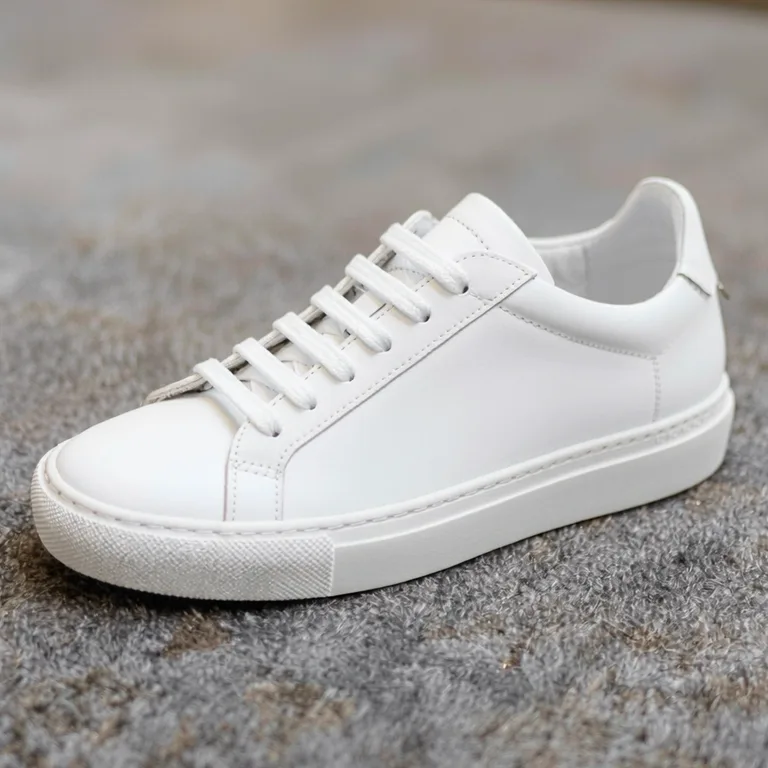
This guide is for sellers using Photo to video. For the general process, see How to turn a photo into a video with AI. Here we focus on products.
On this page
What you get
- A run gives you one 5-second MP4 clip, silent.
- The motion is generated, not recorded. The tool invents what is not in the photo.
- Generation usually takes 1 to 4 minutes, sometimes longer when the service is busy.
Shoot a product photo that animates well
- One product, clear and sharp, in even light.
- A simple background with some depth: a surface in front and a plain wall behind.
- Space around the product so the picture can move without cutting it off.
- The shape matters: the tool accepts photos of at least 300 px on each side, no wider than 2.5:1 or taller than 1:2.5. If the shape is wrong for your video, extend the photo first with the image expander.
- Avoid packaging with small print and logos. The existing guide warns that small text, signs and logos often warp.
Pick a motion for the product
We have not tested how each motion handles products for this guide, so treat these as starting points.
- Slow push-in
draws attention to one object. Try it first.
- Slow pan
suits wide scenes or long products.
- Cinematic zoom out
works when the edges of the frame hold something worth revealing.
- 3D parallax
needs a foreground and a background with clear depth.
- Natural motion
lets elements such as steam, leaves or fabric move on their own while the camera stays calm.
- Calmer is safer
If the product looks too busy in motion, pick a gentler motion.
Step by step: make the clip
- Open Photo to video with your product photo
Choose Photo to video and upload your product photo as a JPG, PNG or WebP.
- Pick a motion that shows off the product
- Check the price, then make the product clip
Before the clip is made you see the exact credit price. If the render fails, the credits held for it come back without any action from you, and they may stay held until the check ends while the result is still being confirmed.
- Watch the clip several times
Look at the product's shape, colour, edges, label text, logo and any hands. If anything changes, the clip is not honest.
- Save the product clip within 24 hours
The ad clip is kept for 24 hours, so download it in that time. The Privacy Notice says results are fully deleted from storage within 7 days.
- Finish in a video editor
Add music, captions and your price or link. The clip itself has no sound.
Keep the clip honest
- The product in the clip must look like the product you send. If the label, colour or shape changes, don't use that clip.
- Don't show features or results the product doesn't have.
- Some platforms ask creators to label realistic AI-generated content. This guide did not check them, so look at the rules of the platform where your ad will run.
- Only use photos you have the rights to, and don't animate real people without their consent.
When another approach is better
- Products with a lot of small printed text, such as medicine or food packaging: shoot a real video instead.
- Anything where the demonstration matters, such as how a tool works.
Frequently asked questions
How long is the clip?
Each ad clip is 5 seconds without sound.
Why does the label text look wrong?
The movement is generated and small text often warps. Try a calmer motion, or shoot a real video.
Do I get credits back if the product clip fails?
A product clip that fails to generate is not charged: the credits reserved for it are released automatically. If a clip's result has not been confirmed yet, the reservation can last until the check ends.
Can I make a vertical product ad?
Yes: extend the product photo to a tall shape first.
How long are clips kept?
24 hours, so post the ad soon after you make it. The Privacy Notice says results are fully deleted from storage within 7 days.
Related guides

 How to Turn a Photo Into a Video With AIPick a photo that animates well, choose a motion that suits it and turn it into a short clip you can share or edit.
 How to Colorize Black and White PhotosScan an old photo well, add believable colour with AI, then check what you know and label the result as colorized.
Related tools



Try one product
Upload one product photo, pick a gentle motion, see the credit price first, and check the clip frame by frame.