
A Business Card Headshot for Realtors and Salespeople That Still Looks Like You
Clients choose a realtor or salesperson partly on how trustworthy they look. They also meet you in person, so the photo has to look like the person who arrives at the door.
Methodhelm editorial teamLast updated: 3 min read

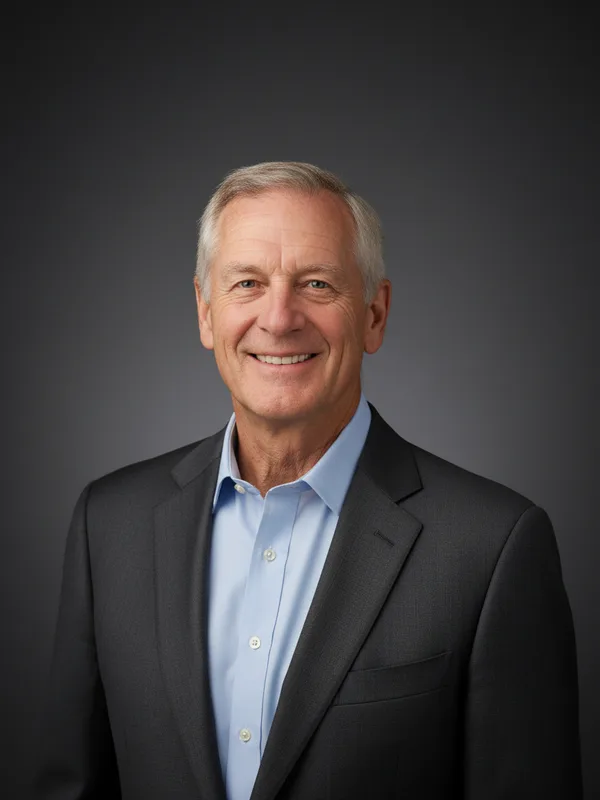
This guide shows how to make a card-and-website headshot with AI headshot while keeping it honest. For general selfie tips, see Professional headshot from a selfie. For several staff members at once, see consistent team headshots.
On this page
Why likeness matters more for you
A headshot on a card or sign is compared with you in the first thirty seconds of a meeting. If you look clearly different (younger, a different face shape, a different hairstyle), it costs trust. So the goal is not "perfect". It is "clearly you, on a good day".
Take a selfie that works
- Stand facing a window so daylight lands on your face, and keep the flash off.
- Phone at eye level, rear camera, with the timer. Head and shoulders in the frame.
- The jacket or shirt you actually wear to meet clients. Plain, with no big logos.
- A relaxed, natural smile. Clear glasses without glare are fine.
- Keep the background plain; take off hats and sunglasses so clients can see your face.
How to make a realtor headshot
- Take three selfies
with slightly different expressions. Choose the one that looks most natural.
- Open AI headshot and sign in
Go to AI headshot and upload it.
- Choose a background style
The tool has Professional, Corporate, Clean and Gradient. Pick one that suits your brand and use it on every material. We tried 4 styles on 2 people: all 8 results had a plain-colour background with no studio lights or stands, and the clothing was changed to a suit jacket.
- Check the price, then make your business-card headshot
The credit price is displayed before your business-card headshot is created. A failed run returns the held credits automatically, and an unconfirmed result may keep them held until the check is finished.
- Compare with a recent photo of yourself
Check eyes, nose, hairline, skin, glasses, jewellery and clothing at 100 percent. If it looks different from you, do not use it.
- Save the headshot within 24 hours
Your headshot is kept for 24 hours, so save it before you order cards or update your listing profile. The Privacy Notice says results are fully deleted from storage within 7 days.
- Check the shape
Results come in the closest of 1:1, 3:4, 4:3, 9:16 or 16:9 and are about 1 megapixel (a square photo is about 1024 × 1024 px). Crop in your design tool for the card and the sign.
Keep the headshot true to you
- Don't use the headshot to look younger or different from how clients will meet you.
- Update it when your hair, beard or glasses change.
- Consider a short line such as "photo edited with AI" on your website.
- Check the rules of your company, your professional body or your marketplace about profile photos. They differ and we have not checked them.
Sizes for print
The result is about 1 megapixel (a square photo is about 1024 × 1024 px). That can be fine for a card-size photo or a website, but may be too small for a large sign. For large prints, use a real photo shoot.
When not to use an AI headshot
- Official ID and licence photos.
- A role where an exact likeness matters, if the result does not look like you.
- Any case where your employer or professional body requires an unedited photo.
Frequently asked questions
Which background style should I choose?
The one that matches your brand; use it everywhere.
Should I tell clients?
A short disclosure builds trust. Check the rules that apply to you.
What if the result doesn't look like me?
Don't use it. Try another selfie or use the original.
Do I get credits back if my headshot fails?
A headshot that fails to generate is not charged; the held credits come back automatically. If the result is not confirmed yet, they may stay held until the check ends. A finished headshot you do not like is not a failed run.
Can I use it on a billboard?
The size may be too small. Use a photographer for large prints.
Related guides
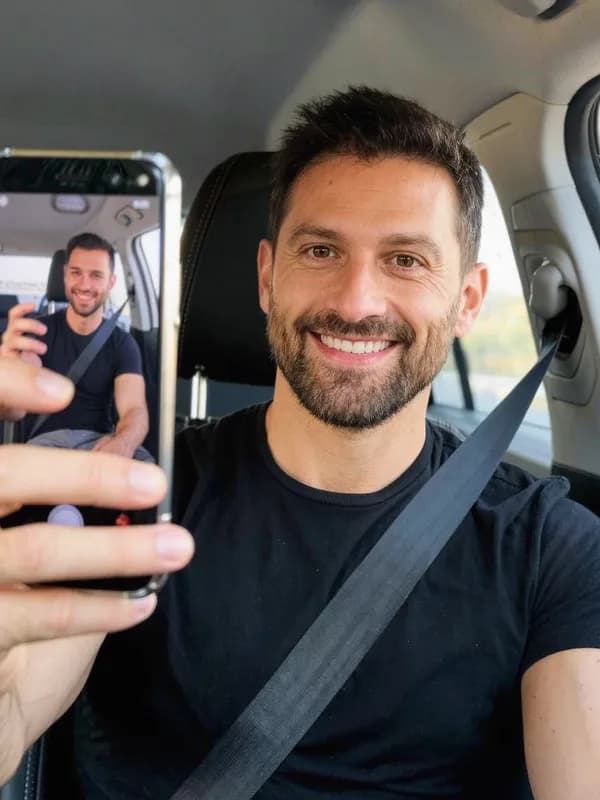
 How to Turn a Selfie Into a Professional LinkedIn HeadshotTake a selfie that works as a profile photo, decide whether an AI headshot helps, and check the result still looks like you.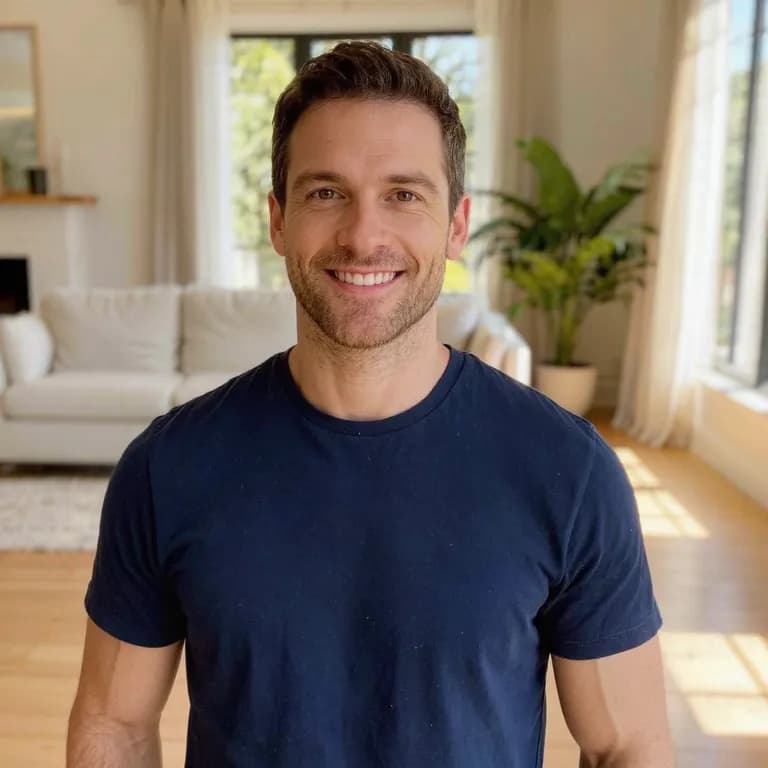
 Consistent Team Headshots for Your Small Business Website, Without a PhotographerCollect staff photos, run them with one background style, check each person's result and publish them with clear consent.
Related tools


Try one selfie
Upload a selfie, choose a background style, see the price before you run it, and compare with the real you.