
Show Your Clothes on a Model Without a Photo Shoot: A Seller's Guide
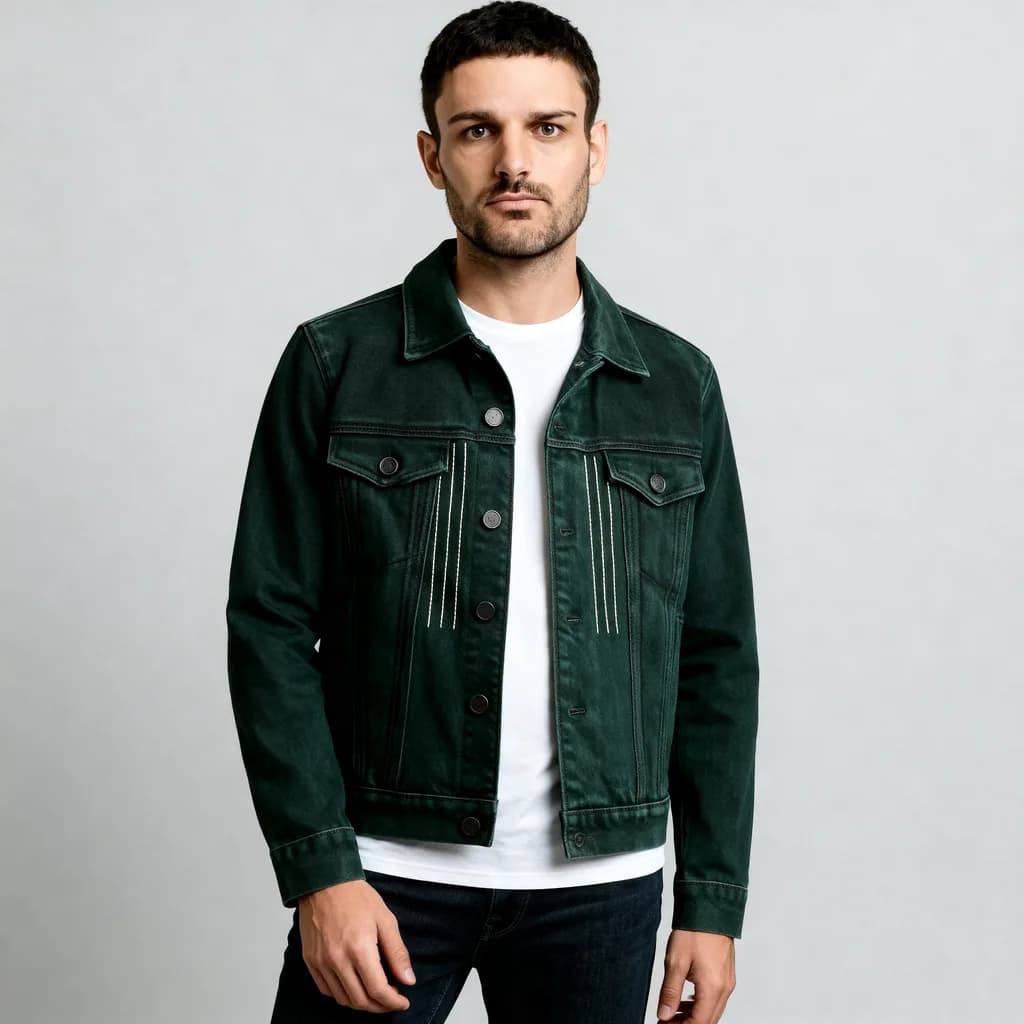
Listings with a person wearing the garment often get more attention than a flat lay, but a model shoot is a lot of work for a small shop. A virtual try-on can place a garment photo on a photo of a person and give you an on-body image to test.
Methodhelm editorial teamLast updated: 4 min read


This guide is for sellers. It covers what to prepare, how to run Virtual try-on, how to keep the image honest so buyers are not surprised, and the cases where you should not use it. If you are a shopper trying clothes on yourself, read How to try on clothes virtually before you buy instead.
On this page
What it is good for and what it is not
- Good for: a first on-body look for a listing, comparing how a colour or cut reads on a person, social posts, and testing which product photos get more clicks.
- Not good for: showing true size, fit, drape or fabric. The result is an AI-generated picture of the look. It does not know the measurements of the garment or the person.
- Your flat lay or hanger photo should still be in the listing, because that is the real product. See white background product photos.
Prepare two photos
The garment photo. One item, front view, whole garment in the frame with the collar, both sleeves and the hem, evenly lit, on a plain surface. Smooth out wrinkles first. Avoid heavy shadows, strong filters, several overlapping items and close-ups.
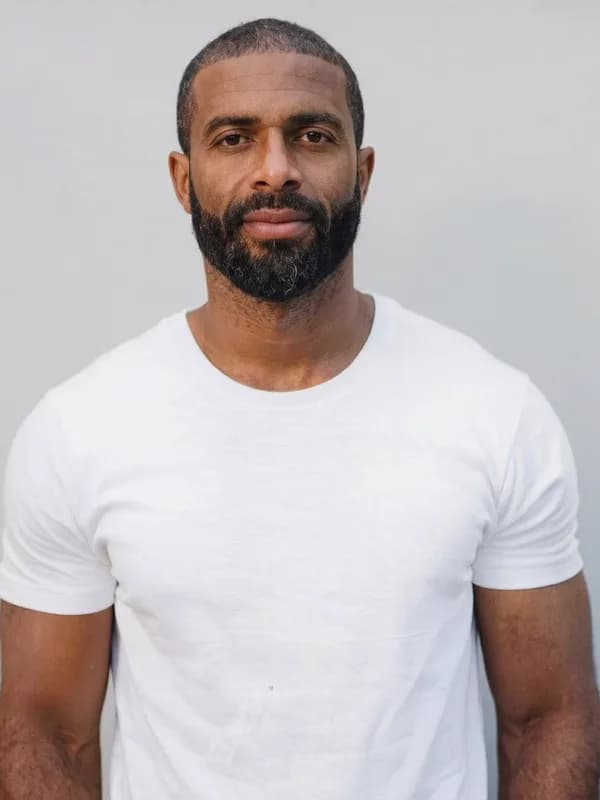
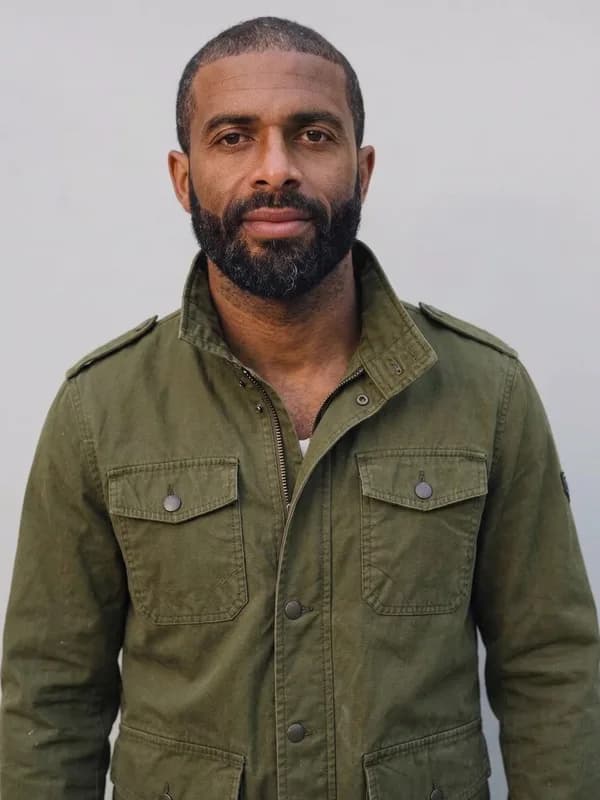
The person photo. One person standing and facing the camera with the whole body visible, in fitted neutral clothes, on a plain background with arms slightly away from the body. This can be you, a friend or a family member who has clearly agreed. Do not use someone's photo without their permission.
Both photos are resized to at most 1024 px on the long side before they are processed, so a bigger original does not help.
Step by step: make an on-body image
- Open Virtual try-on and sign in
Go to Virtual try-on.
- Upload the person photo, then the garment photo
Check that you did not swap them.
- Check the price, then try the garment on
The exact credit price is shown before each run. A result usually takes 20 to 60 seconds. If a run fails, the held credits come back automatically. If the result is not yet confirmed, the credits may stay held until the check is finished.
- Compare with the real garment
Look at colour, length, sleeves, neckline, prints, buttons and pockets. If anything is clearly different from the real product, do not use the image.
- Save the model photo within 24 hours
Save each model photo for your shop listing within 24 hours of the run. The Privacy Notice says results are fully deleted from storage within 7 days.
- Try a second run with better inputs if needed
A cleaner garment photo or a simpler pose often helps more than repeating the same inputs.
Keep the listing honest
- Show the real product too. Keep your flat-lay or hanger photo, and describe measurements and fabric in text.
- Say that the image is AI-generated. A short line such as "Model image generated with AI; actual garment may differ slightly" avoids confusion. Also read the image and AI-content rules of the marketplace you sell on, because they differ and change.
- Do not change the product. If the AI makes a sleeve longer or a colour brighter than the real item, do not use that image. Buyers who receive something different return it, and returns cost more than a photo shoot.
- Use a full-length photo to judge length. We tried 3 garments on the same half-length (chest-up) photo: the pose and framing stayed the same in all three. A half-length photo only shows the upper part of the garment, so it cannot show the real length. We have not tested a full-length photo. Results are about 1 megapixel, so check details against the real garment.
- Do not use a stranger's photo, a celebrity or a model from another shop. You need the person's agreement and the rights to the image.
- Size advice stays in text. Give a size chart and the model's height and size if they agree to share them. The tool does not know any of that.
When virtual try-on is a bad fit
- Swimwear and underwear. The tool does not accept them.
- Items that depend on fit, such as tailored trousers, formal dresses and suits.
- Sheer, lace or open-weave fabrics. We have not tested how the tool handles them, so check the result against the real garment.
- Garments with small text, detailed prints or logos. We have not tested these either; compare them with the real garment at 100 percent before you use the image.
- Layered outfits and accessories that overlap, such as long necklaces over scarves.
Frequently asked questions
Can I use the result in my shop listing?
You must have the rights to the person and the garment design, and you are responsible for following the marketplace's rules. Check them first.
Do I need a real person's photo?
The tool needs a photo of a person standing facing the camera. Use yourself or someone who has agreed.
Will it show how the size fits?
No. Use a size chart and measurements.
How long does it take?
Usually 20 to 60 seconds.
What if the result changed the colour or print?
Do not use it. Try a cleaner garment photo, or keep the flat lay as your only image.
Related guides
 How to Try On Clothes Virtually: See the Look Before You BuyTake a usable full-body photo, choose a clean garment image and read an AI try-on preview for style and colour, not for size.
 How to Make White Background Product Photos That Marketplaces AcceptShoot, cut out and finish a clean white-background main image, and know what Amazon asks for before you upload.
Related tools


Try a garment on a person photo
Upload a photo of a person and a photo of the garment, see the exact credit price before you run it, and compare the look before it goes on a listing.