
How to try on clothes virtually: see the look before you buy
Buying clothes online means guessing. The product photo shows a model with a different build, different lighting and a carefully pinned garment, and you are left wondering whether that green jacket or floral dress will actually suit you. A virtual try-on puts the garment onto a photo of you, so you can judge colour, style and how pieces work together before you spend money or arrange a return.
Methodhelm editorial teamLast updated: 5 min read
This guide explains how to take a full-body photo that gives good results, how to pick a garment image that a try-on tool can read, and how to judge the preview honestly. It also covers what a try-on cannot tell you, because a generated image is a style preview, not a fitting room. The photo and judgement tips work with any try-on tool; where it helps, we show how the Methodhelm virtual try-on handles each step.
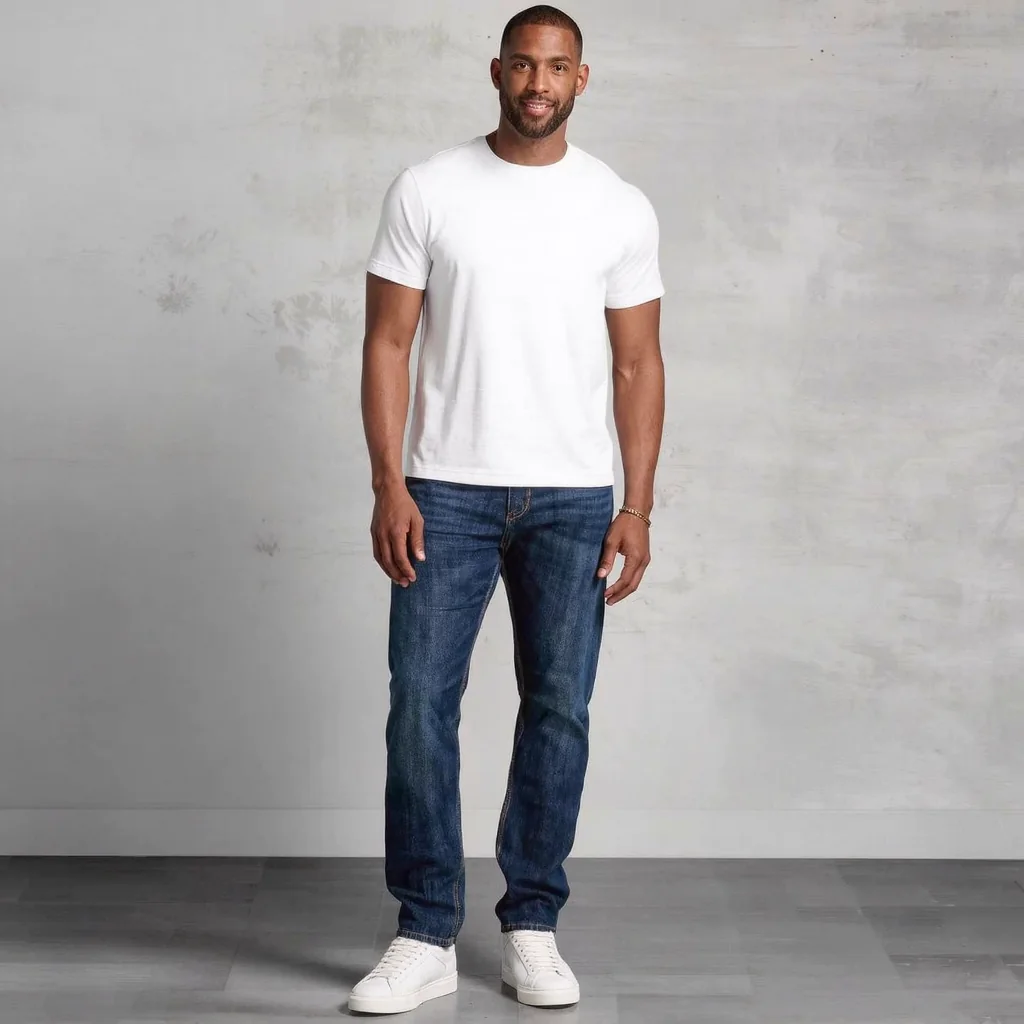 Before
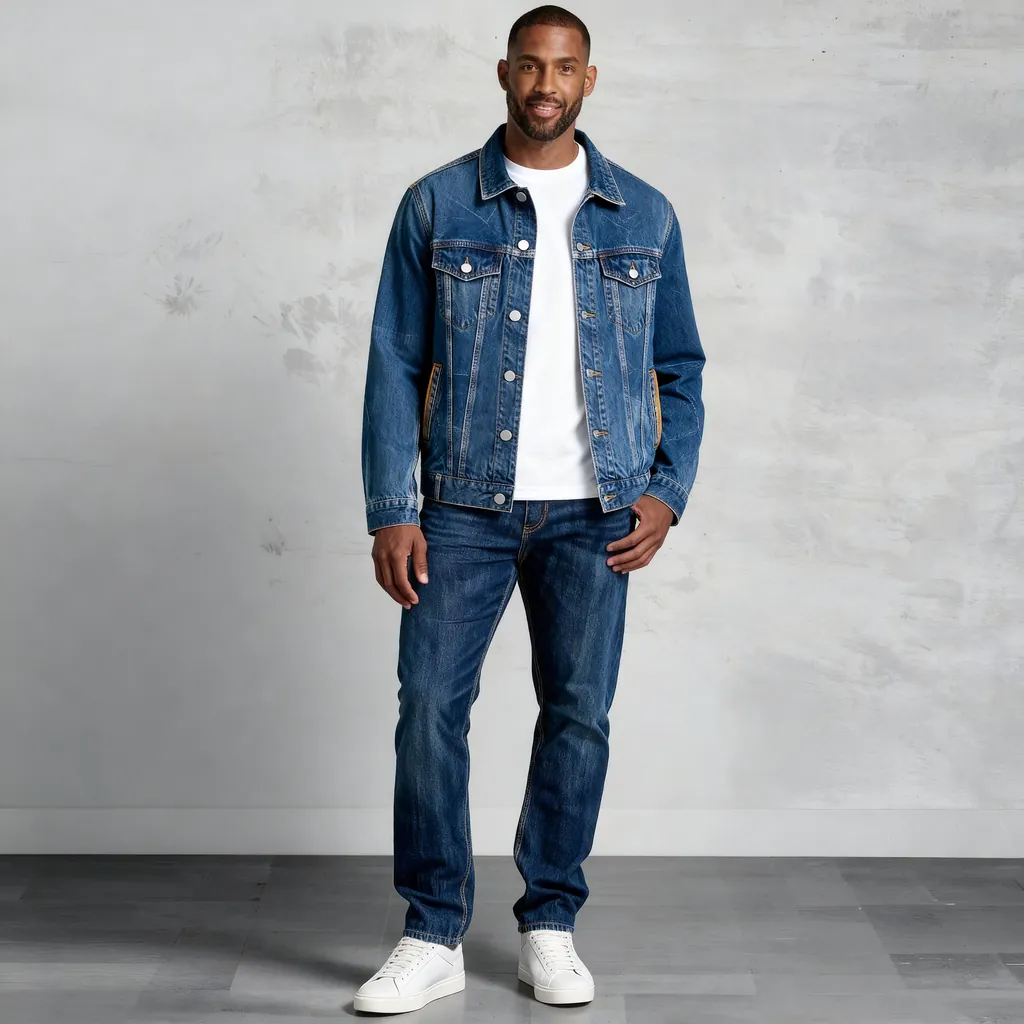 After
AfterOn this page
What a virtual try-on is good for, and what it is not
An AI try-on is best at answering “does this suit me?” questions. It can show whether a colour flatters your skin tone and hair, whether a cropped jacket or a long coat changes your proportions in a way you like, and whether a top you are considering works with trousers you already own. It is also useful for occasion outfits, such as a wedding guest dress or an interview blazer, when you want to compare several options side by side before ordering. If you are planning a bigger change, you can also preview a hair colour before the salon and see both together.
It is not a measuring tool. The image is generated, so it cannot tell you whether a size M will be tight across the shoulders, whether a hem will hit your ankle or your calf, how much a fabric stretches, or how it drapes when you move. Screens also show colour differently, so the shade in a preview is a guide rather than a promise.
How to try on clothes virtually, step by step
- Take a full-body photo of yourself
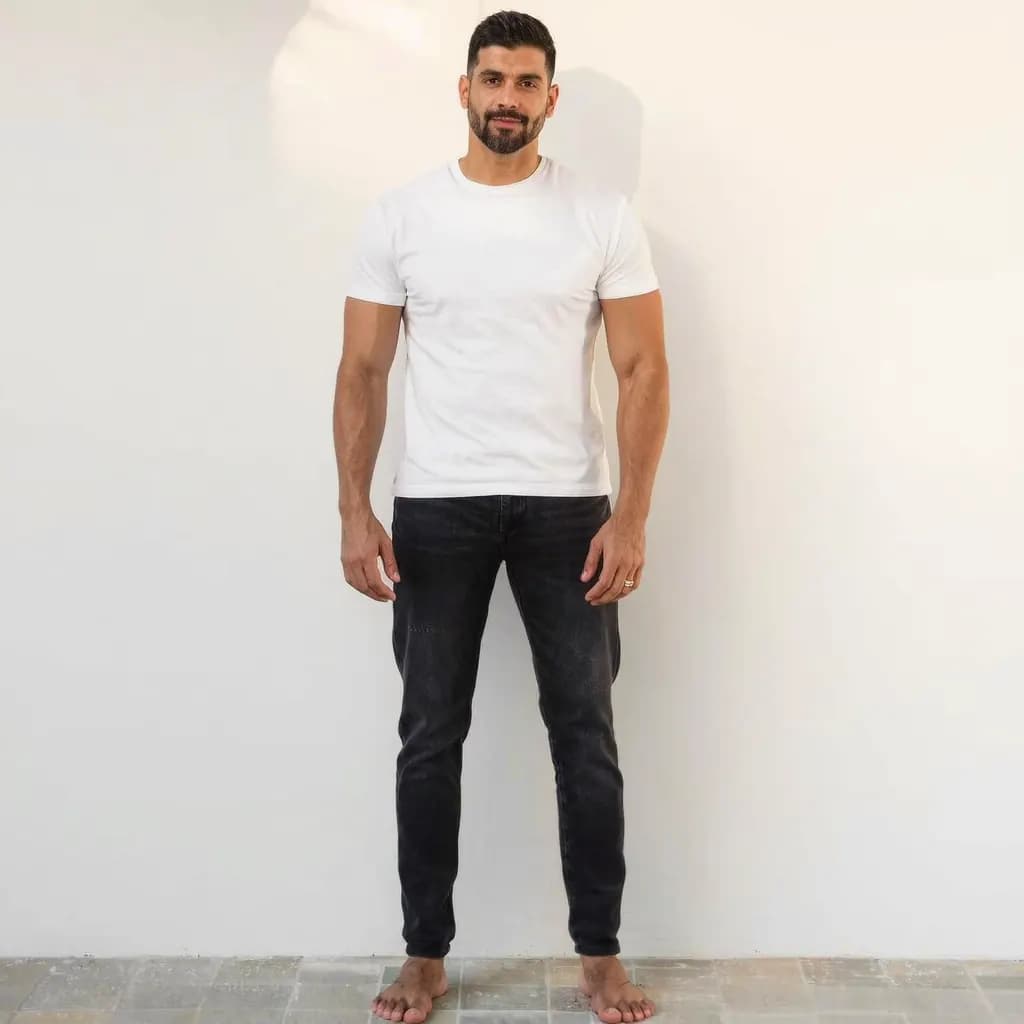
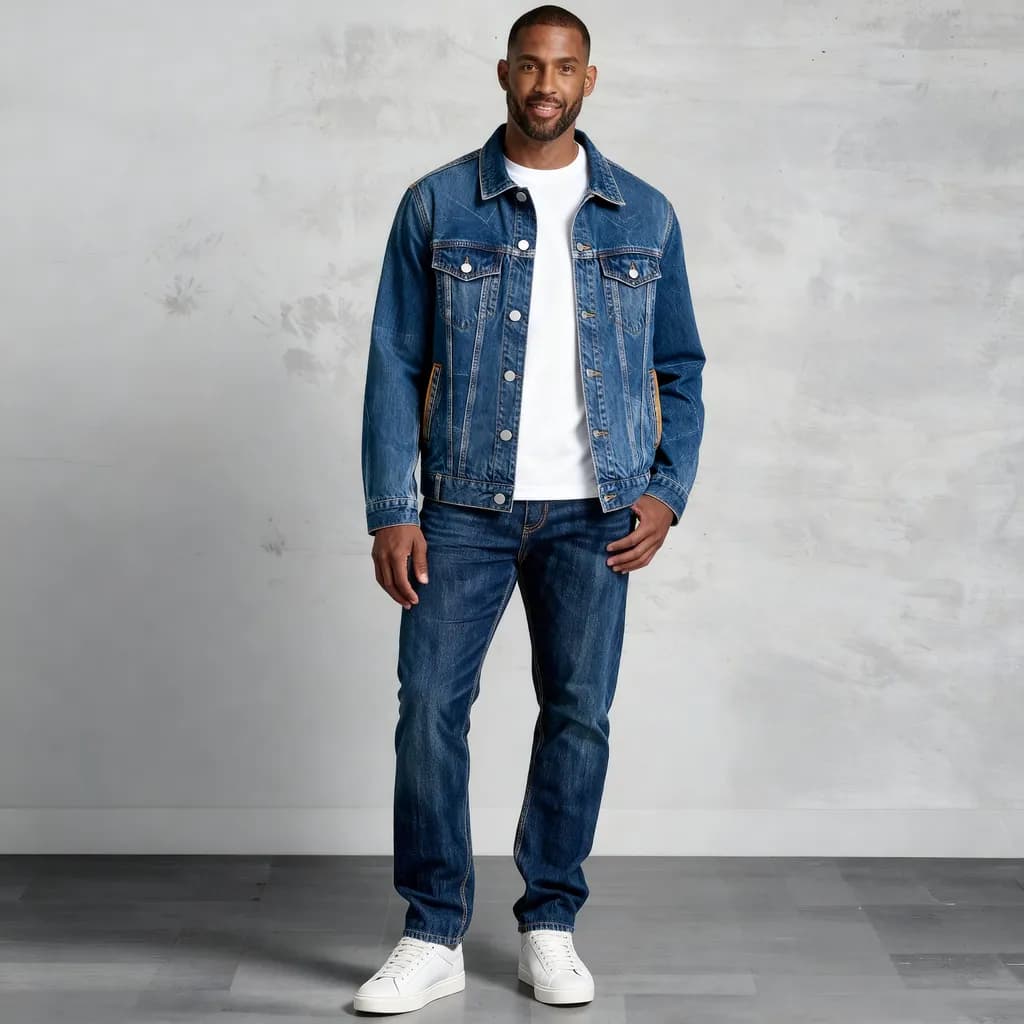
Stand facing the camera with your whole body in frame, in good, even light. Use a timer or ask a friend, and wear fitted, neutral clothes so the outline of your body is clear.
- Find or take a clean garment photo
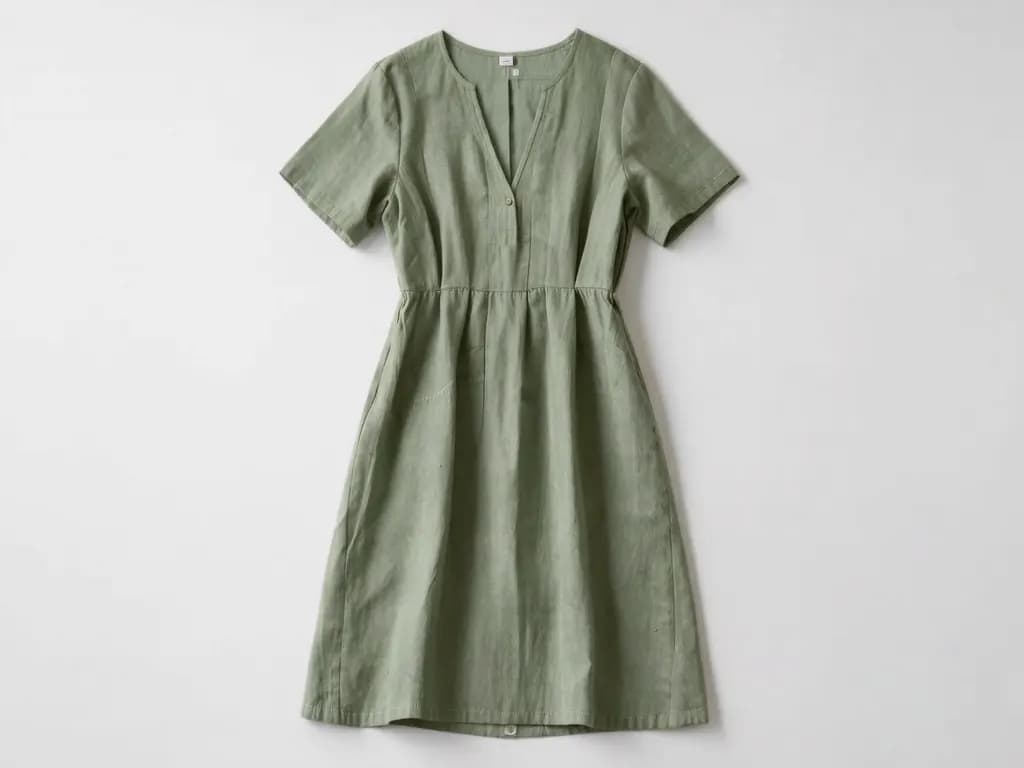
Use a photo that shows one item fully, front-on, either laid flat, on a hanger or worn by a model, ideally against a plain background. If the background is busy, clean it up first with a background remover.
- Check the item is a supported type
Tops, shirts, dresses, jackets, coats, trousers, skirts and full outfits work. Underwear, lingerie and swimwear are not accepted.
- Upload both photos and confirm the price
In the virtual try-on, sign in, add your photo and the garment photo as JPG, PNG or WebP, and check the exact credit price shown before you run it.
- Run the try-on and wait
A result usually takes 20 to 60 seconds. Failed generations aren't charged — held credits come back automatically. Your result is kept for 24 hours to download.
- Compare and decide with real measurements
Try two or three versions of the item, judge colour and style, then check the shop's size chart against your own measurements before buying.
Taking a full-body photo that works
- Put the camera at roughly waist height, a few steps away. Shooting from above shortens the legs; shooting from the floor distorts the body.
- Stand straight, face the camera and hold your arms slightly away from your body, so the tool can see your waist and the outline of your torso.
- Wear close-fitting, plain clothes such as a T-shirt and leggings or slim trousers. Bulky layers hide your shape and confuse the result.
- Choose a plain wall and soft daylight from a window in front of you. Avoid strong backlight and harsh overhead shadows.
- Keep just one person in the photo, with your feet and head inside the frame. Mirror selfies work if the phone does not cover your face or torso.
Choosing a garment photo the AI can read
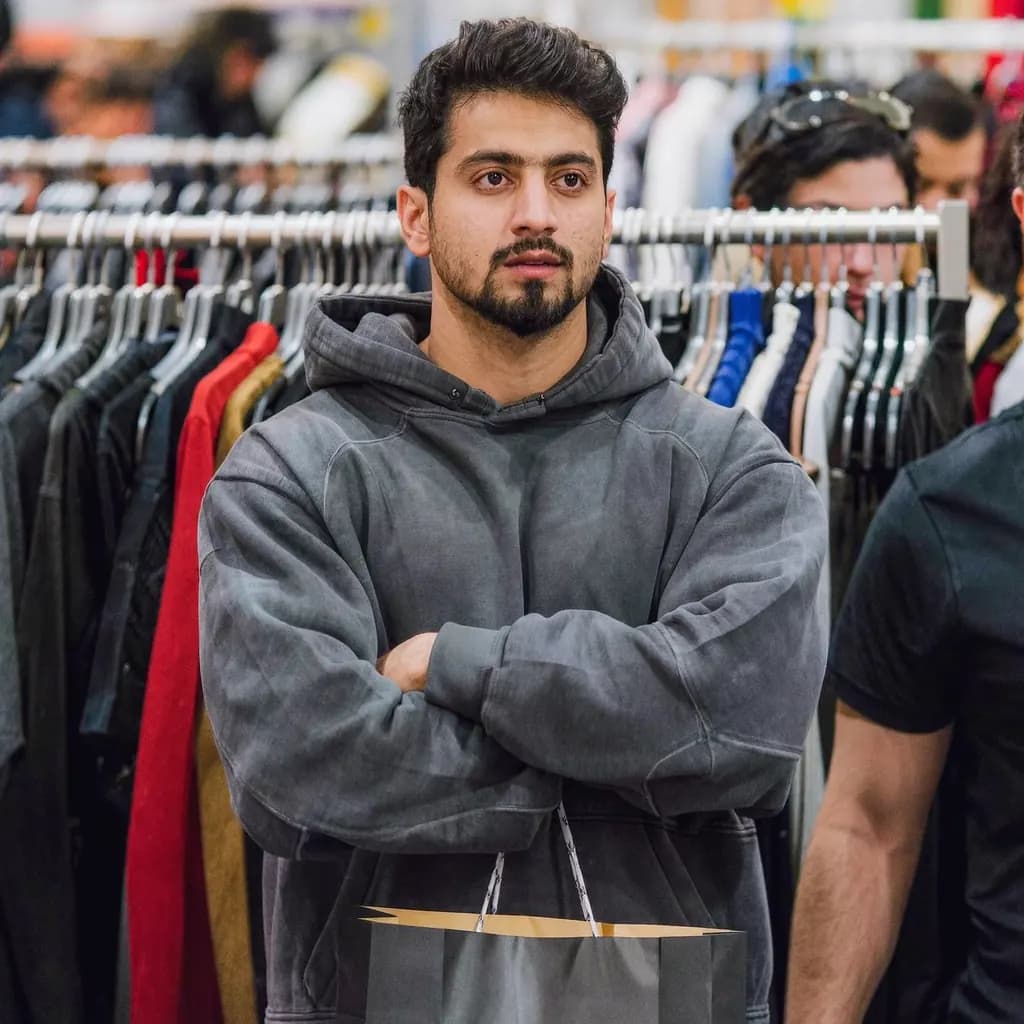
The garment image matters as much as your own photo. The clearest input is a front view of a single item with nothing cropped off: the whole collar, both sleeves and the full hem. A flat lay on a bed or floor, a garment on a hanger against a door, or a shop photo of a model wearing it all work, as long as the item is not partly hidden by hair, bags or crossed arms.
Avoid photos with heavy shadows, strong filters or several items overlapping, and avoid close-up detail shots. If you are selling or buying on a second-hand app, ask the seller for one straight-on photo of the whole piece; it is useful for you and for every other buyer. Sellers can also follow our guide to white background product photos to make listings clearer.
Limitations: what an AI try-on cannot show
The result is an AI-generated image. It may change details of your face, body shape, pose or background, and it does not show true size, fit or fabric. Treat it like a sketch of the look rather than a photo of you in the actual garment.
Results also vary with the inputs. A blurry garment photo, an unusual pose or an item with complex layers can come out wrong, and a second run with better photos often helps more than repeating the same inputs. For anything where fit matters, such as tailored trousers or a formal dress, rely on the size chart, your own measurements and the shop's return policy. Check the return window and conditions before you order, especially for sale items, which some shops treat differently.
Frequently asked questions
Can a virtual try-on tell me what size to buy?
No. A virtual try-on generates an image of the style on you, but it does not measure your body or the garment. To choose a size, compare the shop's size chart with your own chest, waist, hip and length measurements.
What kind of photo of myself works best?
A photo of one person standing and facing the camera, with the whole body clearly visible and good light. Fitted, neutral clothes, a plain background and arms held slightly away from the body give the tool the clearest outline to work with.
Can I try on swimwear or underwear?
Not in the Methodhelm virtual try-on. It accepts tops, shirts, dresses, jackets, coats, trousers, skirts and full outfits, but not underwear, lingerie or swimwear.
Can I use a photo of a friend or partner?
Only if they have clearly agreed. Upload photos of yourself, or of someone who has given clear consent, and never use another person's photo without their permission.
How much does it cost and how long does it take?
Methodhelm uses credits, and you see the exact credit price before each run on the pricing page and in the tool. A result usually takes 20 to 60 seconds. Failed generations aren't charged — held credits come back automatically. Your result is kept for 24 hours to download.
Related guides

 How to Preview a Hair Color or Haircut on Your Photo Before the SalonTake a usable reference photo, try hairstyles and colors on it, judge the results honestly and turn them into a clear brief for your stylist.
 How to Make White Background Product Photos That Marketplaces AcceptShoot, cut out and finish a clean white-background main image, and know what Amazon asks for before you upload.
Related tools
Preview an outfit on your own photo
Upload a full-body photo and a garment photo, see the exact credit price before you run it, and compare the look before you buy.