
Turn a Pet Photo Into a Short Video
A pet photo can become a few seconds of gentle movement: fur lifting in a breeze, a slow push-in toward the eyes, grass moving behind. It is fun to share, and it is a nice way to remember a pet.
Methodhelm editorial teamLast updated: 3 min read
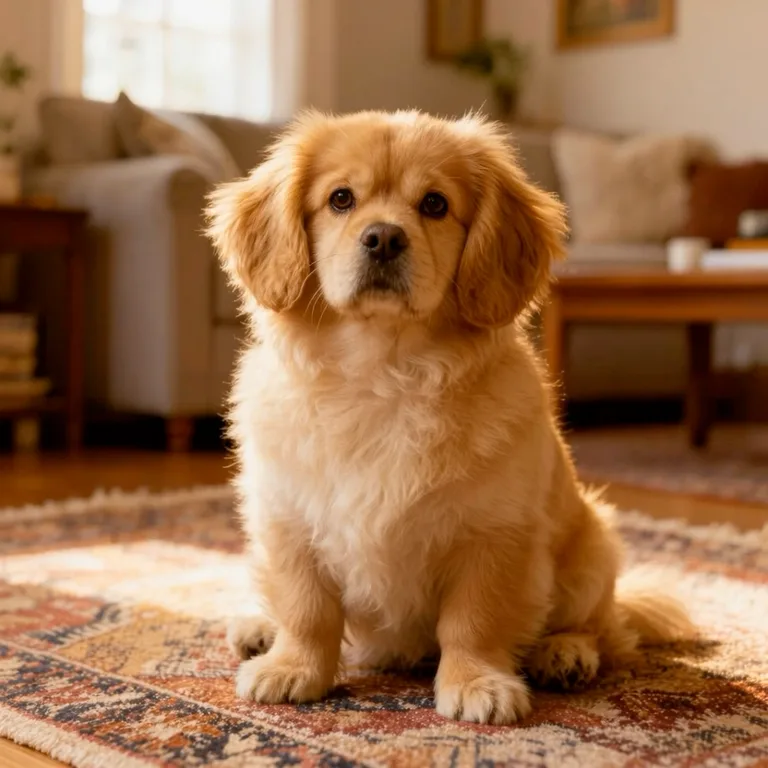
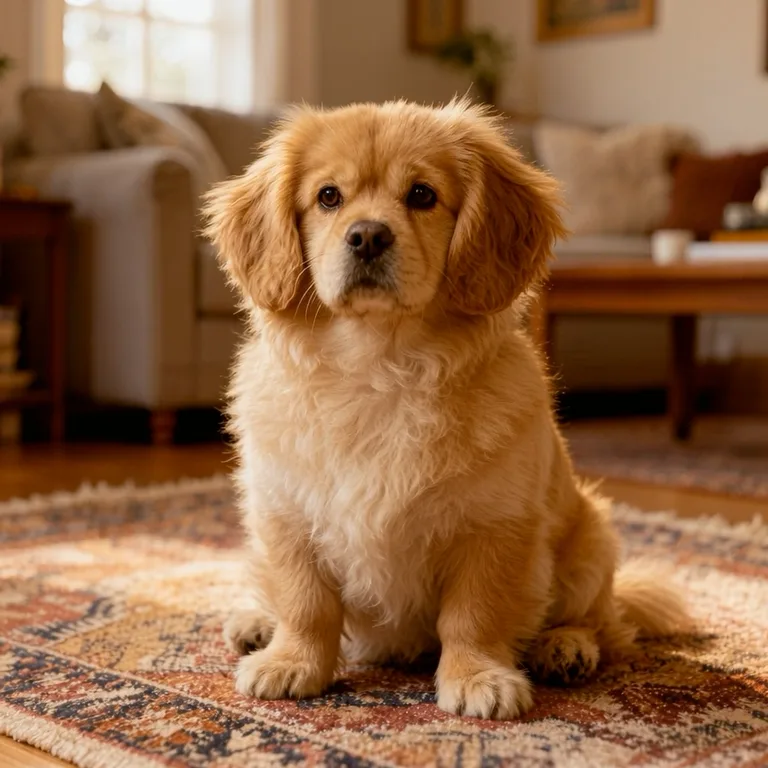
This guide uses Photo to video and focuses on pets. For the general process, see How to turn a photo into a video with AI.
On this page
What you get
- Each run produces a 5-second MP4 without sound.
- The motion is generated, not recorded. Faces, hands (and paws), small details and text can change or look unnatural.
- It usually takes 1 to 4 minutes, sometimes longer.
Choose a pet photo that animates well
- One animal, sharp and in good light, with the eyes visible.
- A simple background with some depth.
- Space around the pet so the picture can move without cutting it off.
- At least 300 px on each side, not wider than 2.5:1 or taller than 1:2.5.
- Fur that already suggests movement (long hair, a mane, feathers) may look more natural, but we have not tested this for this guide.
Choose a motion
- Slow push-in
is a good first try for a pet portrait.
- Natural motion
lets fur, grass or water move on their own while the camera stays calm.
- Slow pan
or Cinematic zoom out suit pets in a wide setting.
- 3D parallax
needs clear foreground and background.
- Smile & blink
and Hair & clothes in the wind are options made for portraits of people. We have not tested them on animals, so try a calmer motion first.
- Calmer is safer
If the result looks busy, choose a gentler motion.
How to animate your pet's photo
- Open Photo to video with your pet's photo
Open Photo to video and upload a JPG, PNG or WebP of your pet.
- Pick a gentle motion for your pet
- Check the price, then animate your pet
The tool shows the exact credit price before the clip starts. A render that fails is not charged, and the credits held for it are released automatically; if the clip is still being checked, they can remain held until the check ends.
- Watch it several times
Check the eyes, the number of legs and paws, the ears, the tail, the fur pattern and the collar.
- Save the pet clip within 24 hours
Your pet clip stays available for 24 hours, so download it before then. The Privacy Notice says results are fully deleted from storage within 7 days.
- Add music in a video editor
The clip has no sound.
Keep it honest and kind
- If the animal's body or markings change, don't use that clip.
- Platform rules differ on labelling realistic AI-generated content, and we have not checked them for this guide, so read the rules of wherever you post your pet clip.
- Only use photos you have the rights to.
- If the pet has passed away, some people find a moving clip comforting and others find it upsetting. Ask family before you share it.
Frequently asked questions
How long is the clip?
Every pet clip is 5 seconds long, with no sound.
Why do the paws or eyes look odd?
The movement is generated, so details can change. Try a calmer motion or a sharper photo.
Can I make a vertical clip of my pet?
Extend the photo to a tall shape first with the image expander.
Do I get credits back if the pet clip fails?
A pet clip that fails to render costs nothing, because the credits reserved for it are released automatically. Credits can stay reserved for a while if the clip is still waiting to be confirmed.
How long are clips kept?
24 hours.
Related guides

 How to Turn a Photo Into a Video With AIPick a photo that animates well, choose a motion that suits it and turn it into a short clip you can share or edit.
 How to Colorize Black and White PhotosScan an old photo well, add believable colour with AI, then check what you know and label the result as colorized.
Related tools


Try your pet's best photo
Upload a sharp photo, pick a gentle motion, see the credit price first, and check the clip frame by frame.