
AI Photo Editor vs Your Phone's Built-In Editing: When Do You Need Which
Your phone already edits photos. Cropping, straightening, brightness, contrast, filters and a few quick fixes are one tap away, and they cost nothing extra. So the useful question is not which one is better, but which jobs your phone does well enough that opening another tool is a waste of time.
Methodhelm editorial teamLast updated: 3 min read
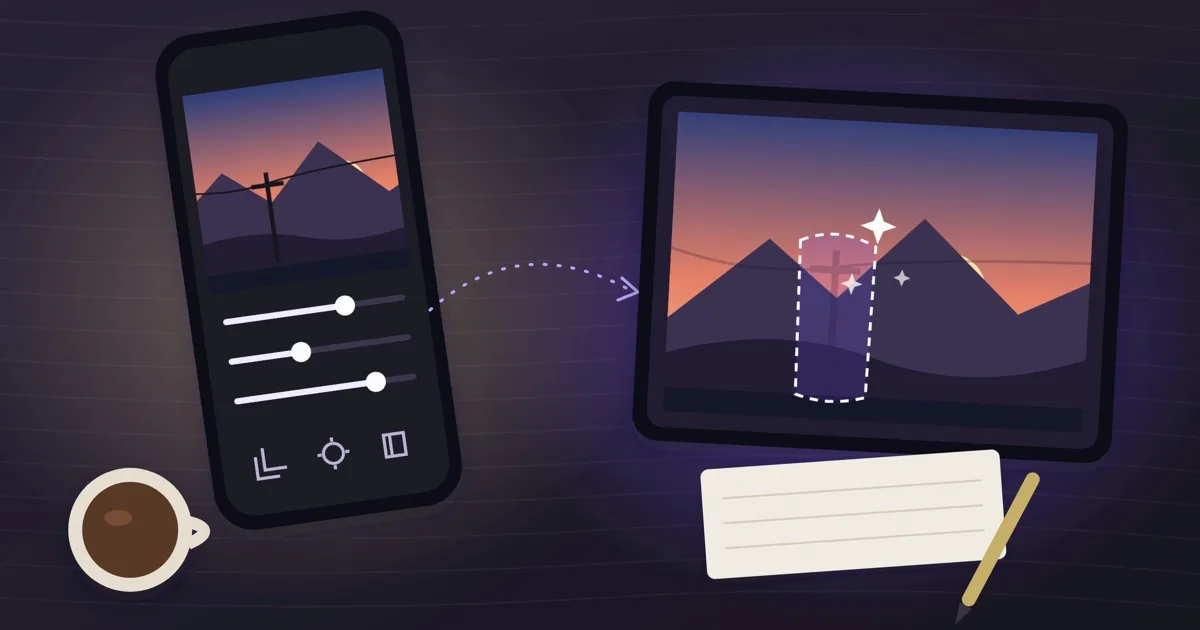
This guide sorts common photo jobs into two groups: the ones to do on the phone, and the ones where an AI photo editor is worth the extra step. It does not rank apps or name brands, because phone editors differ by model and change with every update. Check what yours offers before you decide.
On this page
Jobs your phone usually handles fine
If the job is changing how the photo looks without changing what is in it, start with the phone. Nothing is uploaded, and you can undo.
- Crop, rotate and straighten.
- Brightness, contrast, warmth and saturation.
- A filter or black-and-white look.
- Marking up a screenshot or adding a line of text.
Jobs where an AI photo editor earns its place
These jobs change or rebuild part of the picture, which is slow or impossible with sliders. An AI tool does the heavy step for you.
- Cutting out a subject or removing a background for a product photo, sticker or profile picture: background remover.
- Removing a person, sign or object that is in the way: object remover.
- Repairing an old, scratched or faded print after you photograph or scan it: photo restore.
- Making a soft or lightly blurred photo clearer: photo deblur.
- Extending a photo beyond its edges to fit a new shape.
The trade-offs of using an AI tool
- It decides the details, so the result can differ from the original in small ways. Check every result, especially faces and text.
- It is an extra step: upload, choose, check the price, run, download.
- It costs credits. The price is shown before you run, and failed runs return held credits automatically. See how to use credits without waste.
- Photos are resized to about 1600 px on the long side before processing, depending on the tool (outpainting uses 1280 px), so it is not made for a big print.
- Results are kept for 24 hours here, so download what you want to keep.
How to decide for one photo
- Say the job in one sentence
"Make it brighter" is a phone job. "Take the person on the left out" is not.
- Try the phone first if it is a look change
Spend two minutes with the built-in tools. If it looks right, stop there.
- Switch only when the content must change
If you need something removed, replaced, rebuilt or cut out, use the matching tool, and look at the price before you run.
- Compare with the original
Open the original and the result side by side. If a face, a number or a logo has changed, use the original or retake.
- Finish on the phone
Crop to the final shape and adjust the light there. Many people use both in one photo.
Using both on one photo
A common order: cut out the background with the AI tool, then do the final crop and light on the phone. For when a desktop program is the better partner, see AI photo editor or desktop software.
Frequently asked questions
Do I need an AI photo editor if my phone can edit photos?
Not for changes to the look, such as crop, light and filters. An AI tool matters when the content must change: cutting out, removing an object or repairing damage.
Is the AI result more accurate than the phone?
They do different jobs. The AI tool generates new details, so it can differ from the original; the phone only adjusts what is already there.
Are my photos kept?
On the phone they stay on the phone. On this site, results are kept for 24 hours, so download them; see the Privacy Notice for storage details.
Does it cost anything?
Your phone's editor is part of the phone. Methodhelm shows the exact credit price before each run; current prices are on the pricing page.
Can I use a phone edit and then an AI tool?
Yes. Do the content change in the AI tool first, then finish crop and light on the phone.
Related guides

 AI Photo Editor or Desktop Photo Software: How to ChooseMatch the tool to the job: one-step fixes and quick results, or full manual control and large files.
 How to Use Photo Editing Credits Without Wasting ThemKnow how credits work on this site, then use a few simple habits that help you spend them on results you can use.
Related tools



Try the one job your phone cannot do
Pick a photo with a background to remove, run it, and see the credit price before you start.