
The AI Edit Changed My Face: What to Check and What to Do
Sometimes the picture you get back looks good but does not look like you. The nose is a little different, the eyes are brighter, the skin is too smooth, or the face seems older or younger. This is a known risk with AI photo tools, and our guides say the result can differ from the original.
Methodhelm editorial teamLast updated: 3 min read
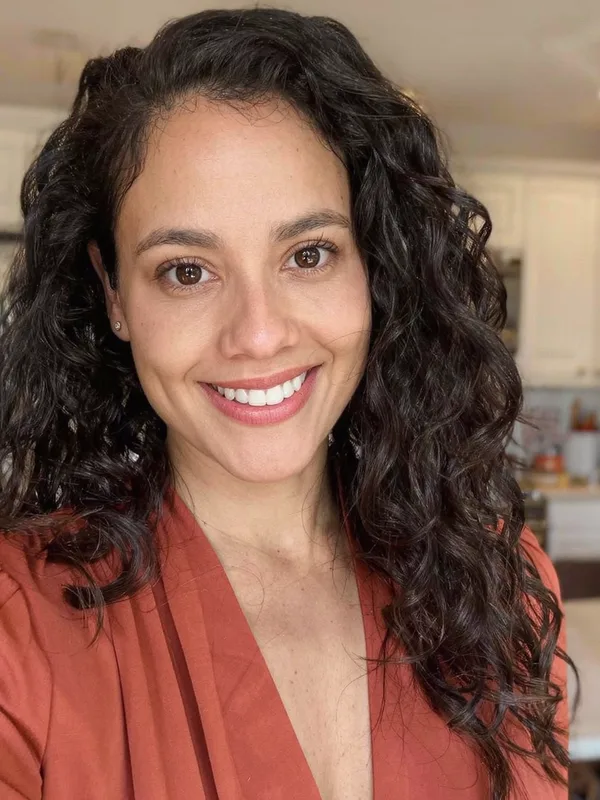
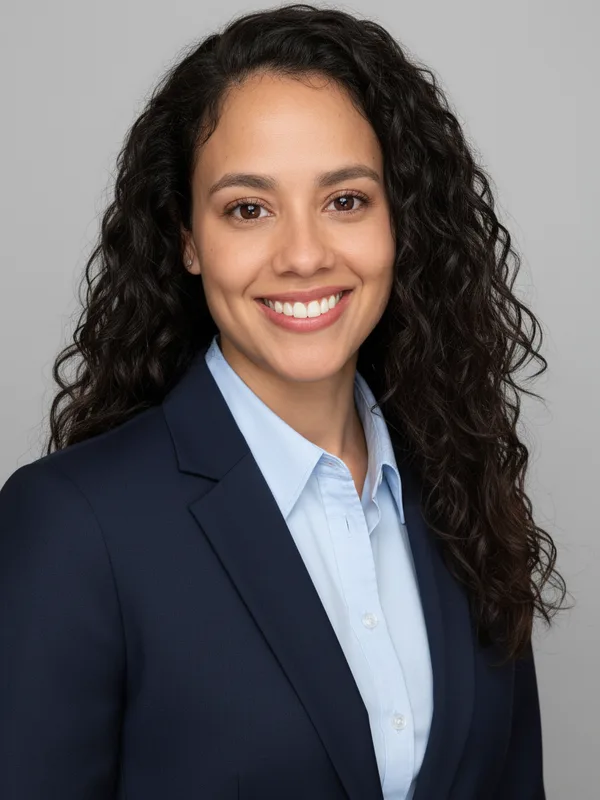
This guide gives you a quick way to compare the two pictures, a few changes that often help, and the cases where the best choice is to use your original photo. It applies to people tools such as AI headshot and the other portrait tools.
On this page
Compare before you decide
Open the original and the result side by side and zoom to 100 percent. Check one feature at a time:
If two or three things are clearly different, the result is not you. Do not use it for anything that people will compare against the real you.
- Eyes: shape, size, distance, eyelids, glasses.
- Nose and mouth: width, length, the corners of the lips, teeth.
- Face shape: jaw, chin, cheeks, ears.
- Hairline and hairstyle: where it starts, parting, volume.
- Skin: marks, freckles, wrinkles and moles that are part of how you look.
- Age and expression: older, younger, a different smile.
- Hands, jewellery and clothing details, if they are visible.
What often helps
These are suggestions. We cannot promise that any of them will work on a given photo.
- Use a clearer, front-facing original
A sharp photo of your face in even light gives the tool more to work with than a dark or tilted one.
- Use a photo where your face is large in the frame
A small face in a wide photo has less detail.
- Remove things that confuse the tool
Strong filters, sunglasses, a hand over the face and heavy shadows.
- Ask for less
If the tool has options, choose the smallest change. One change at a time is easier to check than several at once.
- Try a different photo of the same person
Sometimes a different angle gives a better likeness.
- Try again with the same input
Each run can look different. Check the price first, because each run uses credits.
Know what counts as a failed run
- If the run fails, the held credits come back automatically and nothing is charged. If the result is not yet confirmed, the credits may stay held until the check is finished.
- A result that looks different from you is not a failed run. The run finished, so the credits were used.
- Because of this, compare your first result carefully before you run the same photo again and again. Change the input instead of repeating.
When to use your original photo
- Official documents. Passports, IDs and visas have their own photo rules, set by each authority. Check them before you use any edited photo, and see rejected passport photos.
- Roles where people must recognise you in person. A new colleague, a client or a date should be able to match the photo to you.
- Photos of other people. If the person says it does not look like them, respect that and use the original.
- Old photos of family members. Compare with other photos of the same person, because small changes in a face can matter a lot to the family.
If you still want to use it
Say that it was edited with AI, for example "edited with AI" next to a team photo. This avoids surprises and is simpler than explaining later.
Frequently asked questions
Why did the face change at all?
The tool creates new picture content instead of copying every pixel, so details can differ from the original. Our guides say results can differ from your photo.
Will the next run look more like me?
It may, but there is no guarantee. Improve the input first.
Do I get my credits back if it does not look like me?
Credits come back automatically only when a run fails. If the result is not yet confirmed, the credits may stay held until the check is finished. A finished result is charged, so check the price before each run.
Is there a setting that keeps the face exactly the same?
No tool setting makes that promise. Check each result.
Which tools can change faces?
Any tool that works on a photo of a person can change details of the person. Check every result.
Related guides
 Passport Photo Rejected? What to Check and What to Do NextFind out why a passport or visa photo was rejected, decide between a retake and a crop, and avoid edits that get a photo refused again.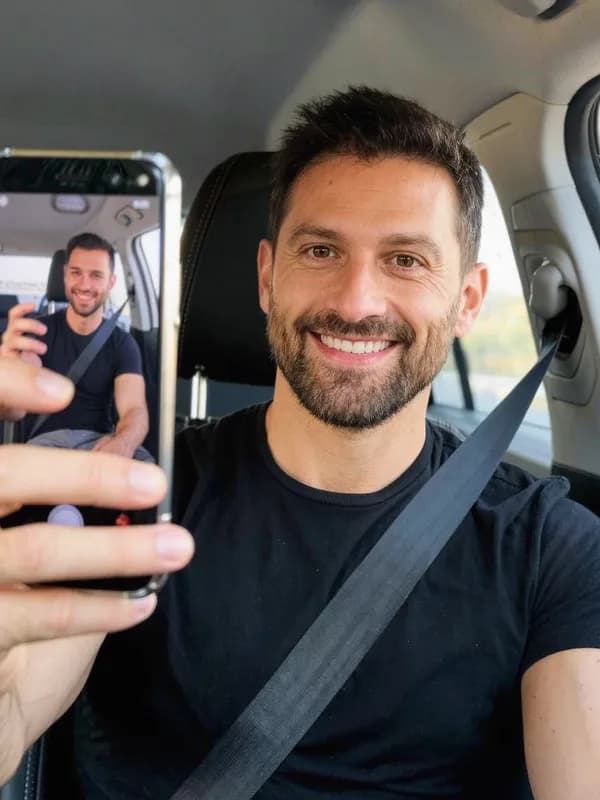
 How to Turn a Selfie Into a Professional LinkedIn HeadshotTake a selfie that works as a profile photo, decide whether an AI headshot helps, and check the result still looks like you.
Related tools


Compare one result carefully first
Run one photo, look at it next to the original, and only then decide whether to try more.