
Free tool
Crop an image to 4:5
The portrait shape that takes up the most room in the Instagram and Facebook feeds.
Your image is processed on your device and is not uploaded to our servers. Closing the page discards it.Choose an image → adjust → download
JPG, PNG or WebP, up to 40 megapixels
Example
Pick a frame, keep what matters
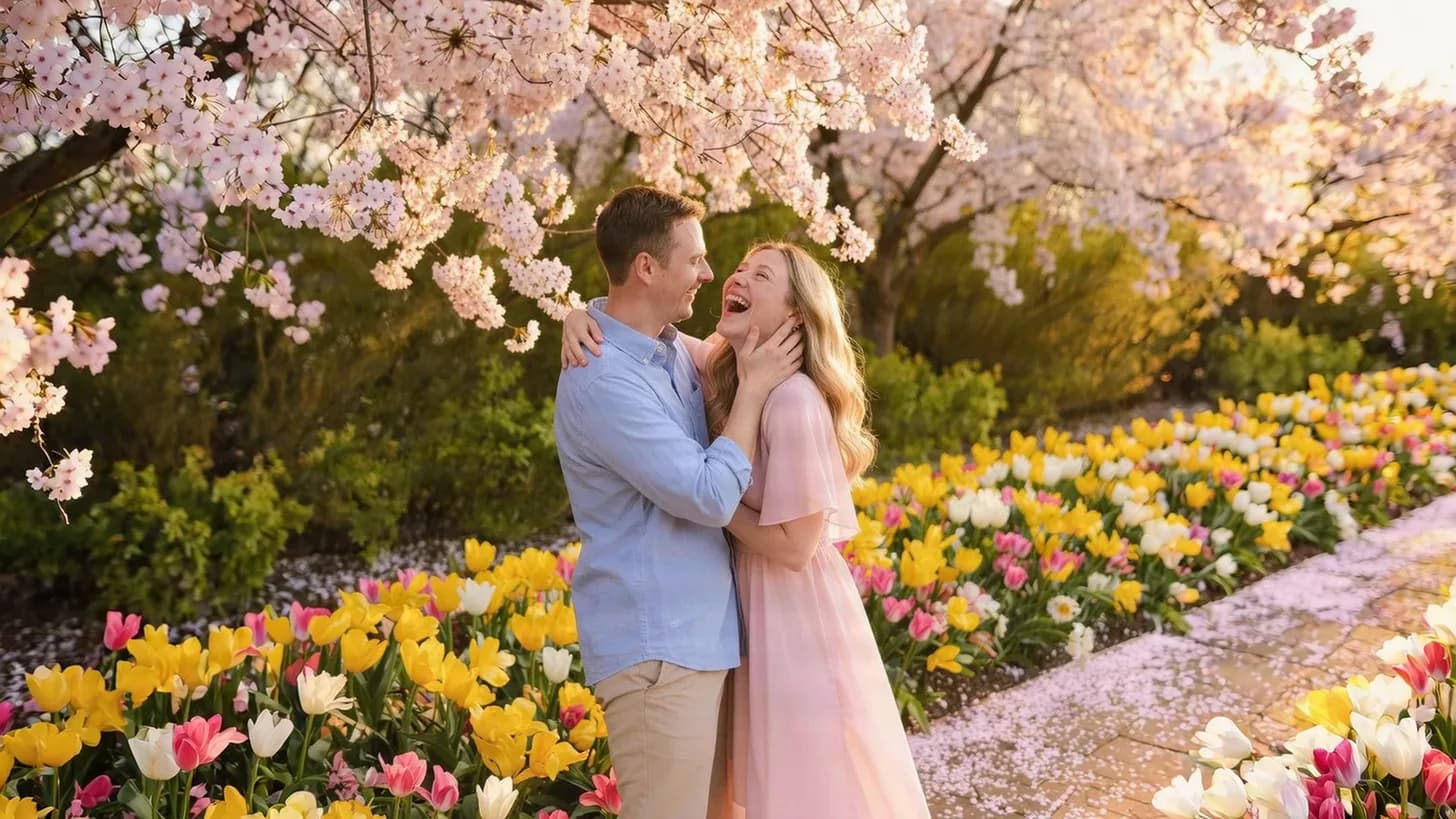
Each frame is one crop shape on the same photo.
 4:5 portrait
About this setting
Why 4:5 gets more attention
4:5 is the tallest ratio Instagram accepts for feed photos. A 4:5 post covers 25% more of the screen than a square one, so it stays in view longer while people scroll. Facebook's feed shows 4:5 images at full height as well.
Phone photos are 3:4, very close to 4:5, so this crop removes only a thin strip from the top or the bottom. Use the frame to decide which edge goes.
Tips
- Use 4:5 for portraits and product shots; landscapes often look better square or wide.
- After cropping, resize to 1080 × 1350 for the exact size Instagram displays.
- Keep details away from the left and right edges if you also want a clean 3:4 grid thumbnail.
AI tools
Take it further with AI
When a free fix is not enough, this AI tool can help.
FAQ
Good to know
What size is a 4:5 Instagram post?
1080 × 1350 pixels. Crop to 4:5 here, then resize to that size if you want to match it exactly.Is 4:5 the same as 8 × 10 inches?
Yes, 8 × 10 in is a 4:5 shape, so a 4:5 crop also prints on 8 × 10 paper without further cropping.Why not use 9:16 in the feed?
Instagram crops feed photos that are taller than 4:5. 9:16 is for stories and Reels; in the feed it would be cut to 4:5 anyway.
Presets