
Free tool
Convert JPG to PNG
When a design tool, sticker maker or upload form insists on PNG, convert your JPG without changing its size.
Your image is processed on your device and is not uploaded to our servers. Closing the page discards it.Choose an image → adjust → download
Example
Same photo, another format
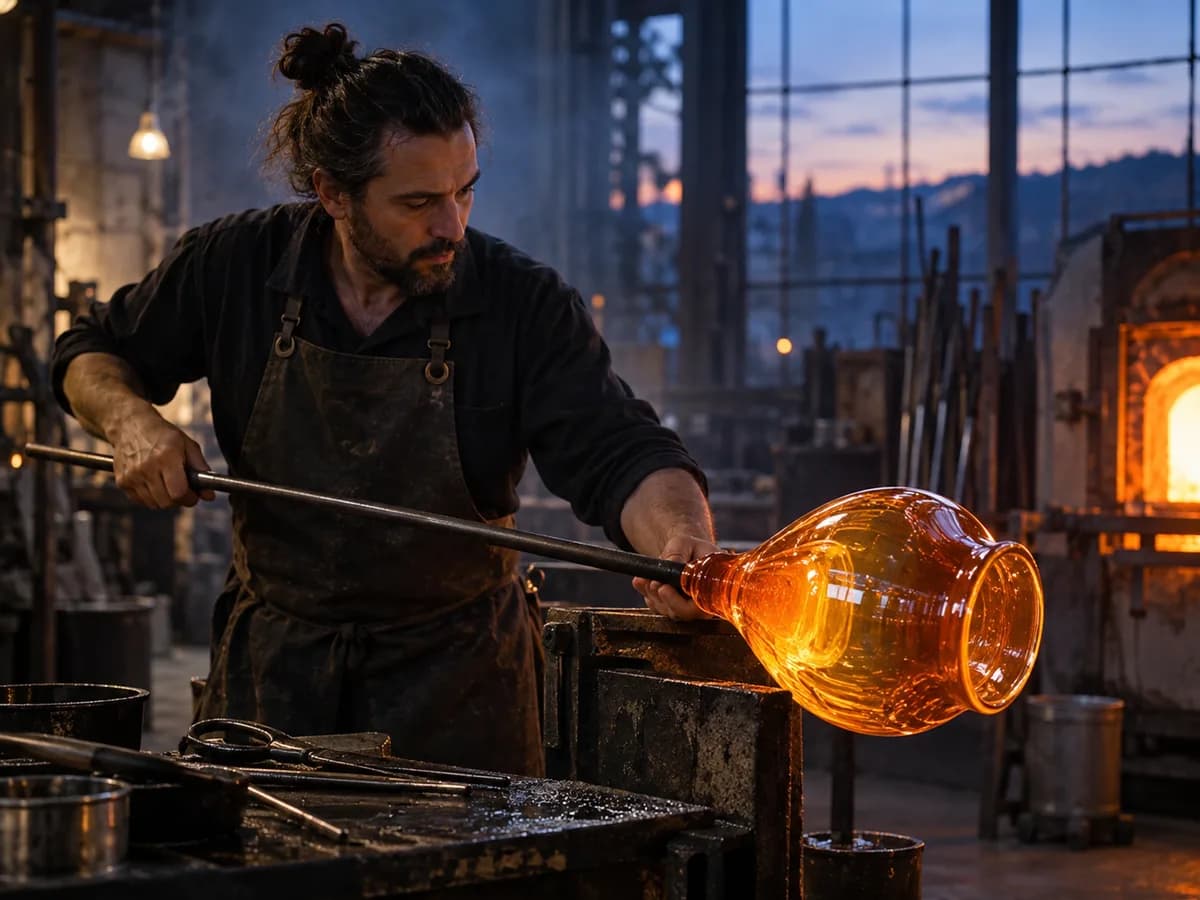
One photo saved in each format. The badges show the real file sizes.
About this setting
What changes, and what does not
Converting JPG to PNG stores the photo losslessly, so it will not lose any more quality however often you edit and save it again. That makes it a good working copy for editing, and some apps and forms simply require PNG.
It does not make the photo better or add transparency: the PNG holds exactly the pixels of the JPG, background included. It is also a larger file, often three to five times the size.
Tips
- Want a transparent background? The AI background remover cuts out the subject and saves a PNG.
- Keep the JPG for sharing and use the PNG as your working copy for editing.
- If the PNG is too large to upload, check whether the form accepts JPG as well.
AI tools
Take it further with AI
When a free fix is not enough, this AI tool can help.

FAQ
Good to know
Does converting JPG to PNG improve quality?
No. The PNG keeps the JPG's pixels exactly, including any compression marks. It only prevents further loss on later saves.Will the PNG have a transparent background?
No. A JPG has no transparency to carry over, so the background stays as it is. Use the AI background remover to cut the subject out.Why is my PNG much bigger than the JPG?
PNG is lossless and stores every pixel. Detailed photos become large files; that is normal for the format.
Presets