
AI photo restoration
Bring old photos back to life.
Scratches, dust, tears and soft focus repaired in one step, original tones kept — no editing skills needed.
You see the credit cost before you run · Results vary by photo
Try it first: add your photo and pick your options. You only need a free account when you run it.
No photo? Try a sample
8 credits per run
Verify your email after signing up to get 10 welcome credits, valid for 14 days (a limited number are given each day).
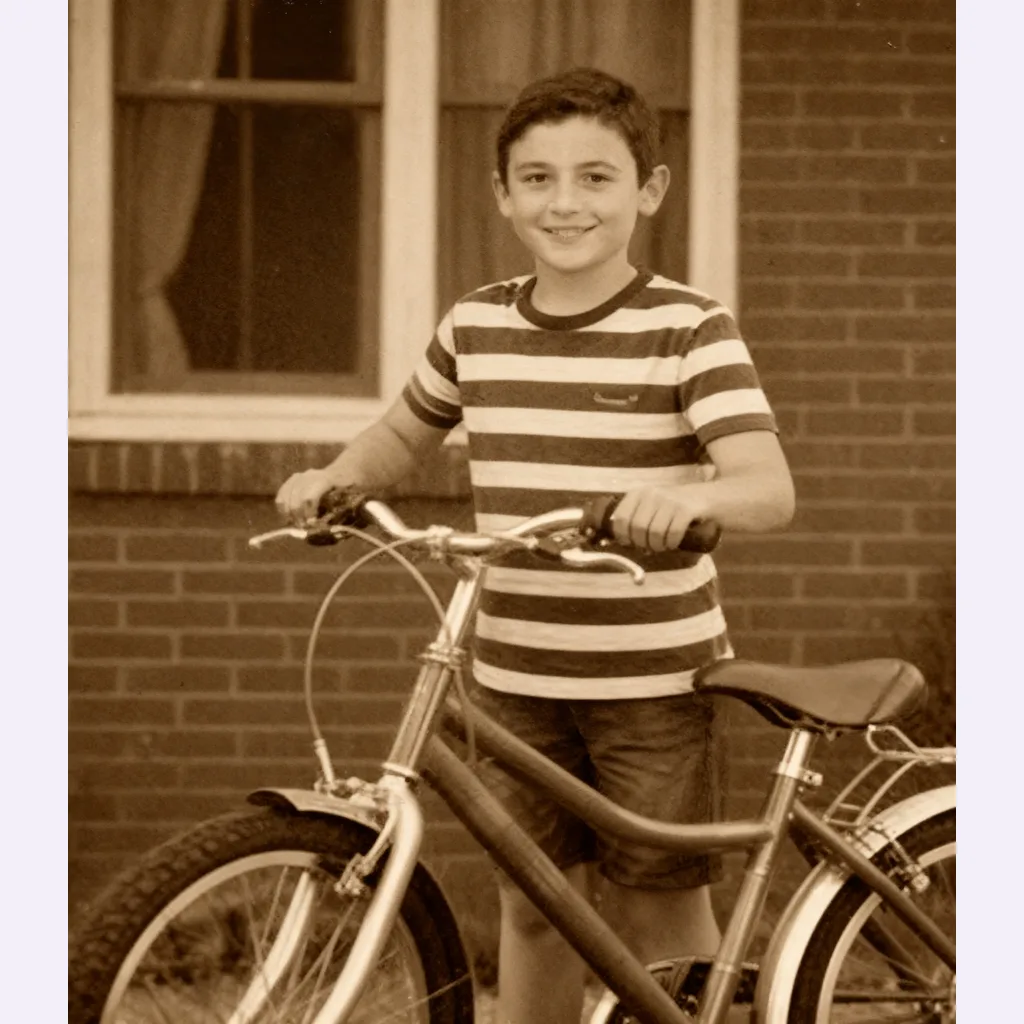
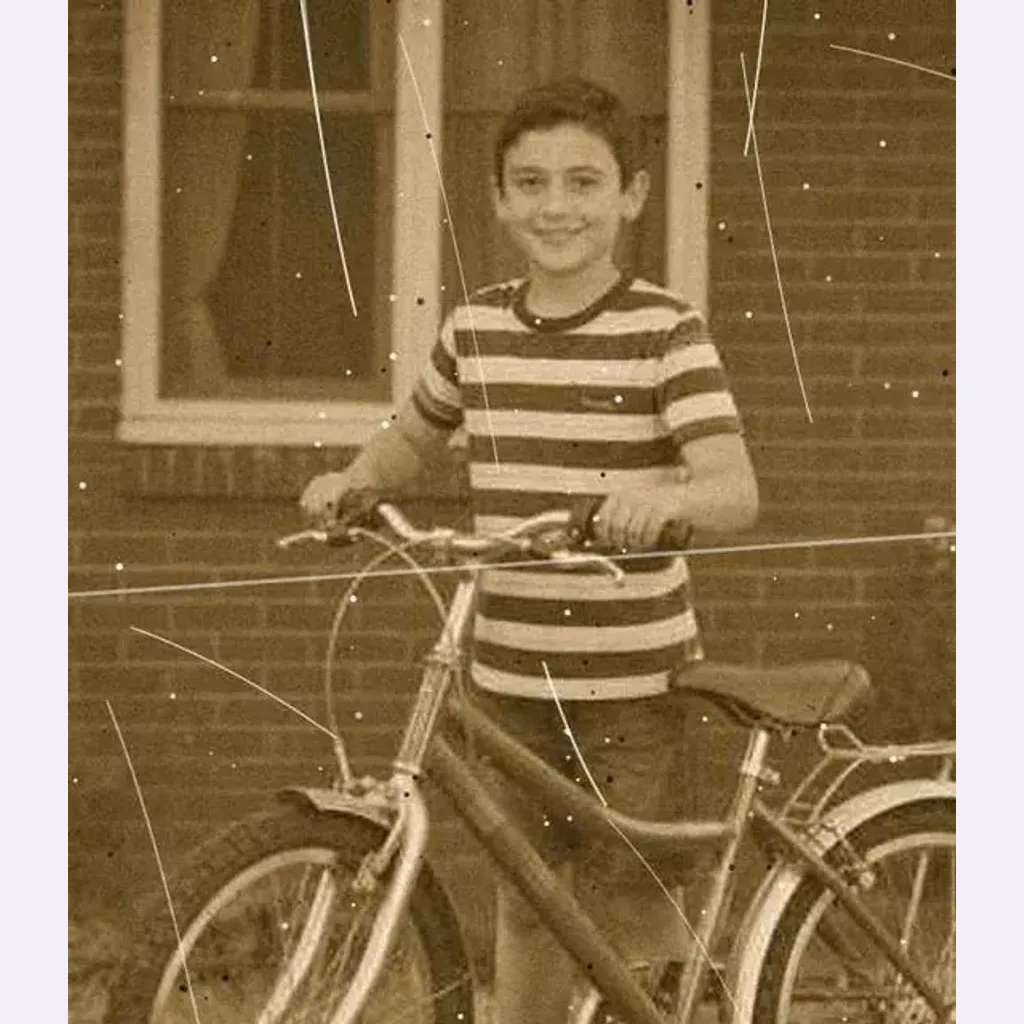
- Credits shown before every run
- Failed runs return your credits
- Results private to your account
- Checkout by Paddle
To make your result, your photo is sent to the AI provider that runs this tool. Read our privacy policy
Examples
Example results
More results from this tool on other photos. Tap or hover a photo to see the original.
Use cases
What you can use it for
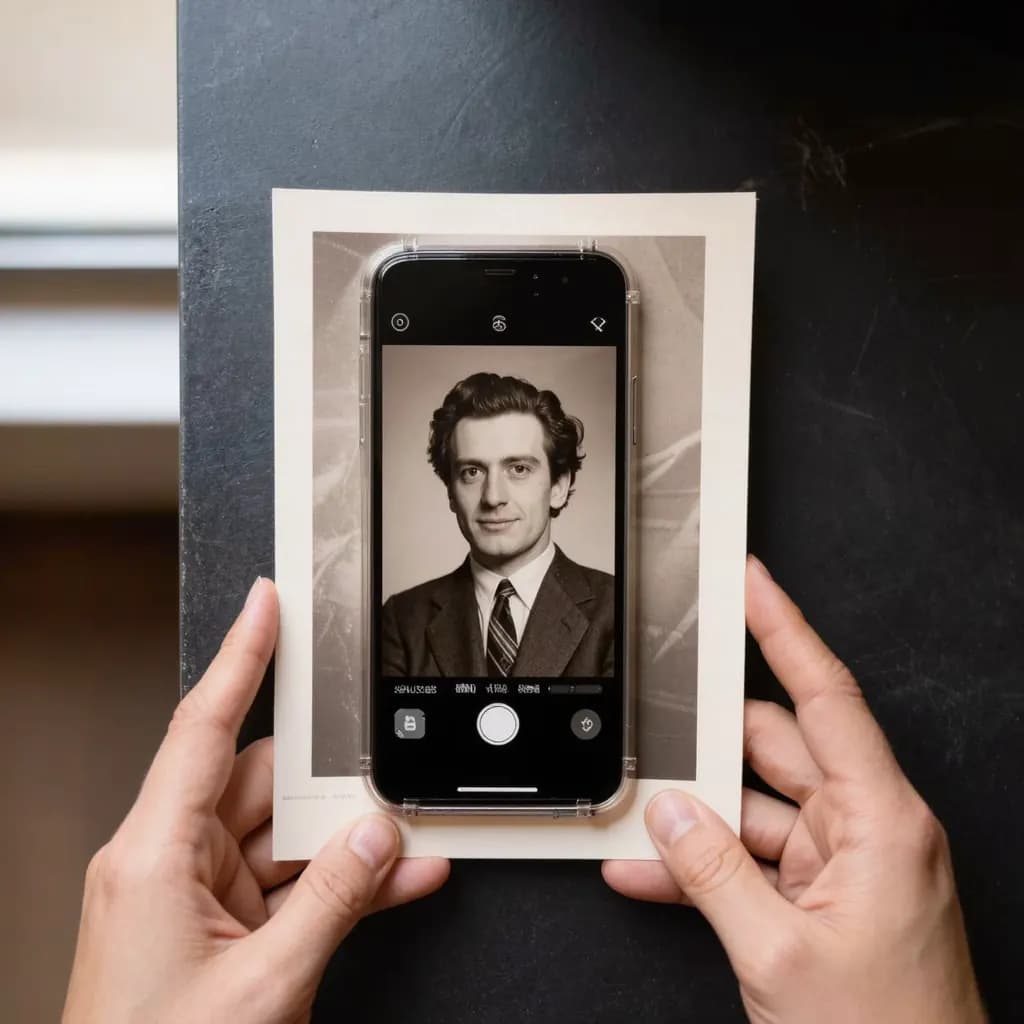
- Family albumsRepair scratches, stains and tears.
- Scanned printsClean up dust and blur from scans.
- Gifts for familyRestored photos are lovely to share.
How it works
How it works
- 1UploadScan or photograph the print, then upload it.
- 2Check the priceSee exactly how many credits it costs before you start.
- 3Compare & downloadCompare before and after, then save the result.
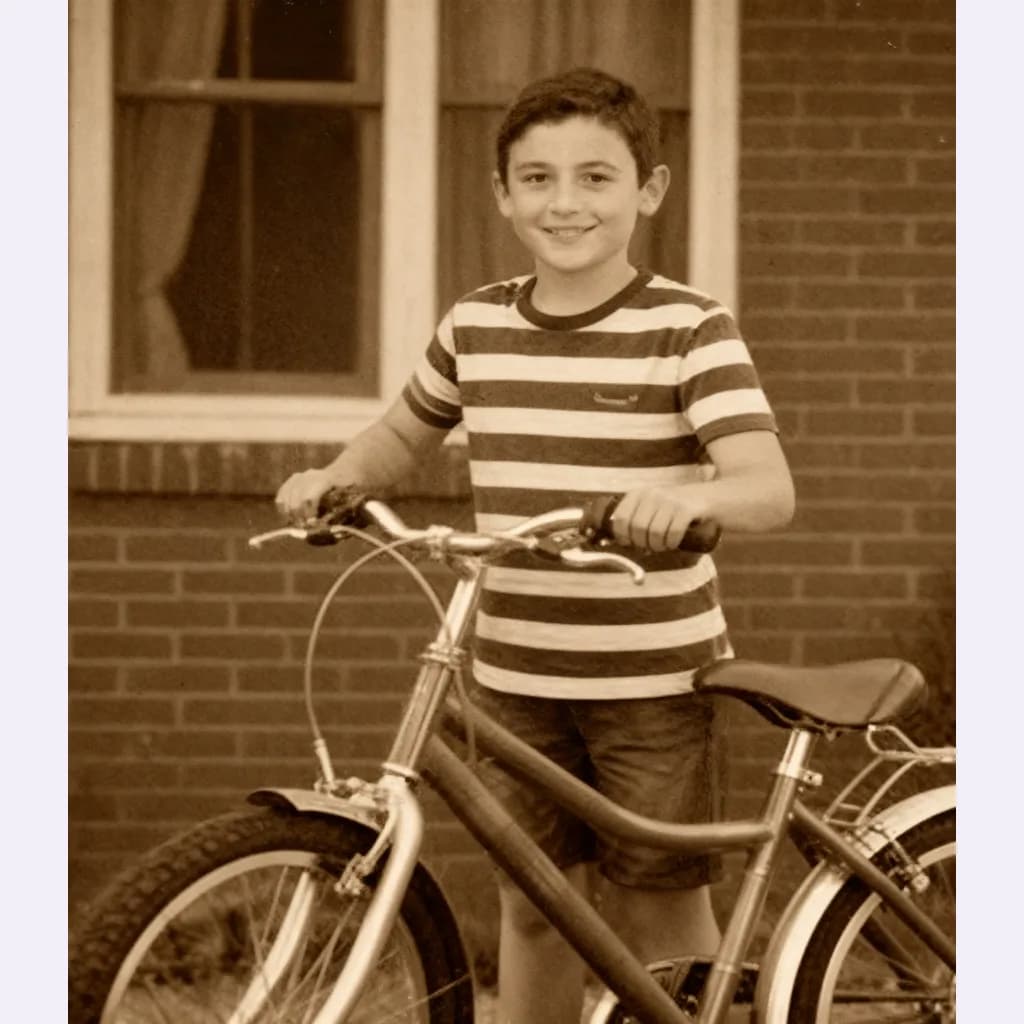
Guides
How-to guides
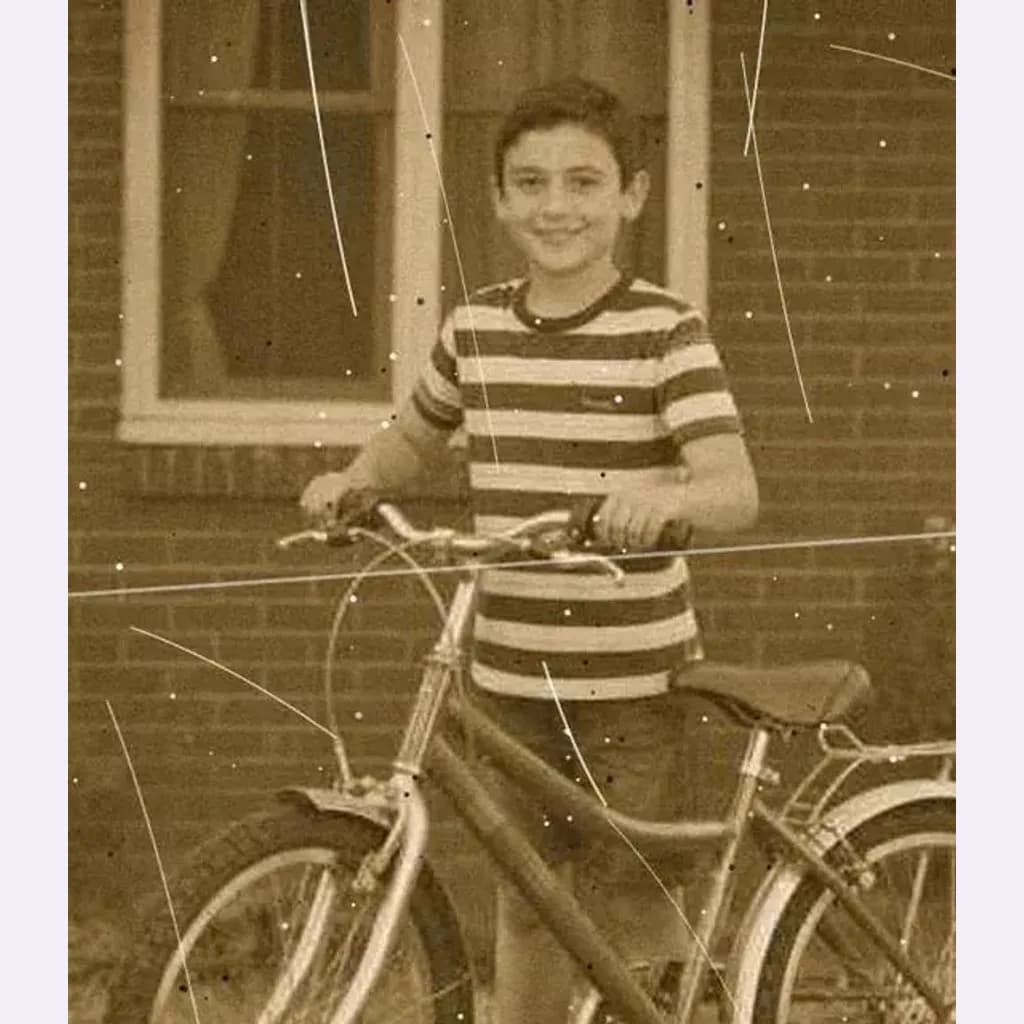
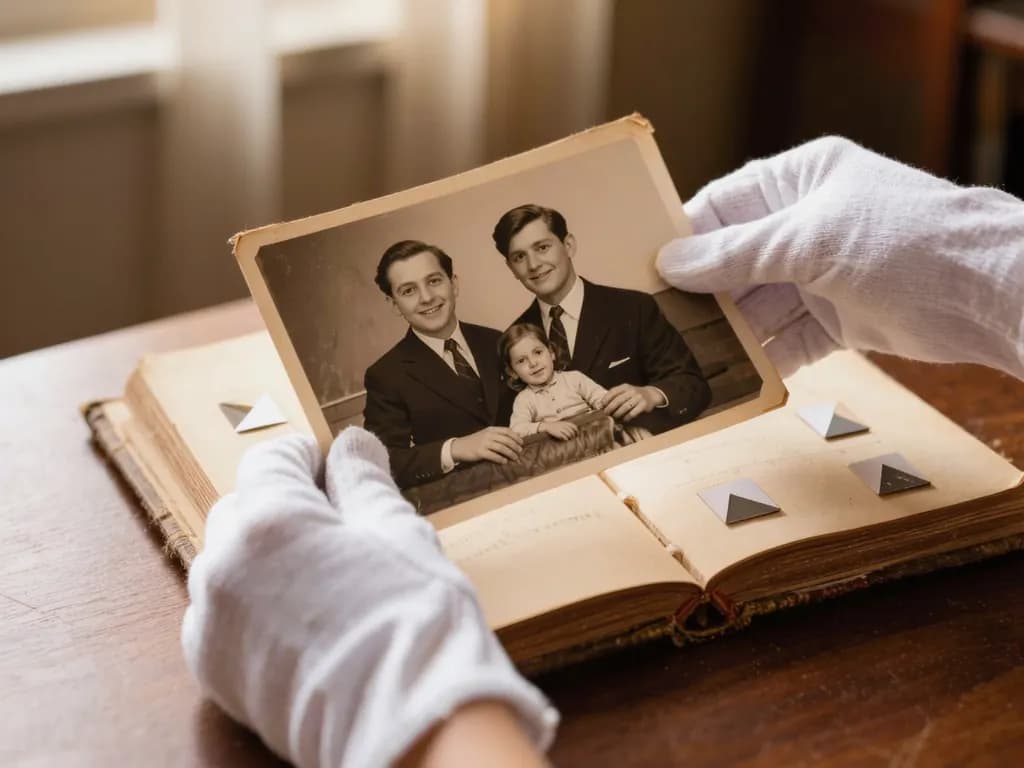 How to Restore Old Photos Without Losing the OriginalHandle, scan and repair scratched, torn or faded family photos, and keep an untouched copy of every original.
 How to fix a blurry photoRecognise the kind of blur in your photo, sharpen it with AI or a classic editor, and know when a picture cannot be saved.
FAQ
Good to know
More questionsWhat photos work?
JPG, PNG or WebP, at least 128 px a side. Scan or photograph the print flat, without glare. Larger photos are resized in your browser to at most 1600 px before upload.How big is the result?
Up to 2048 px on the long side, in your photo's own shape.What if it fails?
Failed generations aren't charged — held credits come back automatically. Your result is kept for 24 hours to download.Is the result faithful?
AI fills in missing detail, so faces and text may differ slightly from the original. To add color to a black-and-white photo, use Old photo restore & colorize. Keep your original file.
More tools
Related tools


Ready to try it?
Plans from US$12 a month. Cancel anytime.
Drop a photo hereChoose a photoIt opens in the tool at the top of this page. Nothing runs until you press the button.