
Passport & ID photo maker
Passport photos at the right size.
Crop a portrait to the exact passport, visa or ID size for free, on your device. For CVs, forms and studio sizes, AI can also swap in a plain background. Download the photo, or a 4×6 sheet to print.
You see the credit cost before you run · Results vary by photo
One AI ID photo: 10 credits (≈ US$0.40 on the Starter plan), every size included.
Choose a photo, line your face up with the guides, then download the photo at the exact pixel size and a print sheet with as many copies as fit. Your photo is processed on your device and not uploaded.
Before you start: stand in front of a plain white or light wall, ask someone else to take the photo, face even light (a window works well), and turn off filters and beauty mode.
This free tool only crops and resizes. It does not change the background or the lighting, and it cannot guarantee that your photo will be accepted.
Try it first: add your photo and pick your options. You only need a free account when you run it.
No photo? Try a sample
10 credits per run
Verify your email after signing up to get 10 welcome credits, valid for 14 days (a limited number are given each day).


- Credits shown before every run
- Failed runs return your credits
- Results private to your account
- Checkout by Paddle
To make your result, your photo is sent to the AI provider that runs this tool. Read our privacy policy
Examples
Example results
More results from this tool on other photos. Tap or hover a photo to see the original.
Use cases
What you can use it for
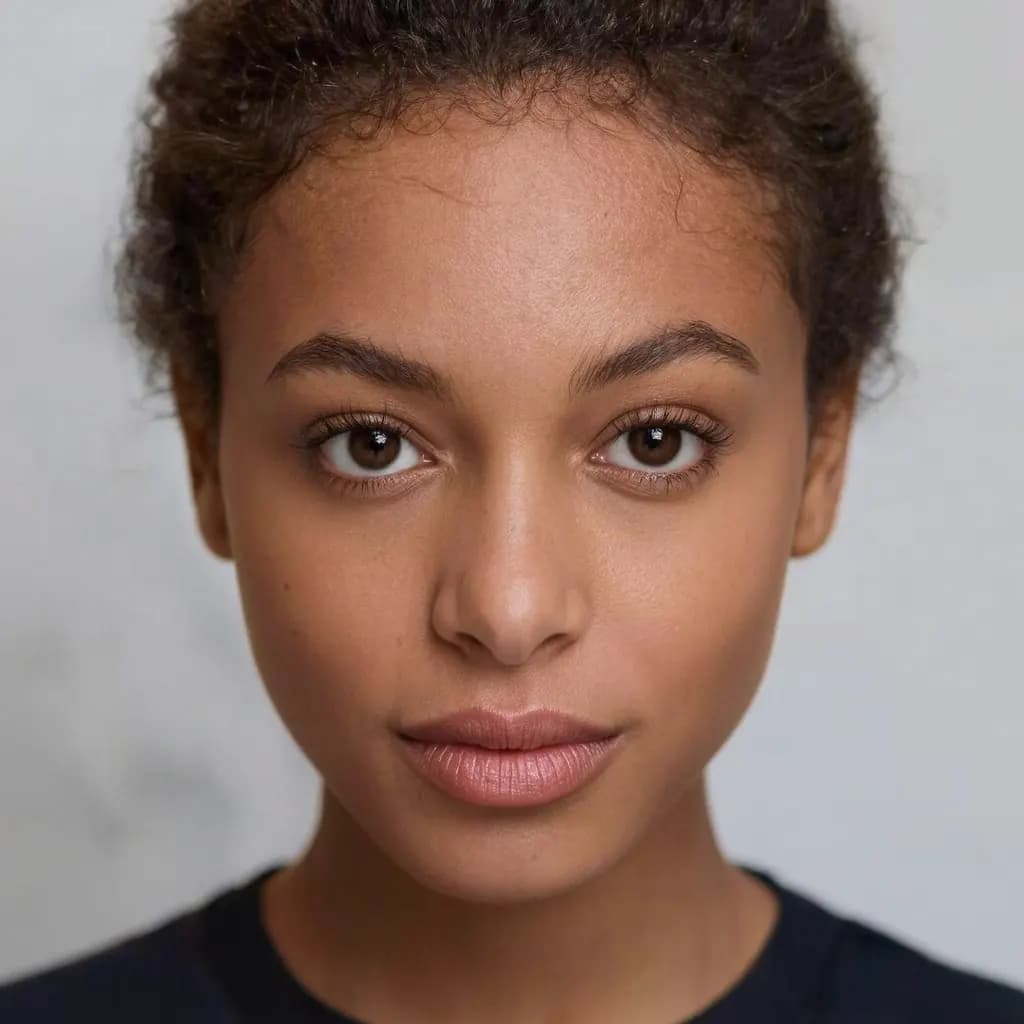
- Passports and visas2×2 in, 35×45 mm and more, cropped to the exact size.
- Job applicationsA clean résumé or profile photo in the size forms ask for.
- Print at a kioskA 4×6 sheet with several copies and cut lines.
How it works
How it works
- 1UploadHave someone else take a front-facing photo of you against a plain white or light wall, in even light, with filters and beauty mode turned off.
- 2Choose the documentPick the country and document. The frame and guides are set to its size and head height.
- 3Download or printLine up your head, then download the photo or a 4×6 in print sheet with cut lines.


All passport and ID photo sizes, A–Z
Every country and document we cover, sorted by country. Each page shows the exact size, head height and background.
Popular
- United StatesUS passport and visa photo2 × 2 in
- United StatesUSCIS green card photo2 × 2 in
- United KingdomUK passport photo35 × 45 mm
- CanadaCanadian passport photo50 × 70 mm
- IndiaIndian passport photo35 × 45 mm
- ChinaChinese visa and passport photo33 × 48 mm
- JapanJapanese passport photo35 × 45 mm
- 2 × 2 in photo2 × 2 in
All countries and sizes
- AustraliaAustralian passport photo35 × 45 mm
- BrazilBrazilian 3x4 photo3 × 4 cm
- CanadaCanadian passport photo50 × 70 mm
- CanadaCanadian visa photo35 × 45 mm
- CanadaCanadian PR card photo50 × 70 mm
- ChinaChinese visa and passport photo33 × 48 mm
- ChinaChina online visa photo354 × 472 px
- ChinaChinese 1-inch ID photo25 × 35 mm
- ChinaChinese 2-inch ID photo35 × 49 mm
- European UnionEU biometric and Schengen visa photo35 × 45 mm
- FranceFrench passport and ID card photo35 × 45 mm
- GermanyGerman biometric photo35 × 45 mm
- IndiaIndian passport photo35 × 45 mm
- IndiaIndian visa photo2 × 2 in
- IndiaOCI card photo2 × 2 in
- IndonesiaIndonesian 3x4 pas foto3 × 4 cm
- IndonesiaIndonesian 4x6 pas foto4 × 6 cm
- ItalyItalian passport photo35 × 45 mm
- JapanJapanese passport photo35 × 45 mm
- JapanJapanese résumé photo30 × 40 mm
- MexicoMexican visa photo31 × 39 mm
- South KoreaKorean passport photo35 × 45 mm
- South KoreaKorean 3 × 4 cm ID photo3 × 4 cm
- SpainSpanish DNI and passport photo26 × 32 mm
- TaiwanTaiwan passport photo35 × 45 mm
- TürkiyeTurkish biometric photo50 × 60 mm
- United KingdomUK passport photo35 × 45 mm
- United KingdomUK visa photo600 × 750 px
- United StatesUS passport and visa photo2 × 2 in
- United StatesUSCIS green card photo2 × 2 in
- VietnamVietnamese passport photo4 × 6 cm
- 35 × 45 mm photo35 × 45 mm
- 2 × 2 in photo2 × 2 in
- 3 × 4 cm photo3 × 4 cm
- 4 × 6 cm photo4 × 6 cm
FAQ
Good to know
More questionsWhat photo should I take?
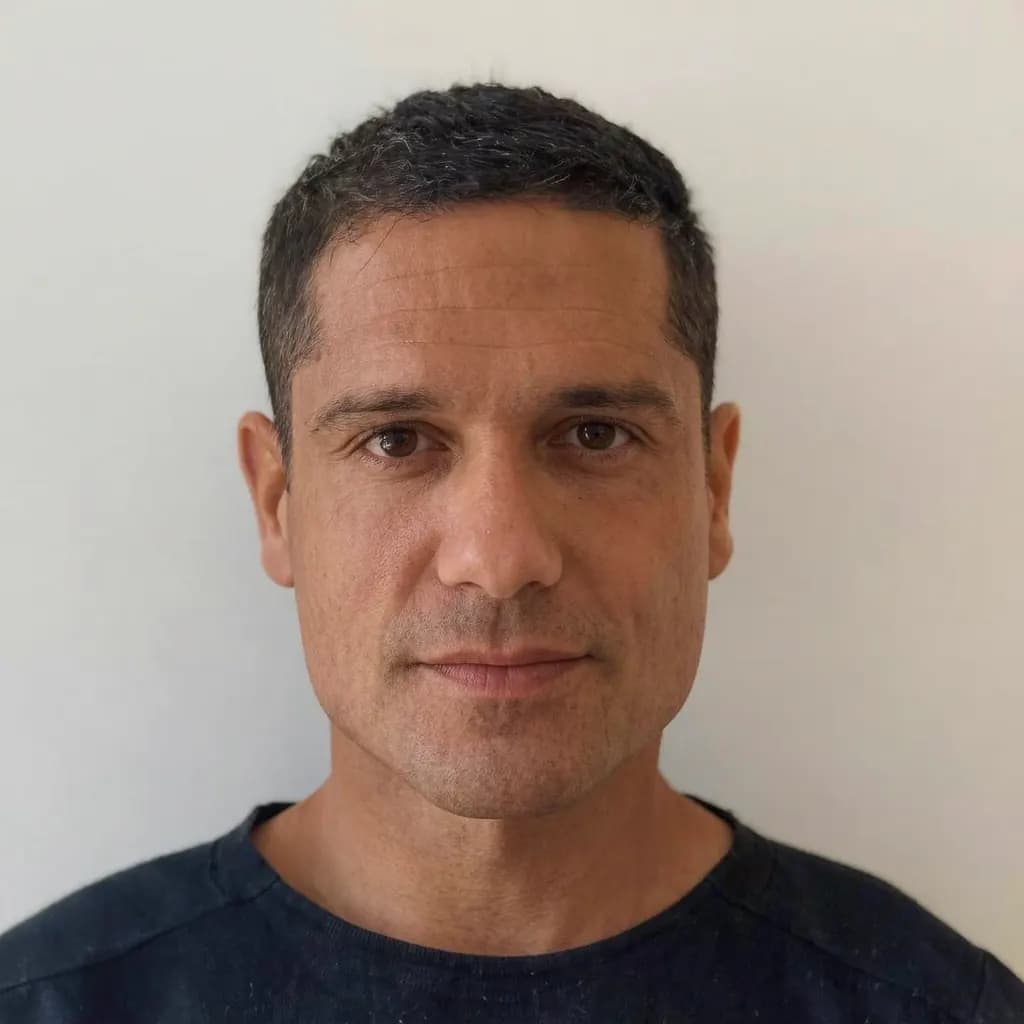
Face the camera straight on with a neutral expression, eyes open and mouth closed, in even light without shadows. Take off glasses and hats unless your rules allow them. JPG, PNG or WebP, at least 128 px a side; a sharp photo works best.Which sizes are included?
US passport and visa (2×2 in); UK, EU and Schengen, Germany, France, Italy, Australia, Japan, Korea and Taiwan (35×45 mm); Spain (26×32 mm); Canada (50×70 mm); India; China (33×48 mm, 1-inch and 2-inch); Japanese résumé, Korean, Brazilian and Indonesian 3×4 cm; Indonesia and Vietnam 4×6 cm; Mexico visa; Türkiye biometric; and common sizes.Will my photo be accepted?
We can't guarantee it. Each government sets its own rules and changes them, and some only accept photos taken at the office or sent digitally by a registered studio (for example German passports and ID cards since 2025). Check your government's current photo requirements before you print or submit.Do you edit my photo?
The free No-edit crop only crops and resizes your original photo. AI mode removes the background and adds a plain one; it does not retouch your face, but a replaced background is still an edit. Many governments (for example US, UK, Canadian, Australian, Korean, Taiwanese and Chinese passports) reject such photos, so for those use the free crop with a photo taken against a plain white or light wall. An AI photo is paid once and exports in every size.How do I print it?
Download the 4×6 in sheet and print it at actual size (100%, no fit-to-page) at a photo kiosk or lab, then cut along the grey lines.
More tools
Related tools



Ready to try it?
Plans from US$12 a month. Cancel anytime.